

Verify someone's credential
Check that a certificate or badge someone shows you is real, still valid and issued by who it says. Free, no account needed.
This page shows you, as an employer or anyone else, how to check a credential issued with Certnest in under a minute.
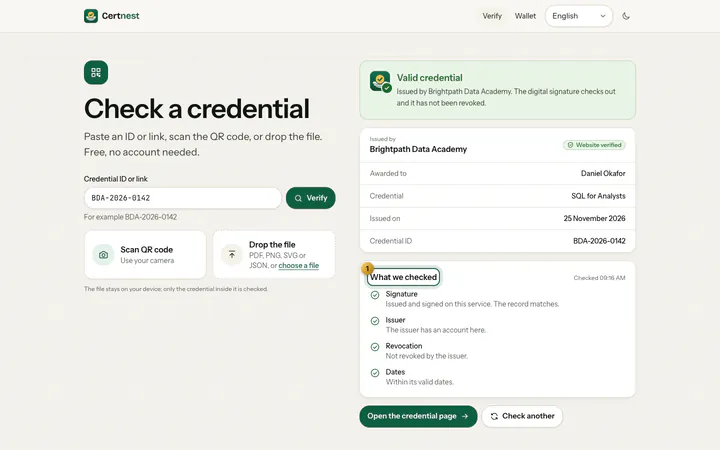
Step 2: Give it the credential
Do one of three things: paste the Credential ID (for example
BDA-2026-0142) or the page link and press Verify; press Scan QR code and point your camera at the code on a printed certificate; or drop the PDF, PNG, SVG or JSON file the person sent you. Files stay on your device; only the credential inside is checked.Step 3: Read the result
A valid credential shows who it was awarded to, the title, the issue date and the issuer, with how the issuer was checked.
Step 4: Look at What we checked
Signature: the issuer signed it and nothing changed since. Issuer: who signed it. Revocation: the issuer has not withdrawn it. Dates: it is within its valid dates.


What other results mean
| Result | What to do |
|---|---|
| Expired | It was real but is past its end date. Ask the person whether they renewed. |
| Revoked | The issuer withdrew it. Do not rely on it. |
| Changed after signing | The file was edited after it was issued. Ask the person for the original link. |
| Not found | No credential has this ID. Check for typing mistakes, then ask the person for the link. |
| Issuer not known here | It was issued elsewhere, so it cannot be checked here. Use the issuer's own checker. |
If something goes wrong
- The camera does not open: allow camera access in your browser, or type the ID printed under the QR code.
- You suspect a fake: use Report this credential on its page, or write to the issuer named on it.
Related help
- Open your credentialOpen the credential an organisation sent you, see what it says, and check that it is valid. No account or password needed.
- Download your credential as PDF, PNG or Open BadgeSave your credential as a PDF to print, a picture to post, an Open Badge or a signed file that any standard checker can verify.
- Privacy and deleting your copyChoose who can see your credential page, make it public or private, and delete your copy if you no longer want it online.
Read more on the blog
 Standards and verification
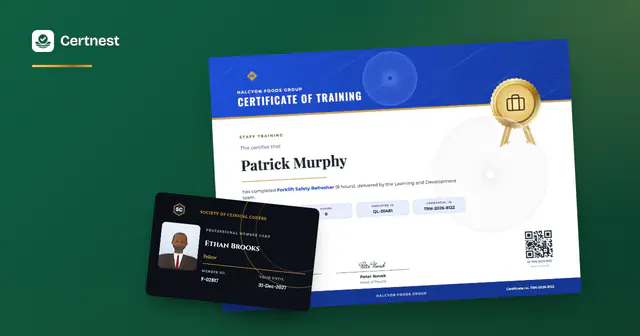
How to verify a certificate online
Four quick ways to check a certificate, what the checks really prove, and a simple routine for employers and admissions teams.
6 min read
 Standards and verification
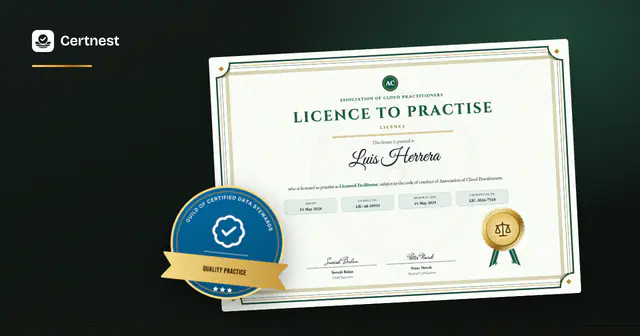
How to stop fake certificates of your organisation
Fakes are easy to make from a PDF. Here is how they happen, the defences that work, and what to tell employers so they can check your certificates in seconds.
6 min read

