Open standards
Proof that does not depend on us
Every credential carries a digital signature built on open standards. Anyone can check it, with our verify page or with any other tool that speaks the same standard.
- Open Badges 3.0
- W3C VC 2.0
- Bitstring Status List
In plain words
The short version
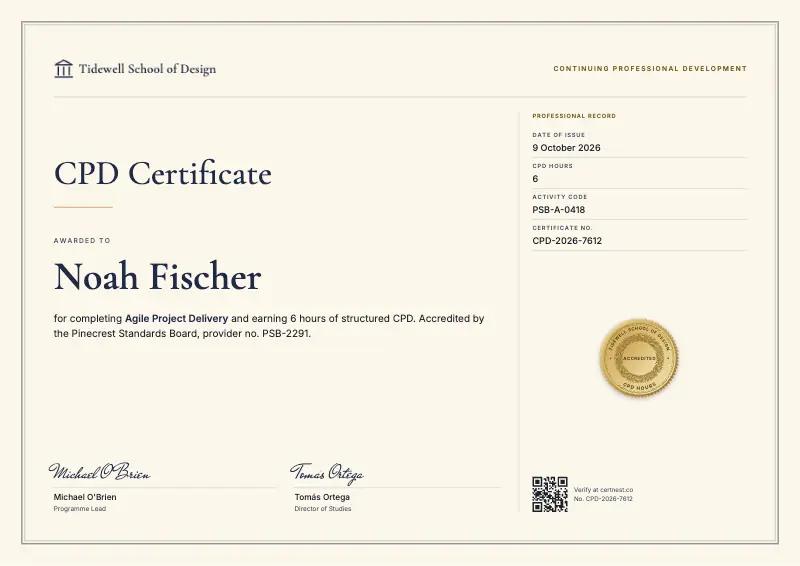
A picture of a certificate is easy to edit. A signed credential is not.
When you send a credential, we seal its details with your organisation's own digital key. If anyone changes a single letter, the seal breaks.
Because the seal follows public standards, it can be checked anywhere, now and in the future, even without our site.

The standards
What each one does for you
Open Badges 3.0
The open standard for digital badges and certificates from the 1EdTech community.
Badges travel between platforms, wallets and learning records, and keep their meaning: what was achieved, the criteria, and who awarded it.
- Every credential, certificate or badge, is issued as an Open Badges 3.0 credential.
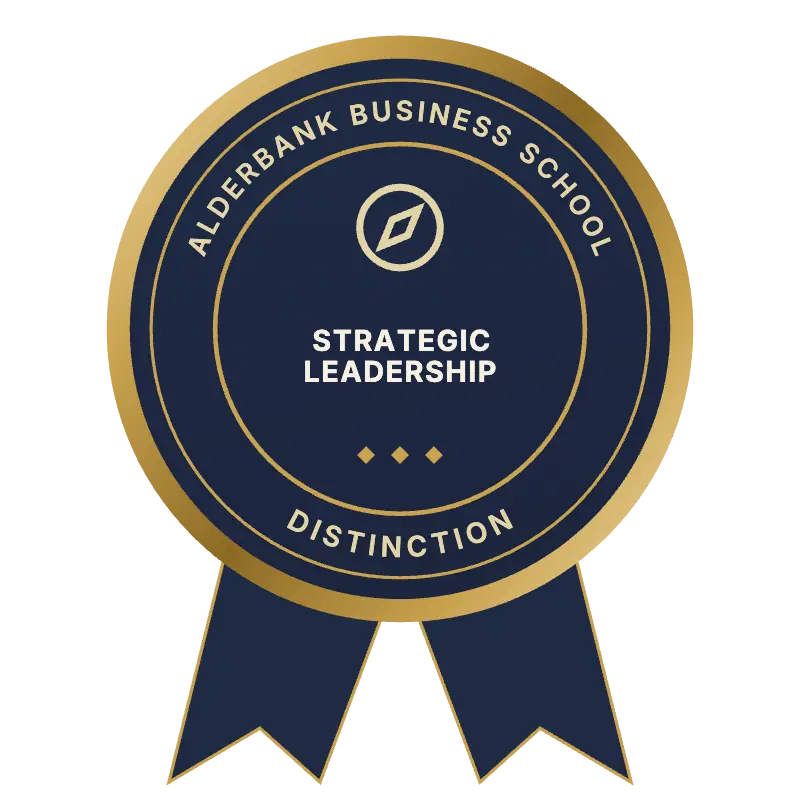
- Recipients can download the signed file, or a badge picture with the credential baked inside.
- Skills, criteria, hours and credits are included in a form other systems understand.
W3C Verifiable Credentials 2.0
The web standard, from the W3C, for credentials that can be checked by anyone.
It is the shared base for digital diplomas, licences and identity wallets around the world, so your credentials fit where things are going.
- Open Badges 3.0 is built on this model, so every credential we issue follows it.
- Signatures use Ed25519 keys and the Data Integrity proof format.
- Your organisation has its own public identity (a did:web address) that anyone can look up.
Bitstring Status List
A W3C standard for publishing whether a credential is still valid.
If you revoke a credential, it shows as revoked everywhere it is checked, without exposing who else holds one.
- Every credential points to a status list we publish for your organisation.
- Revoking or suspending flips one entry. Expiry dates are checked as well.
Add to LinkedIn
LinkedIn's way for issuers to prefill a certification on a member's profile.
One tap instead of five fields to type, and the link on the profile goes straight to your verify page.
- The credential name, your organisation, issue and expiry dates, credential ID and link are filled in.
- Available on every plan.
Apple Wallet and Google Wallet (coming soon)
Phone wallets that hold passes and cards.
ID cards, membership cards and certificates are on hand in a second, even offline.
- Coming soon: recipients add a pass from their credential page, on Pro and above.
- Each pass has a QR code that opens the live verify page.
- Every plan also includes our free recipient wallet on the web.
Search-friendly and archive-friendly
Structured data for public pages and long-lived PDF files.
Public credentials are understood by search engines, and downloads stay readable for years.
- Public credential pages describe themselves with the schema.org credential vocabulary.
- PDF downloads can carry the signed credential inside the file.
Checking a credential
What happens when someone checks a credential
- 1
They scan or paste
A QR code, a link, a credential ID, or the downloaded file.
- 2
The seal is checked
The signature is tested against the issuer's public key. Any change shows at once.
- 3
The issuer is confirmed
The page shows who issued it, with their verified profile.
- 4
The status is read
Valid, expired or revoked, with the date and the reason.
Why it matters
Proof that holds up anywhere
Hard to fake
Edited copies fail the check, so your name is protected.
Works beyond us
Credentials can be checked by any tool that supports the standards.
Built to last
Open formats outlive any one company, ours included.
Owned by the recipient
People can download their signed credential and keep it wherever they like.
On our plan
- Comprehensive Learner Record (CLR 2.0) for transcripts.
- Exports for the European Digital Identity Wallet as it opens to private issuers.
- Certification of our Open Badges support in the official directory.
Questions and answers
What is the difference between a certificate and a digital badge?
A certificate is a document you can print. A badge is a small picture made for profiles and wallets. Here both are signed credentials with the same details, and you can send either or both.
Do I need to understand any of this to use the product?
No. Signing happens by itself on every send. This page is for people who like to know how it works.
Are you certified for Open Badges 3.0?
Our credentials are built on Open Badges 3.0. We will say certified only once we are listed in the official directory.
Can a credential be checked if your site is down or gone?
Yes. The signed file and the issuer's public key are enough to check the signature with any tool that supports the standard.
Is this a blockchain?
No. We use standard digital signatures and a published status list. They are fast, cheap and private, and need no blockchain.
Can I see the raw credential?
Yes. Every credential page lets the recipient download the signed JSON file.
Issue credentials that hold up
Every plan signs every credential. Start free.