

Free tool, no sign-up
Free certificate maker
Pick a design, type the name and wording, add your logo and colours. Download a clean PNG or PDF in seconds. It all happens in your browser.
- No sign-up
- No watermark
- PNG and PDF
- Your files stay on your device
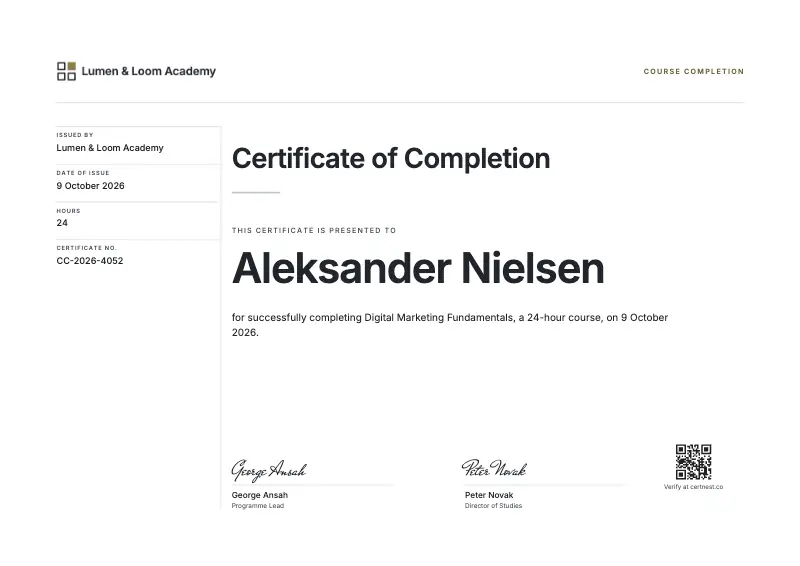
Popular designs
Make it yours
- Type the name, title and every line
- Add your logo from your device
- Pick your brand colours
- Download a print-ready PDF or PNG
Hundreds of designs inside. Nothing is uploaded.
Step by step
How to make a certificate
Five short steps. Most people are done in about two minutes.
Step 1: Pick a template
Choose a design for a course, an event, an award or a thank you. Use the type chips to see the right ones first.
Step 2: Type the words
Fill in the name, the title and the other lines. The preview updates as you type, so you see exactly what you will get.
Step 3: Add your logo
Choose a PNG, JPG or SVG of your logo. It goes into every logo spot on the design and never leaves your device.
Step 4: Choose your colours
Pick a main colour and a second colour, or tap a ready palette. The text keeps a strong contrast so it stays easy to read.
Step 5: Download
Download a PNG for sharing or a PDF for printing. Both come at print quality with no watermark.
Good to know
Tips for a great result
Print at home or at a shop
The PDF is sized for A4 or US Letter paper. Print at 100% scale, on 200 to 300 gsm card for a premium feel.
Short names read best
Long names shrink to fit. If a name is very long, try the first name and family name only.
Sending to many people?
Make the design here, then sign up to send it to a whole list. Each person gets their own copy and a link anyone can check.
Send these as verified certificates
Upload a list and every person gets their own certificate by email, a page to share on LinkedIn and a link anyone can check. Free for up to 1,000 a year.
Free plan: up to 1,000 credentials a year. No card needed.
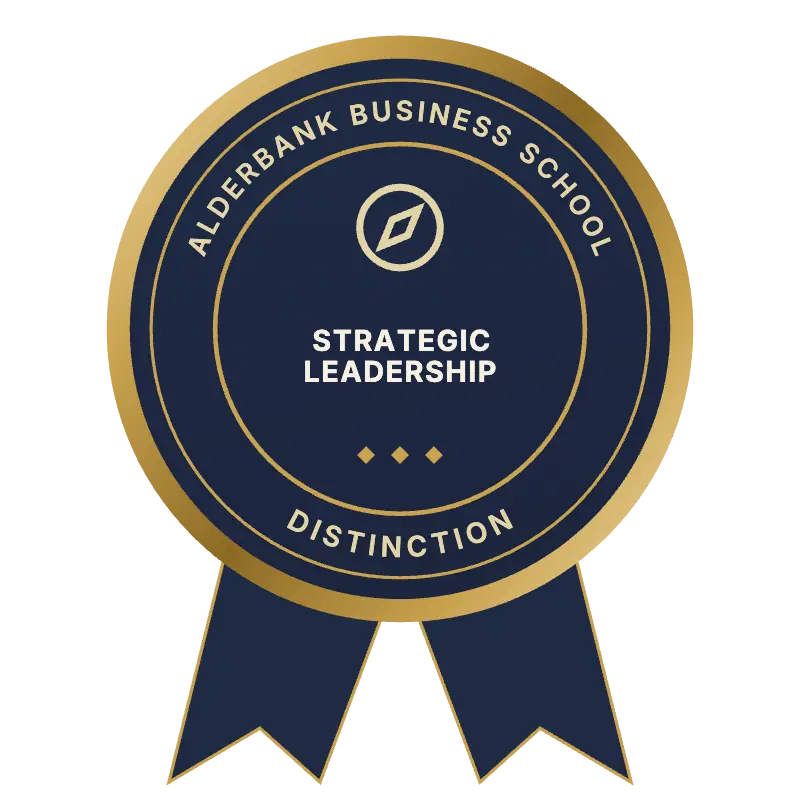
Free tools
More free tools
Everything here works without an account.
Badge maker
Design a digital badge with a shape, ribbon, icon and words. Download PNG or SVG.
Certificate wording generator
Get the right words for a completion, CPD, appreciation, participation or award certificate.
LinkedIn certification link
Build the Add to profile link that fills in a LinkedIn certification for your learners.
Open Badges checker
Check any Open Badge or verifiable credential: its structure, its dates and its signature.
Questions and answers
Short answers about the certificate maker.
Is this certificate maker really free?
Yes. You can make and download single certificates as PNG or PDF without an account and without a watermark.
Do you upload my logo or my text?
No. The design is drawn in your browser. Your logo, names and words stay on your device and are not sent to us.
Can I print the certificate?
Yes. Download the PDF and print it at 100% scale. It is made for A4 or US Letter paper at print quality.
Can I make certificates for a whole class or event?
Yes, with a free account. Upload a list of names and every person gets their own certificate by email, with a link that proves it is real.
What is a verified certificate?
A verified certificate has its own web page and a digital signature. Anyone can open the link or scan the QR code to check that it is real and was issued by you.
Can I change the fonts and move things around?
This free maker changes the words, logo and colours. The full designer in your account lets you move, add and restyle every part of the design.
Which file should I choose, PNG or PDF?
Pick PNG to share on social media, in chat or by email. Pick PDF to print or to attach as a document.