

For events, conferences and webinars
Every guest gets a certificate before they get home
Upload your attendee list or connect your sign-up form. Attendance, speaker and volunteer certificates go out in minutes, and you see who opened them.
One event a year? The event pass covers 2,000 certificates for 30 days, with no subscription.
Sound familiar?
What gets in the way today
Three things we hear again and again, and how they look after the switch.
The list is messy
Exports from forms and ticketing tools have odd columns, duplicates and typos in email addresses.
Send to everyone before the hall is empty
Guests keep asking where their certificate is
Every day of delay brings more emails to answer, right when you want to rest after the event.
Attendance straight from your form
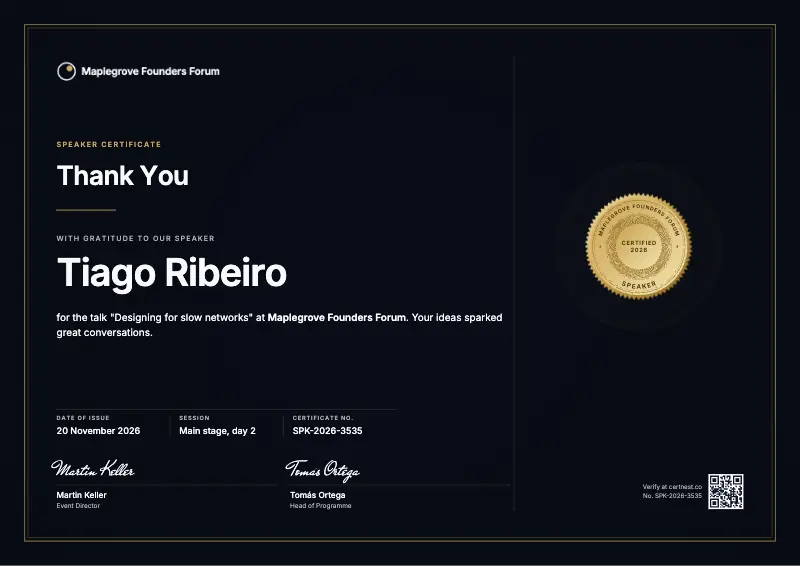
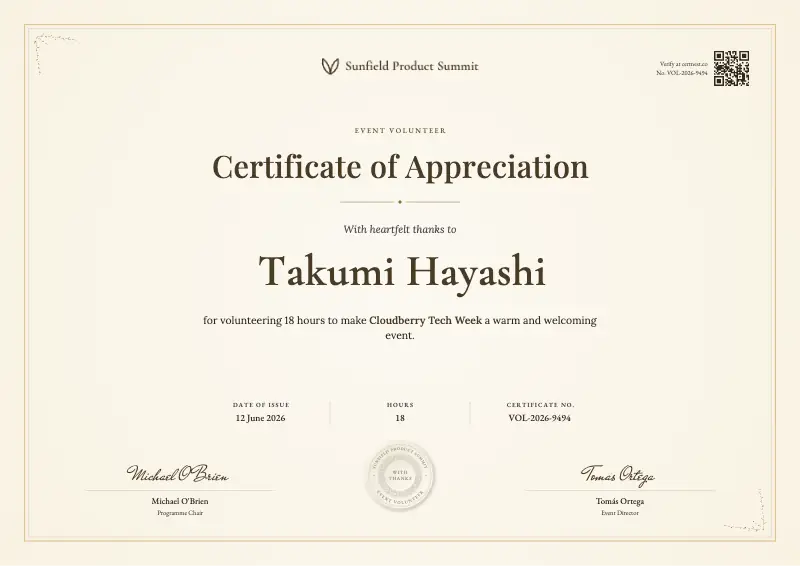
Speakers and volunteers deserve their own thanks
One generic certificate for everyone misses the people who made the day happen.
Speakers and volunteers get their own design
How it works
Design, people, send. That is the whole job.
- 1
Design
Pick a design for each role
Attendee, speaker and volunteer templates, all in your event colours, with the event name and date filled in.
- 2
People
Drop in the list
Upload a spreadsheet or connect a Google Sheet or Form. We match the columns and flag duplicates and bad emails.
- 3
Send
Send while the buzz is fresh
Send now or schedule it for the closing session. Guests get a page to download, share and add to LinkedIn.
Made for you
Everything you need, nothing you do not
From form to certificate
A Google Form reply or sheet row can send a certificate by itself, with a rule like attended at least 75%.
A list checker that saves you
Duplicates, missing names and bad email addresses are flagged before anything goes out.
Schedule the send
Have certificates land the moment the event ends, or the next morning.
CPD and CE hours
Put session hours on the certificate so guests can claim professional credit.
Name badges too
Print lanyard badges with QR codes from the same list, on A4 or Letter sheets.
See what happened
Opens, downloads and LinkedIn shares per send, to show sponsors your reach.
- credentials a year on the free plan
- 1,000
- members on every plan
- Unlimited
- real templates to start from
- 4,119
- signed, so anyone can check
- Open Badges 3.0
Examples
What you could send
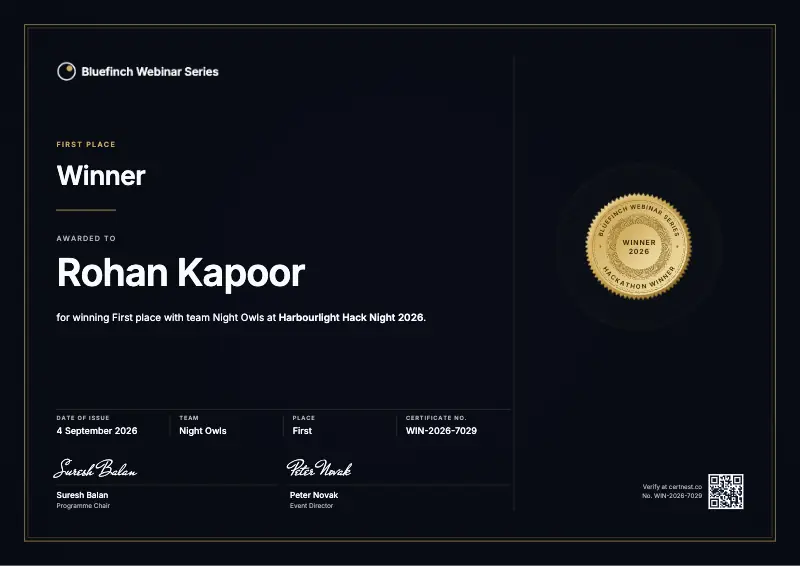
Real designs from the template library, ready for your words, your logo and your colours.
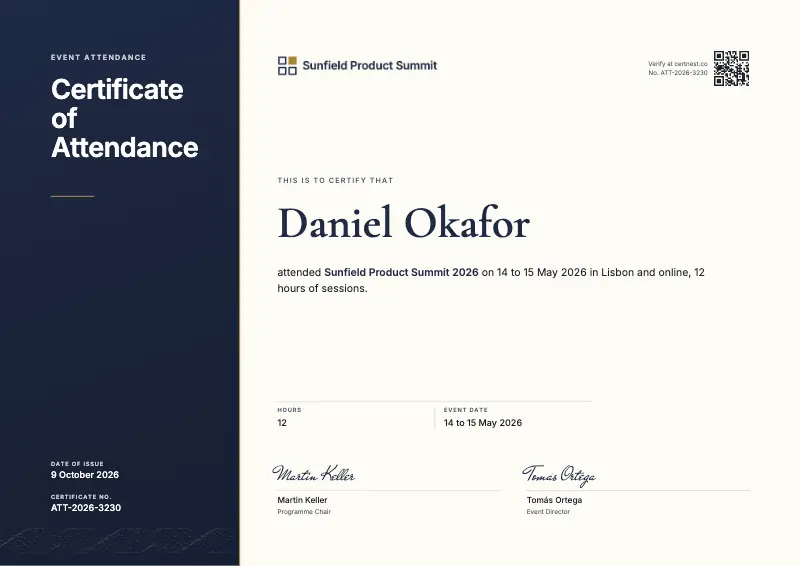
Certificate of Attendance
attended the two-day summit in Lisbon, 14 to 15 May
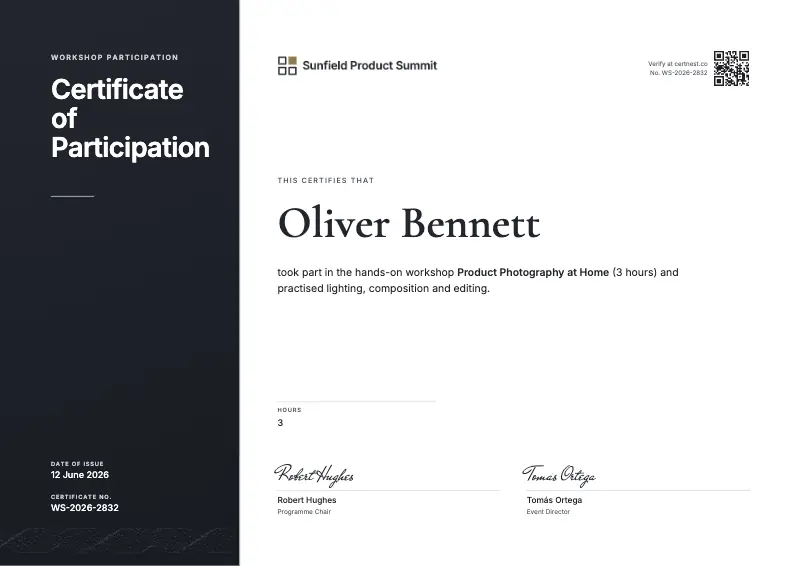
- 10 CPD hours
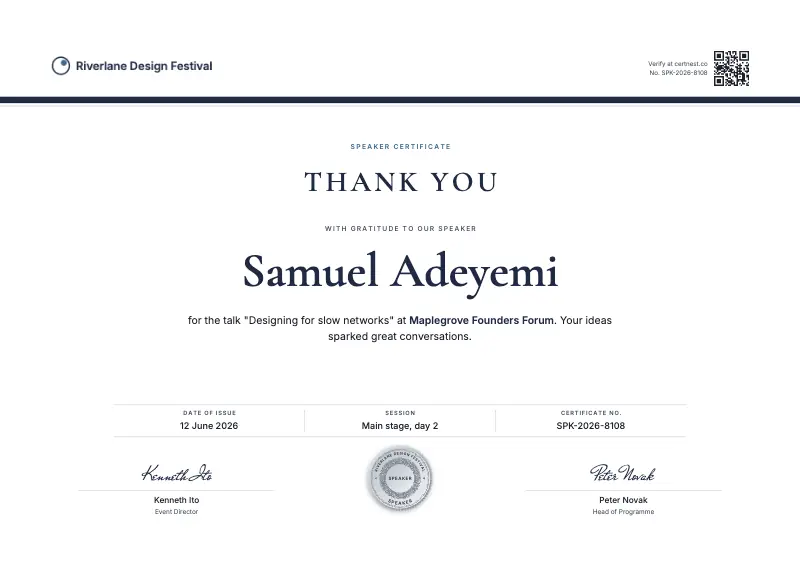
Certificate of Appreciation
for speaking on Clear Accounts for Small Shops
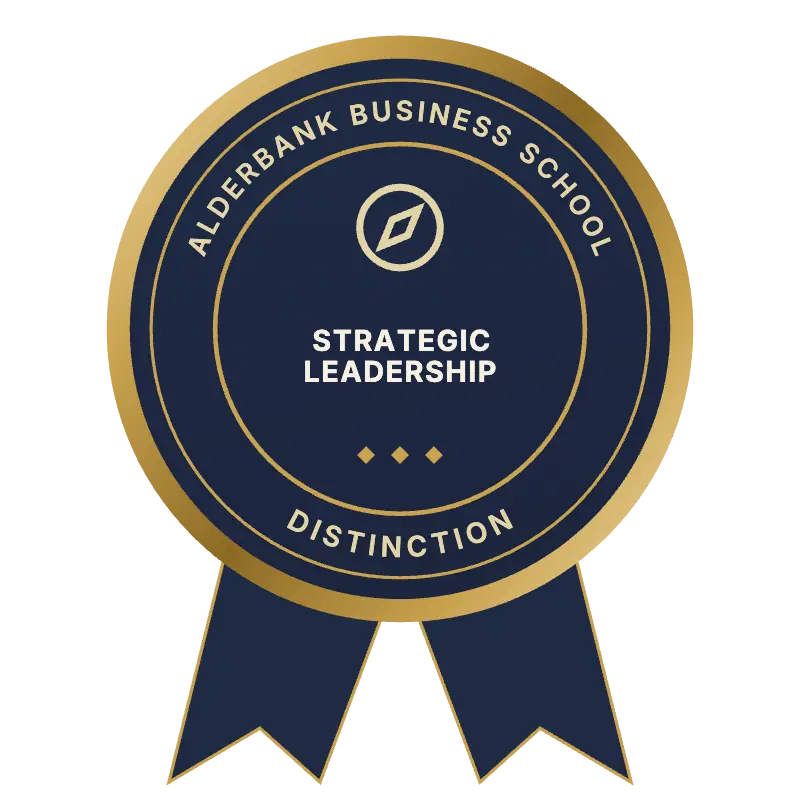
Builders Week Attendee
Took part in five days of hands-on workshops
Where to start
Event pass: 2,000 credentials within 30 days
For a single event, the $9 event pass covers 2,000 certificates over 30 days with your own branding. Run events often? Pro is better value.
Questions and answers
How fast can I send certificates after my event?
In minutes. Upload the attendee list, check the preview and press send. You can also schedule it in advance so it goes out as the event closes.
Can I send only to people who actually attended?
Yes. Upload the attendance list from your webinar or check-in tool, or set a rule such as attended at least 75% of the session.
Can speakers and volunteers get a different certificate?
Yes. Make one design per role and send each group from its own list, or add a role column and let it pick the right design.
What is the event pass?
A one-time $9 payment (Rs 299) for 2,000 certificates sent within 30 days, with your own branding and no subscription.
Can guests add the certificate to LinkedIn?
Yes. One tap fills in the event name, your organisation, the date and a link back to the verify page.
Can I print certificates for the event day?
Yes. Download every certificate as PDFs or as print sheets with cut marks. Downloads without sending are free.
Close your next event with a thank-you they keep
Set up your attendance certificate now and send it the moment the event ends.