

Free tools
Free tools for certificates and badges
Make a certificate or a badge, find the right words, add it to LinkedIn and check that a badge is real. No sign-up, and your files stay on your device.
- No sign-up
- No watermark
- Runs in your browser
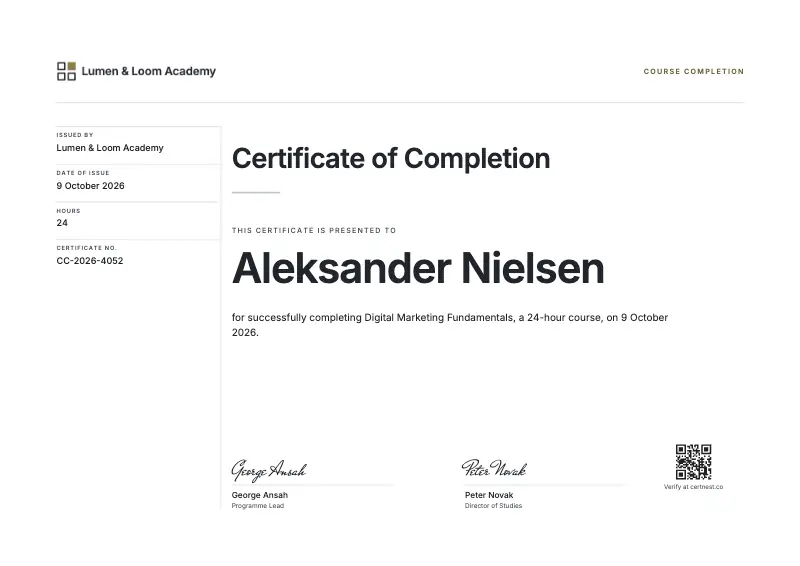
Pick a template, add your words, logo and colours, and download a PNG or PDF.
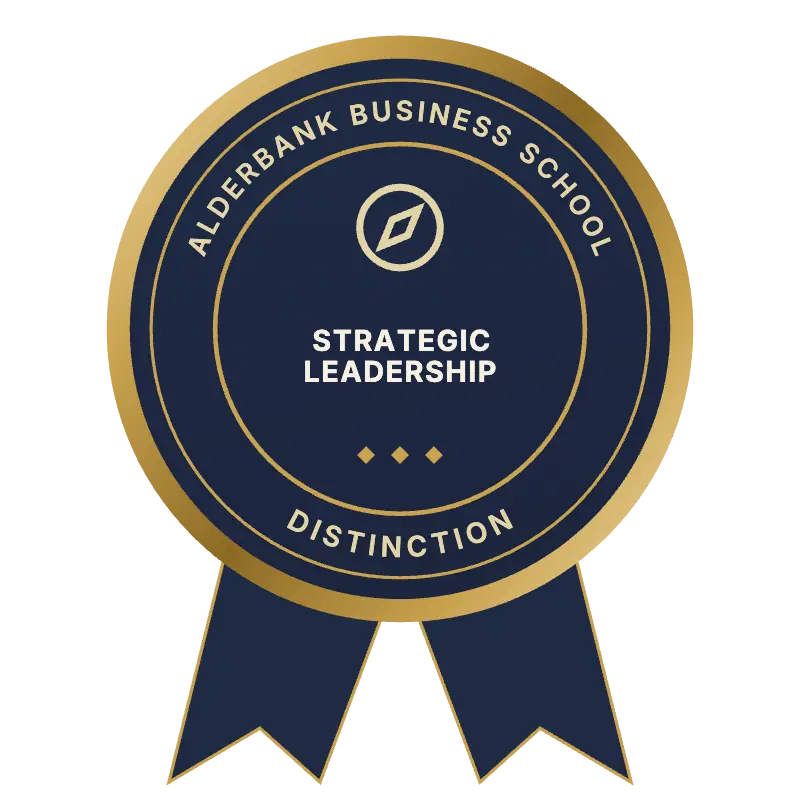
Design a digital badge with a shape, ribbon, icon and words. Download PNG or SVG.
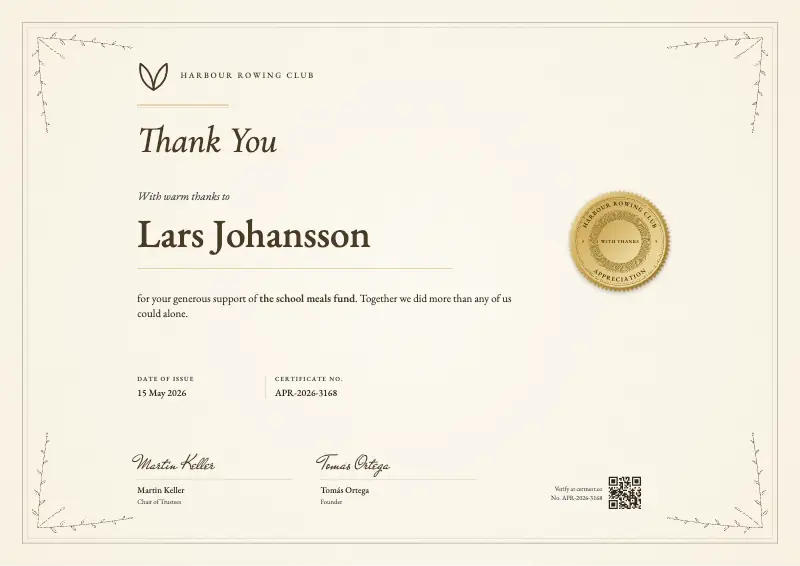
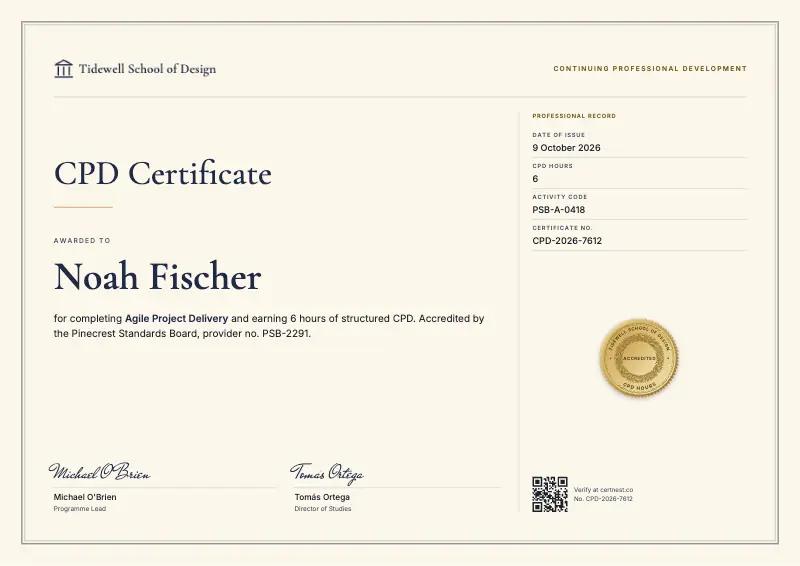
Get the right words for a completion, CPD, appreciation, participation or award certificate.
Build the Add to profile link that fills in a LinkedIn certification for your learners.
Check any Open Badge or verifiable credential: its structure, its dates and its signature.
Free account
When one is not enough
The free tools make one file at a time. Your free account sends to a whole list, with a page and a check link for every person.
- Download one certificate or badgeSend to a whole list by email, each with their own copy
- A picture of a badgeA signed Open Badges 3.0 credential baked into it
- One LinkedIn linkAn Add to LinkedIn button for every person, with their own ID
- Check one badgeA public verify page for every credential you issue
Send verified certificates and badges
Design once, send to a whole list and let anyone check every credential. Certnest is free for up to 1,000 a year.
No card needed.
Questions and answers
Short answers about the free tools.
Are these tools free?
Yes. Every tool on this page works without an account and without a watermark.
Do you upload my files?
No. The makers and the checker work in your browser. Only the wording generator sends the title and organisation name you type, to write the suggestion.
What do I get with a free account?
You can send up to 1,000 verified certificates or badges a year by email, each with its own page, LinkedIn button and check link.
Can I use the designs for my business?
Yes. Certificates and badges you make here are yours to print, share and send.