

For certification and professional bodies
Certifications anyone can check in one click
Issue signed certifications that show their real status, valid, expired or revoked. Remind holders to renew and list them in a public registry employers can search.
Built on Open Badges 3.0 and W3C Verifiable Credentials 2.0.

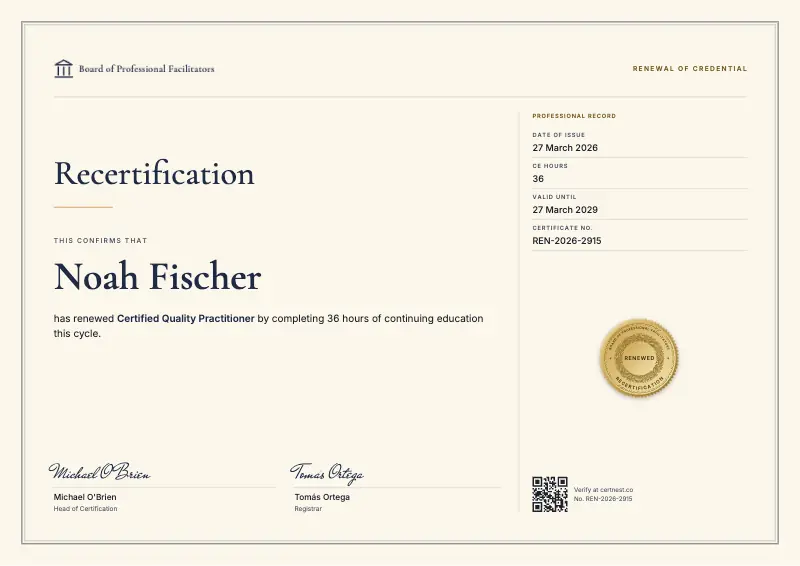
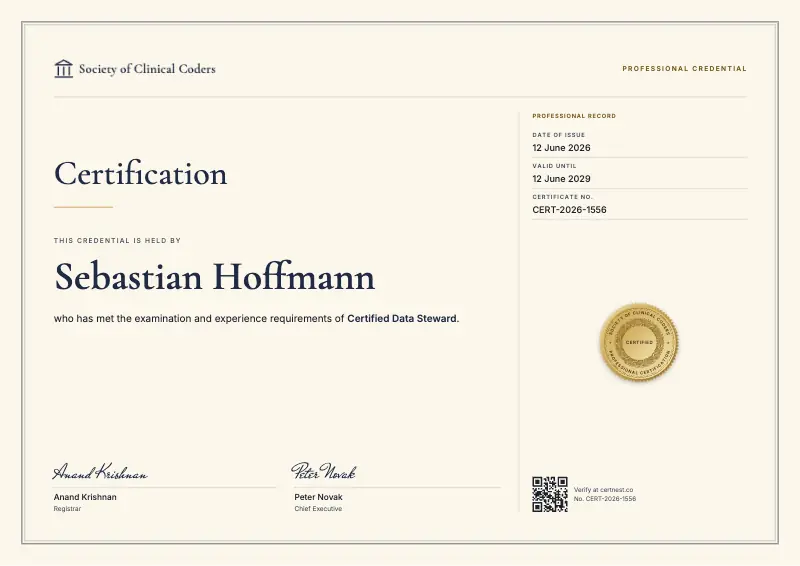
Sound familiar?
What gets in the way today
Three things we hear again and again, and how they look after the switch.
Fake certificates hurt your name
Edited PDFs and copied logos make employers doubt even the real holders.
Expiry dates and reminders on autopilot
Renewals slip
Holders forget their expiry date, and lapsed credentials go on being shown as if they were current.
A public registry employers can search
Employers phone you to check
Every verification call or email costs your team time.
Signed to an open standard, checked in one click
How it works
Design, people, send. That is the whole job.
- 1
Design
Define the certification
Title, criteria, skills, CE credits and how long it stays valid. Design the certificate and badge in your brand.
- 2
People
Issue from your system
Send from your exam results by upload, API or webhook. Every credential is signed with your own key.
- 3
Send
Let the world check
Holders share it. Employers scan the QR or search your registry and see the live status, with no call to you.
Made for you
Everything you need, nothing you do not
Live status everywhere
Revoke or suspend with a reason, and it shows as revoked wherever the credential is checked.
Public registry
A searchable list of your certified people on your own page, on Business.
Expiry and renewal reminders
Automatic emails before expiry, and a clear expired status after.
Your own signing key
Each organisation signs with its own key, verifiable with open tools, not only ours.
Your own verify domain
Credentials verify at an address like verify.yourbody.org, on Pro and above.
API and webhooks
Issue, update and revoke from your exam or membership system, on every plan.
- credentials a year on the free plan
- 1,000
- members on every plan
- Unlimited
- real templates to start from
- 4,119
- signed, so anyone can check
- Open Badges 3.0
Examples
What you could send
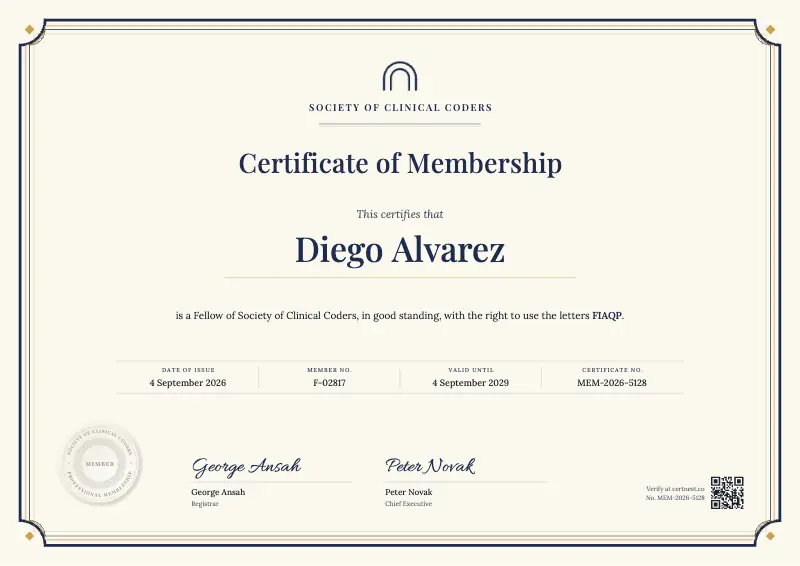
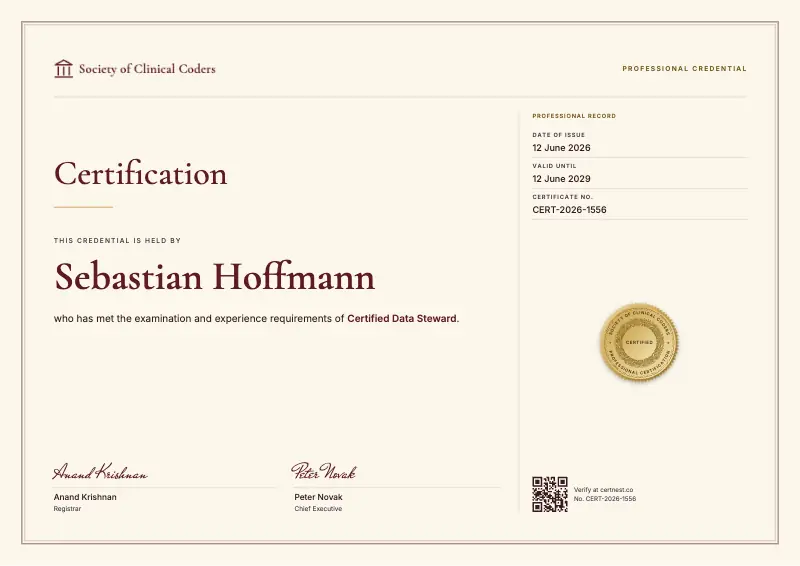
Real designs from the template library, ready for your words, your logo and your colours.
Certified Project Practitioner
has met the standard of the practitioner examination
- Valid until 31 March 2029
- Credential ID IAPP-2026-0417

Certified Food Safety Lead
Level 3, renewed every two years
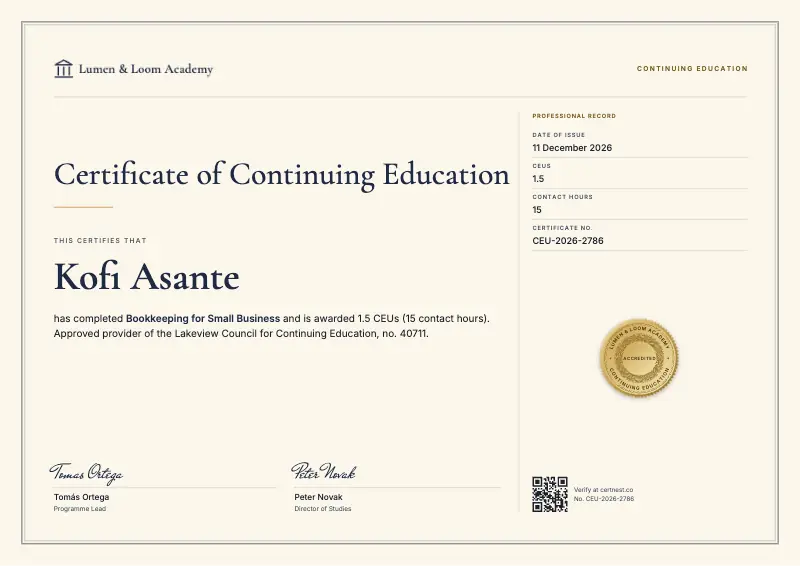
Continuing Education Certificate
Ethics in Coding Practice, approved course
- 2.0 CE hours
Where to start
Business: 60,000 credentials sent a year
Business adds the public registry, single sign-on and a signed DPA. Enterprise adds a data location choice and an SLA.
Questions and answers
How does a verifier know a certification is real?
Each credential is signed with your organisation's key using open standards. The verify page checks the signature and shows the live status and the reason if it changed.
Can we revoke or suspend a certification?
Yes, with a reason. The status updates at once on the credential page, in the verify check and in the open status list other tools read.
Can certified people be listed publicly?
Yes, on Business. You choose which credentials appear in your public registry, and each holder can be found by name or credential ID.
Are you certified by the Open Badges standards body?
Our credentials are built on Open Badges 3.0 and the W3C Verifiable Credentials Data Model 2.0. We will say we are certified only once we appear in the official directory.
Can we keep our existing credential IDs?
Yes. When we move your past certifications over, we keep your IDs, and we keep old links working where your old platform allows it.
Can we bring our own verify domain?
Yes, on Pro and above. Credentials then verify at your own address, such as verify.yourbody.org.
Make every certification instantly checkable
Set up your first certification and see the verify page your holders will share.