

Free tool, no sign-up
Free digital badge maker
Choose a shape, a metal and an icon, add your words and colours. Download a see-through PNG or a sharp SVG for websites, slides and email signatures.
- No sign-up
- See-through PNG
- SVG for any size
- Made in your browser
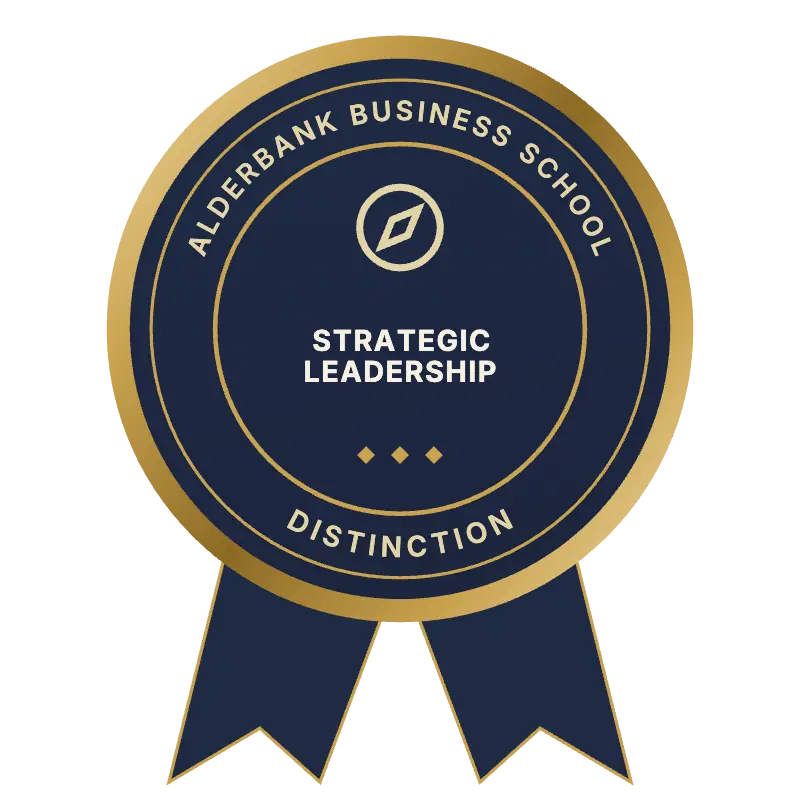
Design your badge
- Eleven shapes, from rosettes to shields
- Bronze, silver and gold, with ribbon tails
- An icon, a title and your name
- See-through PNG and sharp SVG



Step by step
How to make a digital badge
A good badge reads at a glance: one shape, one icon, a short title.
Step 1: Choose a shape
Pick a rosette, shield, hexagon, medal, ring or another shape. Medals and laurels can hang from ribbon tails.
Step 2: Pick a level
Bronze, silver or gold sets the metal of the rim and the number of stars. Use levels for beginner, skilled and expert.
Step 3: Add an icon
Choose an icon that says what the badge is for, like a book for reading or a shield for safety.
Step 4: Type the words
Add a short title and your organisation name. Two or three words in the title look best.
Step 5: Set your colours and download
Pick your brand colours, then download a PNG with a clear background or an SVG that stays sharp at any size.
Good to know
Tips for a great result
Keep the title short
Badges are often shown at 120 pixels wide. A short title like "Python" or "First Aid" stays easy to read.
Use levels for a path
Bronze, silver and gold versions of one badge show progress, and people love to collect the next one.
Make it verifiable
A picture can be copied. An Open Badge carries a signed record inside it, so anyone can check who earned it.
Issue it as a verified Open Badge
Give each person their own signed badge, a page to share and one click to add it to LinkedIn. It works with any Open Badges 3.0 wallet.
Free plan: up to 1,000 credentials a year. No card needed.
Free tools
More free tools
Everything here works without an account.
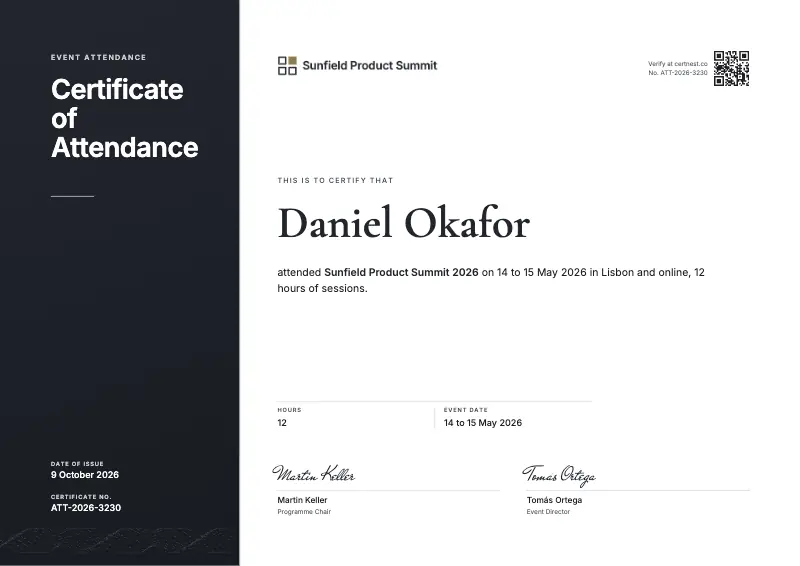
Certificate maker
Pick a template, add your words, logo and colours, and download a PNG or PDF.
Open Badges checker
Check any Open Badge or verifiable credential: its structure, its dates and its signature.
LinkedIn certification link
Build the Add to profile link that fills in a LinkedIn certification for your learners.
Certificate wording generator
Get the right words for a completion, CPD, appreciation, participation or award certificate.
Questions and answers
Short answers about the badge maker.
Is the badge maker free?
Yes. You can design and download badges as PNG or SVG without an account.
What size is the PNG?
The PNG is 1,200 by 1,200 pixels with a see-through background, sharp enough for websites, slides and print.
What is the SVG for?
SVG is a picture made of shapes, so it stays sharp at any size. Use it on websites, in design tools or for large prints.
What is the difference between this picture and an Open Badge?
This tool makes the picture. An Open Badge also carries a signed record of who earned it, from whom and when, so it can be checked anywhere. Sign up to issue badges like that.
Can people add my badge to LinkedIn?
Yes, when you issue it from your account. Each person gets a page with an Add to LinkedIn button that fills in the details for them.
Is my design uploaded?
No. The badge is drawn in your browser and your words stay on your device.