

Free tool
LinkedIn certification link maker
Fill in the details once and get a link that opens LinkedIn with the certification already filled in. Your learners just press Save.
- Works with any course or event
- Link, button and email text
- Nothing is stored
Certification details
Shows your logo on the profile.
Leave empty if it does not expire.
- Name
- Data Analysis with Python
- Issuing organisation
- Northfield Academy
- Issue date
- November 2026
- Expiration date
- Does not expire
- Credential ID
- NFA-2026-0418
- Credential URL
- https://example.com/certificates/NFA-2026-0418
Step by step
How to make an Add to profile link
LinkedIn reads the details from the link itself, so the person only checks and saves.
Step 1: Type the certification name
Use the name you want people to see on their profile, like "Data Analysis with Python".
Step 2: Add your organisation
Type your organisation name, or paste your LinkedIn company page ID so your logo shows and links to your page.
Step 3: Add the dates
Choose the month and year it was issued, and the expiry date if it has one.
Step 4: Add the ID and URL
The credential ID and a link to the certificate page let anyone check it from the profile.
Step 5: Copy and share
Copy the link, the HTML button or the email text. Test it once to see the form LinkedIn opens.
Good to know
Tips for a great result
Find your company page ID
Open your LinkedIn company page as an admin. The number in the admin page address is your ID. With it, your logo appears next to the certification.
One link per person
The credential ID and URL are different for each person. Your account makes these links for every person automatically.
Ask at the right moment
People add certifications most right after they finish. Put the button in the email with their certificate.
Give every learner their own LinkedIn button
Send verified certificates and each person gets a page with Add to LinkedIn and Share buttons, their own ID and a link anyone can check. See who added it on your board.
Free plan: up to 1,000 credentials a year. No card needed.
Free tools
More free tools
Everything here works without an account.
Certificate maker
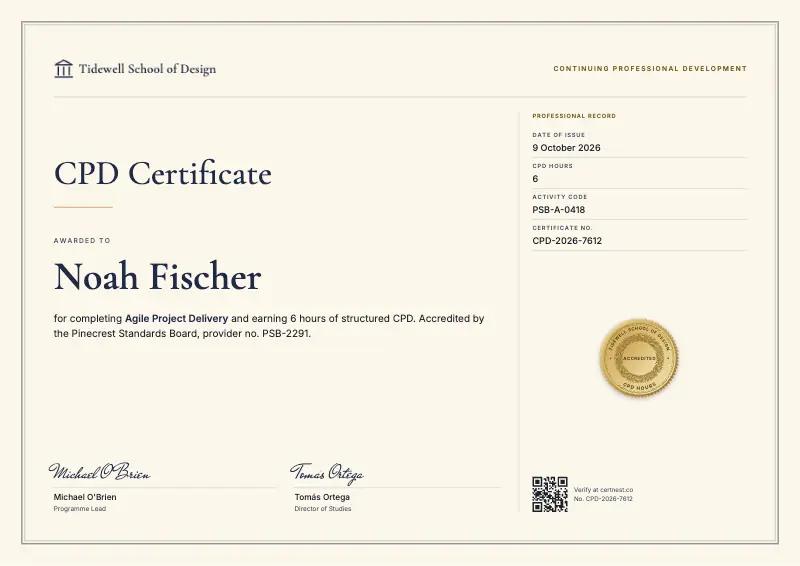
Pick a template, add your words, logo and colours, and download a PNG or PDF.
Badge maker
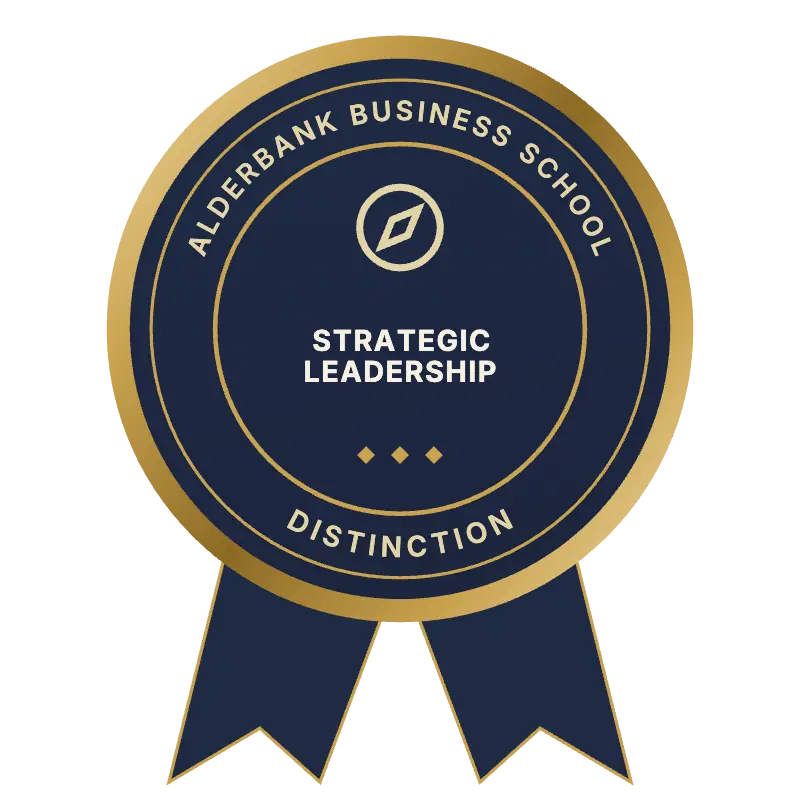
Design a digital badge with a shape, ribbon, icon and words. Download PNG or SVG.
Open Badges checker
Check any Open Badge or verifiable credential: its structure, its dates and its signature.
Certificate wording generator
Get the right words for a completion, CPD, appreciation, participation or award certificate.
Questions and answers
Short answers about the linkedin certification link.
What does the Add to profile link do?
It opens LinkedIn's Add license or certification form with the name, organisation, dates, ID and URL already filled in. The person checks the details and presses Save.
Do I need a LinkedIn company page?
No. Without a page ID the organisation is added as text. With a page ID, LinkedIn shows your logo and links to your page.
Does the person need to be signed in to LinkedIn?
Yes. LinkedIn asks them to sign in first, then shows the filled-in form.
Is any of this sent to you?
No. The link is built in your browser. Nothing you type here is stored or sent to us.
Can I make links for every learner at once?
Yes. When you send certificates from your account, each person gets their own Add to LinkedIn button with their own ID and link, and you can see who added it.
Why add a certificate URL?
A URL lets anyone who views the profile open the certificate and check it is real. That makes the certification far more valuable to the person.