

For course creators and trainers
Every finished course becomes a post on LinkedIn
Students get a certificate the minute they finish. They add it to LinkedIn in one tap, and every share puts your course in front of new learners.
Free for up to 1,000 certificates a year. Works with the course platform you already use.
Sound familiar?
What gets in the way today
Three things we hear again and again, and how they look after the switch.
Making certificates by hand eats your week
Copying names into a design, saving PDFs and attaching them to emails is slow, and one typo means doing it again.
Connect your course platform once, then it runs itself
Students wait, then forget
The best moment to share is right after finishing. A certificate that arrives a week later rarely gets posted.
Every page carries your name to LinkedIn
A plain PDF proves nothing
Employers cannot tell a real certificate from an edited one, so your course gets less credit than it deserves.
A low price that grows with your cohorts
How it works
Design, people, send. That is the whole job.
- 1
Design
Design it once
Pick a completion template. Your logo and colours are already on it. Add the course name, hours and skills.
- 2
People
Connect your students
Link your course platform through Zapier, Make or a webhook, or upload a list. Set a rule, such as a final score of at least 70.
- 3
Send
They finish, it sends
Each student gets a branded email and a page with download, LinkedIn and share buttons. You see who opened and shared it.
Made for you
Everything you need, nothing you do not
One tap to LinkedIn
The course name, your organisation, date, ID and link are filled in for them.
Works with your course platform
Zapier, Make, webhooks and the API send certificates on completion, with no copying.
Hours and skills on every certificate
Show learning hours, CPD or CE credits and the skills covered, on the certificate and its page.
Certificate and badge together
Send a printable certificate and a digital badge in one go, built on Open Badges 3.0.
Every share markets your course
Credential pages carry your name and a link back to your next course.
Proof employers trust
A QR code and link open a verify page that shows the certificate is real and still valid.
- credentials a year on the free plan
- 1,000
- members on every plan
- Unlimited
- real templates to start from
- 4,119
- signed, so anyone can check
- Open Badges 3.0
Examples
What you could send
Real designs from the template library, ready for your words, your logo and your colours.
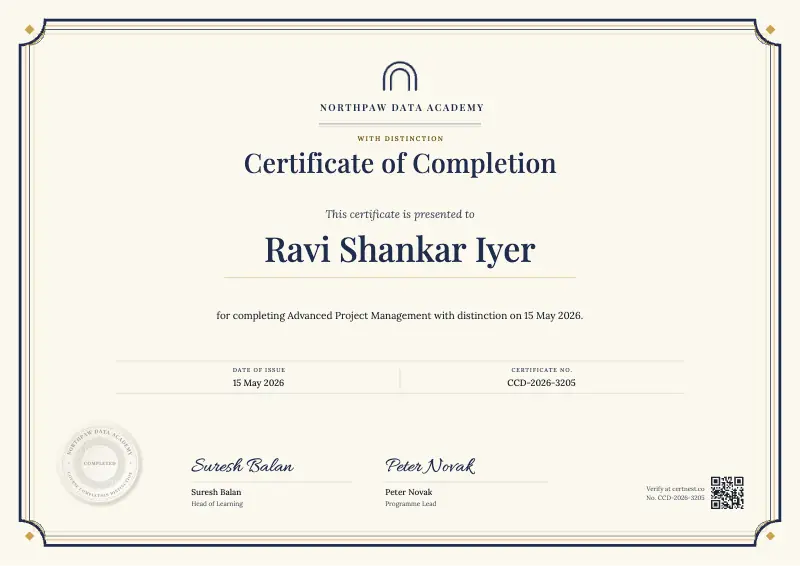
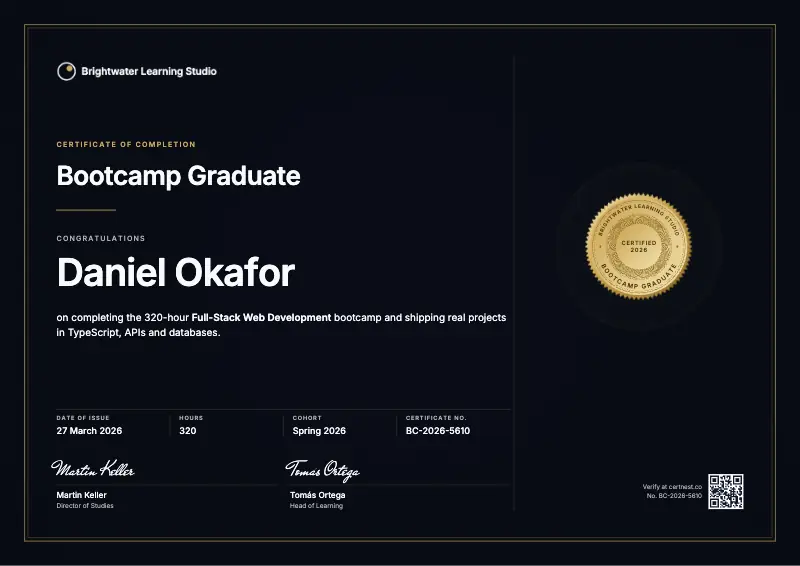
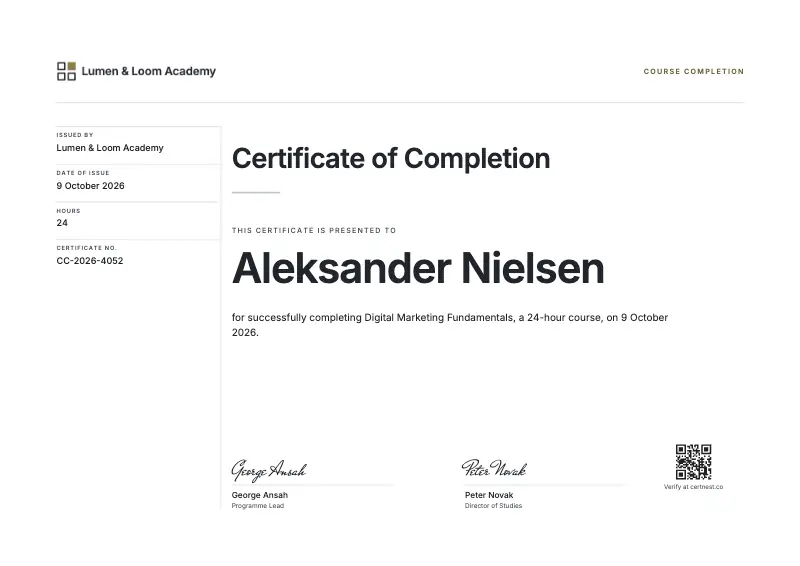
Certificate of Completion
for completing UX Writing Foundations
- 8 hours
- Microcopy
- Content testing
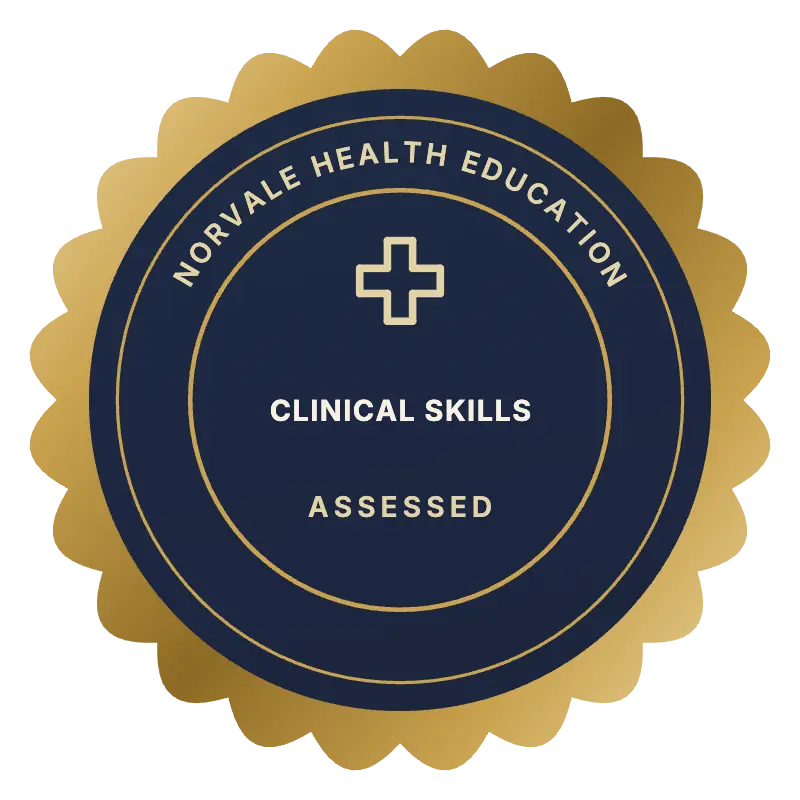
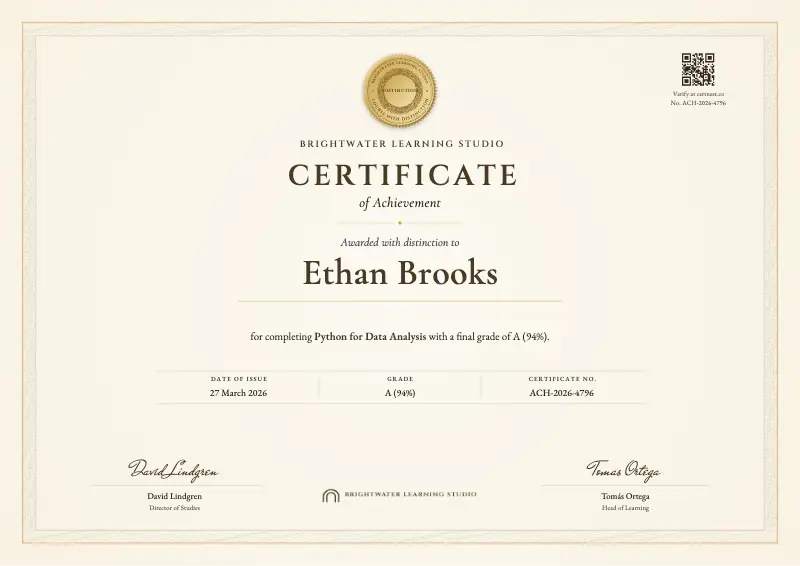
Python for Data Analysis
Passed the final project with distinction
- Pandas
- Data cleaning
- Charts
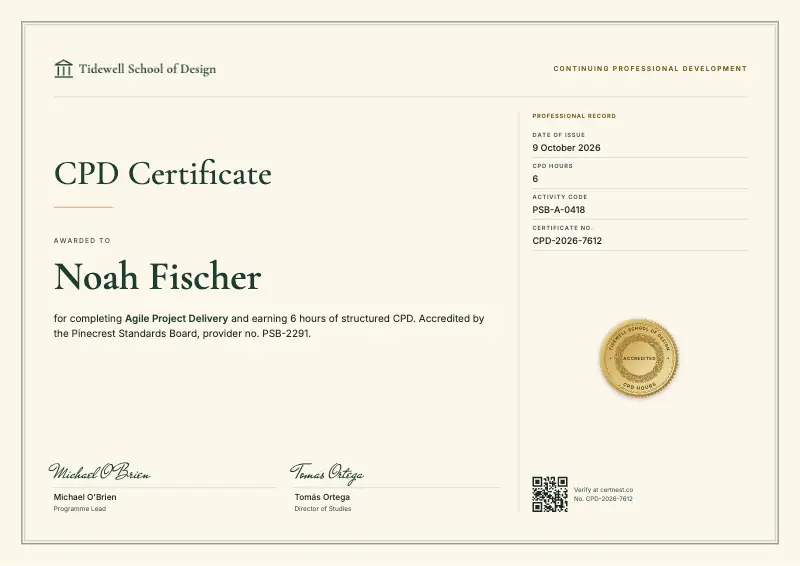
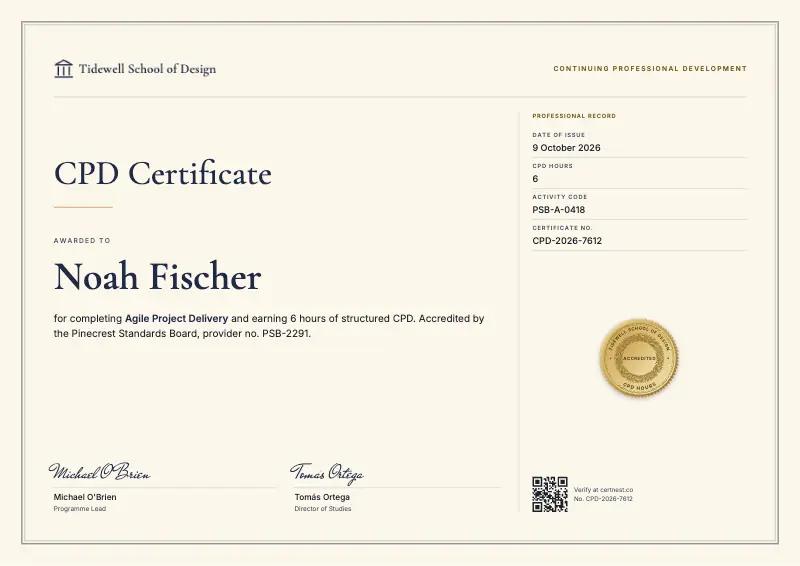
CPD Certificate
for completing Coaching Conversations at Work
- 6 CPD hours
Where to start
Pro: 12,000 credentials sent a year
Pro removes our mark, sends from your own domain and adds expiry dates and reminders, from $19 a month.
Questions and answers
Can certificates go out automatically when a student finishes?
Yes. Connect your course platform through Zapier, Make, a webhook or the API, and each completion sends a certificate. You can add rules, such as a minimum score.
Can I show hours or CPD credits?
Yes. Add hours, credits and skills to the credential. They print on the certificate and show on its page. The professional body that grants the credit decides whether it counts.
What does the student need to do?
Nothing but open the email. No account needed. They can download, add to LinkedIn and share from their page.
Can I use my own brand?
On every plan your logo and colours are on the design. On Pro you can also remove our mark, use your own fonts and send from your own email domain.
I run several courses. Do I need a template for each?
No. Use one design and change the course name, hours and skills per credential, or make a design per course. There is no limit on designs.
Will this work if my course is on a platform you do not connect to?
Yes. Export a list of finishers and upload it, or use Zapier or Make, which connect to most course tools.
Give your next graduate something worth posting
Set up your completion certificate in minutes, free.