How to add a certificate to LinkedIn
The short answer
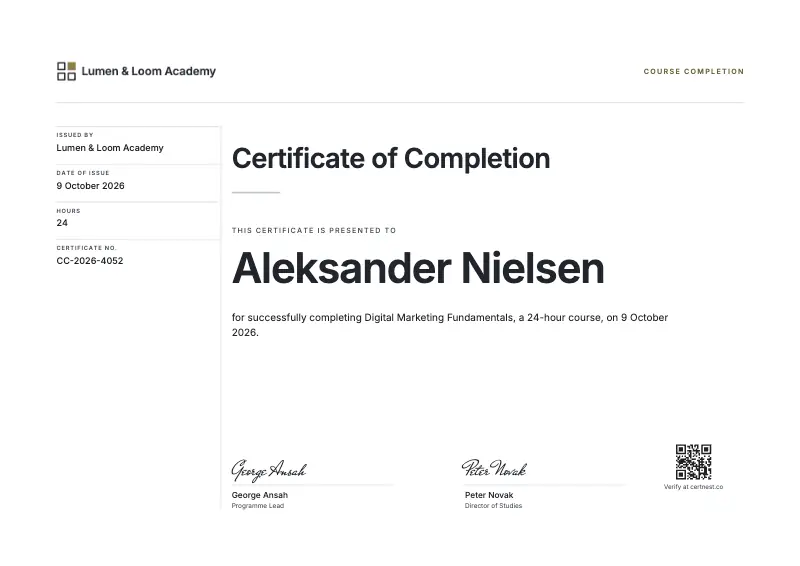
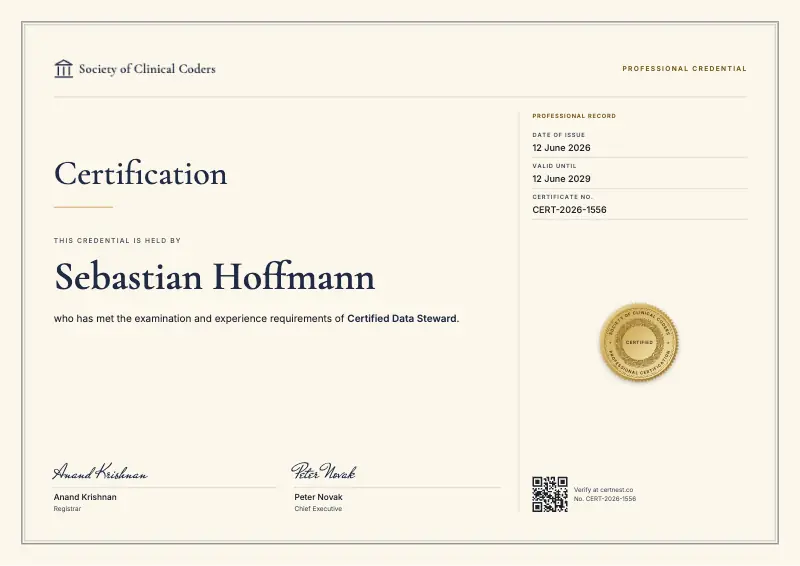
Open your profile, choose Add profile section, then add it under Licenses and certifications with the name, issuing organisation, dates, credential ID and credential URL. If your certificate came with an Add to LinkedIn button, tap it and most of these fields are filled for you.
- 3 minutes
- 6 steps
- For anyone who earned a certificate or badge and wants it on their profile
Step by step
- 1
Open your credential page
Open the email or link you got with your certificate. Look for the Add to LinkedIn button.
- 2
Tap Add to LinkedIn
If the button is there, tap it. LinkedIn opens with the name, issuing organisation, dates, credential ID and link already filled.
- 3
Or add it by hand
On LinkedIn, go to your profile, choose Add profile section, then Licenses and certifications.
- 4
Fill in the fields
Enter the certificate name, the issuing organisation, the issue date and the expiry date if it has one.
- 5
Add the credential ID and URL
Copy the credential ID and the link from your credential page. The link lets anyone check it is real.
- 6
Add skills and save
Add the skills the course covered, then save. Your certificate now shows on your profile.
What this guide covers
- Why the credential link matters
- The one-tap way: Add to LinkedIn
- Adding a certificate by hand
- What to write in each field
- Adding skills and media
- Sharing it as a post