

Certificate, formal
Professional certifications with expiry and renewal built in
Your certification carries your name, so it must be easy to trust. Issue certificates and badges with expiry dates, send renewal reminders and list holders in a public registry. Employers check any certificate in one click, and holders add it to LinkedIn.
- Your logo, colours and paper size
- Names filled from your list
- QR code and verify link on each
- Wording you can use as it is
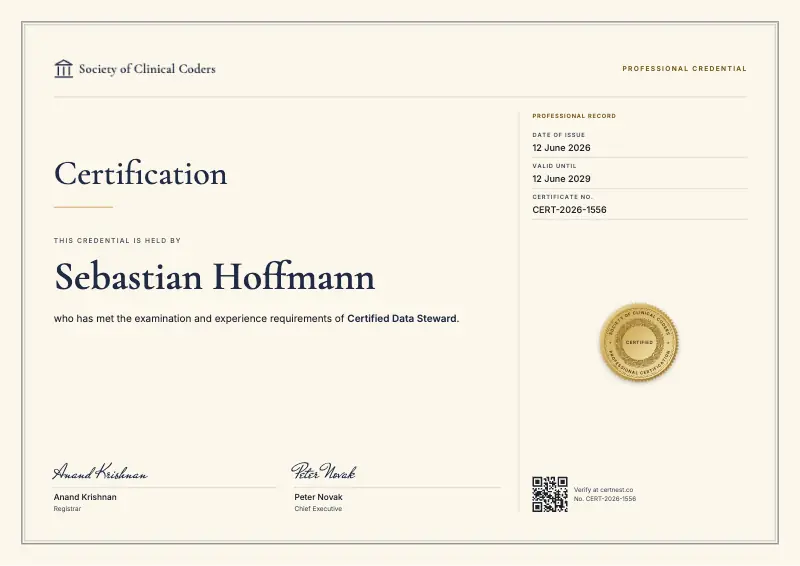
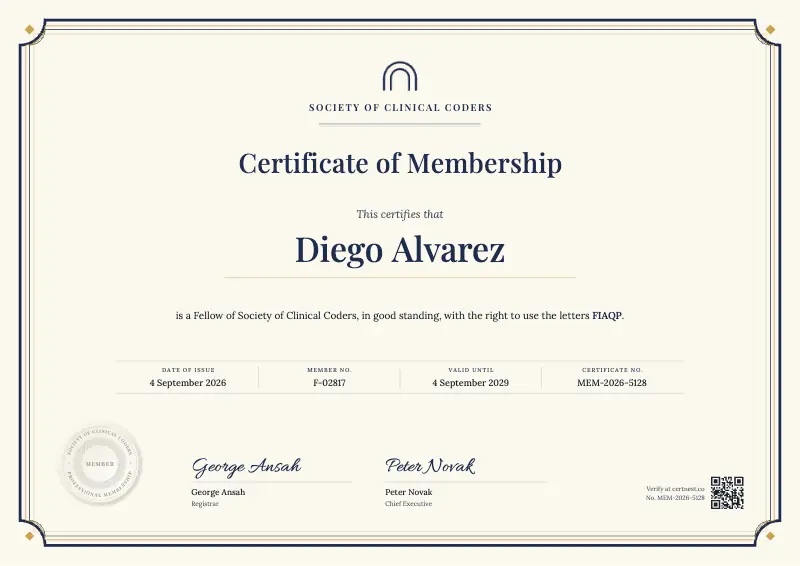
Professional certification: Professional Body, Navy and gold
Certificate and Digital badge
Designs made for this
Open a design for a closer look, or pick a colour above to see them in your brand.
- Use this template: Professional certification: Professional Body
- Use this template: Professional certification: Professional Body
Certificate, formal
- Use this template: Professional certification: Professional Body
Certificate, formal
- Use this template: Professional certification: Professional Body
Certificate, formal
- Use this template: Information Security badge: Heraldic shield
Digital badge, formal
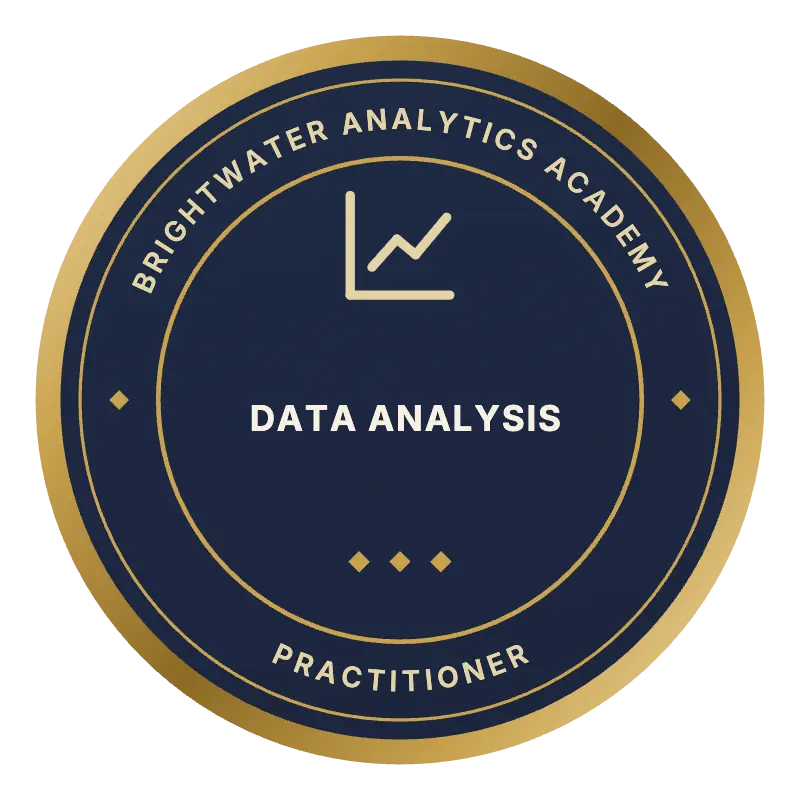
- Use this template: Data Analysis badge: Roundel
Digital badge, standard
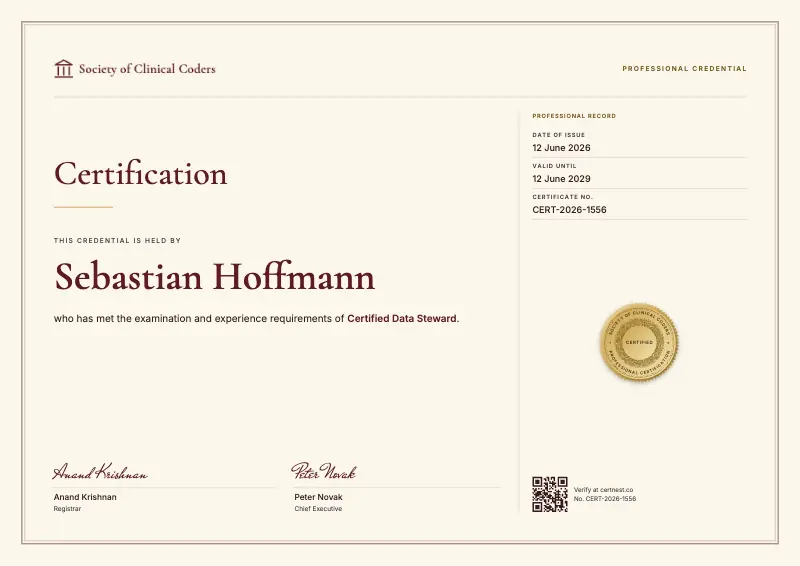
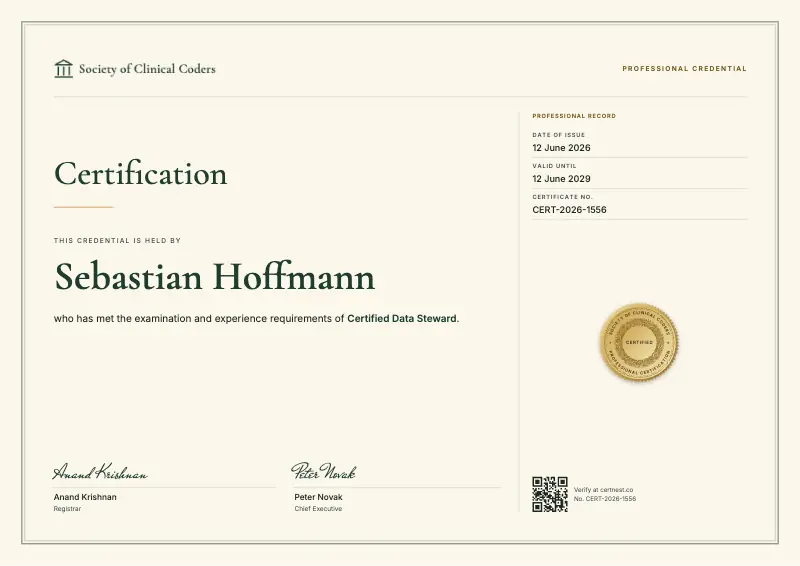
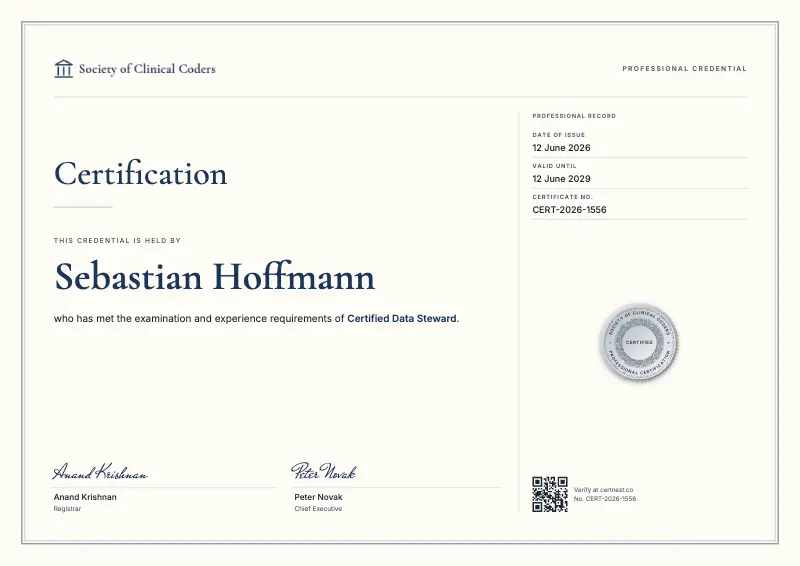

More certificates and badges for this
Every design here is in the catalog. Tap a colour dot to try another colour, or open one to look closer.
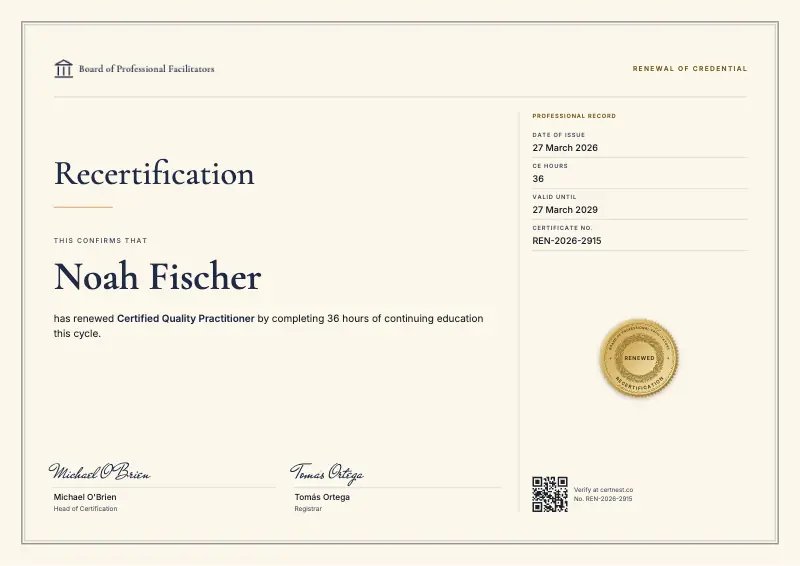
- Use this template: Recertification: Professional Body
5 colours, formal
- Use this template: Professional certificate: Classic Diploma
5 colours, formal
- Use this template: Professional certificate: Tech Award
5 colours, formal
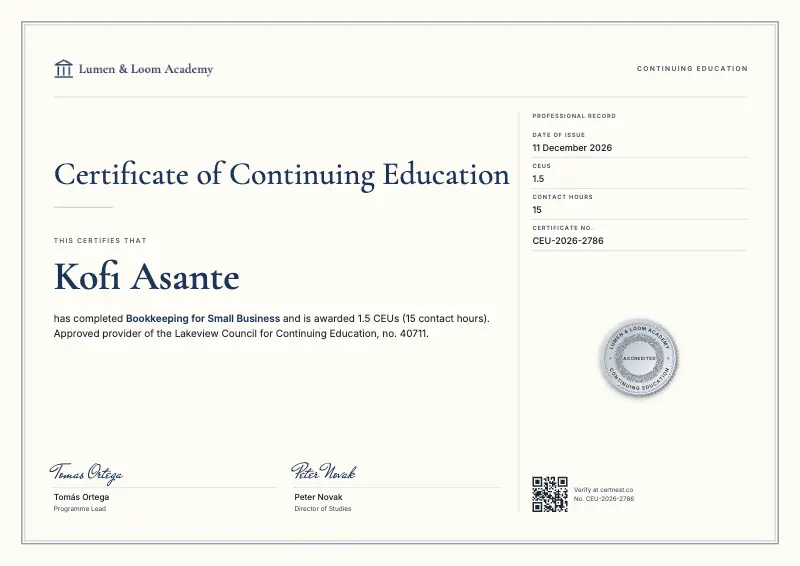
- Use this template: Accredited trainer: Licence and Accreditation
5 colours, formal
- Use this template: Accredited trainer: Executive
5 colours, formal
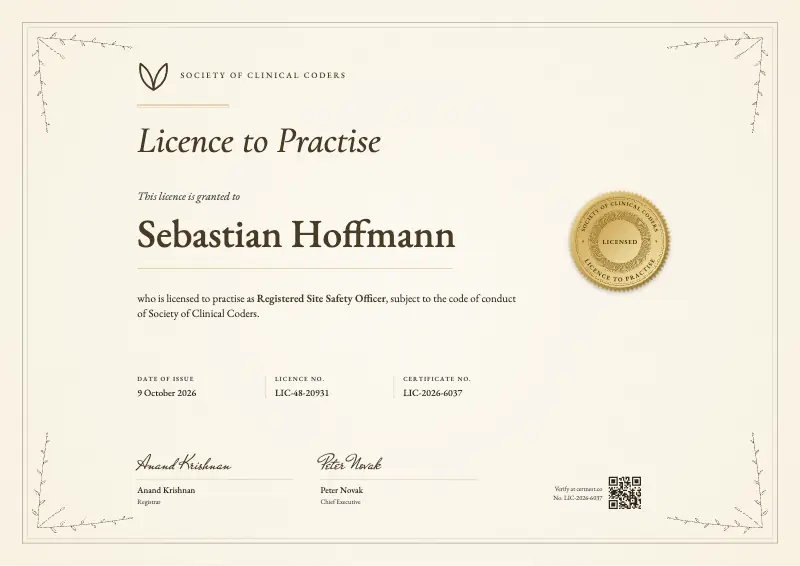
- Use this template: Professional certification: Licence and Accreditation
5 colours, formal
- Use this template: Recertification: Licence and Accreditation
5 colours, formal
- Use this template: Professional certification: Professional Body, portrait
5 colours, formal
Checklist
What to put on it
In order of importance. Every template has a place for each.
- 1The holder's full name
- 2The certification's name and level
- 3Certification number
- 4Date issued and date it expires
- 5The certifying body's name and logo
- 6Signature of the registrar or chair
- 7A QR code to the live status page
- 8Any CE credits needed to renew
Copy and use
Wording ideas
Highlighted words are smart fields: each person's own details fill in by themselves when you send.
Formal
body hereby certifies that Daniel Okafor has met all requirements and is a Certified Data Practitioner, Certificate No. id.
With expiry
Issued 25 November 2026. Valid until 25 November 2029, subject to the renewal requirements of body.
Level
Daniel Okafor is certified at Level 2 level in field, having passed the Cloud Basics Exam on 25 November 2026.
Renewal
Certification renewed on 25 November 2026. credits continuing education credits completed.
Short
Certified Data Practitioner. Daniel Okafor. Valid to 25 November 2029.
Registry line
Check this certification at any time in the body public registry.
Do and avoid
Do
- Set an expiry date and turn on renewal reminders
- Use a public registry so employers can search holders
- Pair the certificate with a digital badge
- Revoke with a reason when a certification is withdrawn
- Sign every credential with your own key on an open standard
Avoid
- Do not issue certifications you are not allowed to award
- Do not imitate a government licence or another body's seal
- Do not hide expiry dates
- Do not leave revoked certificates showing as valid
Questions and answers
How do I issue professional certifications online?
Design the certificate, upload holders from a spreadsheet or the API, set expiry rules and send. Each holder gets a page and a signed credential.
Can certifications expire and renew?
Yes. Set an expiry rule. Holders get reminders before it ends, and you can renew with one action.
Can employers check if a certification is still valid?
Yes. The verify page shows valid, expired or revoked in real time, and why.
Can I have a public registry of certified people?
Yes, on the Business plan. Employers can search it by name or number.
What standard are the credentials built on?
Open Badges 3.0 on the W3C Verifiable Credentials Data Model 2.0, so they can be checked with other software too.
Send it today
Open this template in your colours, add your people and send. Free to start.