

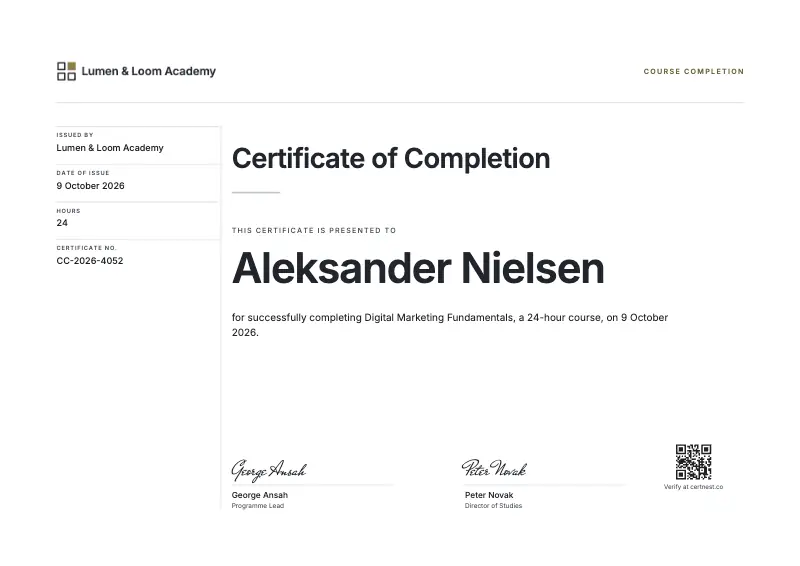
Certificate, standard
Course completion certificates your students will want to show off
Finishing a course deserves more than a plain PDF. Send each student a certificate and a matching badge by email the moment they finish. They get a page to download it, add it to LinkedIn in one tap and share a link anyone can verify.
- Your logo, colours and paper size
- Names filled from your list
- QR code and verify link on each
- Wording you can use as it is
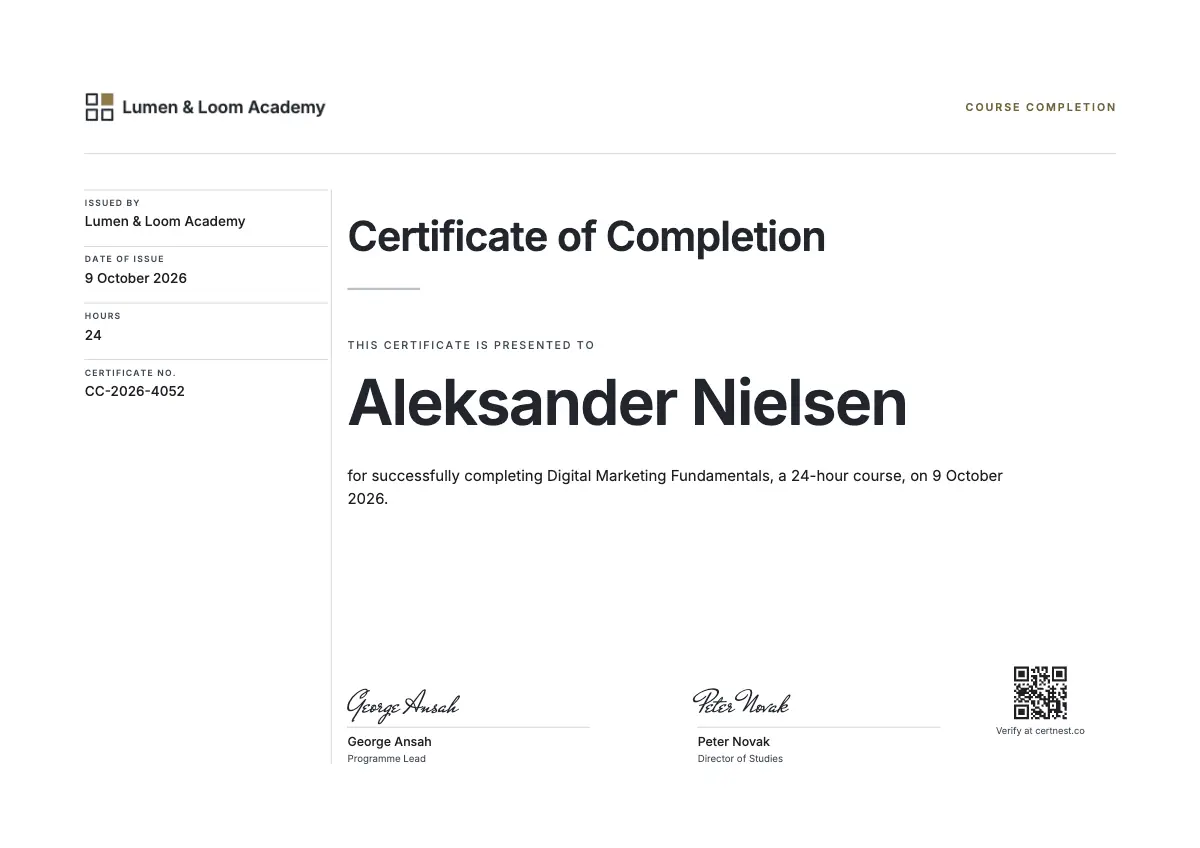
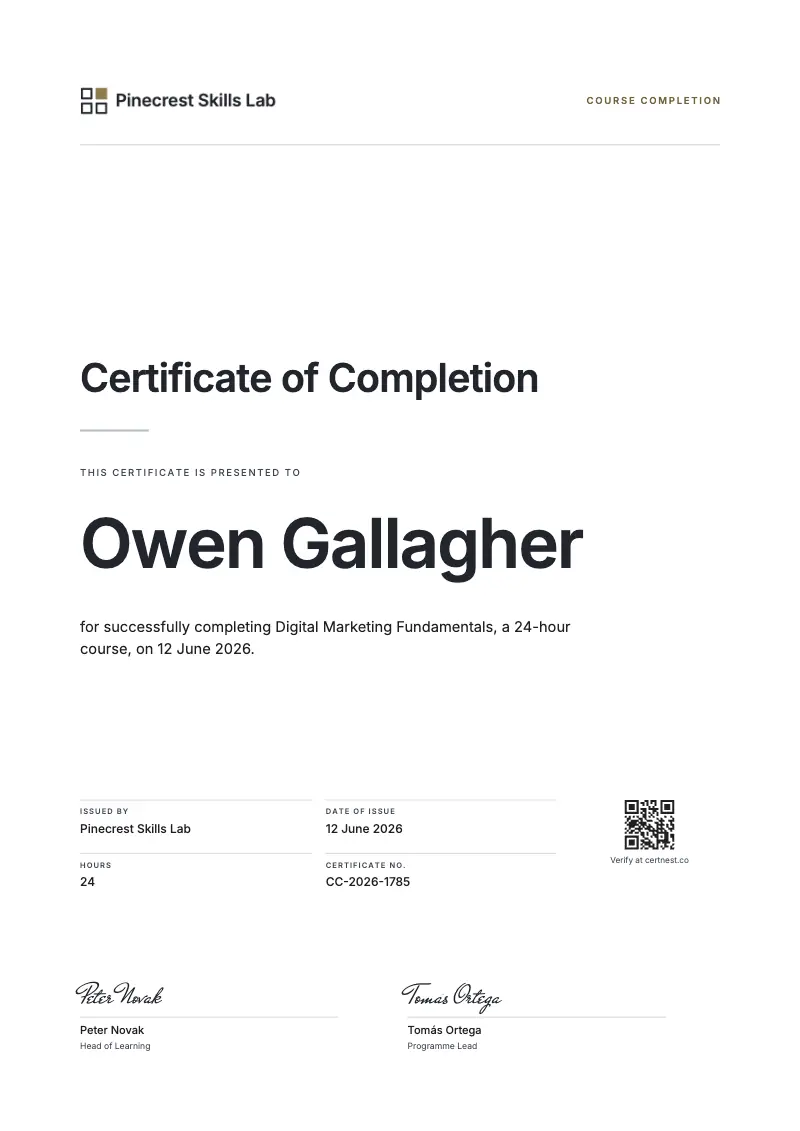
Course completion: Minimal, Graphite
Certificate and Digital badge
Designs made for this
Open a design for a closer look, or pick a colour above to see them in your brand.
- Use this template: Course completion: Minimal
- Use this template: Course completion: Minimal
Certificate, standard
- Use this template: Course completion: Minimal
Certificate, standard
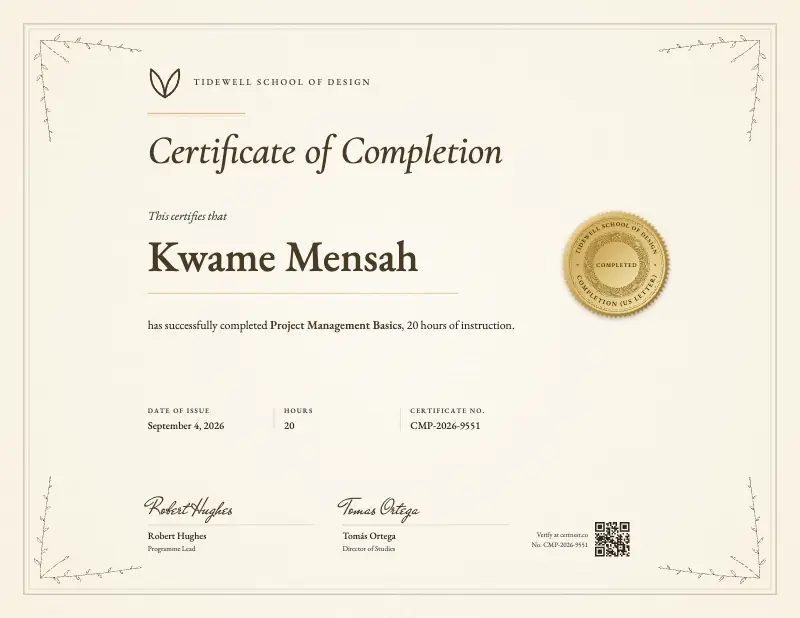
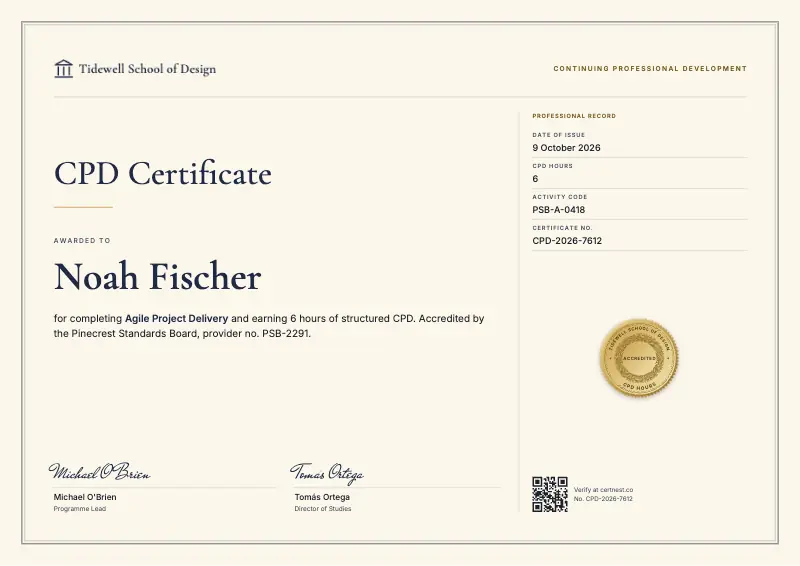
- Use this template: Completion (US Letter): Heritage
Certificate, standard
- Use this template: Clinical Skills badge: Fine rosette
Digital badge, standard
- Use this template: Python Programming badge: Flat hexagon
Digital badge, standard
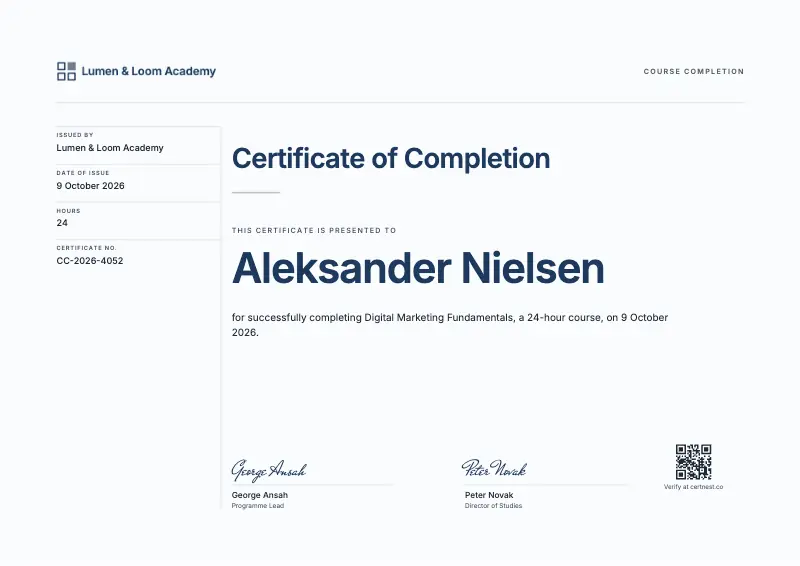
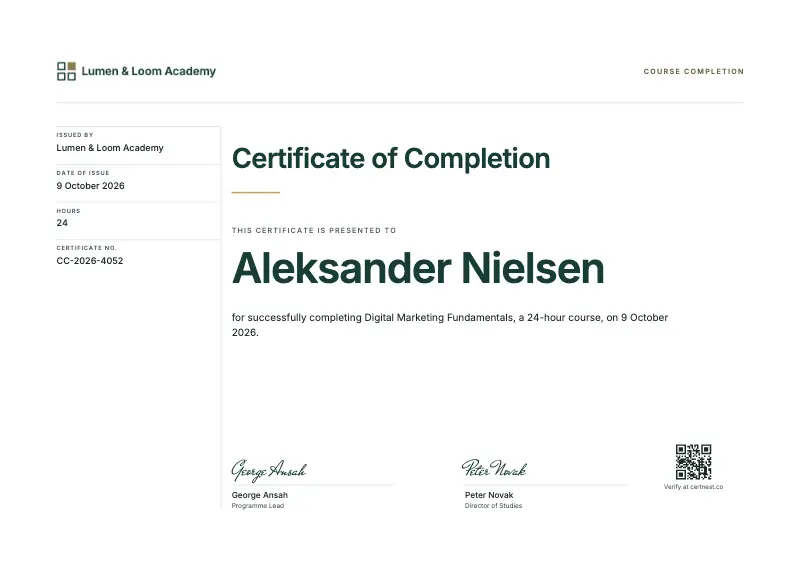


More certificates and badges for this
Every design here is in the catalog. Tap a colour dot to try another colour, or open one to look closer.
- Use this template: Course completion: Classic Diploma
5 colours, formal
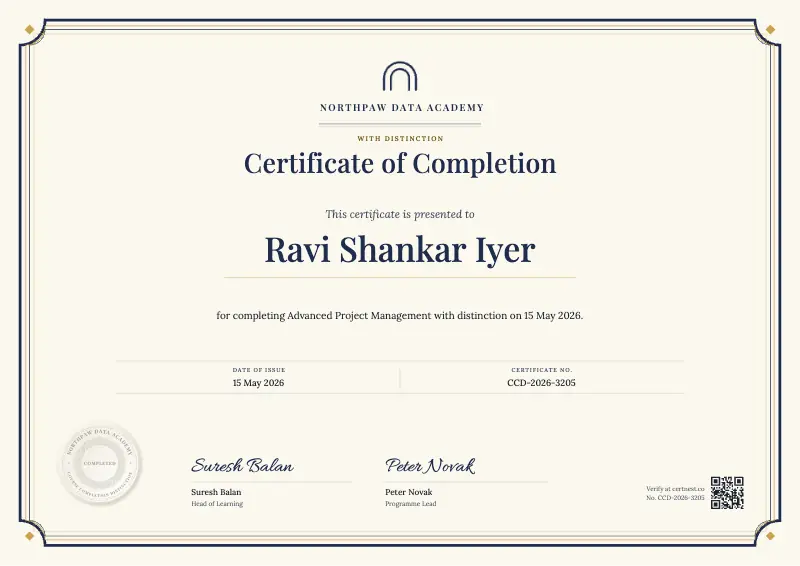
- Use this template: Course completion distinction: Academy
5 colours, formal
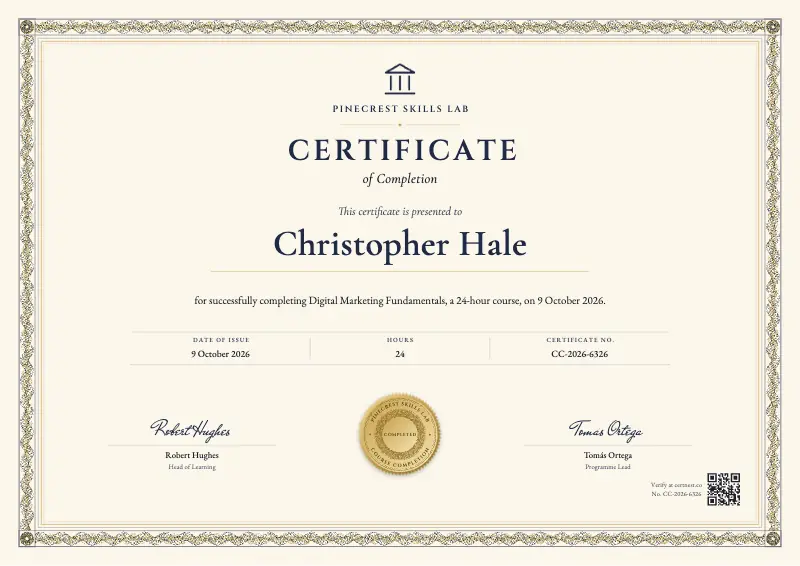
- Use this template: Course completion: Heritage
5 colours, standard
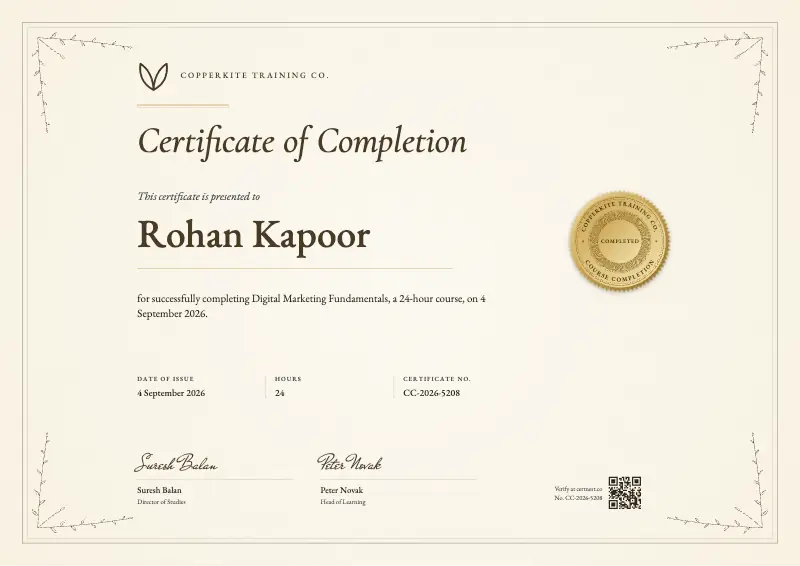
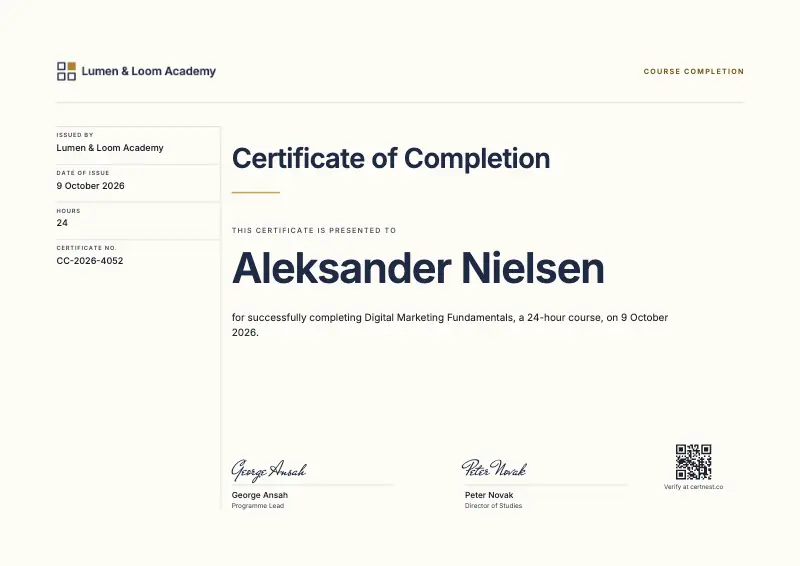
- Use this template: Course completion: Minimal, portrait
5 colours, standard
- Use this template: Online course completion: Executive
5 colours, standard
- Use this template: Course completion distinction: Achievement
5 colours, formal
- Use this template: Short course: Event and Workshop
5 colours, standard
- Use this template: Short course: Executive
5 colours, standard
Checklist
What to put on it
In order of importance. Every template has a place for each.
- 1Student's full name
- 2Course title, exactly as you sell it
- 3Completion date
- 4Course length in hours or lessons
- 5Main skills the course teaches
- 6Instructor name and signature
- 7Your school or brand logo
- 8Credential ID and verify QR code
Copy and use
Wording ideas
Highlighted words are smart fields: each person's own details fill in by themselves when you send.
Classic
This certifies that Daniel Okafor has completed the course Data Analysis Basics on 25 November 2026.
Instructor voice
I am happy to confirm that Daniel Okafor completed every lesson of Data Analysis Basics. Keep building.
Hours and skills
Daniel Okafor completed Data Analysis Basics (12 hours) and practised budgeting, forecasting and reporting.
With a score
Awarded to Daniel Okafor for completing Data Analysis Basics with a final score of 92%.
Cohort course
Daniel Okafor completed Data Analysis Basics, Cohort Spring 2026, run by Brightpath Academy from start to 25 November 2026.
Do and avoid
Do
- Send it automatically when the student finishes, while they feel proud
- List two or three skills; they help the student in job searches
- Use your brand colours so every share promotes your course
- Add a link to your next course on the certificate page
Avoid
- Do not make students ask for their certificate by email
- Do not use a different course name than the one on your sales page
- Do not hide the hours if your students need them for their employer
- Do not forget a badge image for people who prefer to share badges
Questions and answers
When should I send a course completion certificate?
Right after the student finishes the last lesson or passes the final quiz. Sending it the same day gives the best chance they share it.
Can I issue certificates automatically from my course platform?
Yes. Connect a webhook, Google Sheets or the API, and a certificate is sent when a student finishes. You set rules such as a minimum score.
Should I include the number of hours?
Yes, if students may need to show time spent learning to an employer or a professional body. Otherwise the course title and skills are enough.
What is the difference between a certificate and a badge?
A certificate is a full page document. A badge is a small image with the same signed details inside, made for profiles and online sharing. You can send both together.
Can students verify their course certificate later?
Yes. Every certificate has a link and QR code that shows whether it is valid, with your organisation's details, for as long as it exists.
Send it today
Open this template in your colours, add your people and send. Free to start.