Digital badges for employee recognition that people actually value
A good badge programme makes people feel seen and shows real skills. Here is how to design badge families, write criteria people respect and keep it meaningful.

By the Certnest team
7 min read

On this page
Key takeaways
- Use badges for four things: skills, completed training, living your values and milestones.
- Design badges as families with clear levels, so people can see where they are and what comes next.
- Every badge needs written criteria and evidence, or it will feel like a sticker.
- Fewer, better badges beat many easy ones; review the catalogue every year.
- Let managers and peers nominate, and make sharing easy for the people who want to.
Recognition works when it is specific, timely and fair. A thank you in a meeting is lovely but forgotten by Friday. A digital badge can carry the same thanks and keep it: the person gets a page that says what they did, who recognised it and when, and they can add it to their profile if they want. This article shows how to build a badge programme that people are proud of, instead of one they ignore.
What badges are good for at work
A digital badge is a small image with a record behind it: the name of the achievement, the criteria, the issuer and the date. At work, badges do four jobs well.
| Kind | What it says | Examples |
|---|---|---|
| Skills | This person can do something, and we checked | Data analysis, Python, customer care, project management |
| Training | This person finished a programme | Safety champion, onboarding complete, food safety |
| Values | This person showed what we stand for | Mentor, team player, sustainability lead |
| Milestones | This person reached a point in their journey | Five years of service, first project shipped, first 100 customers helped |
Skills and training badges travel well outside the company, because they describe something an employer elsewhere would care about. Values and milestone badges mean most inside the company. Both are worth having, but you design them a little differently.


Design badge families, not one-offs
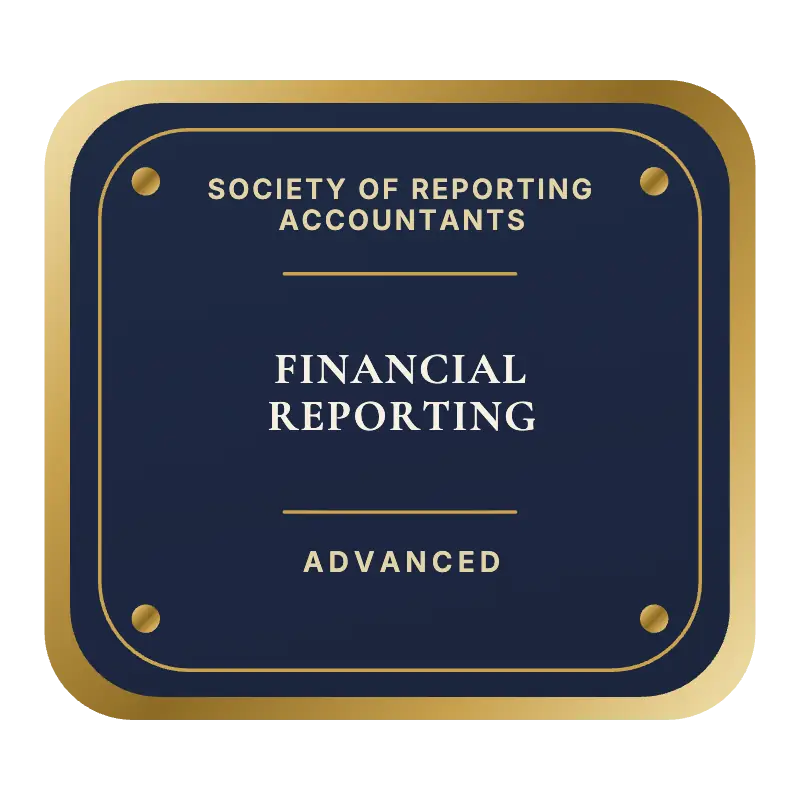
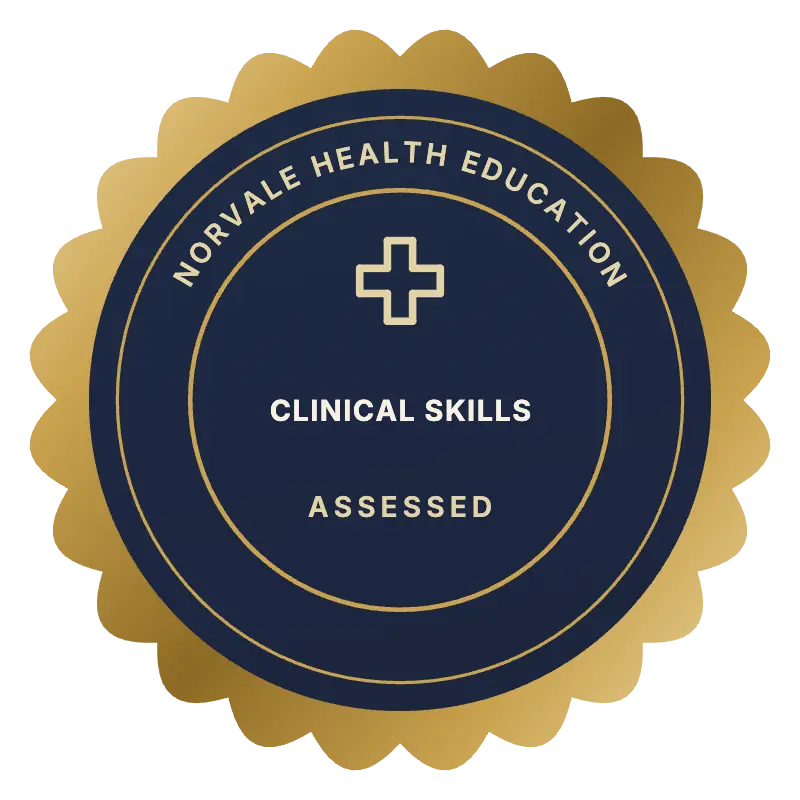
The most common mistake is to make a new badge every time someone has an idea. After a year you have forty badges with forty looks, and nobody knows which ones matter. Instead, group badges into families that share a shape and a colour, with clear levels.
- One shape per family. All customer care badges are a diamond, all leadership badges a hexagon. People learn to read them at a glance.
- Levels by metal or number. Bronze, silver and gold, or level 1, 2 and 3. Each level has its own criteria, and the higher levels are clearly harder.
- The same words in the same place. The skill name on the ring, the level in the centre, your company name at the bottom.
- Room to grow. Leave space in the family for a level you have not created yet.
Write criteria people respect
A badge is only as good as the rule behind it. If people think a badge is handed out to friends, it loses value for everyone who earned it fairly. Write the criteria down before you issue the first one, and show them on the badge page.
Skill, level 1
Customer Care, Bronze. Awarded to team members who completed the customer care course and handled 50 support conversations with a satisfaction score of 4 or more out of 5.
Skill, level 3
Customer Care, Gold. Awarded to team members who hold the Silver badge, coached two colleagues to Bronze and led a review that improved a support process.
Value
Mentor. Awarded to colleagues nominated by at least two people they mentored for six months or more, and confirmed by their manager.
Milestone
Five Years at Riverstone Freight. With thanks for five years of work, care and good humour.
Good criteria are specific (a number, a course, a result), checkable (someone could confirm it) and fair (anyone in the role has a real chance). For values badges, criteria are softer, so use nominations from more than one person to keep them fair.
Nominations from managers and peers
Some badges are earned automatically: finish the course, get the badge. Others need a human to say "this person did it". A simple nomination process keeps those fair and quick.
Step 1: Collect nominations in a form
Ask for the person's name and email, the badge, and two or three sentences on what they did. The sentences can become the personal line on their badge page.
Step 2: Review once a month
A small group, for example the team lead and someone from people operations, checks each nomination against the criteria. Monthly is often enough to feel timely without becoming a chore.
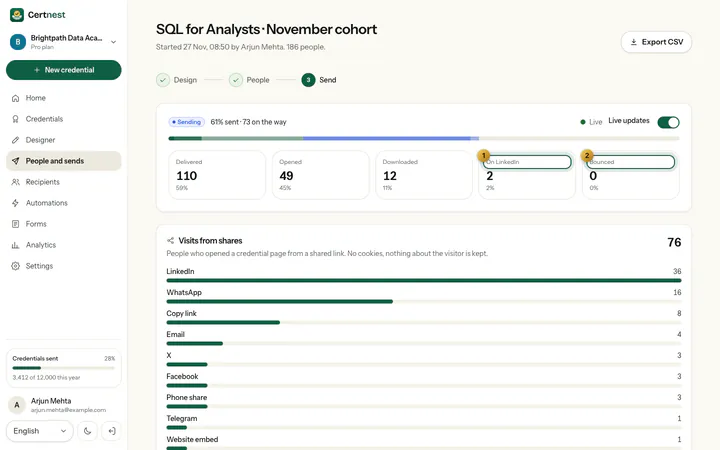
Step 3: Send the approved badges together
Add the approved people to a list and send. Each person gets an email and their own badge page. You can watch who opened and shared it on the send board.
Step 4: Say it out loud too
Mention the new badges in a team meeting or newsletter. The digital badge keeps the thanks; the moment in front of colleagues makes it felt.

For training badges you can skip the form. Connect your learning system so that finishing a course issues the badge on its own, with a rule such as a score of at least 80. See our automations help article for how that works.
Avoiding badge overload
When badges are too easy or too many, people stop caring. Watch for these signs and fix them early.
- Everyone has every badge. Then the criteria are too easy. Raise the bar for new awards and say so.
- Badges nobody opens. If the open rate of a badge email is low, people do not see the value. Ask a few of them why.
- Badges for attending meetings. Being present is not an achievement. Save badges for doing something.
- Duplicate badges. Two badges that mean the same thing confuse people. Merge them and keep one.
Review the badge catalogue once a year. Retire badges that no longer fit, but never take away a badge someone already earned. It stays on their record with the date it was given.
Sharing, and respecting people who do not
Skills and training badges are worth sharing, and many people will add them to LinkedIn. Make it one tap: the badge page has an Add to LinkedIn button that fills in the name, the issuer and the date. Our guide to adding a certificate to LinkedIn shows what the person sees.
Not everyone wants to post about their work, and that is fine. Badge pages are unlisted by default, which means only people with the link can see them. The person decides whether to make it public or share it. Never make sharing a condition of earning a badge.
Knowing if it works
After a few months, look at three things: how many people opened and kept their badge, how many shared it, and whether the skills you wanted to grow are growing. The first two you can see in analytics. The third you will see in your own numbers, such as course sign-ups, support scores or how many people move up a level. Our article on measuring credential ROI goes deeper.
Recognition is a habit, not a campaign. Keep the badge families small, the criteria clear and the moments regular, and badges become part of how your company says thank you. For more on recognition and training at work, see our page for companies.
Questions and answers
What is the difference between a badge and a certificate at work?
A certificate is usually a page sized document for a bigger achievement, such as finishing a programme. A badge is a small image for a skill, value or milestone, made to be shown on profiles and in email signatures. Many companies give both for training: a certificate to keep and a badge to share.
How many badges should we start with?
Start small, for example three families with three levels each. It is easier to add badges later than to take away meaning from too many.
Can employees keep their badges if they leave?
Yes. A badge belongs to the person who earned it. It stays on its page and in their wallet, so they can still show it to a new employer.
Should values badges go on LinkedIn?
That is the person's choice. Skills and training badges are the ones most people share. Values and milestone badges mean most inside the company, and some people prefer to keep them private.
Can badges be issued automatically?
Yes. Training badges can be issued when someone finishes a course, with rules such as a minimum score. Values badges work better with a human nomination and a quick review.