What is a digital badge?
A digital badge is a small picture that carries proof of what someone did. Here is what is inside one, how it compares with a certificate, and how to start your own.

By the Certnest team
6 min read

On this page
Key takeaways
- A digital badge is a picture plus data: who issued it, who earned it, what they did and when.
- The data is what makes it trustworthy, because anyone can check it.
- Badges suit skills and small achievements; certificates suit full courses and formal awards.
- People show badges on LinkedIn, in email signatures, on websites and in digital wallets.
- Start small: one badge, clear criteria, and a plan for who checks the work.
A digital badge is a small picture that says someone achieved something, with the proof built in. It looks like a sticker or a medal on a screen. Behind the picture is information: who issued it, who earned it, what they did to earn it, and when. Click the badge and you can check all of it. That is the difference between a badge and a nice image. This guide explains what is inside a badge, how badges compare with certificates, and how to start a badge programme of your own.
A plain definition
Think of a badge from a scout group or a sports club. It shows you did something specific, like learning first aid or swimming a distance. A digital badge does the same job online, with one big improvement: it carries its own evidence.
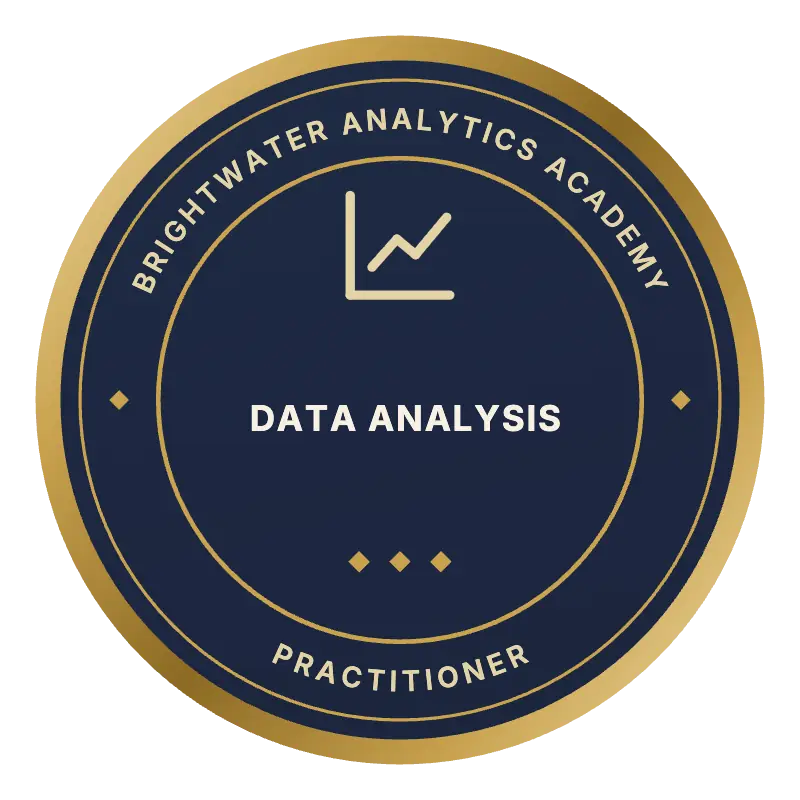
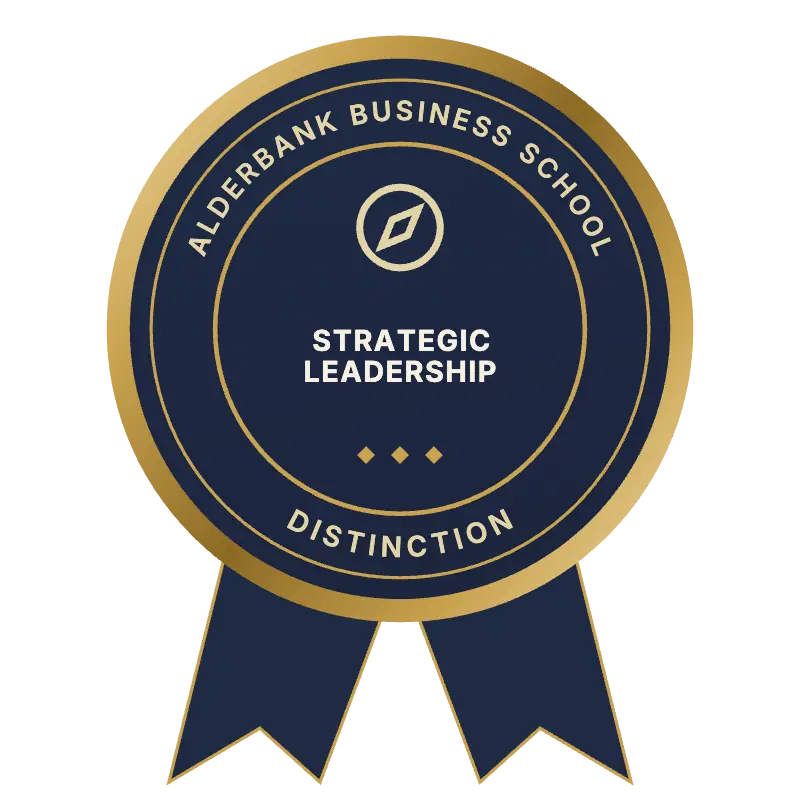
A digital badge has two parts. The picture is what people see: a shape, a title, often the issuer's mark. The data is what makes it real: a description of the achievement, the criteria, the earner's name, the dates and a digital signature from the issuer. Most modern badges follow the open standard called Open Badges, so they work across different platforms and can be checked by anyone.
What is inside a badge
Here is what a well-made badge contains. You do not need to know the technical names to use badges, but it helps to know what a reader can check.
| Part | What it says | Example |
|---|---|---|
| Image | The picture people see | A hexagon that reads UX Research |
| Name and description | What the badge stands for | UX Research Practitioner: plans and runs user interviews |
| Issuer | Who gave it, with a way to check their identity | Northfield Design School |
| Earner | Who it belongs to | Omar Haddad |
| Criteria | What the person had to do | Ran 5 user interviews and wrote a findings report |
| Evidence (optional) | A link to the work itself | A link to the final report |
| Dates | When it was issued, and when it ends if it expires | Issued 27 November 2026, no end date |
| Skills or alignment (optional) | Skills or frameworks it maps to | User research, interviewing |
| Signature and status | Proof it was not changed, and whether it is still valid | Signed by the issuer, not revoked |
The signature is the quiet hero. It means a verifier can tell that the badge came from the issuer and that nobody changed a word since. If the issuer later revokes the badge, the status shows that too.

Badge or certificate?
People often ask which one they need. The honest answer is that they do different jobs, and many issuers send both for the same achievement.
| Item | Digital badge | Digital certificate |
|---|---|---|
| Shape | Small square or round picture | A page, A4 or Letter, landscape or portrait |
| Best for | Single skills, levels, milestones, roles | Full courses, programmes, formal awards |
| Where people show it | LinkedIn, email signatures, profiles, websites | Print, frame, attach to job applications, LinkedIn |
| Details | Mostly in the data behind the picture | Mostly printed on the page |
| Feels like | A pin on a jacket | A diploma on a wall |
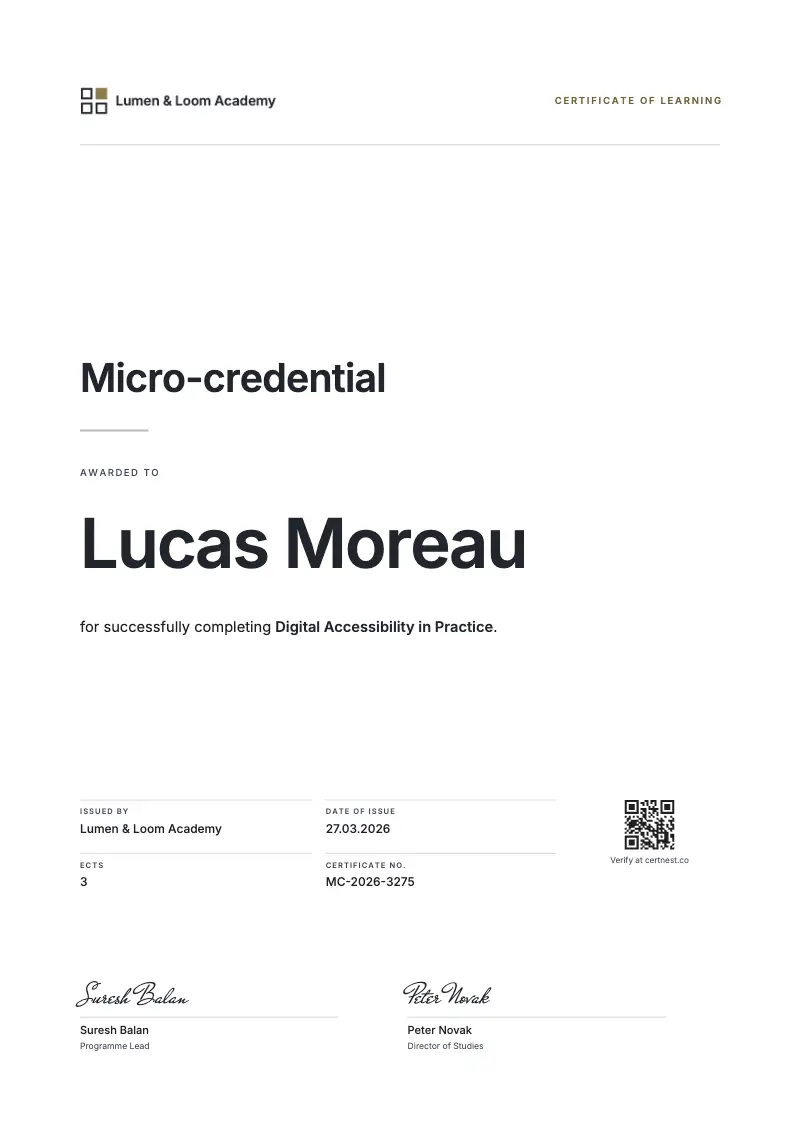
A useful rule: if someone would want to print it, make a certificate. If they would want to collect several and show them in a row, make badges. For a long course, a certificate for finishing plus a badge for each module works well. Our comparison of digital credentials and paper certificates goes further.
Where people show badges
- LinkedIn. In Licenses and certifications, with a link to the badge page. See how to create a LinkedIn certification badge.
- Email signatures. A small badge under the name, linked to its page.
- Personal websites and portfolios. A row of badges next to a project shows the skills behind it.
- Job applications. A link in a CV lets an employer check the badge in one click.
- Digital wallets. Certnest gives every earner a wallet that collects every credential sent to their email address, from any issuer using Certnest.
Why organisations use badges
Badges are popular with training teams, course creators, professional bodies and schools because they make learning visible in small, specific steps.
- They reward progress, not just the finish line. A badge for each module keeps people going through a long course.
- They describe real skills. "Cloud Security Basics" says more than a general certificate of attendance.
- They spread the word. Every badge shared on a profile shows your name to the earner's network.
- They are easy to check. An employer or a client can confirm a badge in seconds without calling you.
- They can expire. For skills that need refreshing, a badge with an end date nudges people to renew.
How to start a badge programme
You do not need a big plan to start. Many good programmes begin with a single badge. These steps keep it simple.
- Pick one achievement that matters. Choose something people already work hard for, like passing a final project or leading a session.
- Write clear criteria. One or two sentences that say exactly what earns the badge. If two people read it, they should agree who qualifies.
- Decide who checks. A teacher, a manager or an automatic rule such as a score of at least 70 percent.
- Design the picture. Keep it simple and readable when small. A template in your colours is a fast start.
- Decide on expiry. Most learning badges do not expire. Safety and licence badges usually should.
- Send it to yourself first. Check the email, the page and the LinkedIn button before anyone else sees it.
- Send to your first group and watch the board. See who opened, downloaded and added it to LinkedIn, and learn from it.
Once the first badge works, add more. A small set of levels, such as foundation, practitioner and expert, often tells a clear story. For workplace ideas, read digital badges for employee recognition.
What makes a badge valuable
A badge is worth what it stands for. The picture matters less than people think. What gives a badge real value is a reputable issuer, criteria that mean something, and proof that is easy to check. If any of those is missing, a badge becomes decoration. If all three are there, a small picture can open a door.
Questions and answers
Is a digital badge the same as a micro-credential?
They are close cousins. A micro-credential usually means a short, assessed piece of learning, and it is often issued as a digital badge. The badge is the format; the micro-credential is the learning it records.
Can anyone make a digital badge?
Yes. Any organisation can design and issue badges. What makes a badge trusted is the issuer's reputation, clear criteria and a way to check it, not who is allowed to make it.
Do digital badges expire?
Only if the issuer sets an end date. Many learning badges never expire. Badges for safety, compliance or licences often do, and the badge page shows whether it is still valid.
How does someone check a badge is real?
They click it or paste its ID into a verify page. The page checks the issuer's signature, who issued it, whether it was revoked and whether it is still in date. Certnest's verify page does this without an account.
What file formats do badges come in?
Earners usually get a web page for the badge, a PNG picture and often a signed data file. With Open Badges, the data can even be baked into the PNG, so the picture carries its own proof.
How many badges should we offer?
Start with one or two. Too many badges early on makes each one feel less special. Add more once you see people earning and sharing the first ones.