

Certificate, formal
Membership certificates that make joining feel special
Joining an association is a proud moment. Mark it with a certificate that names the member, their grade and the date they joined. Send it by email, and each member gets a page to download it, add it to LinkedIn and share a link that confirms their membership.
- Your logo, colours and paper size
- Names filled from your list
- QR code and verify link on each
- Wording you can use as it is
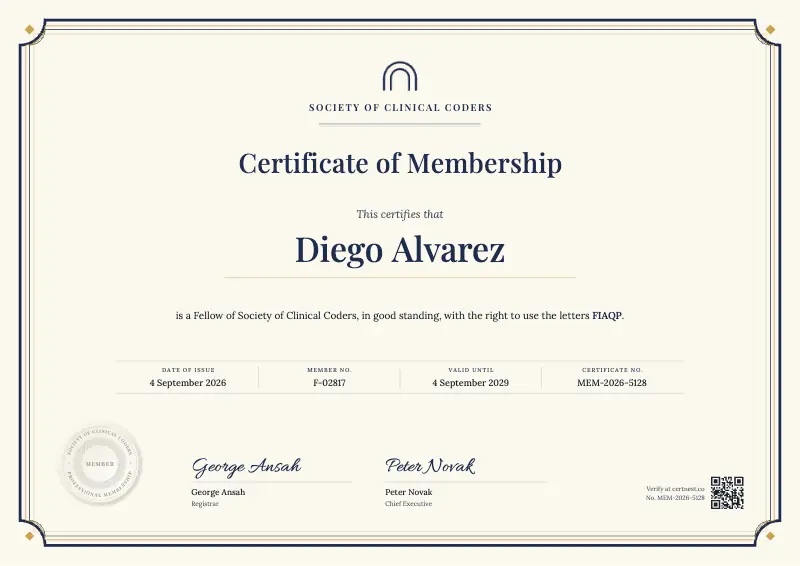
Professional membership: Academy, College navy and gold
Certificate
Designs made for this
Open a design for a closer look, or pick a colour above to see them in your brand.
- Use this template: Professional membership: Academy
- Use this template: Professional membership: Academy
Certificate, formal
- Use this template: Professional membership: Academy, portrait
Certificate, formal
- Use this template: Professional membership: Academy
Certificate, formal
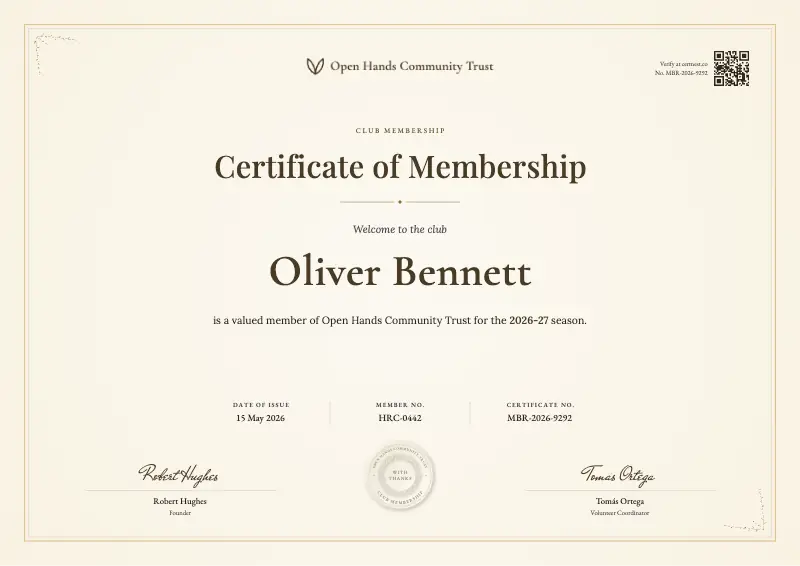
- Use this template: Club membership: Volunteer and Appreciation
Certificate, standard
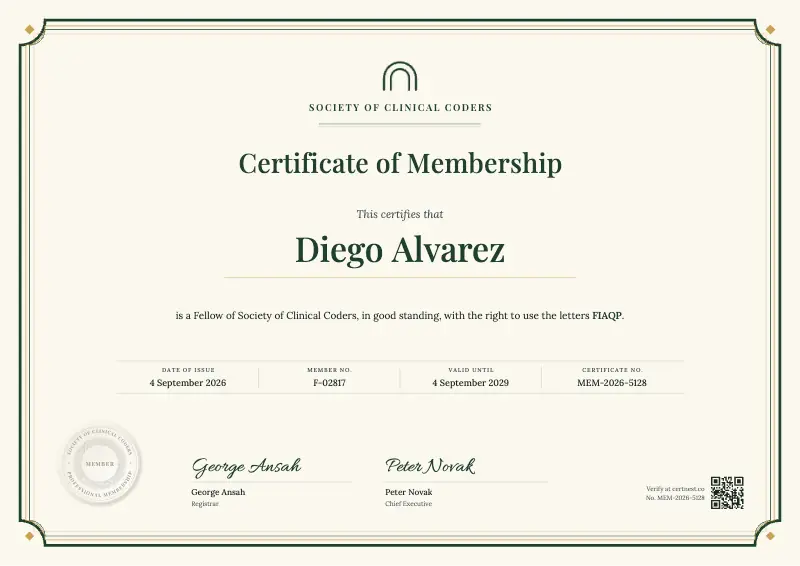
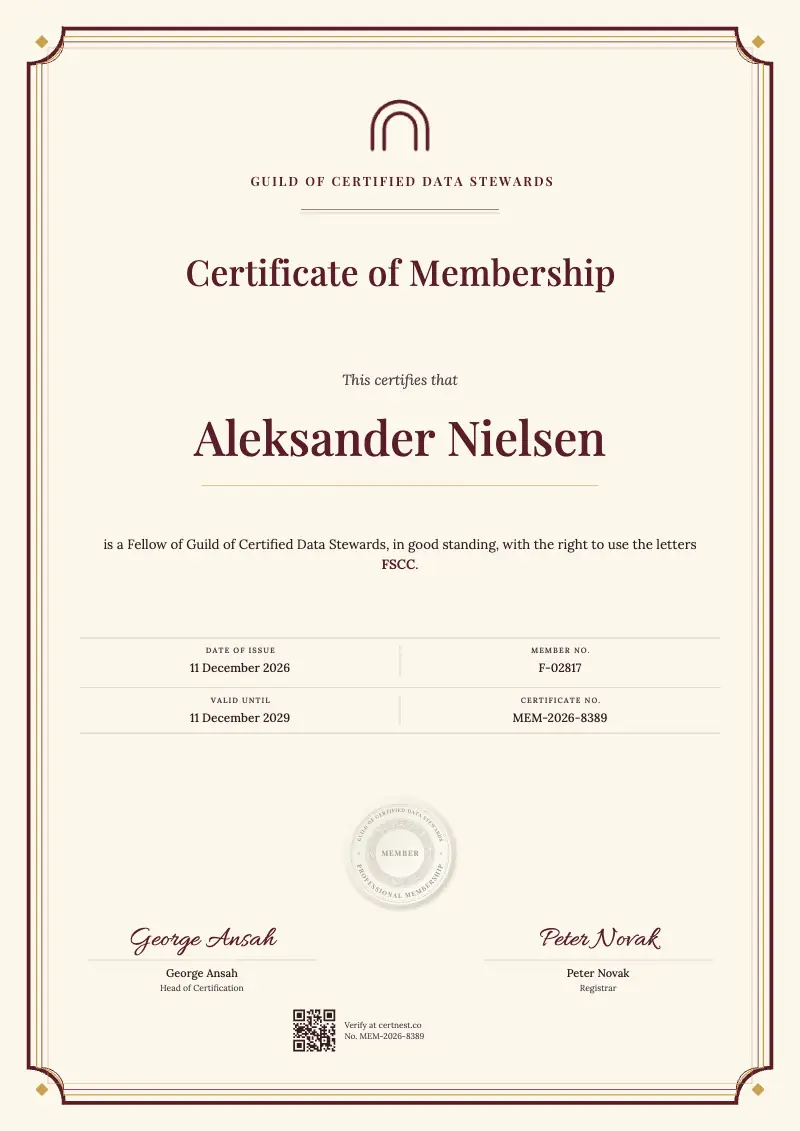
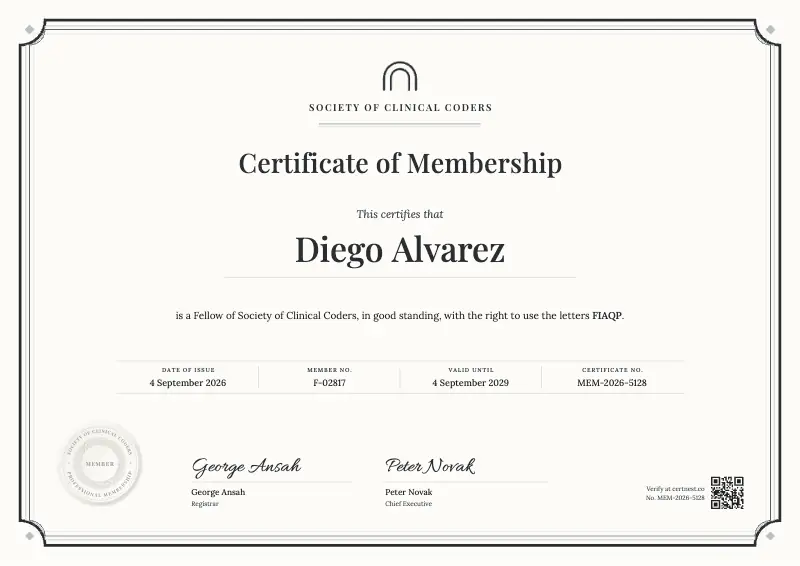
More certificates for this
Every design here is in the catalog. Tap a colour dot to try another colour, or open one to look closer.
- Use this template: Membership certificate: Graduation
5 colours, formal
- Use this template: Fellowship: Graduation
5 colours, formal
- Use this template: Life membership: Graduation
5 colours, formal
- Use this template: Club membership: Professional Body
5 colours, standard
- Use this template: Membership certificate: Professional Body
5 colours, formal
- Use this template: Fellowship: Professional Body
5 colours, formal
- Use this template: Student membership: Heritage
5 colours, formal
- Use this template: Life membership: Professional Body
5 colours, formal
Checklist
What to put on it
In order of importance. Every template has a place for each.
- 1Member's full name
- 2Membership grade or class
- 3Member number
- 4Date of admission
- 5Renewal or expiry date, if membership is yearly
- 6Association name, logo and seal
- 7Signatures of the president and secretary
- 8Verify QR code
Copy and use
Wording ideas
Highlighted words are smart fields: each person's own details fill in by themselves when you send.
Formal
This is to certify that Daniel Okafor has been admitted as a A of Brightpath Academy on 25 November 2026.
Society
Brightpath Academy hereby confirms that Daniel Okafor is a member in good standing, member number member id.
Yearly
Daniel Okafor is a registered member of Brightpath Academy for the year 2026.
Life membership
Brightpath Academy is pleased to confer Life Membership on Daniel Okafor, in recognition of long and valued support.
Warm welcome
Welcome to the Brightpath Academy family, Daniel Okafor. We are glad you are here.
Do and avoid
Do
- Use the grade names your rules define, such as Associate or Fellow
- Add an expiry for yearly memberships so status stays true
- Turn on a public member registry if people need to look members up
- Have the president and secretary sign
Avoid
- Do not let a lapsed member's certificate show as valid
- Do not use post-nominal letters the member has not earned
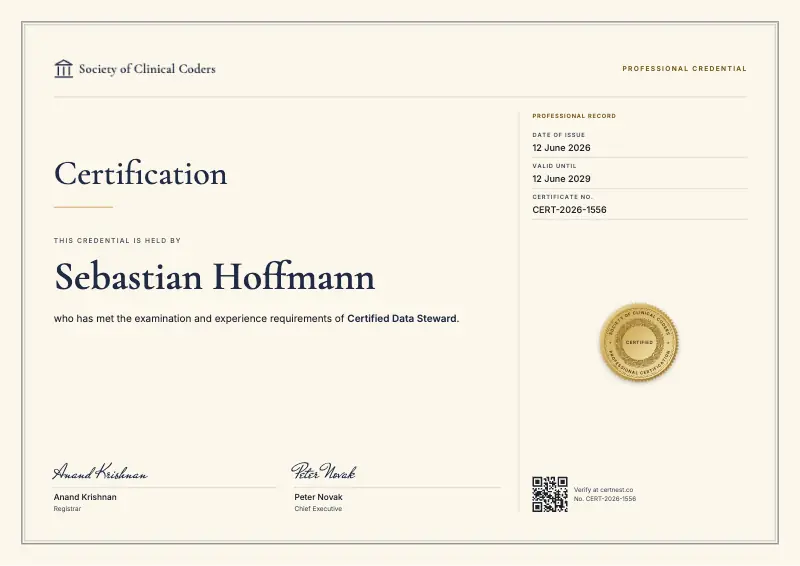
- Do not mix up membership with professional certification
- Do not print personal details beyond what is needed
Questions and answers
What is a membership certificate?
It is a document that confirms a person is a member of an association, club or society, often with their grade and the date they joined.
Is a membership certificate the same as a membership card?
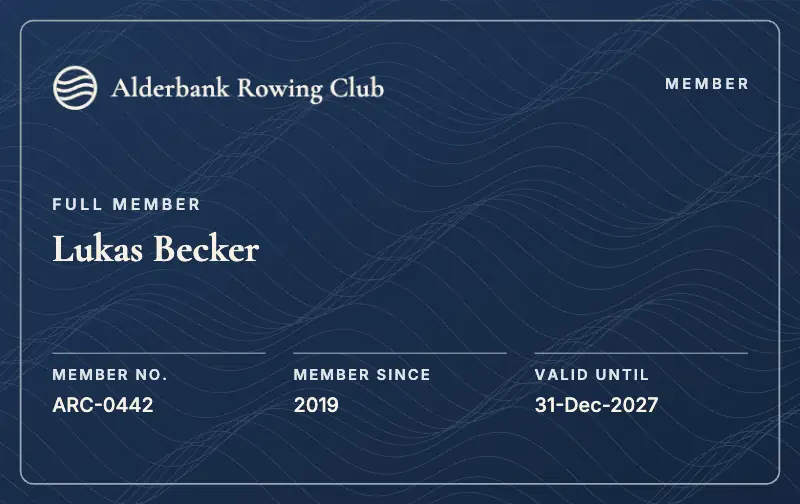
Not quite. A certificate marks admission and is often framed. A card is carried and shown for entry or discounts. You can send both.
Can members show their membership on LinkedIn?
Yes. Their certificate page has an Add to LinkedIn button that fills in your association's name, the date and the verify link.
Can the public check whether someone is a member?
Yes. Anyone can open the verify link. On the Business plan you can also publish a public registry of current members.
What happens when a membership lapses?
If you set an expiry, the verify page shows it as expired after that date. When the member renews, you reissue with the new date.
Send it today
Open this template in your colours, add your people and send. Free to start.