Quick viewUse this template: Fundraiser: Heritage
Certificate, standard
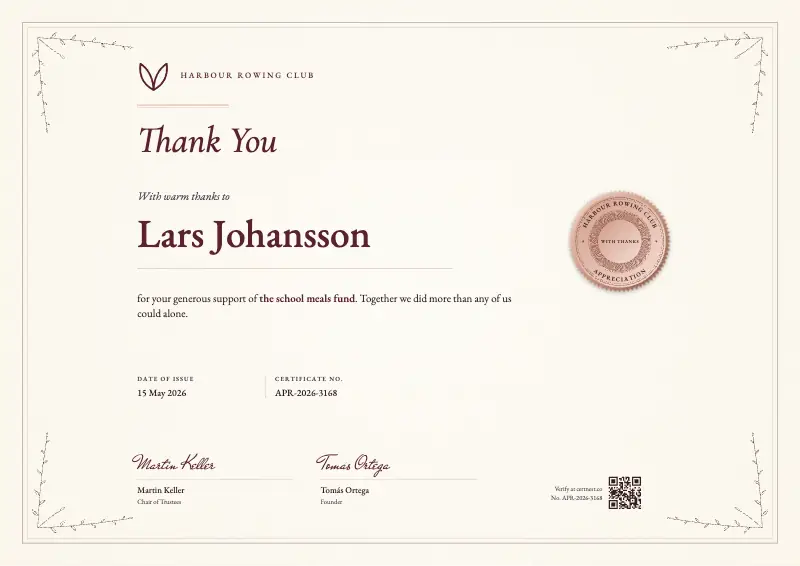
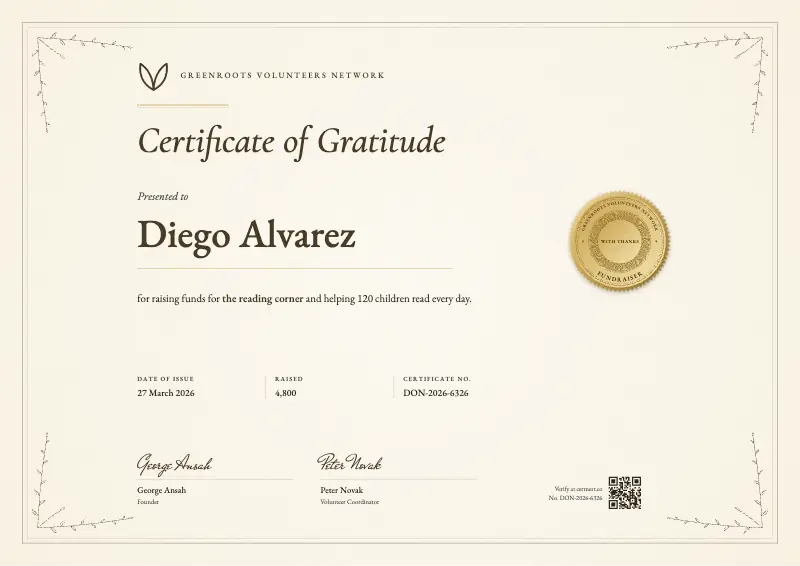
Donors give because they care. A warm, personal certificate shows them their gift mattered. Send one to every donor by email, with a page where they can download it, share it on LinkedIn and verify it came from you.
Fundraiser: Heritage, Sepia
Certificate
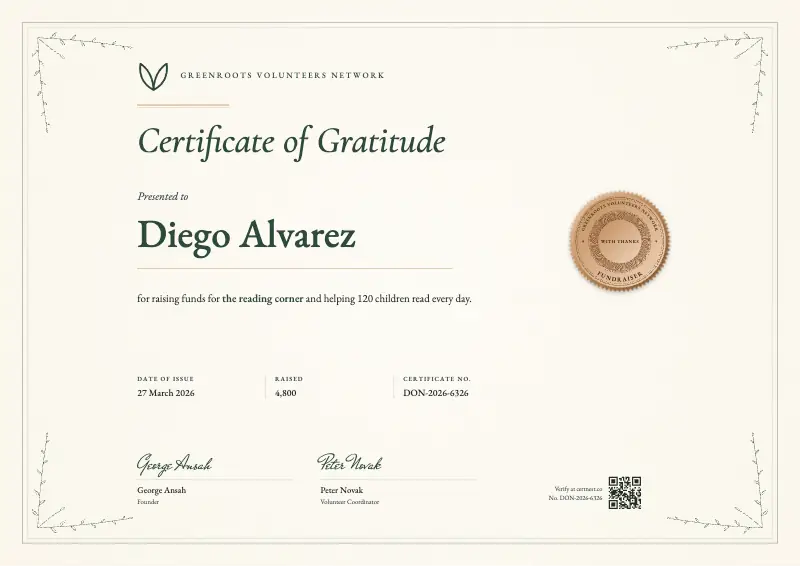
Open a design for a closer look, or pick a colour above to see them in your brand.
Certificate, standard
Certificate, standard
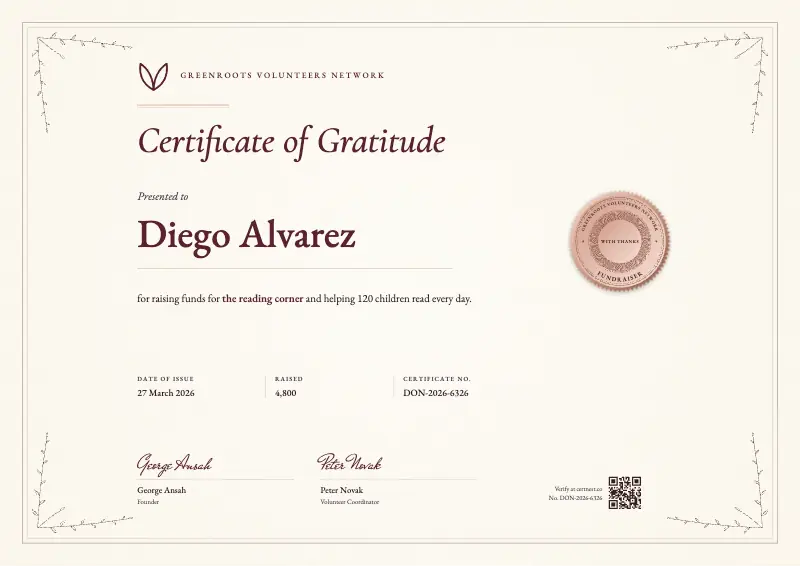
Certificate, standard
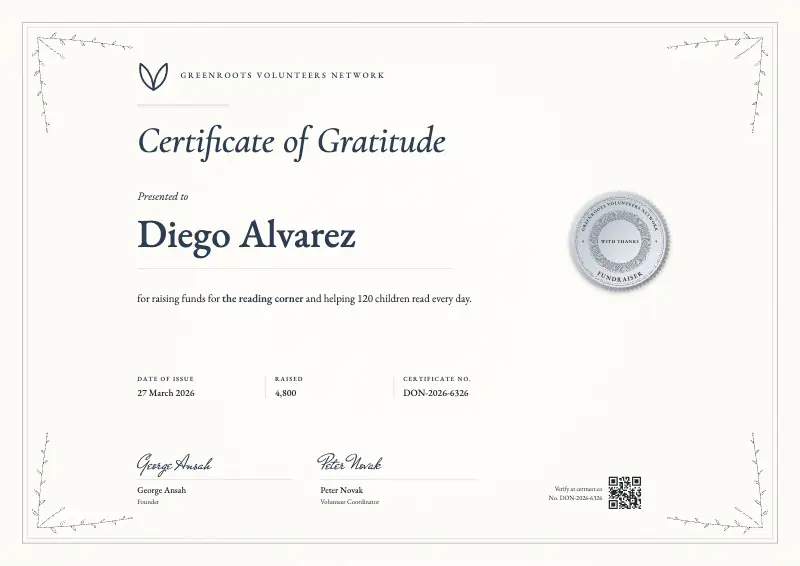
Certificate, standard
Every design here is in the catalog. Tap a colour dot to try another colour, or open one to look closer.
5 colours, standard
5 colours, standard
5 colours, standard
5 colours, standard
5 colours, standard
5 colours, standard
Checklist
In order of importance. Every template has a place for each.
Copy and use
Highlighted words are smart fields: each person's own details fill in by themselves when you send.
Heartfelt
With heartfelt thanks to Daniel Okafor for your generous gift to Brightpath Academy. You made a real difference.
With impact
Thank you, Daniel Okafor. Your donation helped give impact in 2026.
Campaign
Brightpath Academy gratefully recognises Daniel Okafor as a supporter of the campaign campaign, 25 November 2026.
Business donor
Presented to Northwind Labs in appreciation of its generous support for Future Leaders Programme.
Monthly giver
Thank you, Daniel Okafor, for giving every month in 2026. Steady support like yours keeps our work going.
No, not by itself. Only an organisation registered to issue tax receipts can do that, using the details the law requires. Send a separate official receipt if you are registered.
Thank the donor by name, say what their gift supported and add the date and your signature. Keep it warm and short.
Only if the donor agrees. Many donors prefer a thank you without the amount.
Yes. Upload your donor list from Excel or Google Sheets and send each donor their own certificate by email.
Yes. Business donors often share them on LinkedIn to show their community support, using the share link on the certificate page.
Open this template in your colours, add your people and send. Free to start.