

ID or member card, formal
Membership cards your members will carry everywhere
A membership card makes people feel they belong. Design one card, upload your member list and send each member their own card by email. They get a page to download it, save it to Apple or Google Wallet, and show a QR code anyone at the door can verify.
- Your logo, colours and paper size
- Names filled from your list
- QR code and verify link on each
- Wording you can use as it is
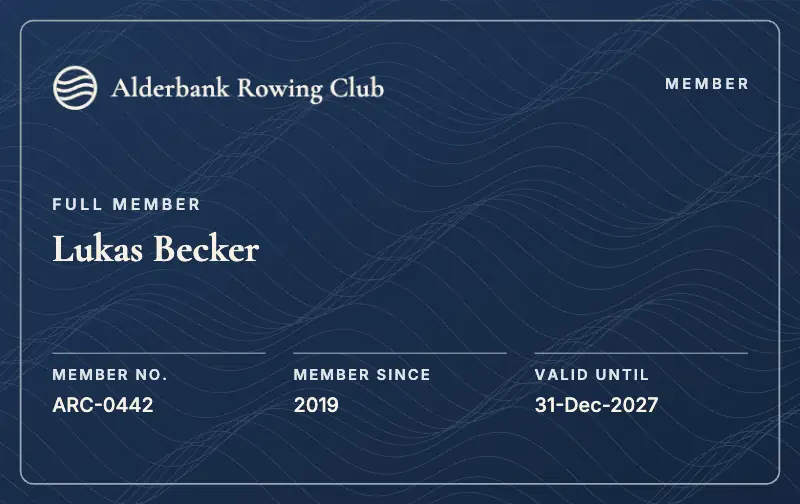
Membership card, Ink blue and silver
ID or member card
Designs made for this
Open a design for a closer look, or pick a colour above to see them in your brand.
- Use this template: Membership card
- Use this template: Professional register card
ID or member card, formal
- Use this template: Membership card
ID or member card, formal


More membership cards for this
Every design here is in the catalog. Tap a colour dot to try another colour, or open one to look closer.
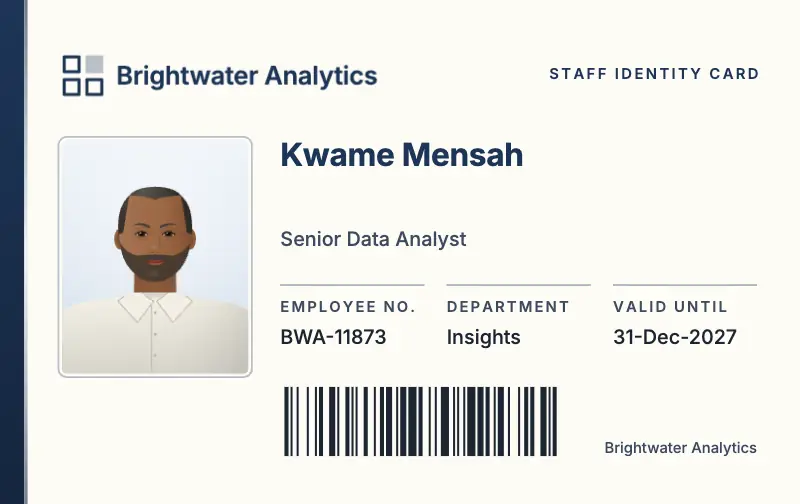
- Use this template: Corporate ID, landscape
4 colours, standard
- Use this template: Contractor and visitor pass
4 colours, standard
- Use this template: Corporate ID, portrait
4 colours, standard
- Use this template: Student ID
4 colours, formal
- Use this template: Event pass
4 colours, standard
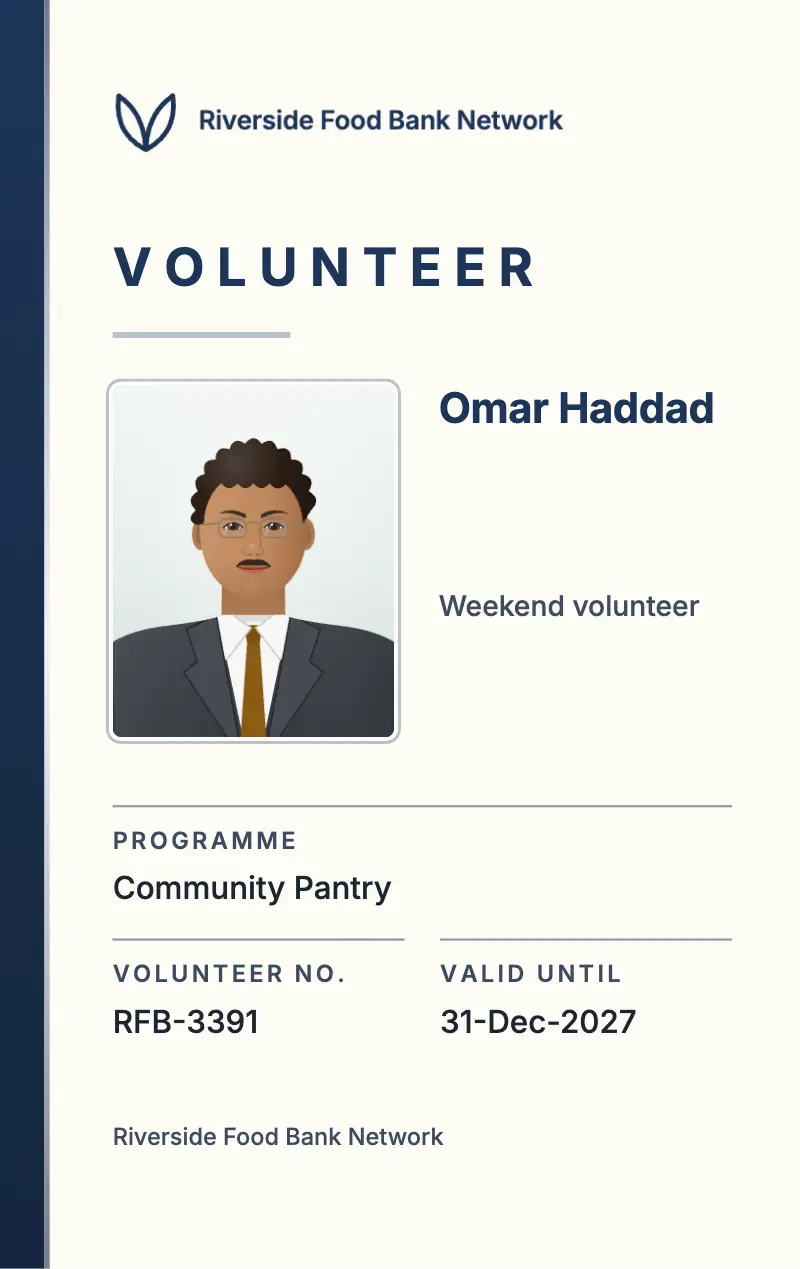
- Use this template: Volunteer ID
4 colours, standard




Checklist
What to put on it
In order of importance. Every template has a place for each.
- 1Member's name
- 2Member number
- 3Membership type or tier
- 4Valid from and valid until dates
- 5Club or association name and logo
- 6Member photo, if you use photo cards
- 7QR code that opens the verify page
- 8Contact line or website on the back
Copy and use
Wording ideas
Highlighted words are smart fields: each person's own details fill in by themselves when you send.
Front, standard
Brightpath Academy Member. Daniel Okafor. Member no. member id. Valid until 25 November 2029.
Tier
Daniel Okafor, tier Member since since.
Back, lost card
If found, please return to Brightpath Academy, address. This card remains the property of Brightpath Academy.
Life member
Daniel Okafor is a Life Member of Brightpath Academy. Member no. member id.
Welcome note
Welcome to Brightpath Academy, Daniel Okafor. Show this card at our events and partner venues.
Do and avoid
Do
- Use a clear photo and large name so staff can check it quickly
- Print the expiry date and set renewal reminders
- Add a QR code so anyone can confirm the membership is current
- Offer both a wallet pass and a printable card
Avoid
- Do not make it look like a government ID
- Do not print home addresses or dates of birth on the card
- Do not reuse member numbers
- Do not leave expired cards showing as valid; renew or let them lapse
Questions and answers
What should a membership card include?
The member's name and number, membership type, expiry date, your logo and a QR code for checks. A photo helps if the card gives entry.
Can members keep their card on their phone?
Yes. On paid plans members can add the card to Apple Wallet or Google Wallet. Everyone can open it from their card page too.
How do I renew membership cards each year?
Set an expiry date. Members get a reminder before it lapses, and you reissue the card with the new date when they renew.
Can I print membership cards as well?
Yes. Download print sheets with cut marks, at standard card size, and still send the digital card by email.
How do staff check that a membership is valid?
They scan the QR code. The verify page shows the member, the organisation and whether the membership is valid or expired.
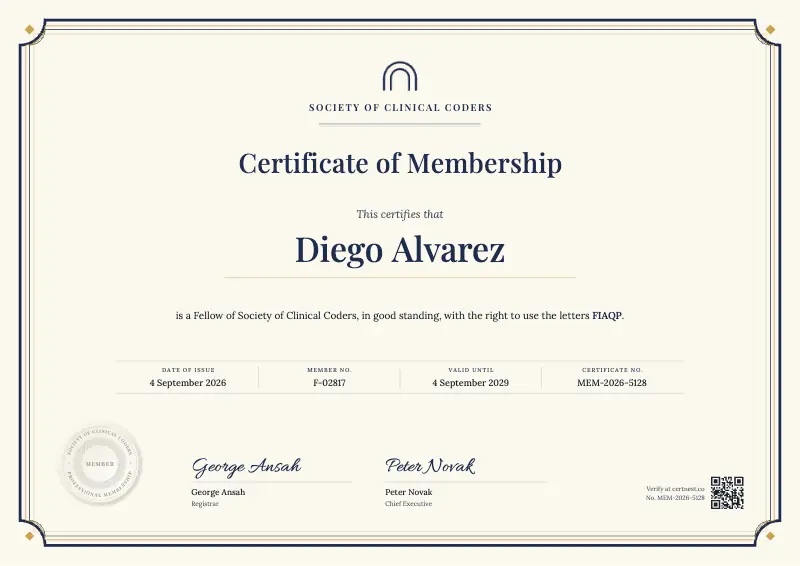
Send it today
Open this template in your colours, add your people and send. Free to start.