

Certificate, standard
Certificates of recognition that people remember
Recognition works best when it is public, specific and quick. Design once, send to everyone on your list, and each person receives their certificate by email. They can download it, show it on LinkedIn and let anyone check it is real.
- Your logo, colours and paper size
- Names filled from your list
- QR code and verify link on each
- Wording you can use as it is
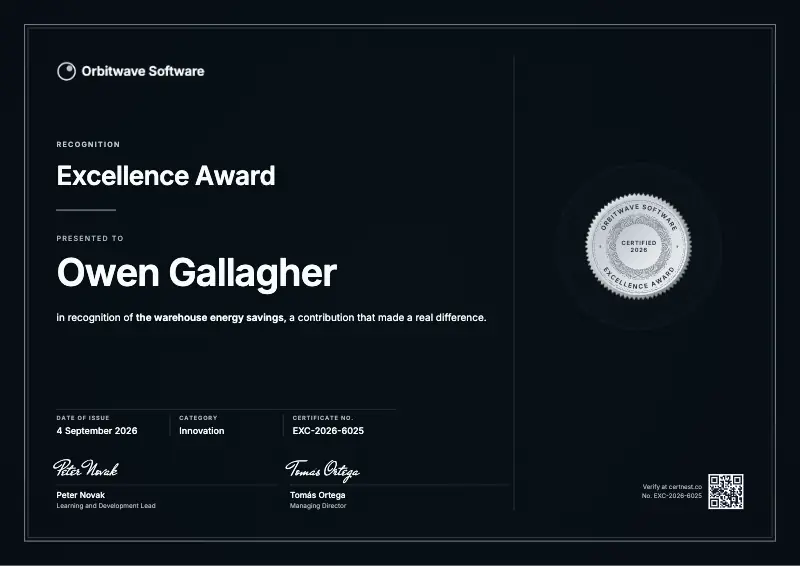
Excellence award: Tech Award, Deep teal and silver
Certificate
Designs made for this
Open a design for a closer look, or pick a colour above to see them in your brand.
- Use this template: Excellence award: Tech Award
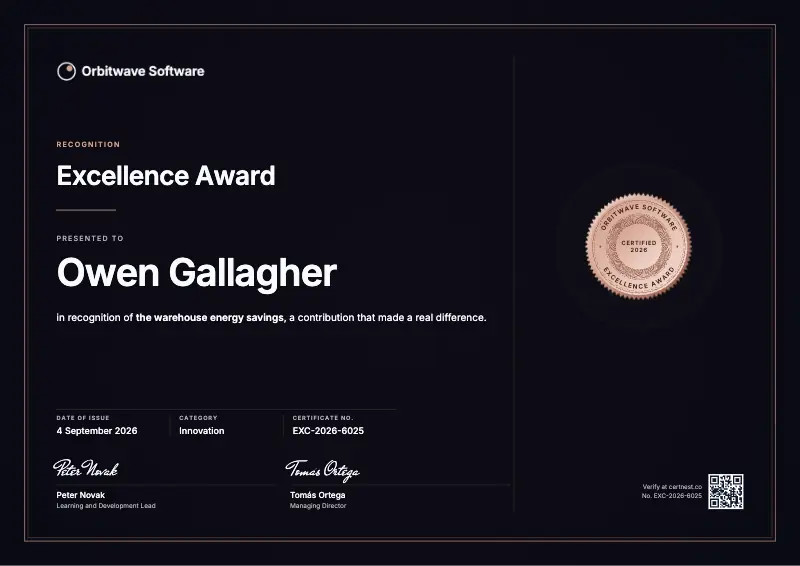
- Use this template: Excellence award: Tech Award
Certificate, standard
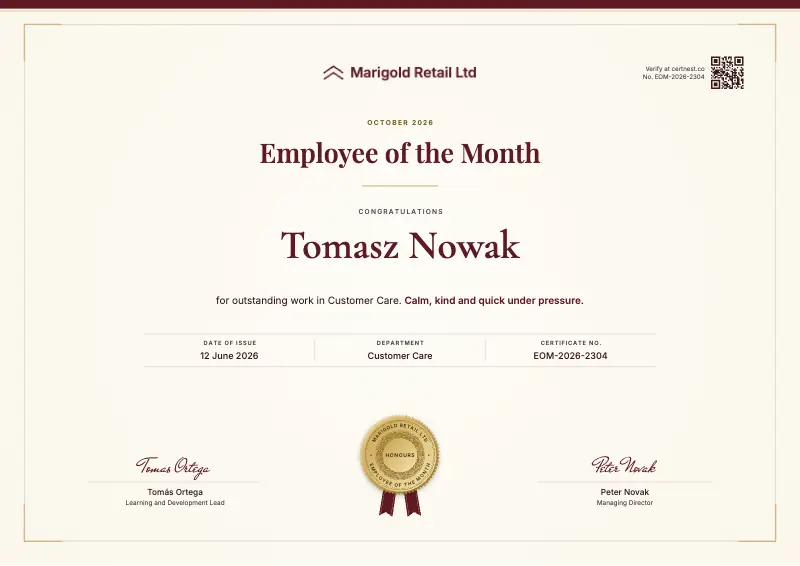
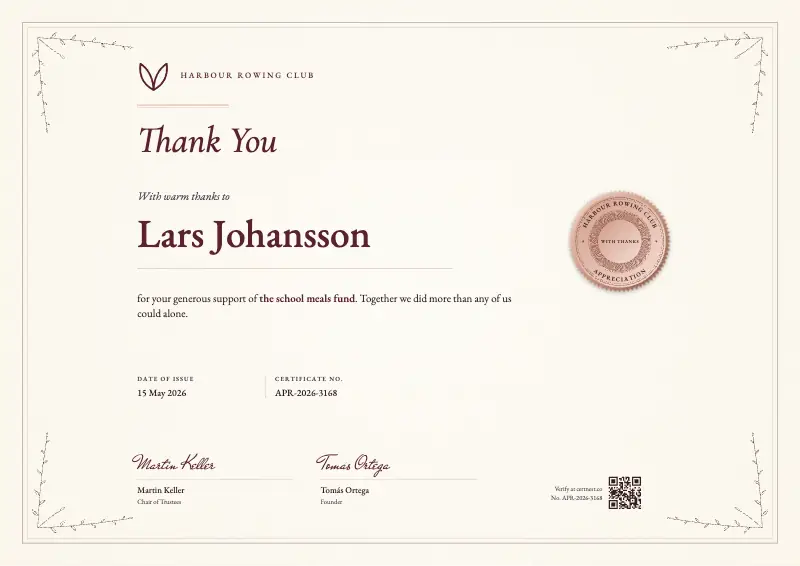
- Use this template: Employee of the month: Corporate Recognition
Certificate, standard
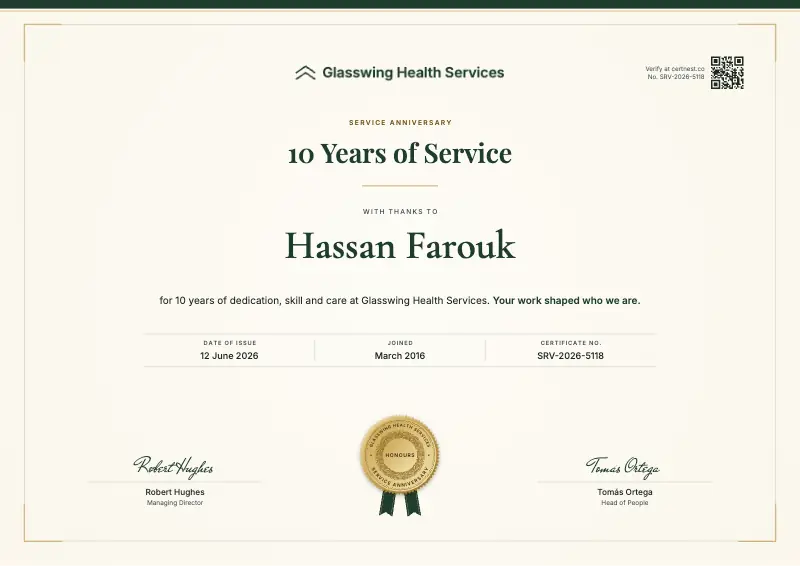
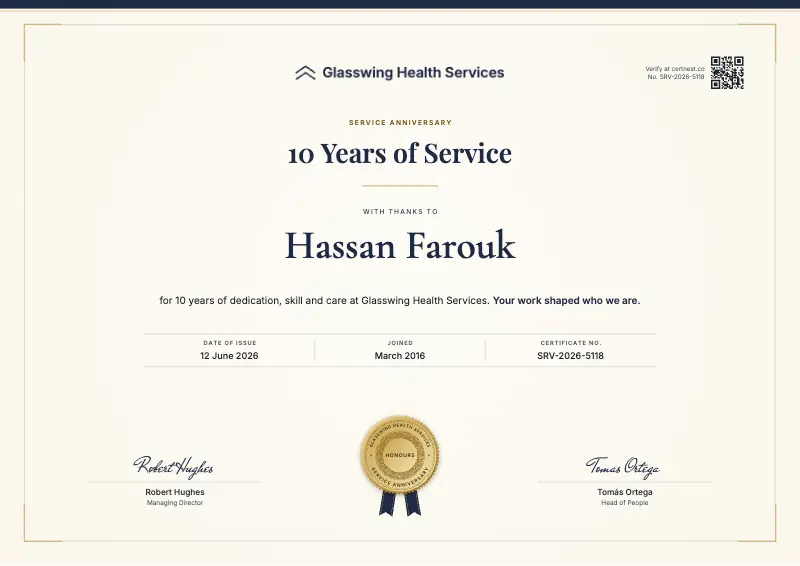
- Use this template: Service anniversary: Corporate Recognition
Certificate, standard
More certificates for this
Every design here is in the catalog. Tap a colour dot to try another colour, or open one to look closer.
- Use this template: Project recognition: Tech Award
5 colours, standard
- Use this template: Teamwork award: Academy
5 colours, standard
- Use this template: Teamwork award: Corporate Recognition
5 colours, standard
- Quick viewUse this template: Spot award: ExecutiveUse this template: Spot award: Executive
5 colours, standard
- Use this template: Spot award: Corporate Recognition
5 colours, standard
- Use this template: Project recognition: Corporate Recognition
5 colours, standard
- Use this template: Certificate of recognition: Corporate Recognition
5 colours, formal
- Use this template: Certificate of recognition: Achievement
5 colours, formal
Checklist
What to put on it
In order of importance. Every template has a place for each.
- 1The words "Certificate of Recognition"
- 2The person's name
- 3The quality or result you recognise
- 4One sentence on the impact it had
- 5The date
- 6Your organisation's name and logo
- 7A signature from a leader
- 8A credential ID and QR code
Copy and use
Wording ideas
Highlighted words are smart fields: each person's own details fill in by themselves when you send.
Formal
In recognition of Daniel Okafor's exceptional dedication and contribution to Brightpath Academy, presented on 25 November 2026.
For impact
Daniel Okafor is recognised for leading the customer dashboard, which helped result. Thank you for showing what is possible.
For values
Presented to Daniel Okafor for living our value of value every day, in small acts and big ones.
For community
With recognition of Daniel Okafor's service to the community community. Your work made our town a kinder place.
For peers
Chosen by colleagues: Daniel Okafor, for being the person everyone on Product can count on.
Short
Recognised for courage, care and great results. Thank you, Daniel Okafor.
Do and avoid
Do
- Tie the recognition to a value or result
- Let peers nominate when it suits your culture
- Share the moment in a meeting or newsletter
- Keep the design clean and the name large
- Send a copy the person can keep for good
Avoid
- Recognise only titles instead of real actions
- Use the same text year after year
- Make recognition feel like a box ticked
- Forget people who work behind the scenes
- Delay it until the moment has passed
Questions and answers
What should I write in a certificate of recognition?
Write the person's name, what you recognise them for, the impact it had, the date and who is giving it.
When should I give a certificate of recognition?
Give it soon after the result or behaviour you want to honour. Quick recognition feels more genuine.
Can I send recognition certificates to people in other countries?
Yes. They are sent by email and each person gets a page they can open anywhere, on any device.
Can I add a badge as well as a certificate?
Yes. You can send a certificate, a digital badge, or both, from the same list.
Does the person need an account to see it?
No. They open the link in the email and can download, share or add it to LinkedIn straight away.

Send it today
Open this template in your colours, add your people and send. Free to start.