How to sign a certificate digitally
The short answer
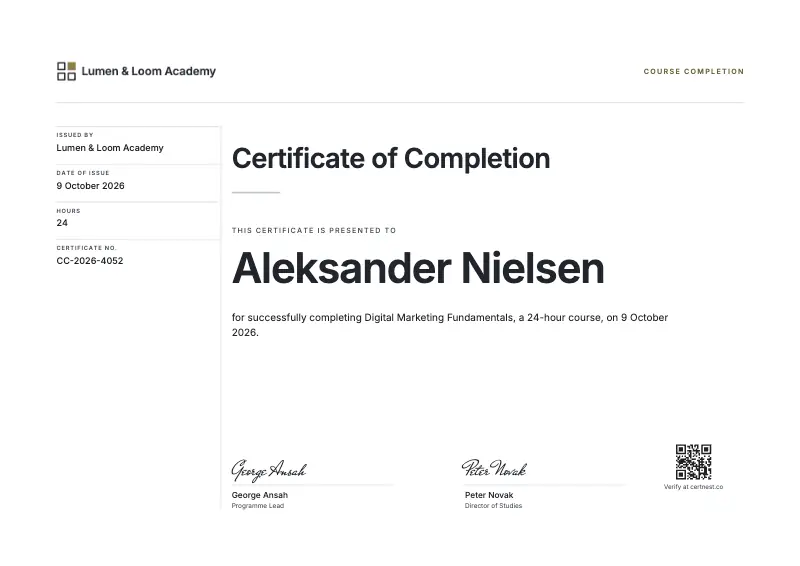
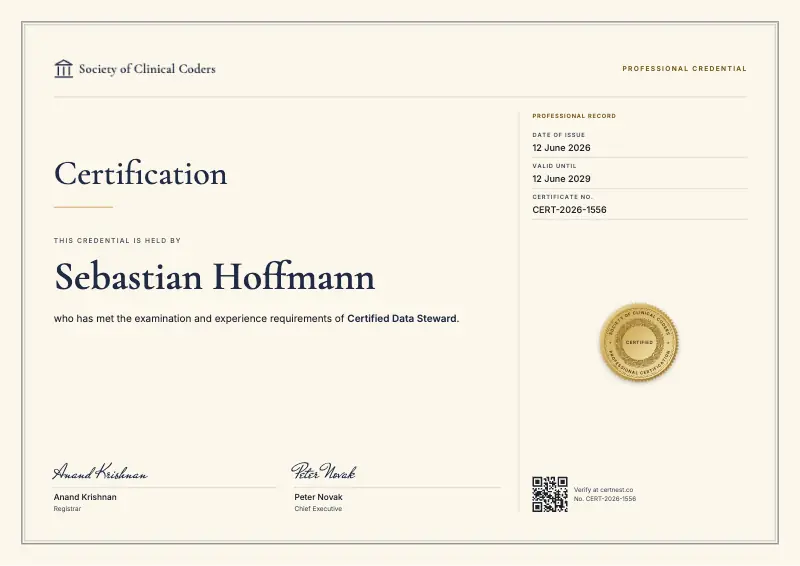
There are two kinds of signature: the handwritten one people see, added as an image, and a cryptographic one that proves the file came from you. Add a clear signature image to the design, and issue as a signed credential so anyone can check it.
- 10 minutes
- 5 steps
- For issuers who used to sign paper certificates
Step by step
- 1
Capture the signature
Sign in dark ink on white paper, photograph it in good light, or draw it on a phone.
- 2
Clean it up
Upload it to the designer. The background is removed so it sits cleanly on the design.
- 3
Place it with a name and role
Put the signature above a line with the signer's name and role.
- 4
Issue as a signed credential
Every credential you send is signed with your organisation's own key, so its origin can be proved.
- 5
Show how to check it
Add the QR code and ID so anyone can confirm the signature in one click.
What this guide covers
- Signature image versus digital signature
- Getting a clean signature image
- Who should sign
- How the digital signature works
- How others check it