How to check if a certificate is fake
The short answer
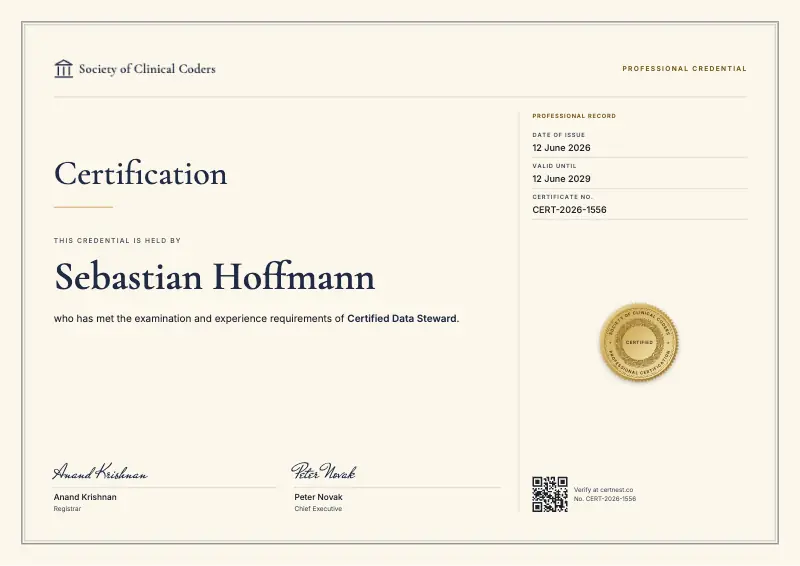
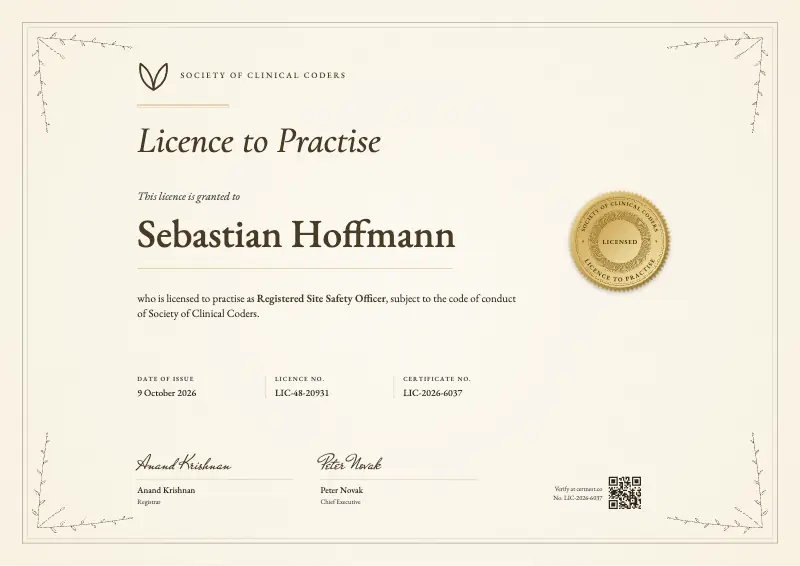
Open the certificate's own verify link or QR code and confirm the details match, then make sure the page sits on the issuer's or platform's real address. When in doubt, contact the issuer using contact details you find yourself, not the ones on the certificate.
- 5 minutes
- 6 steps
- For employers, recruiters, admissions teams and event hosts
Step by step
- 1
Scan or open the link
Use the QR code or credential link on the certificate.
- 2
Check the address
Make sure the page is on a real domain you recognise, not a lookalike.
- 3
Compare details
Name, title, dates and ID must match the copy you were given.
- 4
Look at the status
Valid is good. Expired or revoked means it no longer stands.
- 5
Check the issuer
See if the issuer is verified and that it is a real organisation.
- 6
Check the signature
Drop the PDF or badge file on the verify page to test its digital signature.
What this guide covers
- Common signs of a fake
- Using the verify link safely
- Checking the issuer
- Digital signatures explained
- When to contact the issuer
- Reporting a fake