

Certificate, formal
Award certificates for every reason to celebrate
Whatever the award, the certificate should feel special. Pick a design, write a line that names the reason, and send it to one person or a thousand. Each person gets a page to download, share, add to LinkedIn and show it is verified.
- Your logo, colours and paper size
- Names filled from your list
- QR code and verify link on each
- Wording you can use as it is
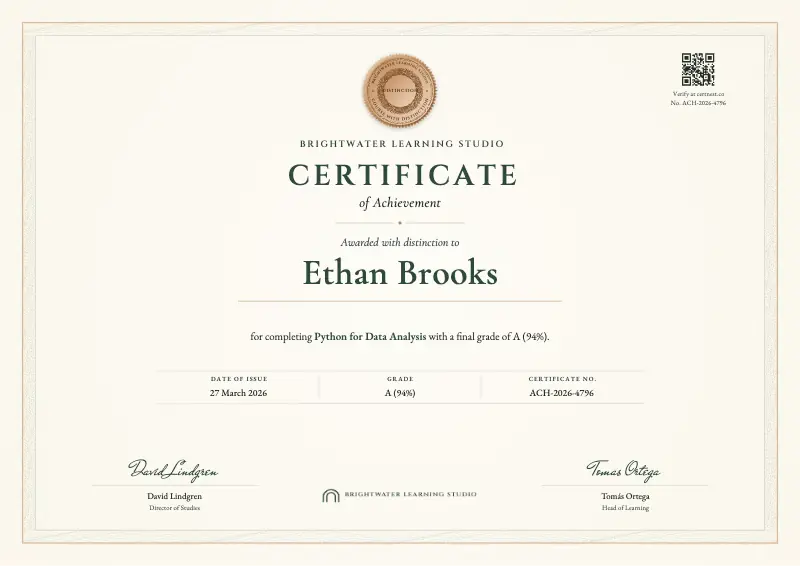
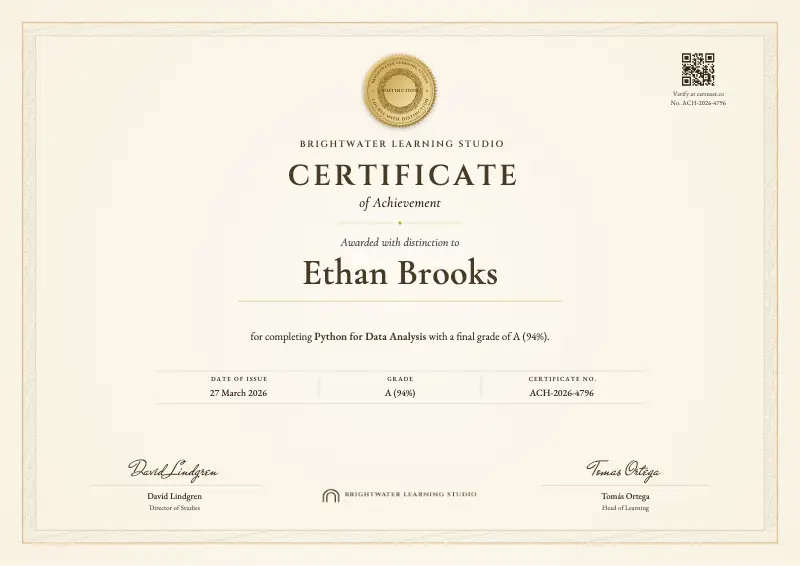
Course with distinction: Achievement, Sage
Certificate
Designs made for this
Open a design for a closer look, or pick a colour above to see them in your brand.
- Use this template: Course with distinction: Achievement
- Use this template: Hackathon winner: Tech Award
Certificate, standard
- Use this template: Excellence award: Tech Award
Certificate, standard
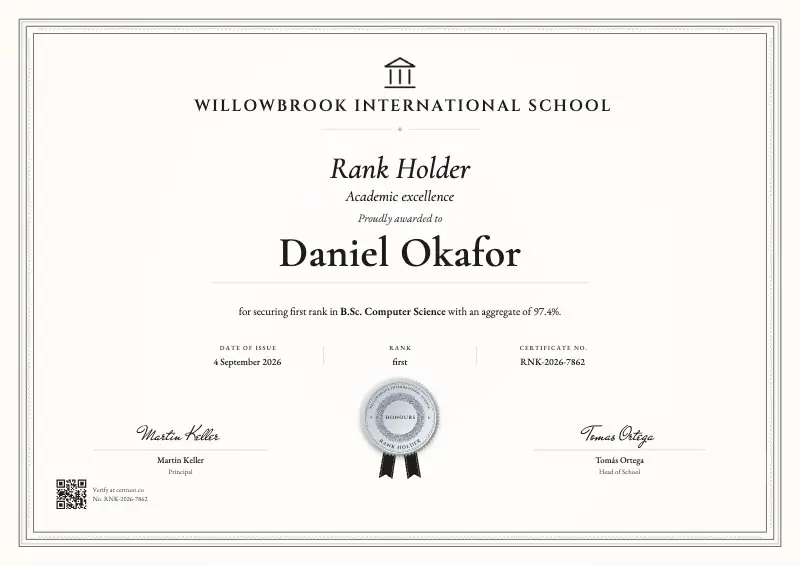
- Use this template: Rank holder: Graduation
Certificate, formal
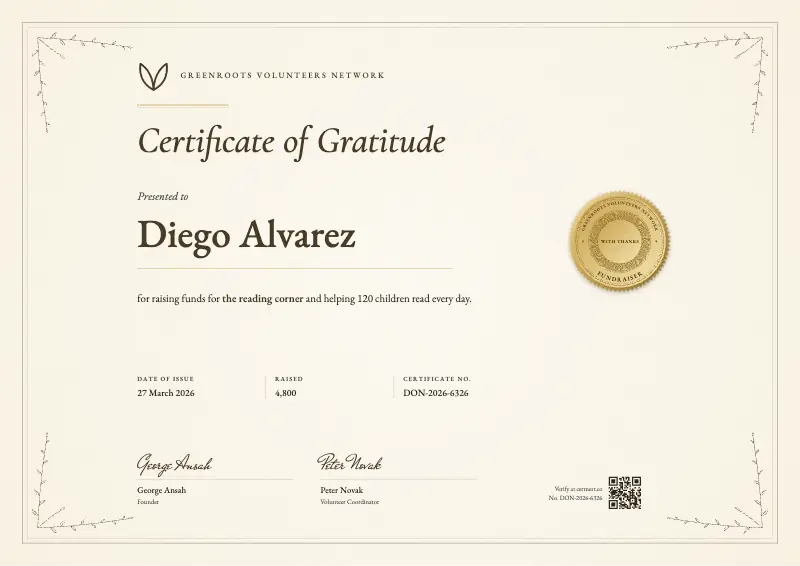 Quick viewUse this template: Fundraiser: HeritageUse this template: Fundraiser: Heritage
Certificate, standard
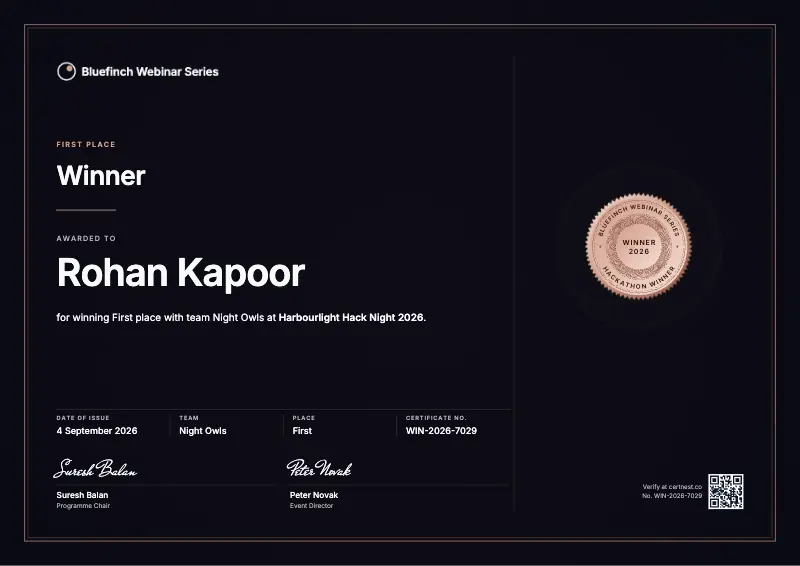
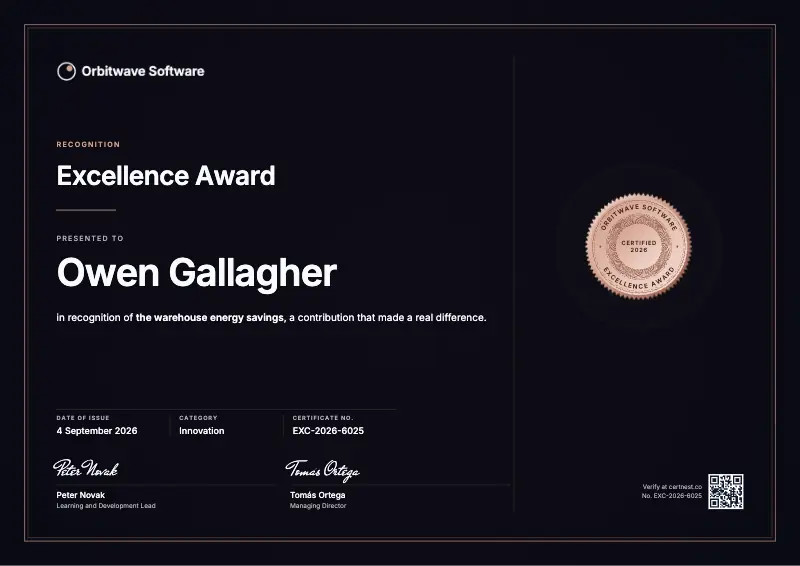
More certificates for this
Every design here is in the catalog. Tap a colour dot to try another colour, or open one to look closer.
- Use this template: Innovation award: Tech Award
5 colours, standard
- Use this template: Honorary award: Academy
5 colours, formal
- Use this template: Leadership award: Graduation
5 colours, formal
- Use this template: Honorary award: Achievement
5 colours, formal
- Use this template: Leadership award: Corporate Recognition
5 colours, formal
- Use this template: Teamwork award: Academy
5 colours, standard
- Use this template: Innovation award: Corporate Recognition
5 colours, standard
- Use this template: Teamwork award: Corporate Recognition
5 colours, standard
Checklist
What to put on it
In order of importance. Every template has a place for each.
- 1The award name
- 2The person's full name
- 3The reason for the award, in one line
- 4The date and occasion
- 5Your organisation's name and logo
- 6One or two signatures
- 7A seal or emblem, if you have one
- 8A certificate ID and QR code
Copy and use
Wording ideas
Highlighted words are smart fields: each person's own details fill in by themselves when you send.
Formal
This award is presented to Daniel Okafor in recognition of outstanding service to customers, 25 November 2026.
Named award
The award name is awarded to Daniel Okafor by Brightpath Academy.
Warm
For everything you gave this year, Daniel Okafor. Thank you.
Annual awards night
Winner, Under 14: Daniel Okafor, Brightpath Academy Awards 2026.
Short
award name. Daniel Okafor. 2026.
Do and avoid
Do
- Say why the person won, in one clear line
- Use a richer design for top awards
- Sign it from someone who matters to the winner
- Send the digital copy the same night
Avoid
- Do not give an award with no reason
- Do not crowd the page with text
- Do not use low quality logos
- Do not forget the year for annual awards
Questions and answers
What do you write on an award certificate?
The award name, the winner's name, the reason, the date and a signature. One clear reason line makes it personal.
Can I make award certificates for many categories at once?
Yes. Add a category column and one design fills each winner's category.
Can I print award certificates?
Yes. Download PDFs for printing and still email each winner the digital copy.
Can winners share the award?
Yes. Each certificate page has share buttons and Add to LinkedIn.
Is the award certificate template free?
Yes. The free plan includes all templates and up to 1,000 credentials sent a year.
Send it today
Open this template in your colours, add your people and send. Free to start.