Open Badges 3.0 explained
Open Badges 3.0 is the open standard for badges and certificates you can check anywhere. Here is how it works, without the jargon.

By the Certnest team
6 min read

On this page
- 1.What Open Badges 3.0 is
- 2.Built on W3C Verifiable Credentials
- 3.What changed from version 2.0
- 4.Signatures: proof nobody changed a word
- 5.Issuer identity with did:web
- 6.Status lists: revoking without exposing anyone
- 7.A look inside a credential
- 8.Baked badges and JSON files
- 9.What it means for you
- 10.Questions and answers
Key takeaways
- Open Badges 3.0 is an open standard from 1EdTech for digital badges and certificates.
- It builds on the W3C Verifiable Credentials Data Model, so each badge is a signed credential.
- A signature lets anyone check who issued a badge and that nobody changed it.
- A status list lets the issuer revoke a badge without exposing who else holds one.
- Because it is open, earners can keep and check their badges outside the platform that issued them.
If you issue certificates or badges, you will hear the name Open Badges sooner or later. Version 3.0 of the standard changed how badges are built, and it matters for anyone who wants their credentials to be trusted for years. This article explains what Open Badges 3.0 is, the few ideas behind it, and what they mean in practice. You do not need to be technical to follow it, and there is one short code example for those who are.
What Open Badges 3.0 is
Open Badges is a free, open standard for recording achievements in a digital form. It is looked after by 1EdTech, a non-profit group of education and technology organisations. A standard is simply an agreed way of writing something down. When every issuer writes badges the same way, any wallet, website or verify tool can read and check them.
The standard covers more than badges. The same format works for certificates of completion, course credits, licences and memberships. In Open Badges 3.0, the thing being awarded is called an achievement, the person is the subject, and the organisation is the issuer, described by a profile.
Built on W3C Verifiable Credentials
The biggest change in version 3.0 is its foundation. It follows the W3C Verifiable Credentials Data Model 2.0, a web standard for any kind of digital proof: diplomas, licences, membership cards and more. An Open Badges 3.0 badge is a verifiable credential with an achievement inside it.
Why does this matter? Verifiable credentials are designed to be checked without calling the issuer. They are signed, they can be held in digital wallets, and the tools that read them are not tied to one company. Building badges on this base means badges work in the same wallets and verify tools as other credentials.
What changed from version 2.0
| Topic | Open Badges 2.0 | Open Badges 3.0 |
|---|---|---|
| Foundation | Its own badge format | W3C Verifiable Credentials Data Model 2.0 |
| Checking | Often by loading the badge back from the issuer's website | By checking a cryptographic signature on the credential |
| Issuer identity | A web address for the issuer | An identifier such as did:web, tied to a key the issuer controls |
| Revocation | A list kept by the issuer | A status list that hides who else holds a credential |
| Where badges live | Mostly on badge platforms | Also in digital wallets alongside other credentials |
| Names of parts | Badge class, assertion | Achievement, credential |
For earners, the practical change is ownership. A version 3.0 badge can be checked from the file itself. If the earner keeps the signed file, it stays checkable even if they move to another wallet.
Signatures: proof nobody changed a word
A digital signature is a mathematical seal. The issuer signs the credential with a private key that only they hold. Anyone can check the seal with the matching public key. If a single character of the credential changes, such as a name, a date or a score, the check fails.
Open Badges 3.0 allows more than one way to sign. Certnest uses Data Integrity with the eddsa-rdfc-2022 cryptosuite, described in the W3C Data Integrity EdDSA Cryptosuites specification. In plain words: the credential is put into a fixed, standard order, and then signed with an Ed25519 key. Every Certnest organisation has its own key, so a signature proves which organisation issued the credential.
Issuer identity with did:web
A signature only helps if you know whose key signed it. Open Badges 3.0 lets issuers use decentralised identifiers, often shortened to DIDs. The did:web method ties an identifier to a website address. The website publishes a small document with the issuer's public key. A verifier reads that document and uses the key to check the signature.
This is why your issuer page and your domain matter. When a verifier sees that the key belongs to an identifier on a known web address, they know which organisation stands behind the credential. Certnest also shows issuer checks in plain words on each public issuer page, such as whether the organisation's email domain and website were checked.
Status lists: revoking without exposing anyone
Sometimes a credential must be withdrawn: it was sent by mistake, or a licence was suspended. The issuer needs a way to say "this one is no longer valid" that any verifier can see.
The W3C Bitstring Status List solves this neatly. The issuer publishes one long list of bits, each one standing for a credential. A 0 means fine, a 1 means revoked. Each credential knows its own position in the list. A verifier downloads the whole list and looks up one position. Because everyone downloads the same list, the issuer cannot tell which credential was being checked, which protects the holder's privacy.
A look inside a credential
Here is a short, simplified example of what an Open Badges 3.0 credential looks like as data. Real credentials have a few more fields, and the signature value is much longer. The names are fictional.
{
  "@context": [
    "https://www.w3.org/ns/credentials/v2",
    "https://purl.imsglobal.org/spec/ob/v3p0/context-3.0.3.json"
  ],
  "type": ["VerifiableCredential", "OpenBadgeCredential"],
  "issuer": {
    "id": "did:web:issuer.example.com",
    "type": ["Profile"],
    "name": "Northfield Academy"
  },
  "validFrom": "2026-11-27T00:00:00Z",
  "credentialSubject": {
    "type": ["AchievementSubject"],
    "name": "Lukas Becker",
    "achievement": {
      "type": ["Achievement"],
      "name": "Cloud Security Basics",
      "criteria": { "narrative": "Passed the final lab with a score of 75% or more." }
    }
  },
  "credentialStatus": {
    "type": "BitstringStatusListEntry",
    "statusPurpose": "revocation",
    "statusListIndex": "4127"
  },
  "proof": {
    "type": "DataIntegrityProof",
    "cryptosuite": "eddsa-rdfc-2022",
    "proofValue": "z58D...(shortened)"
  }
}Read from the top: the context says which standards the data follows, the issuer says who issued it, the subject names the earner and the achievement, the status entry points to a place in the status list, and the proof is the signature.
Baked badges and JSON files
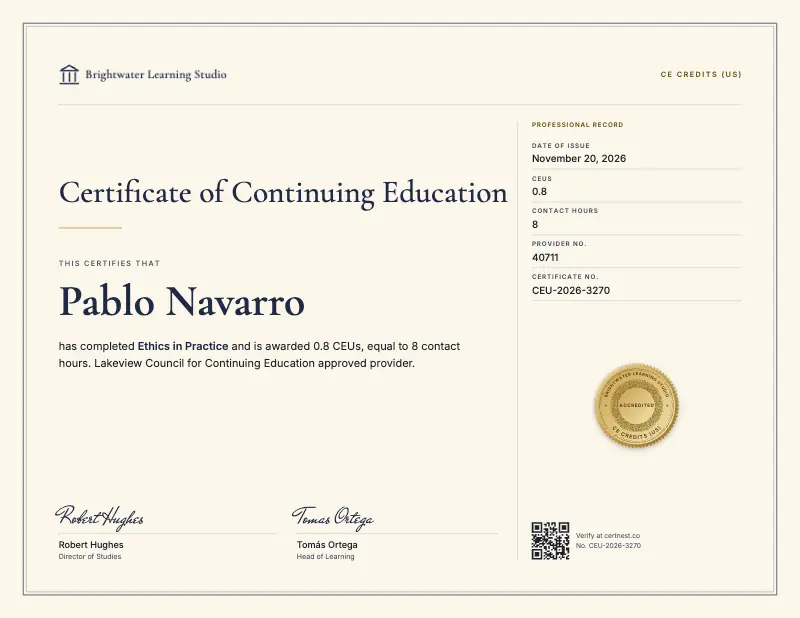
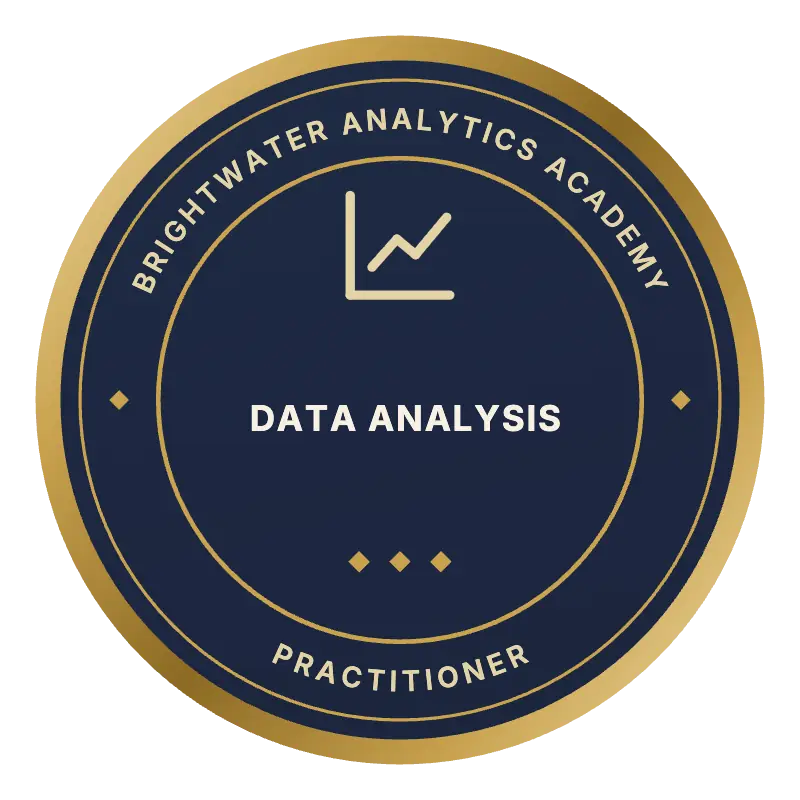
Open Badges also describes how to "bake" a credential into a picture. The credential data is placed inside a PNG or SVG file. The picture still looks like a normal badge, but a verify tool can read the data out of it and check the signature. This lets an earner share one file that carries its own proof.
On Certnest, earners can download their credential as a baked badge picture or as a signed JSON file, as well as a PDF and PNG. Anyone can drop any of these files on the verify page to check them.
What it means for you
- For issuers: your credentials are checkable for the long term and are not locked to one vendor. Choose a platform that signs with your own key and keeps public pages live.
- For earners: you can keep your credentials, move them to a wallet you choose, and prove them without asking the issuer each time.
- For verifiers: you can check a credential in seconds and trust the result, because it rests on a signature rather than on a picture.
If you want to see the checks in action, read how to verify a certificate online, or open our guide on issuing Open Badges 3.0.
Questions and answers
Who owns the Open Badges standard?
Open Badges is maintained by 1EdTech, a non-profit group of education and technology organisations. The specification is published openly, so anyone can read it and build tools that follow it.
Are Open Badges 2.0 badges still valid?
Badges issued under 2.0 do not stop working because a new version exists. Many tools still read them. New credentials benefit from 3.0, because they rest on signatures and the W3C Verifiable Credentials model.
Is Open Badges 3.0 only for badges?
No. The same format works for certificates, course completion, licences and memberships. A certificate can carry an Open Badges 3.0 credential just like a badge picture can.
Do I need a blockchain to issue verifiable badges?
No. Open Badges 3.0 uses ordinary digital signatures and identifiers on the web. Checking a credential needs the issuer's public key and, for revocation, the status list. No blockchain is involved.
What does did:web mean?
It is a way to name an issuer using a web address. The address hosts a small document with the issuer's public key, so a verifier can check signatures and see which organisation stands behind them.
Can a credential be checked if the issuer's platform is offline?
The signature can be checked from the file itself with the issuer's public key. Revocation needs the status list, which the issuer publishes. That is one reason to choose a platform that commits to keeping credentials live.