

Certificate, standard
Sales award certificates for the people who close
Top sellers love to be seen. Give them a sales award they can show the world, sent by email the day the numbers close. Each winner gets a page to download the certificate, add it to LinkedIn and let anyone check it.
- Your logo, colours and paper size
- Names filled from your list
- QR code and verify link on each
- Wording you can use as it is
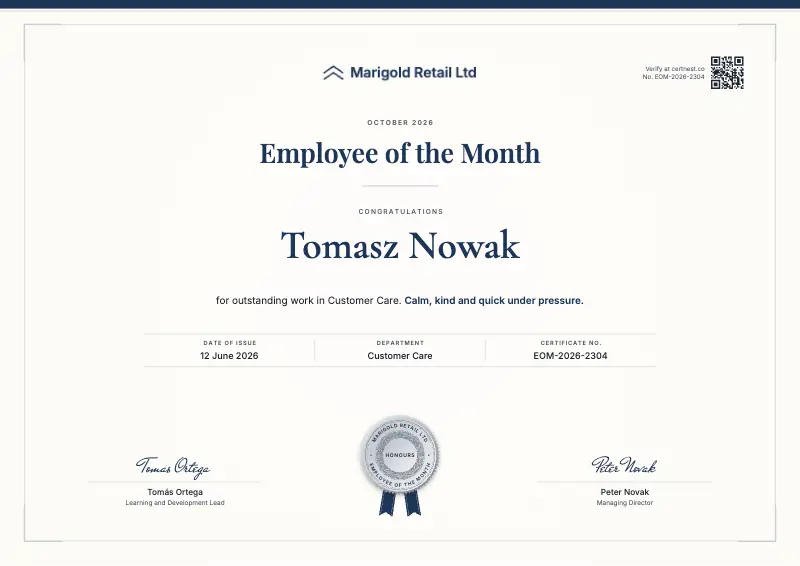
Employee of the month: Corporate Recognition, Ink blue and silver
Certificate
Designs made for this
Open a design for a closer look, or pick a colour above to see them in your brand.
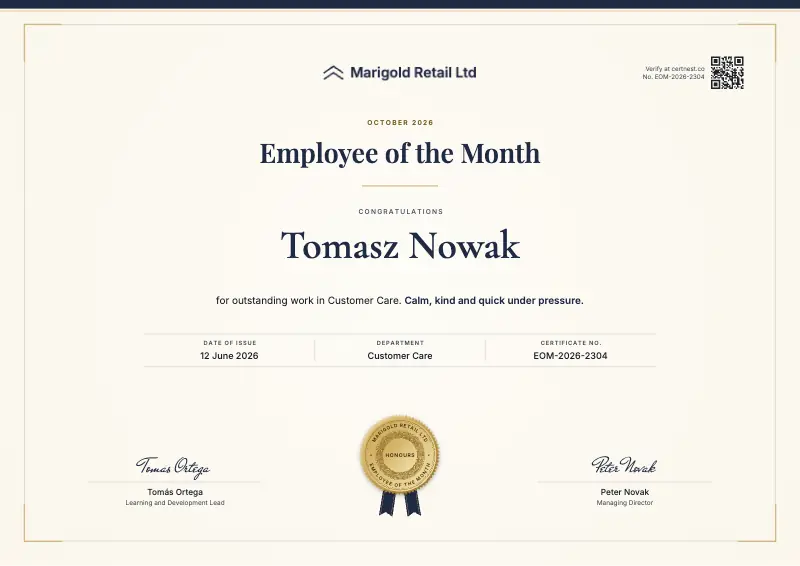
- Use this template: Employee of the month: Corporate Recognition
- Use this template: Employee of the month: Corporate Recognition
Certificate, standard
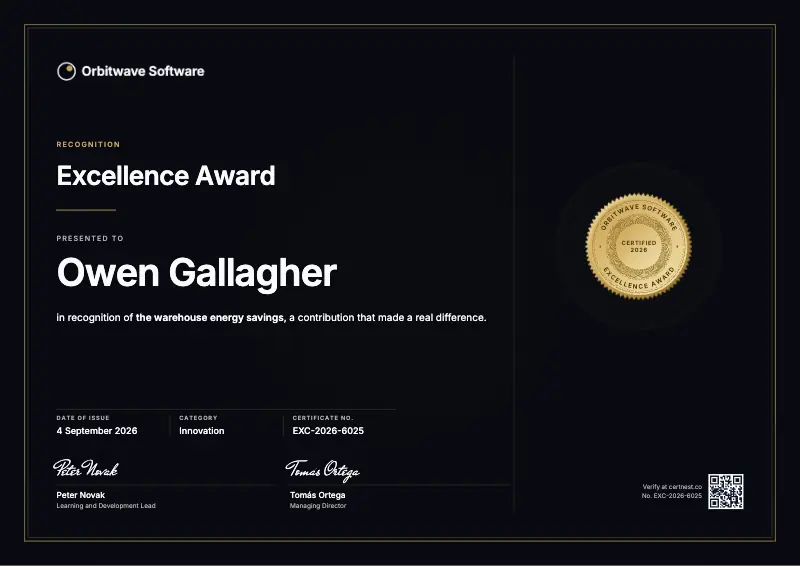
- Use this template: Excellence award: Tech Award
Certificate, standard
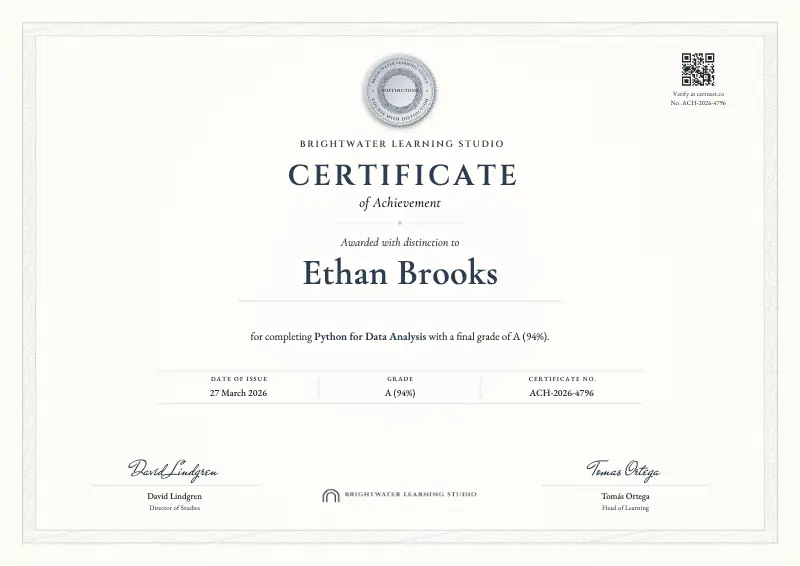
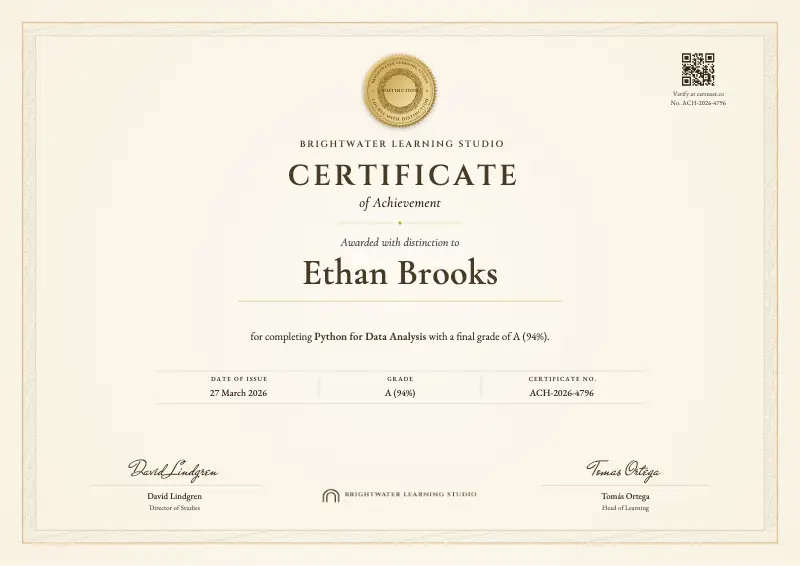
- Use this template: Course with distinction: Achievement
Certificate, formal
More certificates for this
Every design here is in the catalog. Tap a colour dot to try another colour, or open one to look closer.
- Use this template: Top sales performer: Corporate Recognition
5 colours, standard
- Use this template: Sales target achiever: Corporate Recognition
5 colours, standard
- Use this template: Sales target achiever: Academy
5 colours, formal
- Use this template: Top sales performer: Heritage
5 colours, standard
Checklist
What to put on it
In order of importance. Every template has a place for each.
- 1The award name, such as "Top Seller" or "Sales Achievement Award"
- 2The person's name
- 3The achievement, such as target reached or record set
- 4The period (month, quarter, year)
- 5The region or team
- 6Your company name and logo
- 7Signature of the sales leader
Copy and use
Wording ideas
Highlighted words are smart fields: each person's own details fill in by themselves when you send.
Top seller
Top Seller of Q3 2026 2026: Daniel Okafor, region. Congratulations on leading the team with energy and skill.
Target reached
Awarded to Daniel Okafor for reaching percent of target in the spring term, with happy customers every step of the way.
Record
Brightpath Academy honours Daniel Okafor for setting a new sales record in November 2026. A result to be proud of.
Rookie
Rookie of the Year 2026: Daniel Okafor. In your first year, you showed the drive of a seasoned pro.
Club
Welcome to the club Club, Daniel Okafor. Your results in 2026 earned you a place among our best.
For a partner
Presented to Daniel Okafor of Northwind Labs, our top partner in region for 2026. Thank you for growing with us.
Do and avoid
Do
- Name the period and the region
- Celebrate new sellers as well as top sellers
- Send awards the day results are announced
- Use your company colours and a bold design
- Let winners add it to LinkedIn
Avoid
- Print commission or pay figures
- Use the same award name for very different results
- Forget support staff who helped close deals
- Wait until the next quarter to send
- Leave the region out when teams are spread out
Questions and answers
What do you write on a sales award certificate?
The winner's name, the award name, what they achieved, the period, the region and your company name.
Can I send sales awards to partners outside my company?
Yes. Anyone with an email address can receive a certificate, including partners and resellers.
Can I show the percentage of target on the award?
Yes. Add a column for it in your list and place it on the design as a smart field.
Can I send awards from my CRM?
Yes. Use the API or webhooks to issue an award when a record changes, or export a list and upload it.
Will the winner's award be verifiable?
Yes. Each award has a unique ID and QR code that open a page confirming it.

Send it today
Open this template in your colours, add your people and send. Free to start.