

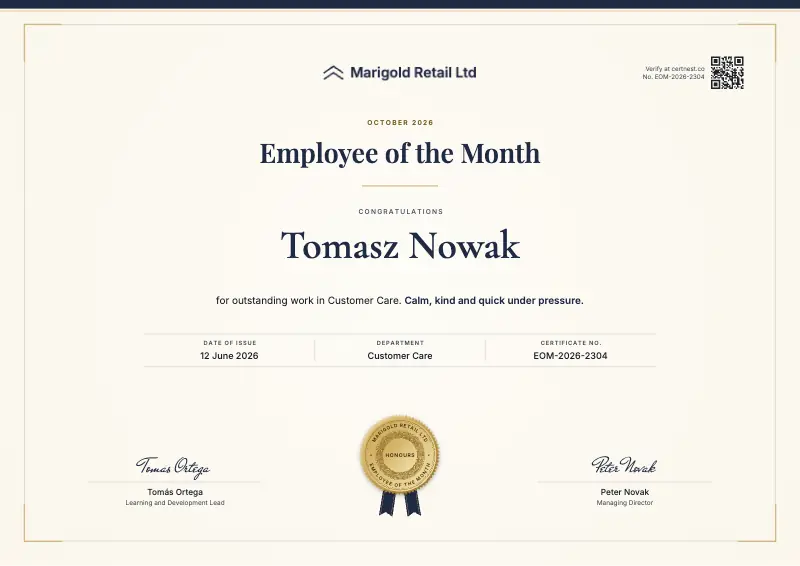
Certificate, standard
Employee of the month certificates, done in a minute
Make your monthly award something people look forward to. Use one design with your brand, change the name and month, and send it by email in seconds. The winner gets a page to download the certificate, share it and add it to LinkedIn.
- Your logo, colours and paper size
- Names filled from your list
- QR code and verify link on each
- Wording you can use as it is
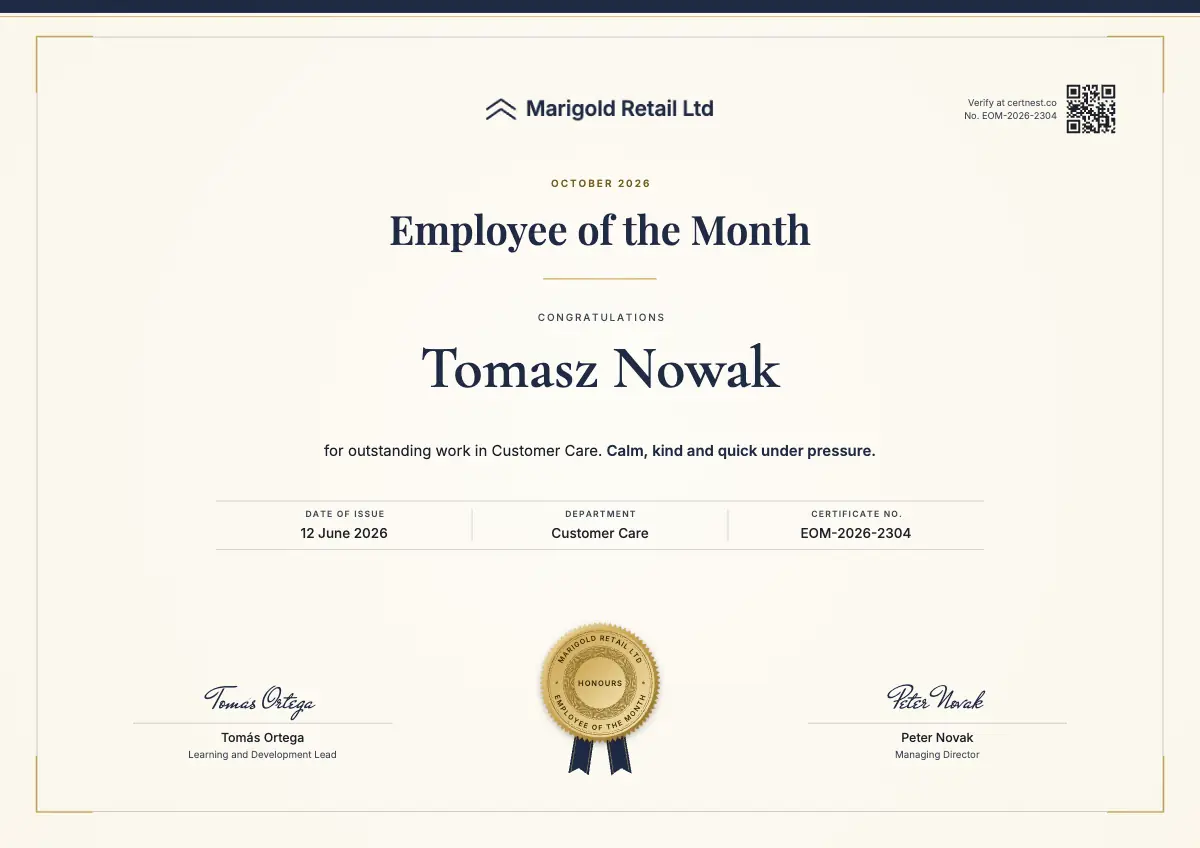
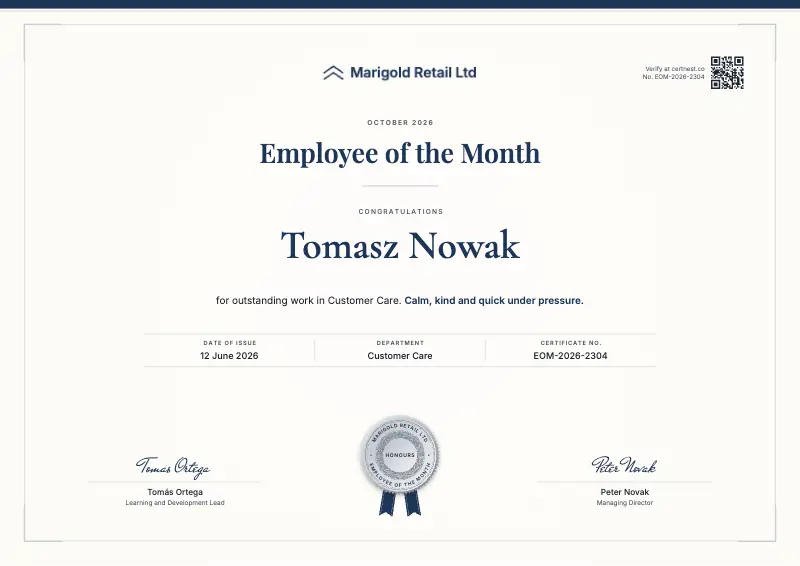
Employee of the month: Corporate Recognition, Navy and gold
Certificate
Designs made for this
Open a design for a closer look, or pick a colour above to see them in your brand.
- Use this template: Employee of the month: Corporate Recognition
- Use this template: Employee of the month: Corporate Recognition
Certificate, standard
- Use this template: Employee of the month: Corporate Recognition
Certificate, standard
- Use this template: Employee of the month: Corporate Recognition
Certificate, standard
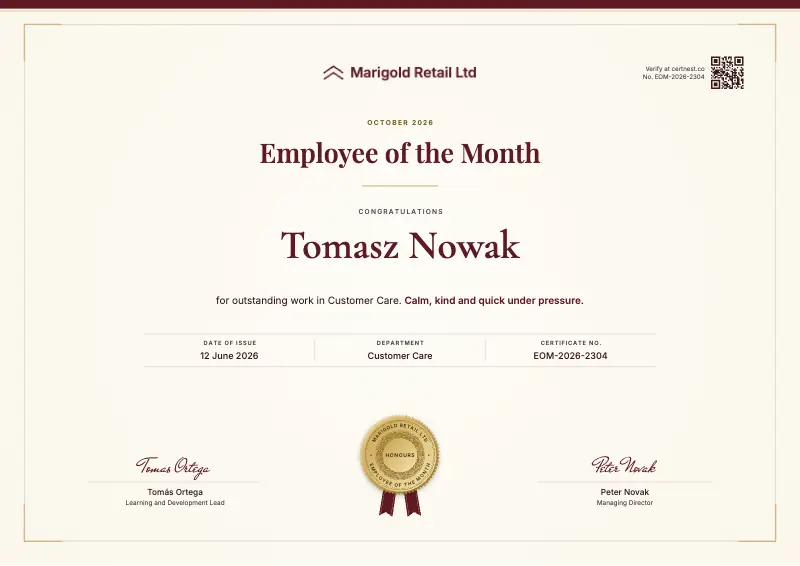
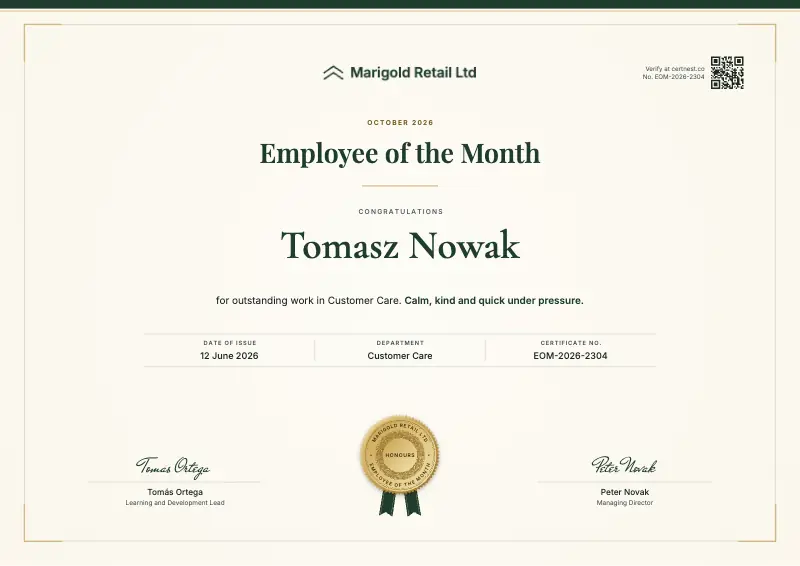
More certificates for this
Every design here is in the catalog. Tap a colour dot to try another colour, or open one to look closer.
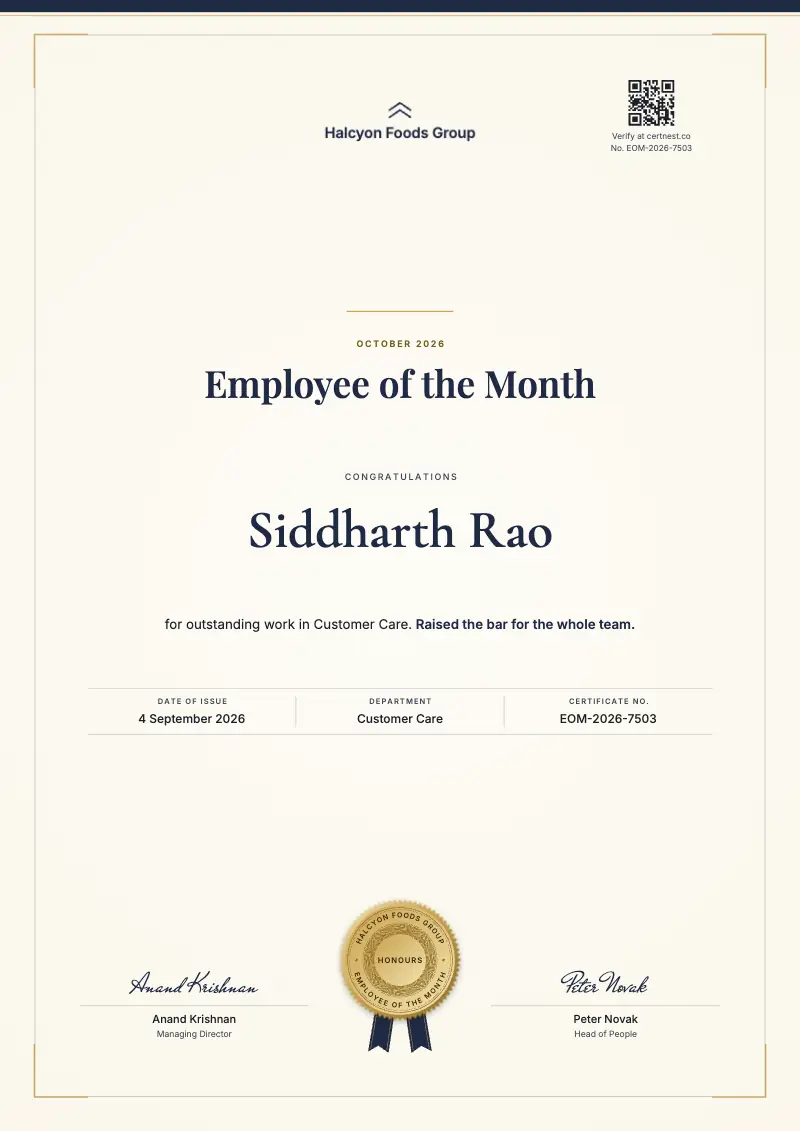
- Use this template: Employee of the month: Corporate Recognition, portrait
5 colours, standard
- Use this template: Employee of the quarter: Corporate Recognition
5 colours, standard
- Use this template: Employee of the month: Royal
5 colours, formal
- Use this template: Employee of the quarter: Royal
5 colours, formal
- Quick viewUse this template: Spot award: ExecutiveUse this template: Spot award: Executive
5 colours, standard
- Use this template: Spot award: Corporate Recognition
5 colours, standard
- Use this template: Employee of the month: Heritage
5 colours, standard
Checklist
What to put on it
In order of importance. Every template has a place for each.
- 1The words "Employee of the Month"
- 2The employee's name
- 3The month and year
- 4The team or department
- 5One line on why they were chosen
- 6Your company name and logo
- 7Signature of a manager or leader
- 8An optional photo of the winner
Copy and use
Wording ideas
Highlighted words are smart fields: each person's own details fill in by themselves when you send.
Classic
Brightpath Academy proudly names Daniel Okafor Employee of the Month for November 2026, in recognition of outstanding work and dedication.
Specific
Daniel Okafor is our Employee of the Month for November for solving problem and helping every customer leave happy.
Team voice
Chosen by the Product team: Daniel Okafor, Employee of the Month, November 2026. Thank you for lifting us all.
For a new joiner
In just a few months, Daniel Okafor has become someone we all rely on. Congratulations on Employee of the Month, November.
Short
Employee of the Month, November: Daniel Okafor. Great work, every single day.
For a behind-the-scenes hero
Awarded to Daniel Okafor for quiet, careful work that keeps Product running smoothly. This month, the spotlight is yours.
Do and avoid
Do
- Say why this person won this month
- Keep one design so the award feels consistent
- Add a photo if your team likes it
- Announce the winner with the certificate link
- Keep a record of past winners in your recipient list
Avoid
- Give it to the same person every month
- Pick winners without clear reasons
- Forget remote and night-shift staff
- Send it late in the next month
- Use a design that looks like a template no one changed
Questions and answers
What do you write on an employee of the month certificate?
The employee's name, the month and year, your company name and one line on why they were chosen. A manager's signature adds weight.
Can I reuse the same design every month?
Yes. Save the design once and change only the name, month and reason each time.
Can I add the employee's photo?
Yes. Add a photo field and upload the picture, or include a photo link in your list.
Can I schedule the certificate for the first day of the month?
Yes. Pick a date and time when you send, and it goes out on its own.
Can the winner put it on LinkedIn?
Yes. The certificate page has a button that adds it to their LinkedIn profile with the details filled in.

Send it today
Open this template in your colours, add your people and send. Free to start.