

Certificate, standard
Outstanding performance awards, in your brand
When someone goes well beyond the target, say so in a way they can keep. Design an award in your colours and send it to each winner by email. They get a page to download it, share it on LinkedIn and prove it is genuine.
- Your logo, colours and paper size
- Names filled from your list
- QR code and verify link on each
- Wording you can use as it is
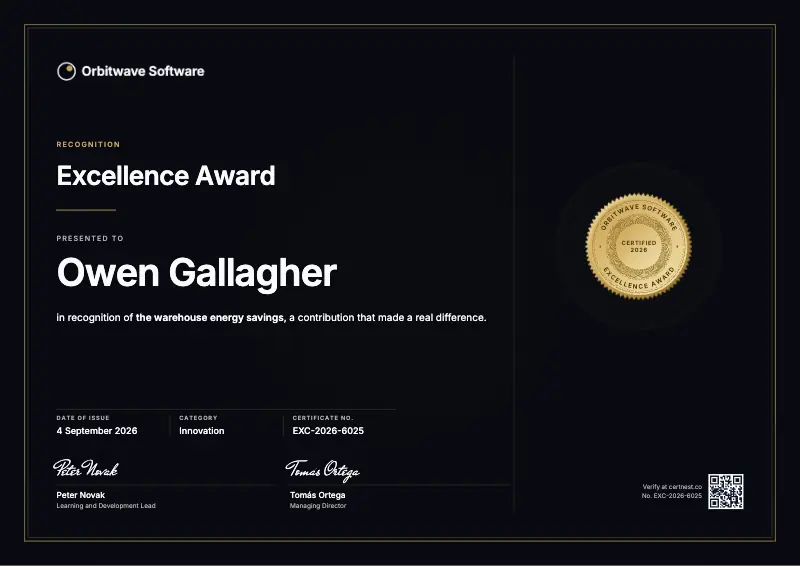
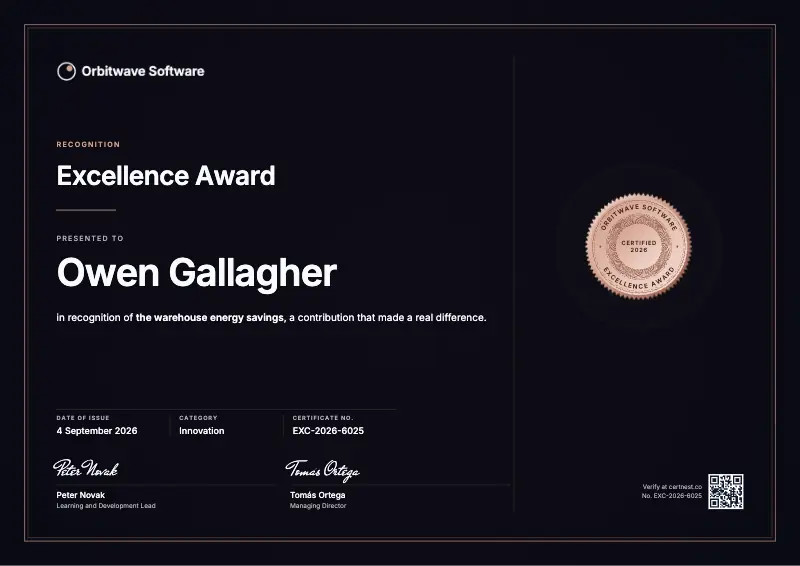
Excellence award: Tech Award, Onyx and gold
Certificate
Designs made for this
Open a design for a closer look, or pick a colour above to see them in your brand.
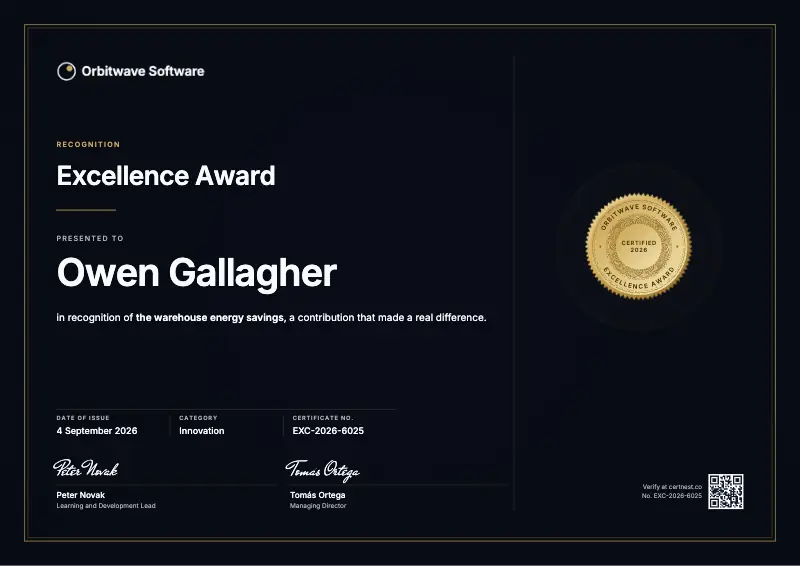
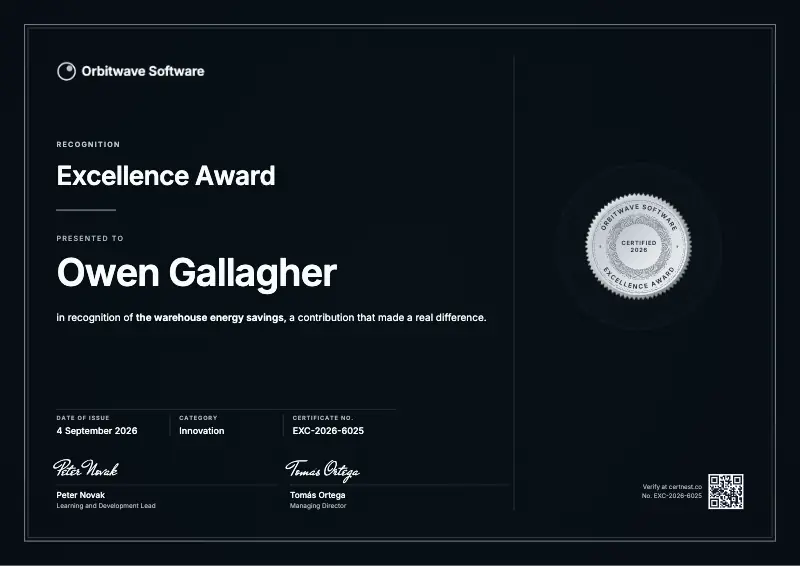
- Use this template: Excellence award: Tech Award
- Use this template: Excellence award: Tech Award
Certificate, standard
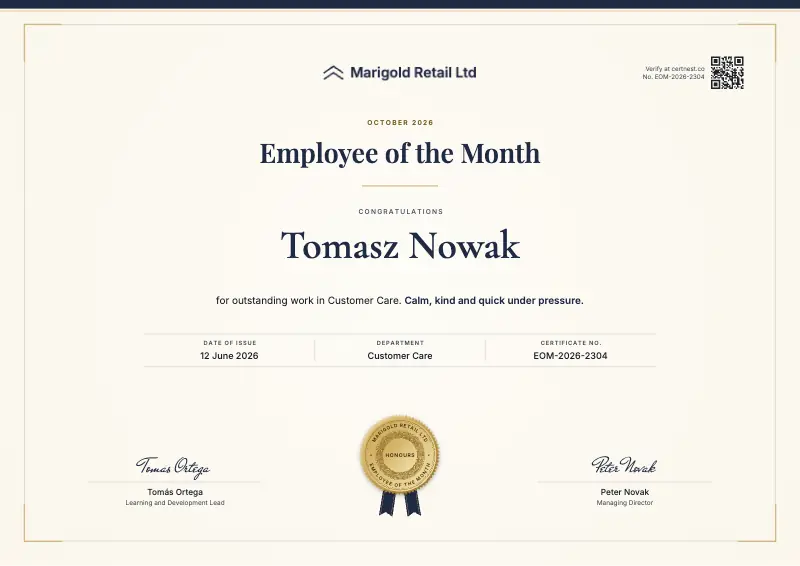
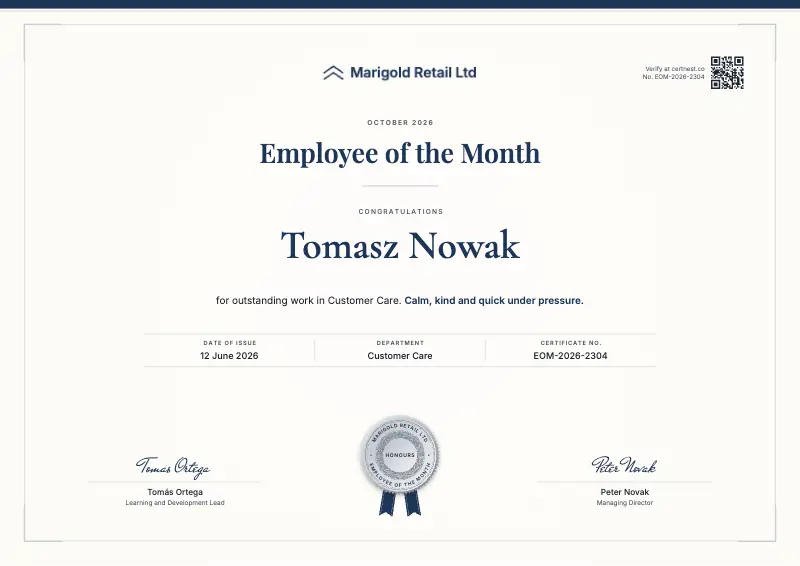
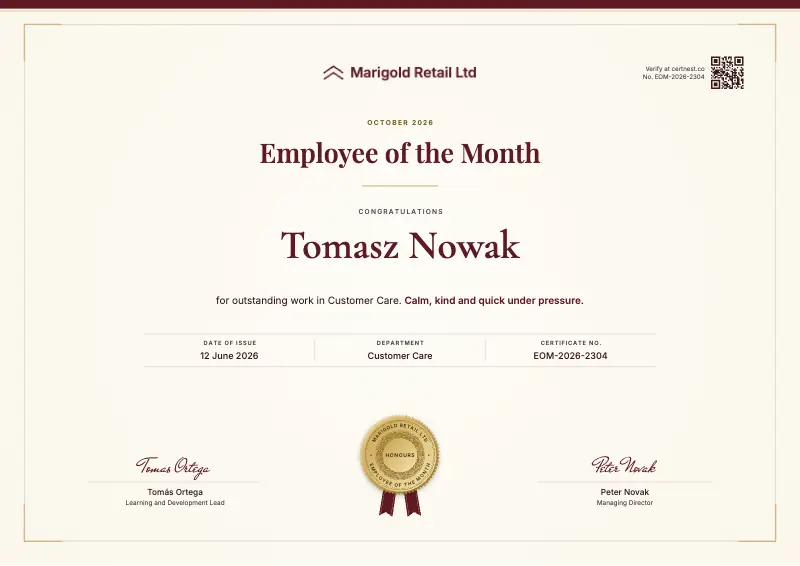
- Use this template: Employee of the month: Corporate Recognition
Certificate, standard
- Use this template: Excellence award: Tech Award
Certificate, standard
More certificates for this
Every design here is in the catalog. Tap a colour dot to try another colour, or open one to look closer.
- Use this template: Rising star: Tech Award
5 colours, standard
- Use this template: Project recognition: Tech Award
5 colours, standard
- Use this template: Top sales performer: Corporate Recognition
5 colours, standard
- Use this template: Rising star: Corporate Recognition
5 colours, standard
- Use this template: Top sales performer: Heritage
5 colours, standard
- Use this template: Project recognition: Corporate Recognition
5 colours, standard
- Use this template: Excellence award: Achievement
5 colours, formal
- Use this template: Excellence award: Tech Award, portrait
5 colours, standard
Checklist
What to put on it
In order of importance. Every template has a place for each.
- 1The award title, "Outstanding Performance Award"
- 2The person's name
- 3The result in numbers or plain words
- 4The period, such as a quarter or a year
- 5The team or department
- 6Your logo and a leader's signature
- 7A QR code to the verified page
Copy and use
Wording ideas
Highlighted words are smart fields: each person's own details fill in by themselves when you send.
Formal
Brightpath Academy presents this Outstanding Performance Award to Daniel Okafor for exceptional results in the spring term.
Result first
Awarded to Daniel Okafor for result, far beyond the goal, with care for every customer along the way.
For a project
For outstanding performance on the customer dashboard: Daniel Okafor, who turned a hard deadline into a proud launch.
For a team
Presented to the Product team for outstanding performance in Q3 2026 2026. Every member made it happen.
Short
Outstanding work, Daniel Okafor. You raised the bar this the spring term.
Do and avoid
Do
- Use a number or clear result when you can
- Credit the whole team when it was a team effort
- Announce it in a team meeting
- Send it the same week the results are known
- Keep the design premium but simple
Avoid
- Reward only sales when other roles excelled too
- Share private targets or pay details on the award
- Use vague praise without a reason
- Give it so often that it loses meaning
- Forget to check the spelling of names
Questions and answers
What is an outstanding performance award?
It recognises someone who delivered results well above what was expected in a set period or project.
Should the award show numbers?
Show numbers if the person is happy to share them, such as projects delivered. Keep private figures off the certificate.
Can I give the award to a whole team?
Yes. Send one certificate to each team member with the team name, so everyone has their own copy.
Can I send awards from a spreadsheet?
Yes. Upload an Excel or CSV file, or connect Google Sheets, and every row becomes a certificate.
Can I see who opened and shared the award?
Yes. The send has a live board showing who received, opened, downloaded and shared their certificate.
Send it today
Open this template in your colours, add your people and send. Free to start.