

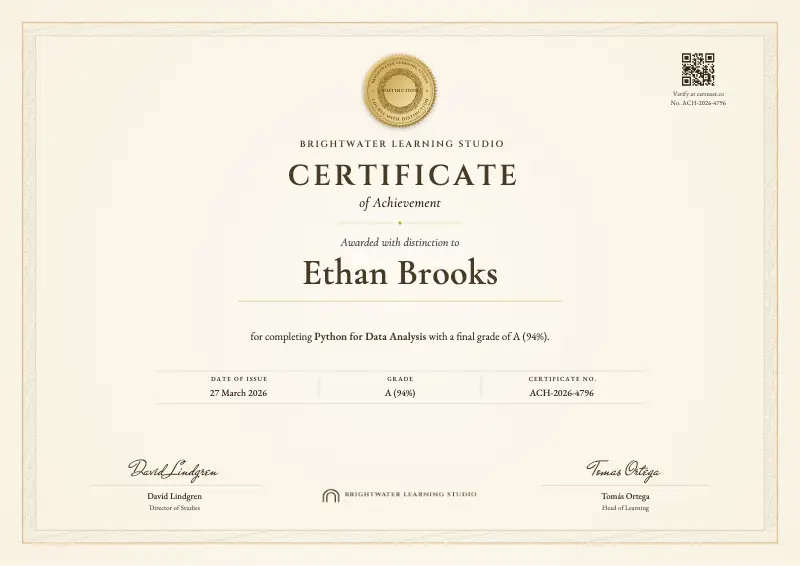
Certificate, formal
Certificate of achievement templates that honour real effort
Mark a goal reached with a certificate people want to keep. Pick a design, add your list, and we email each person their own copy. Every certificate has a page where they can download it, add it to LinkedIn and let anyone verify it.
- Your logo, colours and paper size
- Names filled from your list
- QR code and verify link on each
- Wording you can use as it is
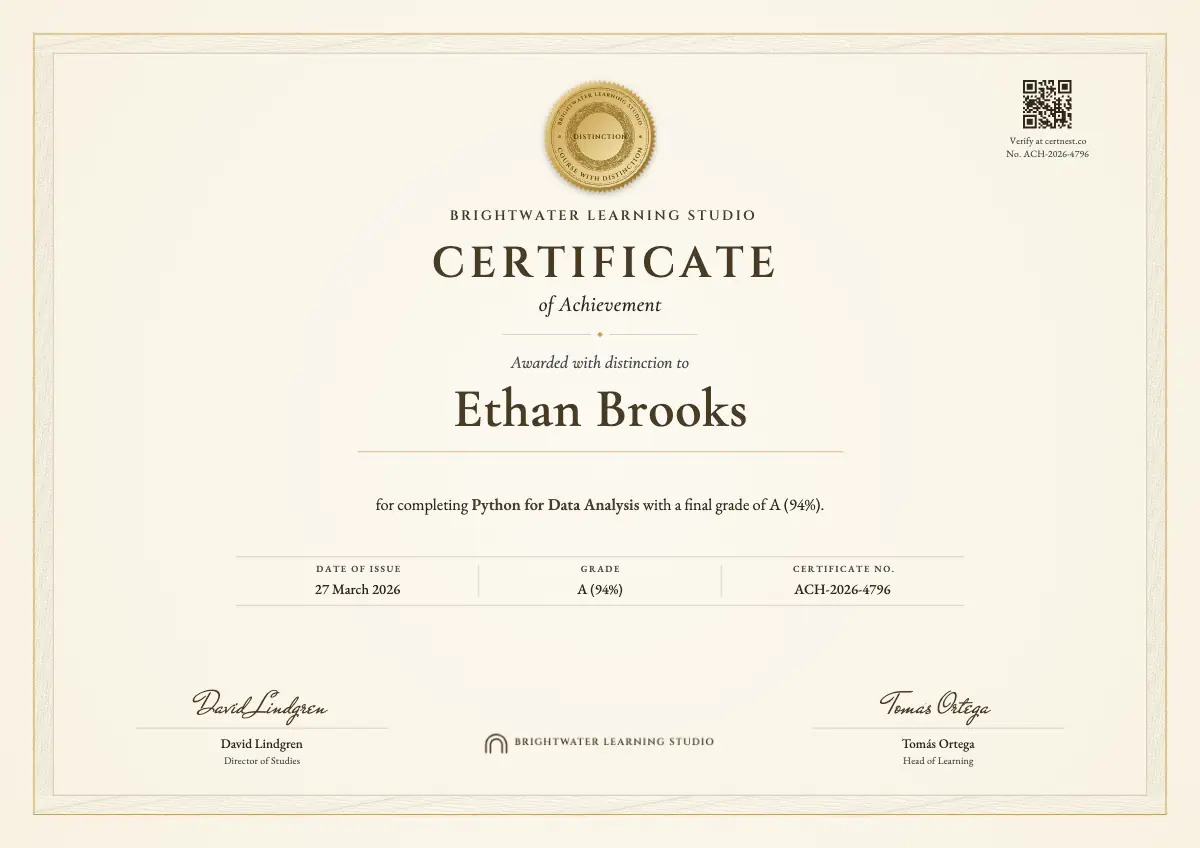
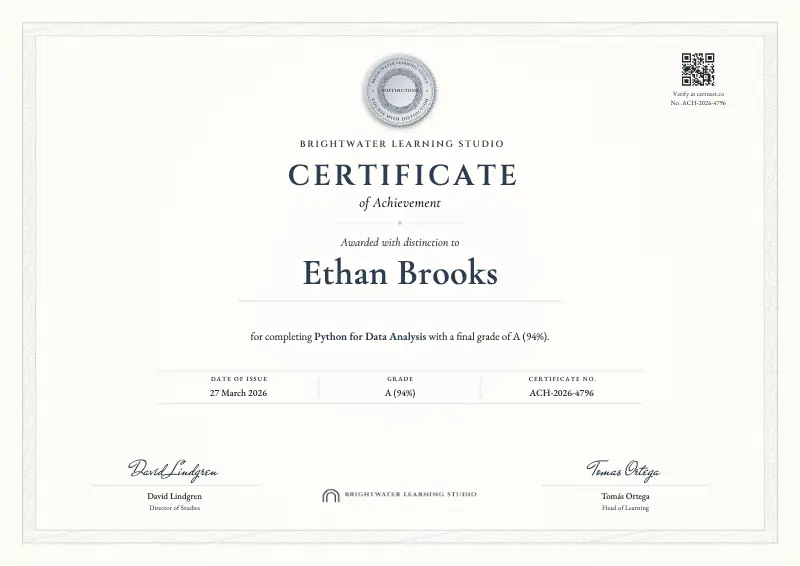
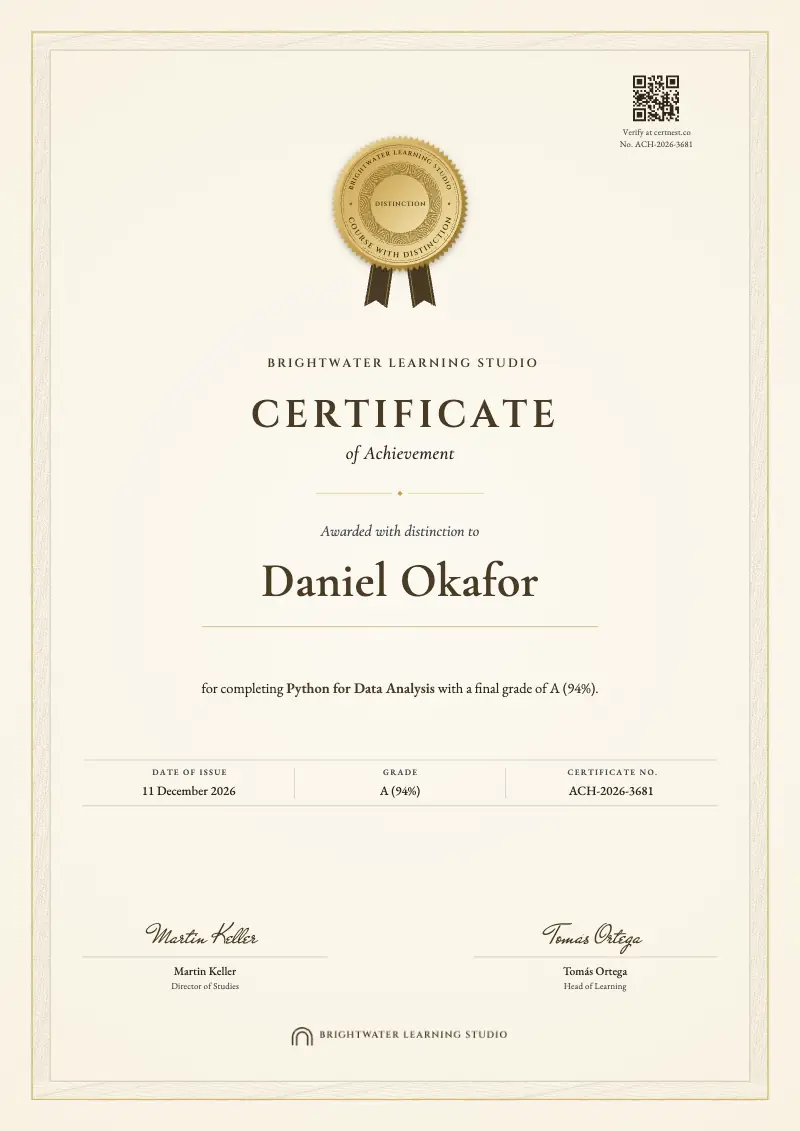
Course with distinction: Achievement, Sepia
Certificate
Designs made for this
Open a design for a closer look, or pick a colour above to see them in your brand.
- Use this template: Course with distinction: Achievement
- Use this template: Course with distinction: Achievement
Certificate, formal
- Use this template: Course with distinction: Achievement
Certificate, formal
- Use this template: Course with distinction: Achievement
Certificate, formal
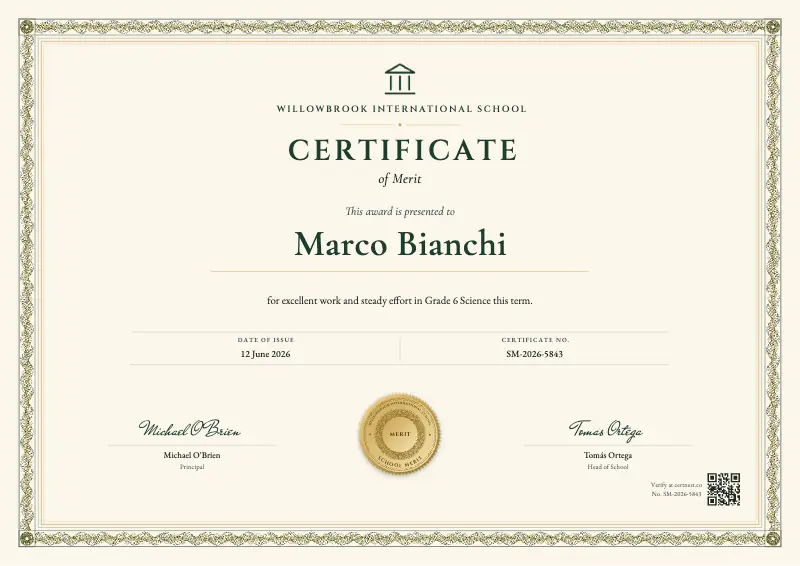
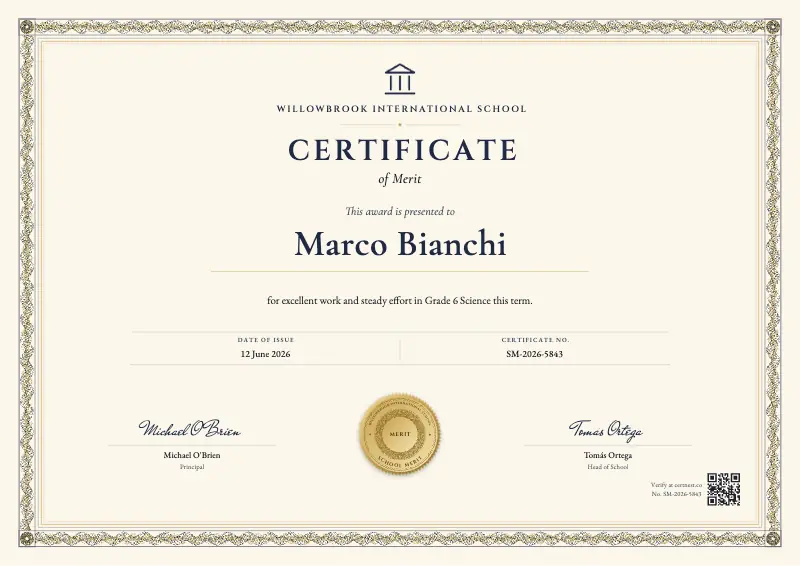
- Use this template: School merit: Classic Diploma
Certificate, formal
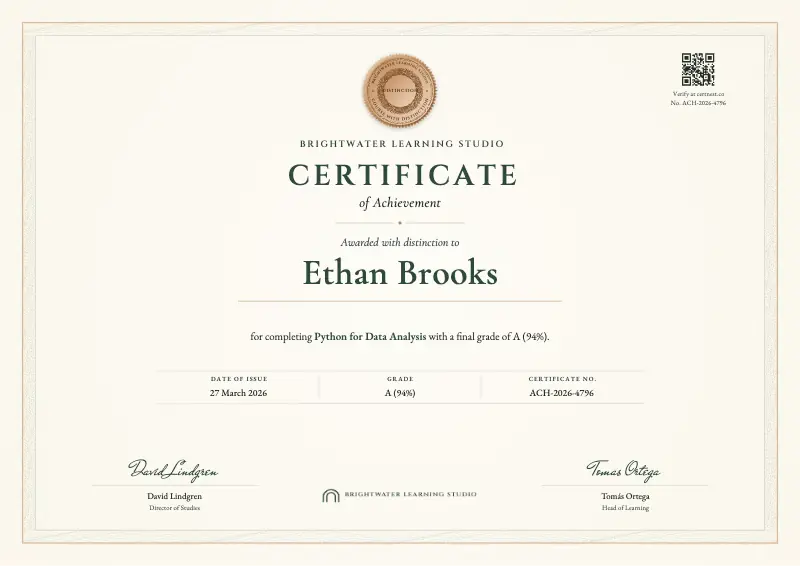
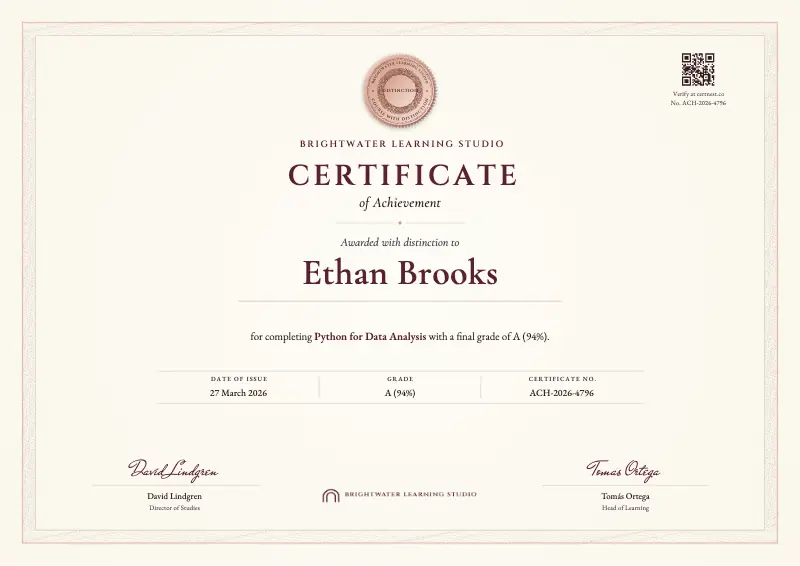
More certificates for this
Every design here is in the catalog. Tap a colour dot to try another colour, or open one to look closer.
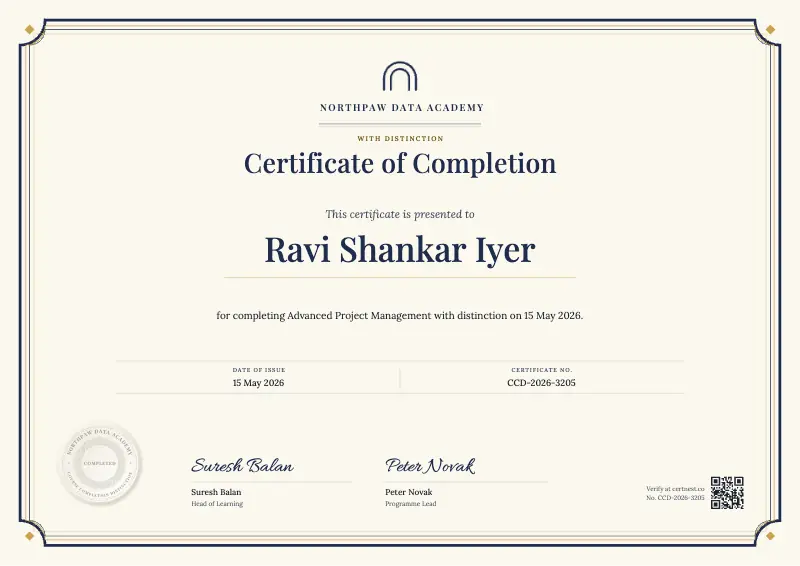
- Use this template: Course completion distinction: Academy
5 colours, formal
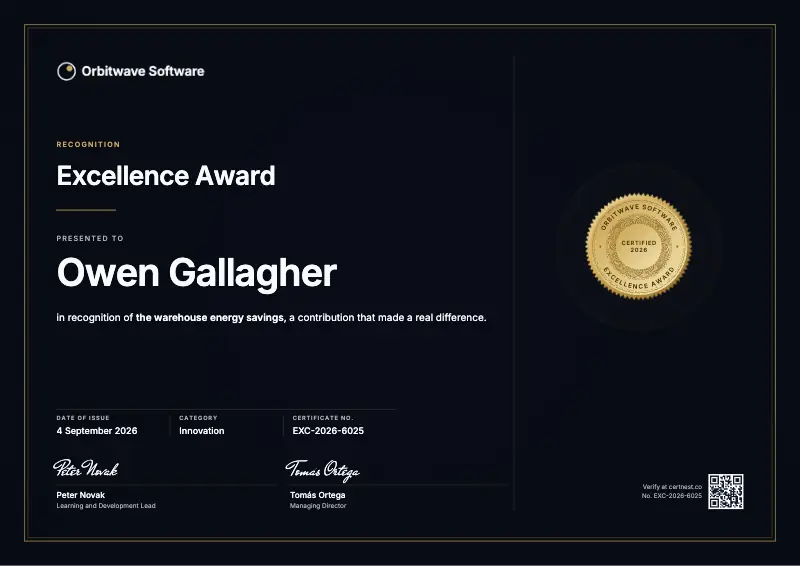
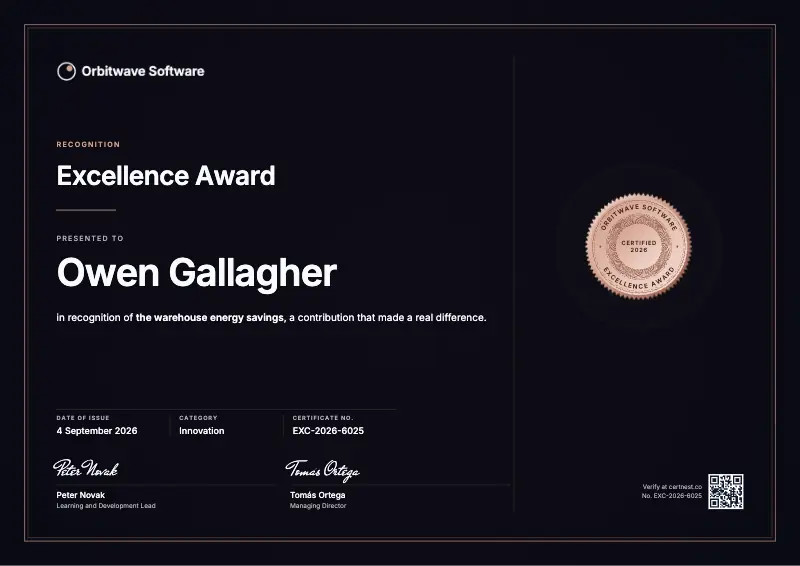
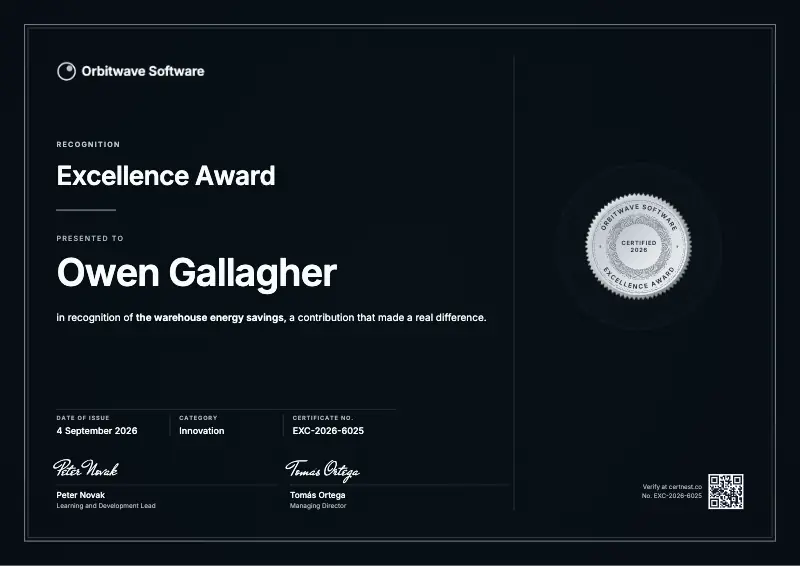
- Use this template: Excellence award: Tech Award
5 colours, standard
- Use this template: Course with distinction: Achievement, portrait
5 colours, formal
- Use this template: Course completion distinction: Achievement
5 colours, formal
- Use this template: Rising star: Tech Award
5 colours, standard
- Use this template: Most improved: Academy
5 colours, standard
- Use this template: Most improved: Achievement
5 colours, standard
- Use this template: Course with distinction: Heritage
5 colours, standard
Checklist
What to put on it
In order of importance. Every template has a place for each.
- 1The words "Certificate of Achievement"
- 2The person's full name, spelled the way they write it
- 3What they achieved, in one clear line
- 4The date of the achievement
- 5Your organisation's name and logo
- 6A signature and the signer's name and role
- 7A short line on why it matters
- 8A credential ID and QR code so anyone can check it
Copy and use
Wording ideas
Highlighted words are smart fields: each person's own details fill in by themselves when you send.
Formal
This certificate is proudly presented to Daniel Okafor in recognition of outstanding achievement in top sales in the region, awarded on 25 November 2026 by Brightpath Academy.
Short and warm
Well done, Daniel Okafor. You set a goal and you reached it. Congratulations on top sales in the region.
For a milestone
Awarded to Daniel Okafor for reaching milestone with steady work and a positive spirit. We are proud of you.
For a team member
Daniel Okafor is recognised for an outstanding contribution to the customer dashboard. Your skill and care made a real difference to Product.
For a learner
Presented to Daniel Okafor for successfully achieving Level 2 in Mathematics, through practice, patience and hard work.
For a club or league
In honour of Daniel Okafor, who achieved result in the season season. Thank you for raising the bar for everyone.
Do and avoid
Do
- Name the exact achievement, not just "great work"
- Use the date the goal was reached
- Keep the main line short enough to read in one glance
- Add a real signature from someone the person respects
- Send it soon after the achievement, while the moment is fresh
Avoid
- Use one vague line for very different achievements
- Crowd the page with long paragraphs
- Misspell names; check your list before sending
- Use a design that hides the person's name
- Forget a way to verify it if people will show it to others
Questions and answers
What should a certificate of achievement say?
Say who it is for, what they achieved, when, and who is giving it. One clear line about the achievement matters more than long text.
What is the difference between a certificate of achievement and a certificate of completion?
Completion says someone finished something. Achievement says they reached a level or result, such as a top score, a goal or a milestone.
Can I make certificates of achievement for many people at once?
Yes. Upload a spreadsheet or paste names, preview any row, and send everyone their own certificate by email in one go.
Can the person add the certificate to LinkedIn?
Yes. Each certificate page has an add to LinkedIn button that fills in the title, your organisation, the date and the credential ID.
Can I print a certificate of achievement too?
Yes. Download a print-ready PDF in A4 or Letter, one per person or all together, as well as sending them by email.
Send it today
Open this template in your colours, add your people and send. Free to start.