

Certificate, standard
Best employee award certificates for your yearly honours
Your yearly award should feel as big as the work behind it. Pick a premium design, add your winners and send each certificate by email after the ceremony. Every winner gets a page to download, share on LinkedIn and verify.
- Your logo, colours and paper size
- Names filled from your list
- QR code and verify link on each
- Wording you can use as it is
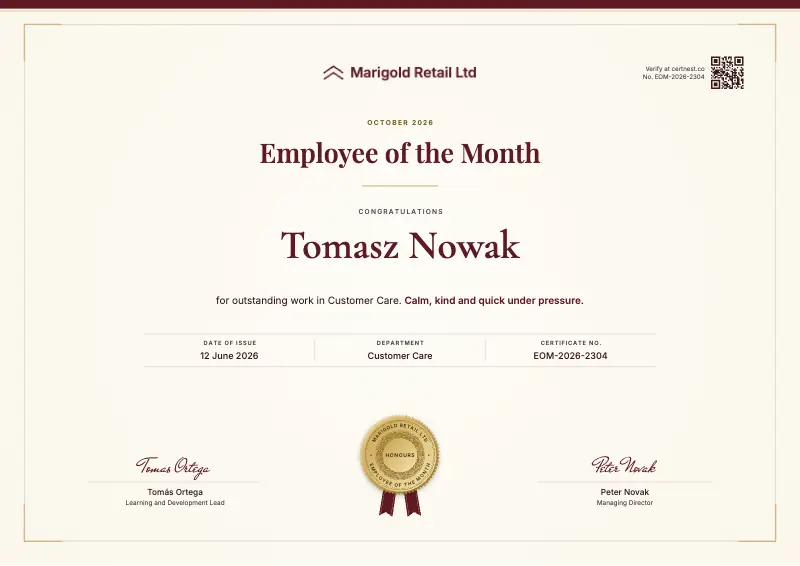
Employee of the month: Corporate Recognition, Oxblood and gold
Certificate
Designs made for this
Open a design for a closer look, or pick a colour above to see them in your brand.
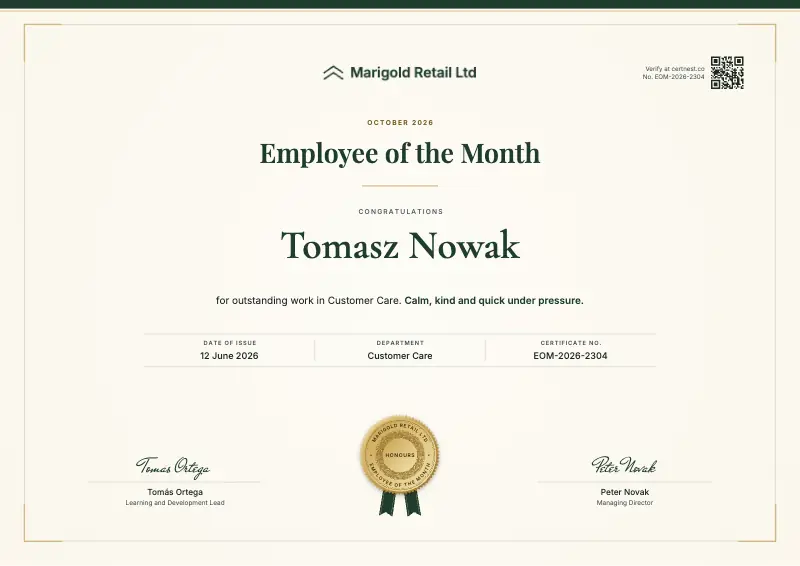
- Use this template: Employee of the month: Corporate Recognition
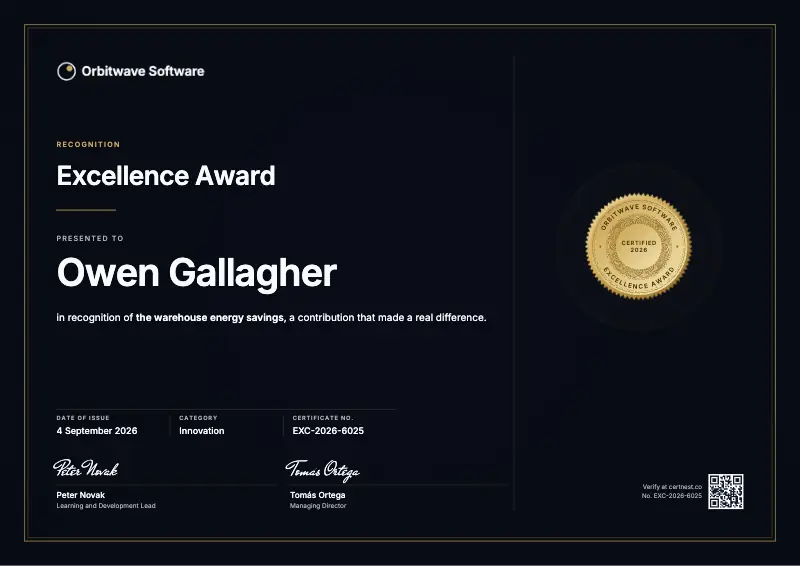
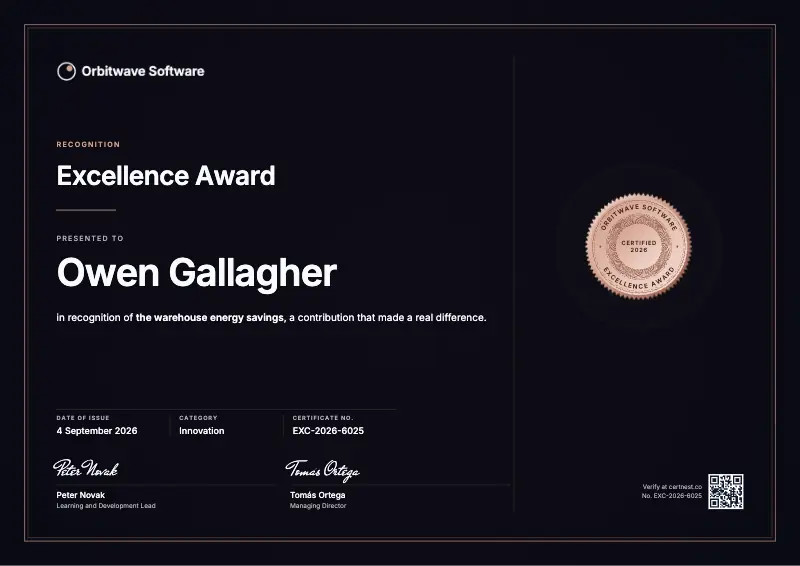
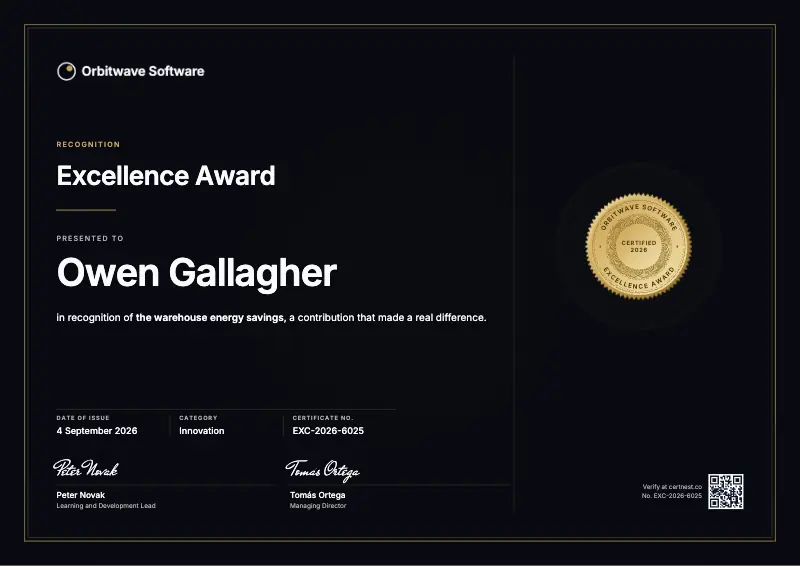
- Use this template: Excellence award: Tech Award
Certificate, standard
- Use this template: Excellence award: Tech Award
Certificate, standard
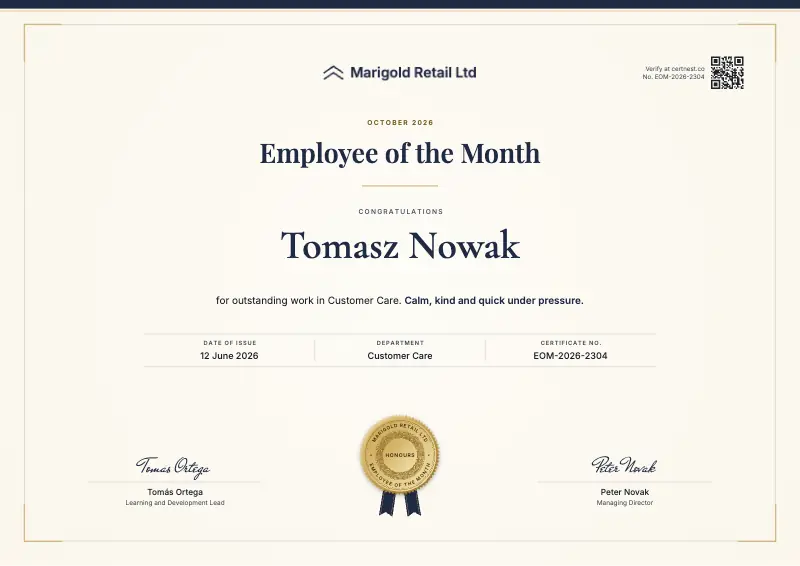
- Use this template: Employee of the month: Corporate Recognition
Certificate, standard
More certificates for this
Every design here is in the catalog. Tap a colour dot to try another colour, or open one to look closer.
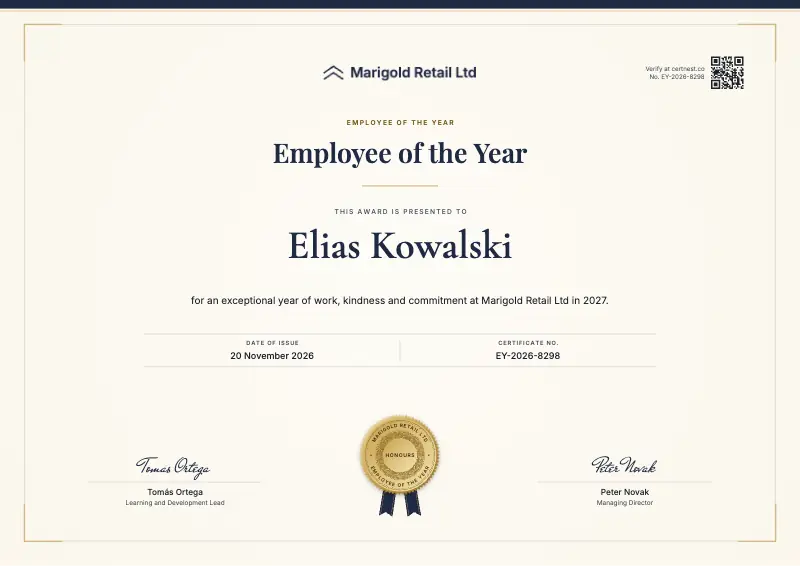
- Use this template: Employee of the year: Corporate Recognition
5 colours, standard
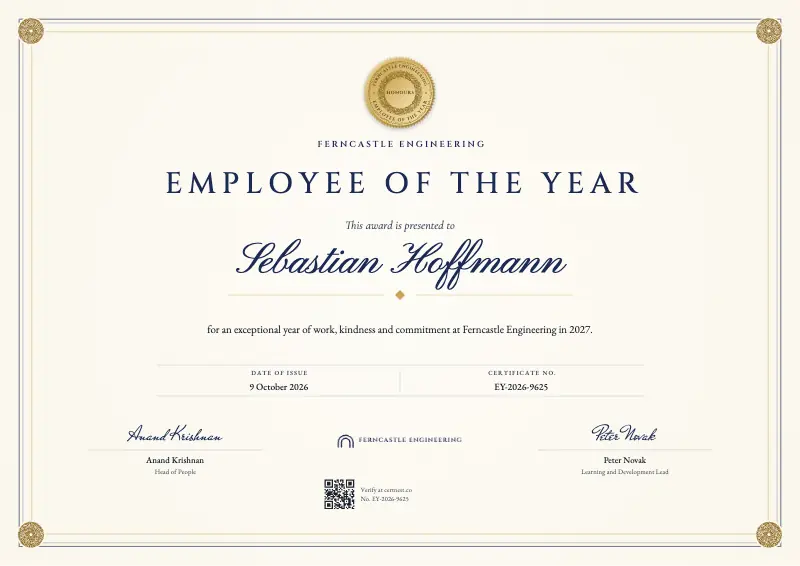
- Use this template: Employee of the year: Royal
5 colours, formal
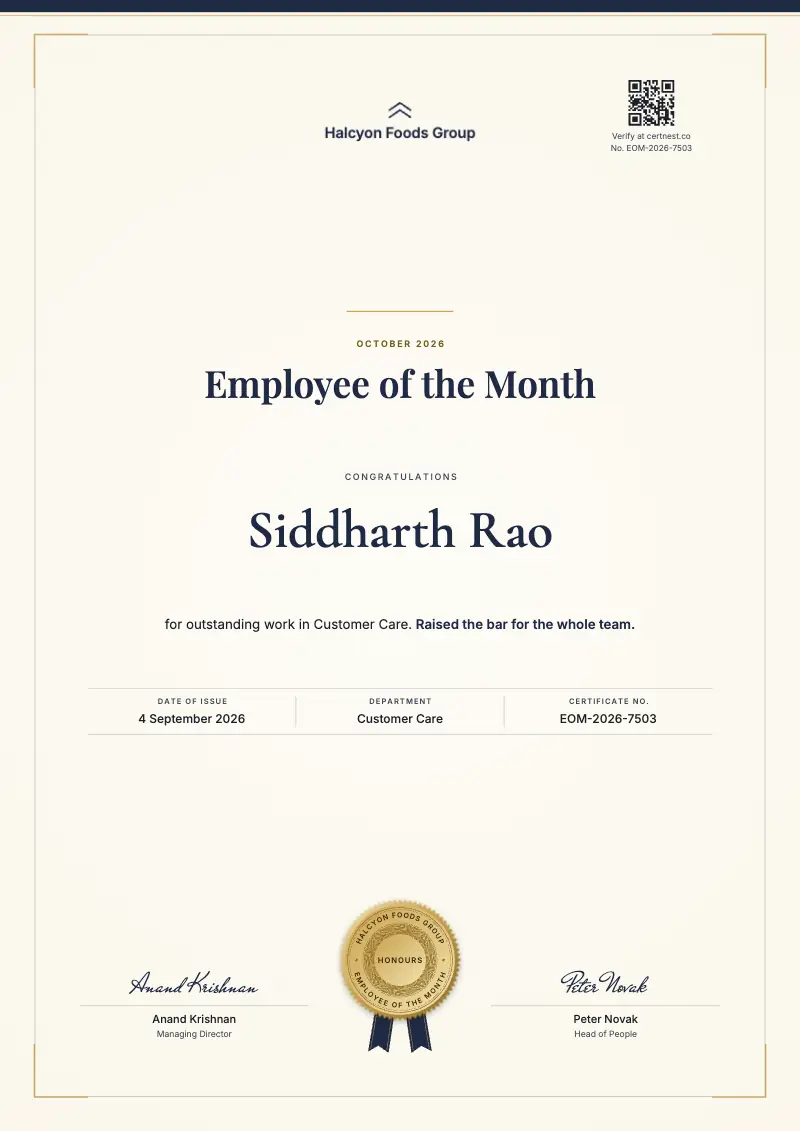
- Use this template: Employee of the month: Corporate Recognition, portrait
5 colours, standard
- Use this template: Rising star: Tech Award
5 colours, standard
- Use this template: Employee of the month: Royal
5 colours, formal
- Use this template: Rising star: Corporate Recognition
5 colours, standard
- Use this template: Excellence award: Achievement
5 colours, formal
- Use this template: Employee of the month: Heritage
5 colours, standard
Checklist
What to put on it
In order of importance. Every template has a place for each.
- 1The award name, such as "Best Employee of the Year"
- 2The winner's name
- 3The year or quarter
- 4The department or location
- 5A short citation on what they did
- 6Your company name, logo and seal
- 7Signatures of senior leaders
- 8A credential ID and QR code
Copy and use
Wording ideas
Highlighted words are smart fields: each person's own details fill in by themselves when you send.
Yearly, formal
Brightpath Academy presents the Best Employee Award 2026 to Daniel Okafor in recognition of exceptional performance, integrity and teamwork.
With a citation
Awarded to Daniel Okafor, Data Analyst, who led the customer dashboard to success and mentored three new colleagues along the way.
Quarterly
Best Employee, Q3 2026 2026: Daniel Okafor. Thank you for results that speak and an attitude that inspires.
For a branch or site
Best Employee at location, 2026: Daniel Okafor, for keeping customers happy and the team strong.
Warm
Daniel Okafor, this year you showed us what great work looks like. Congratulations on being our Best Employee.
Do and avoid
Do
- Write a short citation for each winner
- Use your seal and leaders' signatures
- Send the digital copy the same day as the ceremony
- Print a framed copy for the winner's desk
- Let winners share the award on LinkedIn
Avoid
- Hide the reason for the award
- Use casual wording for a formal yearly honour
- Forget part-time or remote staff when choosing
- Leave out the year
- Misspell names or titles
Questions and answers
What is a good citation for a best employee award?
Name one or two specific results and one quality, such as "led the new store opening and trained five colleagues with patience".
Can I give awards to winners in several branches at once?
Yes. Add a location column and each certificate shows the right branch.
Can I print the award as well as send it?
Yes. Download a print-ready PDF for framing and send the digital copy by email.
Can I keep a record of past winners?
Yes. Every certificate you send stays in your recipient list with its date, so your award history is in one place.
Can the award be verified by a future employer?
Yes. The QR code and link open a page that confirms the award and who gave it.
Send it today
Open this template in your colours, add your people and send. Free to start.