

ID or member card, standard
Employee ID cards, printed or on the phone
Give every employee a smart ID card with their photo, role and a QR code that checks it is current. Print cards in bulk with cut marks, or email each person a digital card with a page to download and verify. On Pro, staff can add the card to Apple or Google Wallet.
- Your logo, colours and paper size
- Names filled from your list
- QR code and verify link on each
- Wording you can use as it is
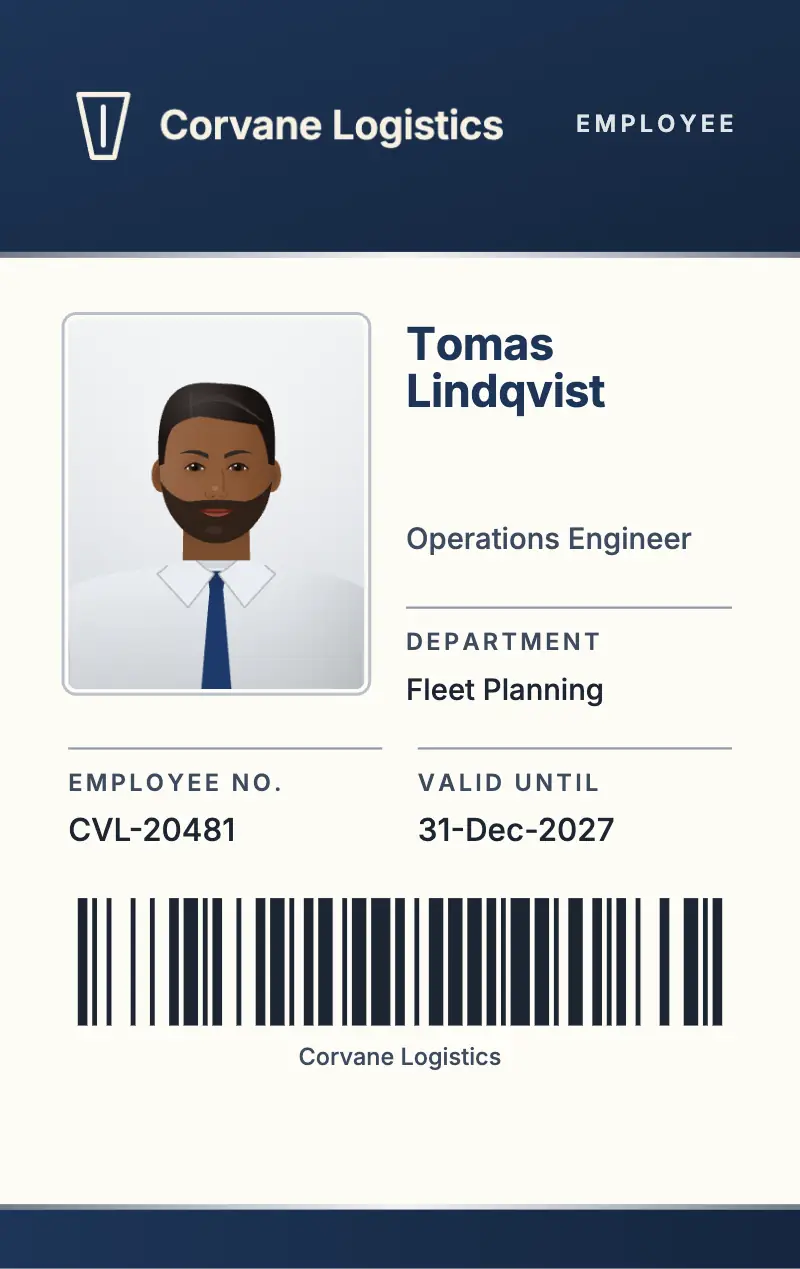
Corporate ID, portrait, Ink blue and silver
ID or member card
Designs made for this
Open a design for a closer look, or pick a colour above to see them in your brand.
- Use this template: Corporate ID, portrait
- Use this template: Professional register card
ID or member card, formal
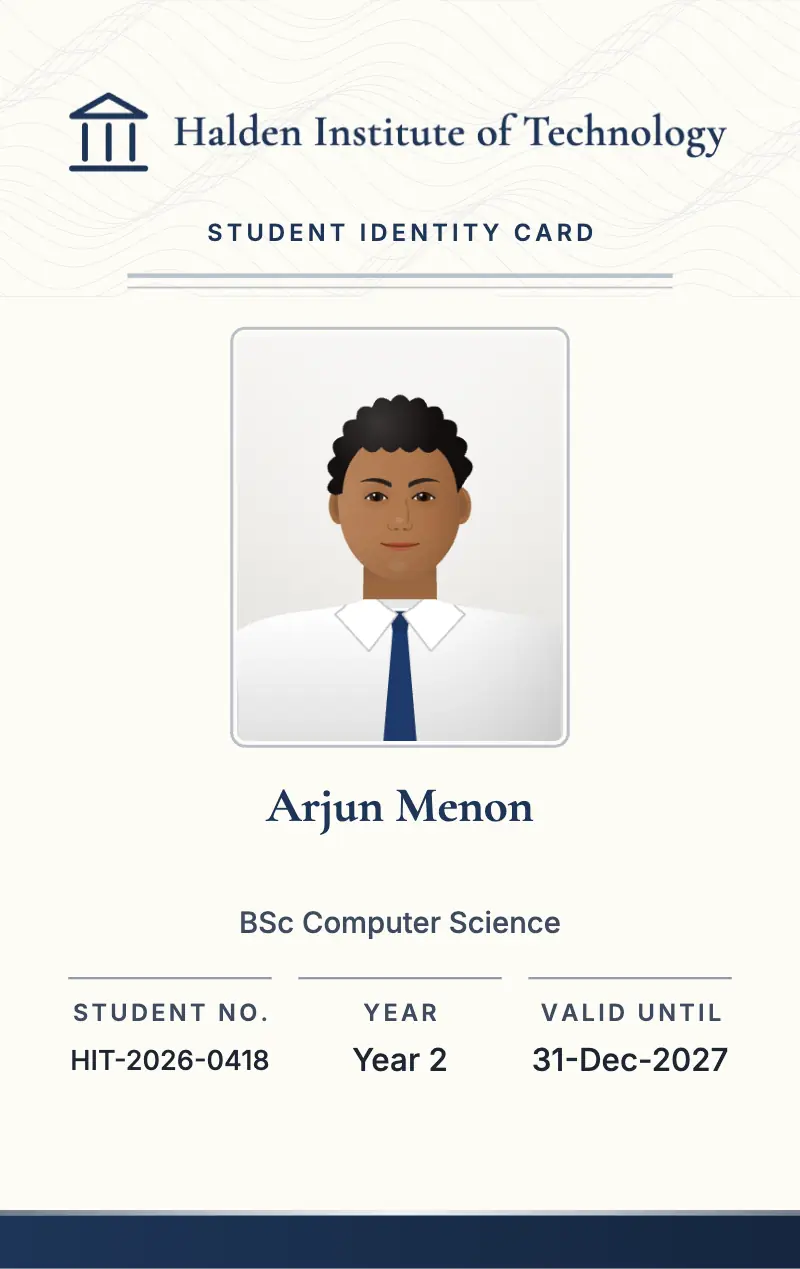
- Use this template: Student ID
ID or member card, formal

More id cards for this
Every design here is in the catalog. Tap a colour dot to try another colour, or open one to look closer.
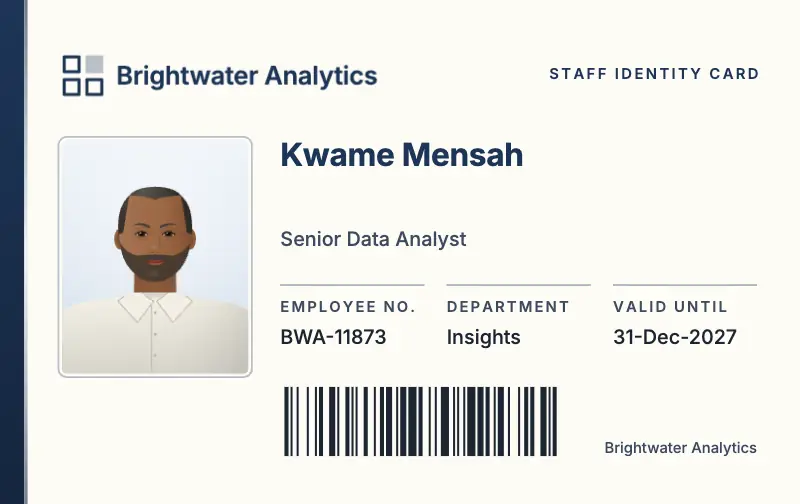
- Use this template: Corporate ID, landscape
4 colours, standard
- Use this template: Membership card
4 colours, formal
- Use this template: Contractor and visitor pass
4 colours, standard
- Use this template: Event pass
4 colours, standard
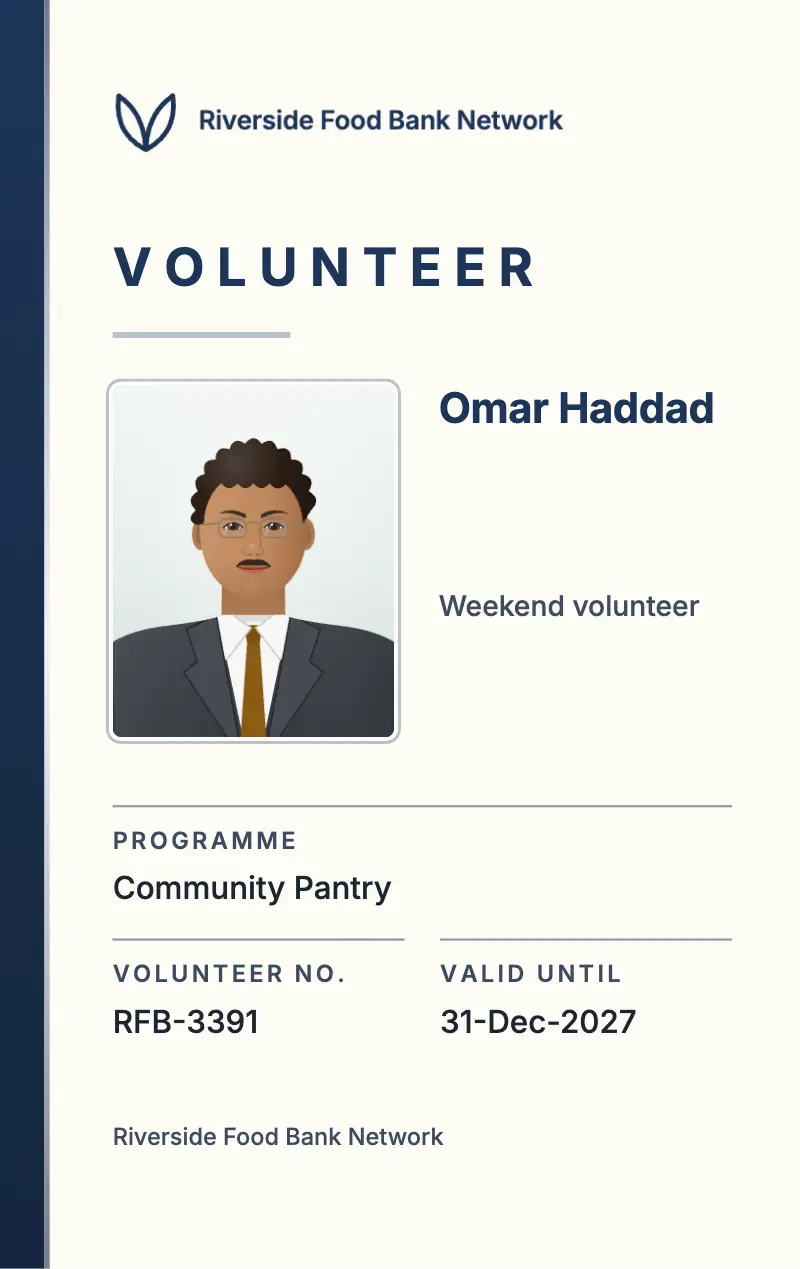
- Use this template: Volunteer ID
4 colours, standard



Checklist
What to put on it
In order of importance. Every template has a place for each.
- 1Your company name and logo
- 2The employee's photo, name and role
- 3The employee number
- 4The department or site
- 5The issue date and valid-until date
- 6A QR code that opens the live status
- 7On the back: lost card return line, emergency contact and office address
Copy and use
Wording ideas
Highlighted words are smart fields: each person's own details fill in by themselves when you send.
Front fields
Daniel Okafor | Data Analyst | Customer Care | Employee no. employee id
Validity line
Issued 25 November 2026. Valid until 25 November 2029.
Back: if found
If found, please return to Brightpath Academy, address, or call phone.
Back: property
This card is the property of Brightpath Academy and must be returned when employment ends.
Back: emergency
Emergency contact: emergency name, emergency phone. Blood group: blood group.
QR line
Scan to check this card is current.
Do and avoid
Do
- Use clear, recent photos with plain backgrounds
- Add a valid-until date and renew cards on time
- Revoke the card on the last working day so the QR shows it
- Use both sides: identity on the front, rules on the back
- Check long names fit before printing a batch
Avoid
- Never copy a government ID or another company's card
- Do not print home addresses or private numbers on the card
- Do not issue cards for people who do not work for you
- Do not leave old cards valid after someone leaves
Questions and answers
What should an employee ID card include?
Company name and logo, the employee's photo, name, role and number, a valid-until date and a QR code. The back can carry a return address.
Can I make employee ID cards in bulk?
Yes. Upload a spreadsheet with photos and details. Download print sheets with cut marks, or send each card by email.
Can employees keep the ID card on their phone?
Yes. On Pro and above, staff can add their card to Apple Wallet or Google Wallet.
What happens to the card when someone leaves?
Revoke it in one click. The QR code then shows the card is no longer valid.
Can I use this to make a government ID?
No. Our rules allow IDs only for your own staff, students or members. Copying any government ID is not allowed.


Send it today
Open this template in your colours, add your people and send. Free to start.