

ID or member card, formal
Name badges for every guest, ready for the lanyard
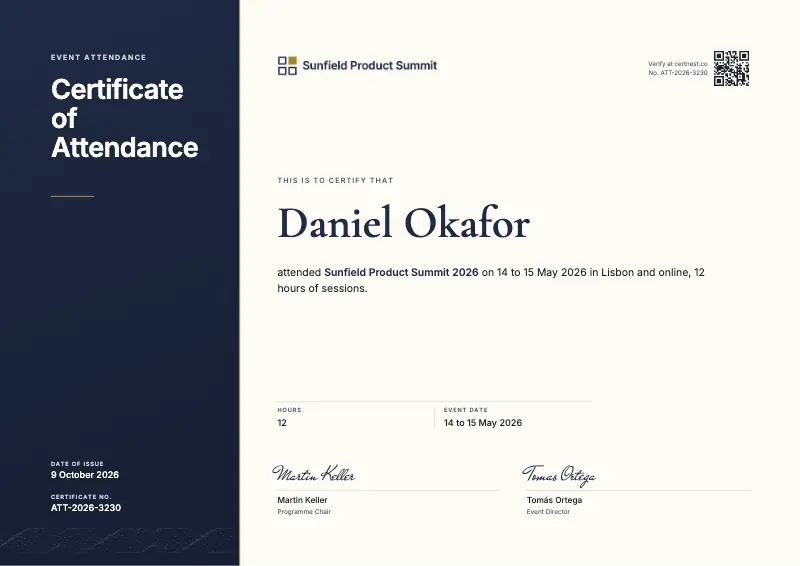
Good name badges make people talk. Upload your guest list and print a badge for every person, with big names, roles and a QR code for check-in. You can also email each guest a digital badge with a page to download and verify, and give attendees a matching certificate after.
- Your logo, colours and paper size
- Names filled from your list
- QR code and verify link on each
- Wording you can use as it is
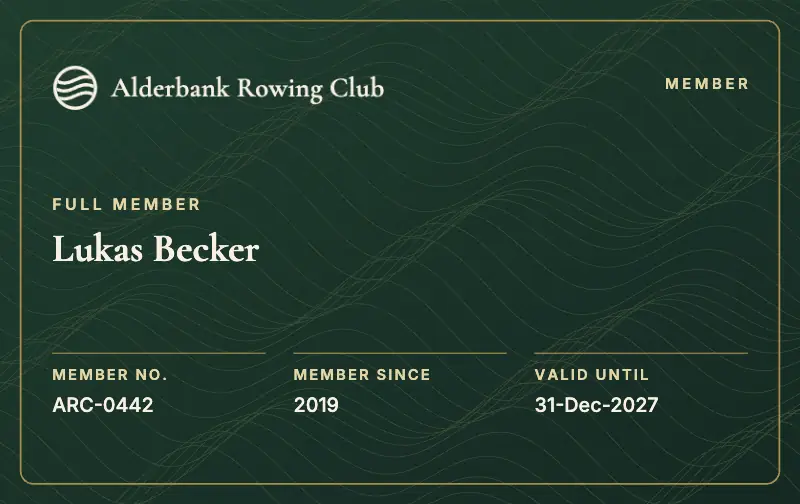
Membership card, Forest and gold
ID or member card and Digital badge
Designs made for this
Open a design for a closer look, or pick a colour above to see them in your brand.
- Use this template: Membership card
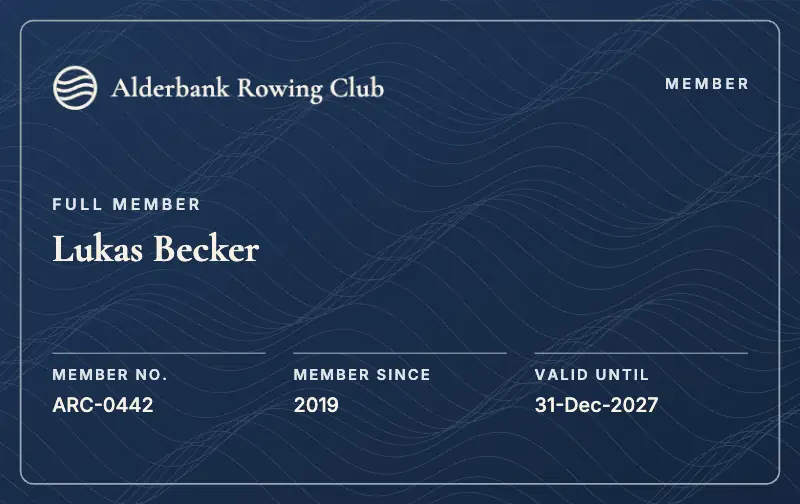
- Use this template: Membership card
ID or member card, formal
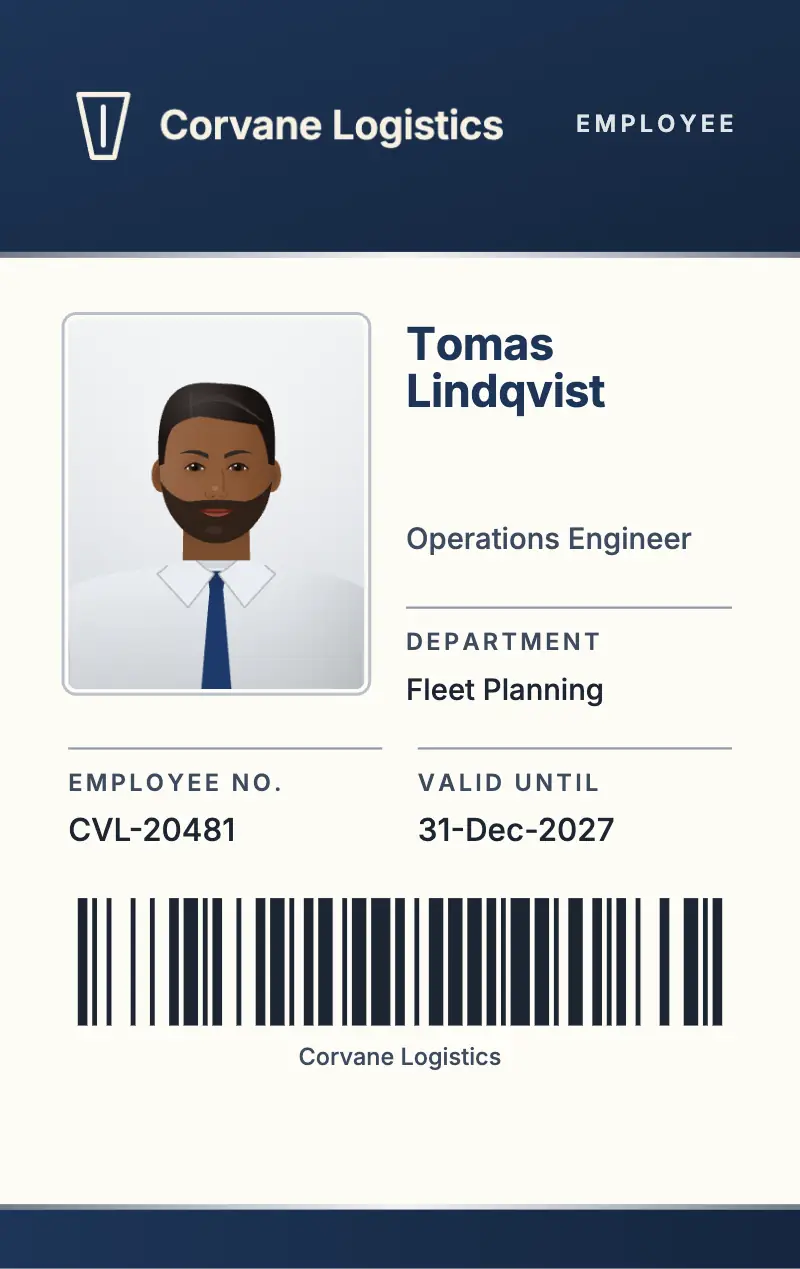
- Use this template: Corporate ID, portrait
ID or member card, standard
- Use this template: Strategic Leadership badge: Ribbon medal
Digital badge, formal

More event badges for this
Every design here is in the catalog. Tap a colour dot to try another colour, or open one to look closer.
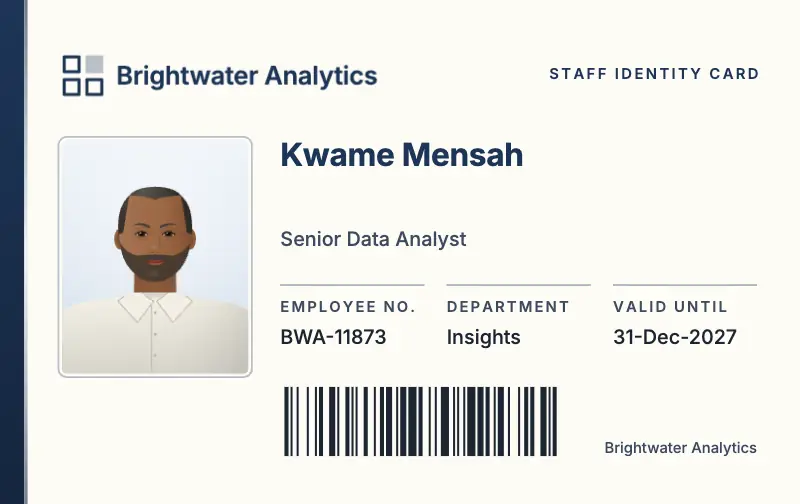
- Use this template: Corporate ID, landscape
4 colours, standard
- Use this template: Professional register card
4 colours, formal
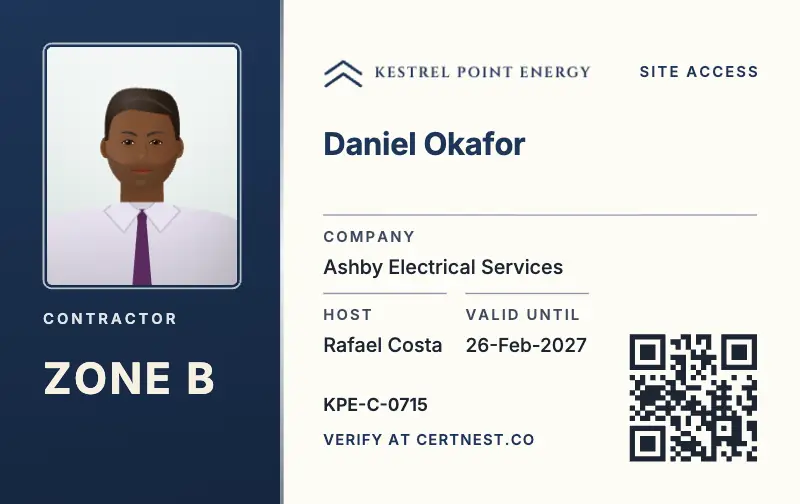
- Use this template: Contractor and visitor pass
4 colours, standard
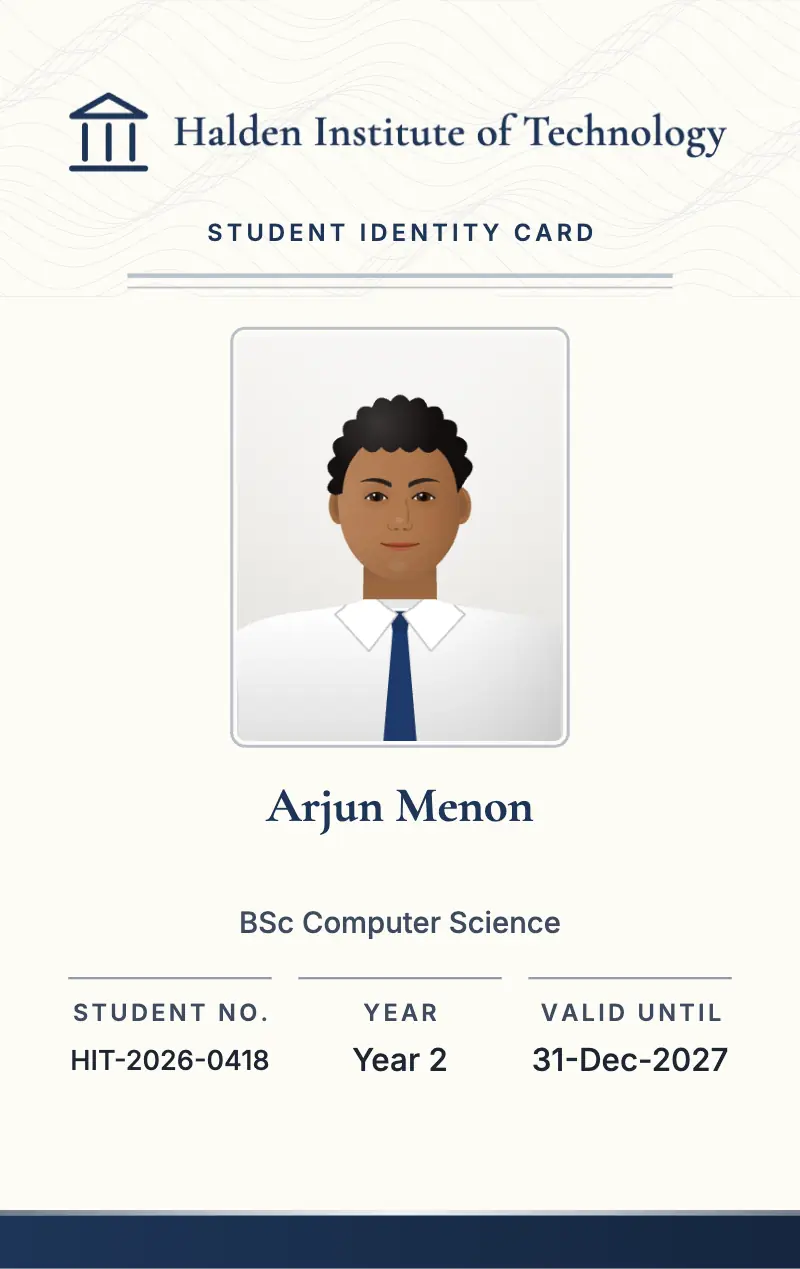
- Use this template: Student ID
4 colours, formal
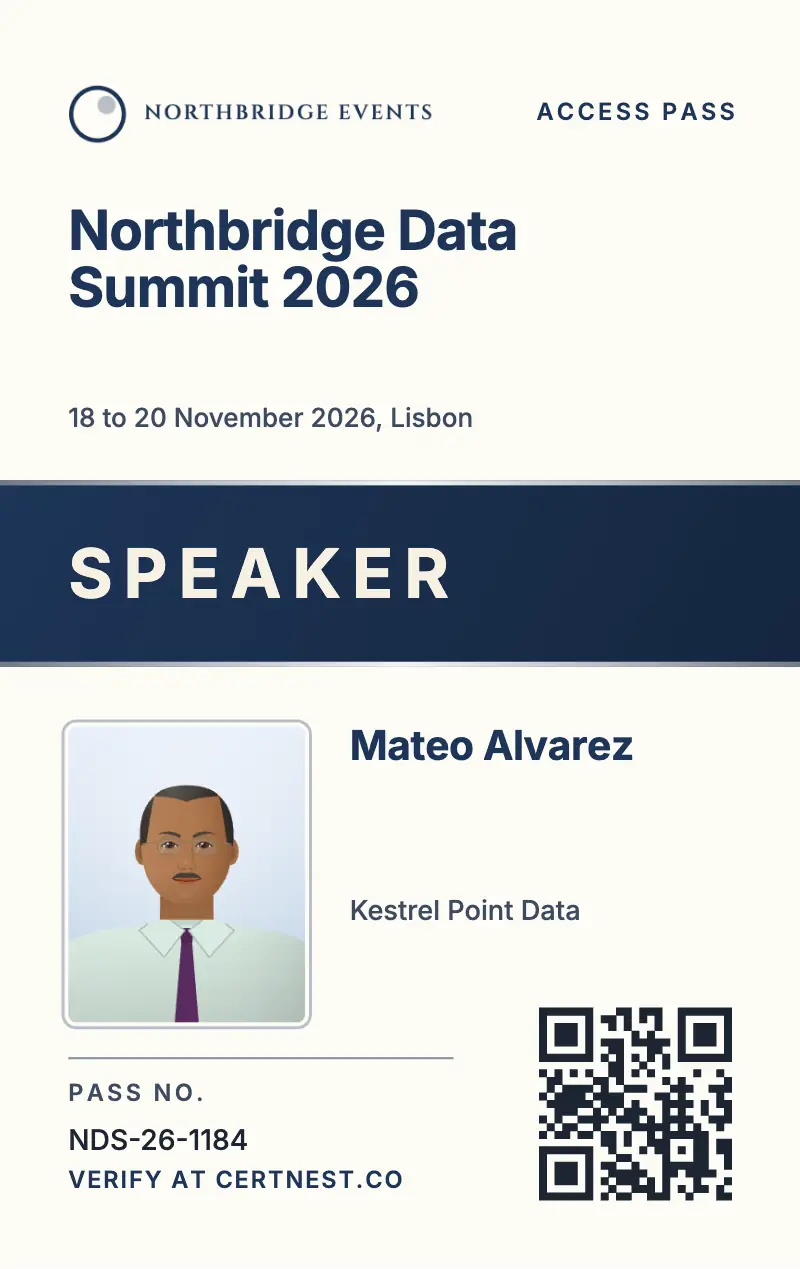
- Use this template: Event pass
4 colours, standard
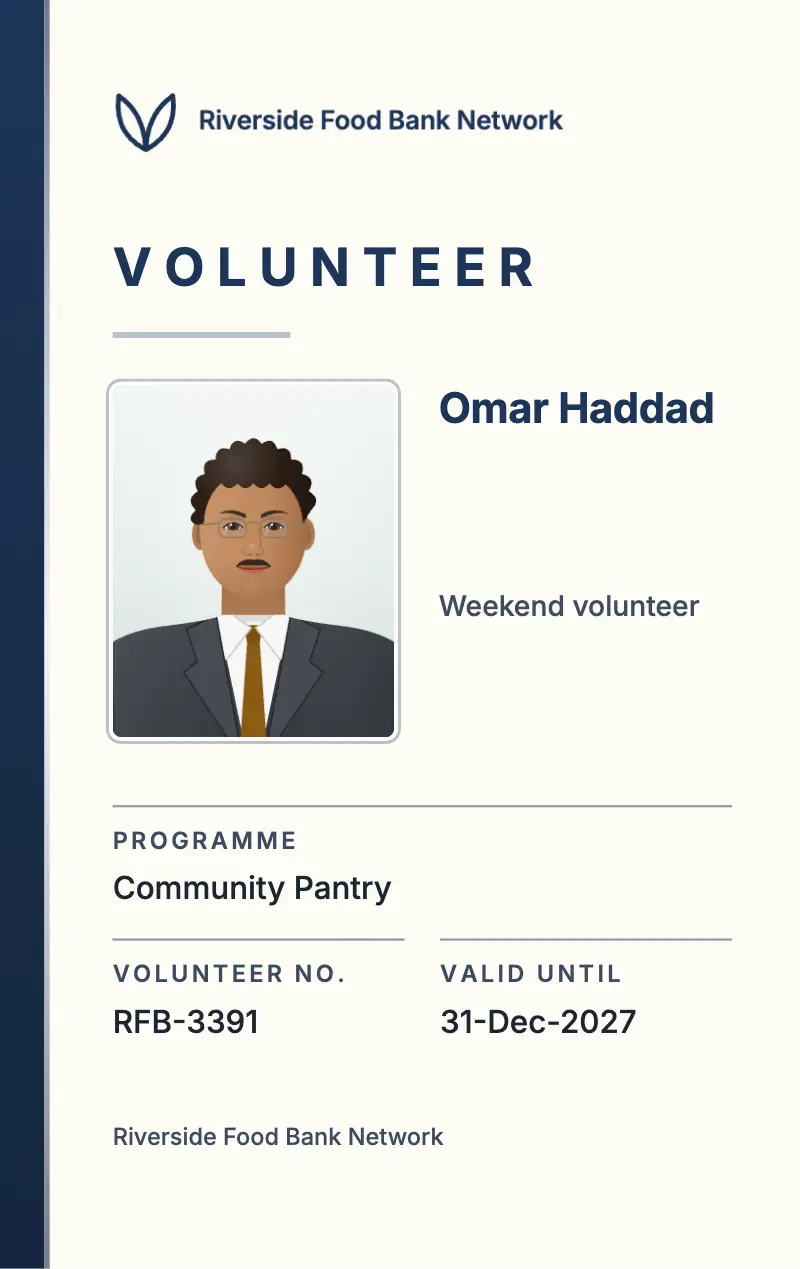
- Use this template: Volunteer ID
4 colours, standard

Checklist
What to put on it
In order of importance. Every template has a place for each.
- 1The guest's first name, large
- 2Their full name and company or organisation
- 3The role: attendee, speaker, sponsor, staff or press
- 4A colour band for each role
- 5The event name, dates and logo
- 6A QR code for check-in or contact sharing
- 7On the back: schedule, Wi-Fi details or a map
Copy and use
Wording ideas
Highlighted words are smart fields: each person's own details fill in by themselves when you send.
Front
Daniel | Daniel Okafor | Northwind Labs | Data Analyst
Role band
Data Analyst
Back: welcome
Welcome to City Tech Summit 2026. Doors open at 52:14 in hall.
Back: Wi-Fi
Wi-Fi: network. Password: password.
Back: help
Need help? Find anyone in a staff colour badge, or call phone.
Speaker front
Daniel | Daniel Okafor | Speaker | "Building Fast Websites"
Do and avoid
Do
- Make the first name big enough to read from two metres
- Use one colour per role
- Check names with accents and long surnames before printing
- Print on both sides so the badge never shows a blank
- Bring a few blank badges for walk-ins
Avoid
- Never copy another event's badge design or logo
- Do not put personal phone numbers on badges
- Do not use small grey text for names
- Do not mix up sponsor and staff colours
Questions and answers
How do I print name badges from my guest list?
Upload the list as a CSV, Excel file or Google Sheet, pick a badge size and download print sheets with cut marks.
What size is a standard event badge?
Common sizes are 4 by 3 inches and A6. Pick the size that fits your holders, and the layout adjusts.
Can I add a QR code for check-in?
Yes. Each badge can carry its own QR code with the guest's ID.
Can I use different colours for speakers and staff?
Yes. Add a role column and the colour band changes with the role.
Can guests get a certificate after the event too?
Yes. Use the same list to send attendance certificates or digital badges after the event.

Send it today
Open this template in your colours, add your people and send. Free to start.