

Certificate, formal
Experience certificates employers can trust
An experience certificate confirms a person's role and time with you. Issue it from your company, signed by an authorised person, and email it in a minute. The next employer can check it is real with one click.
- Your logo, colours and paper size
- Names filled from your list
- QR code and verify link on each
- Wording you can use as it is
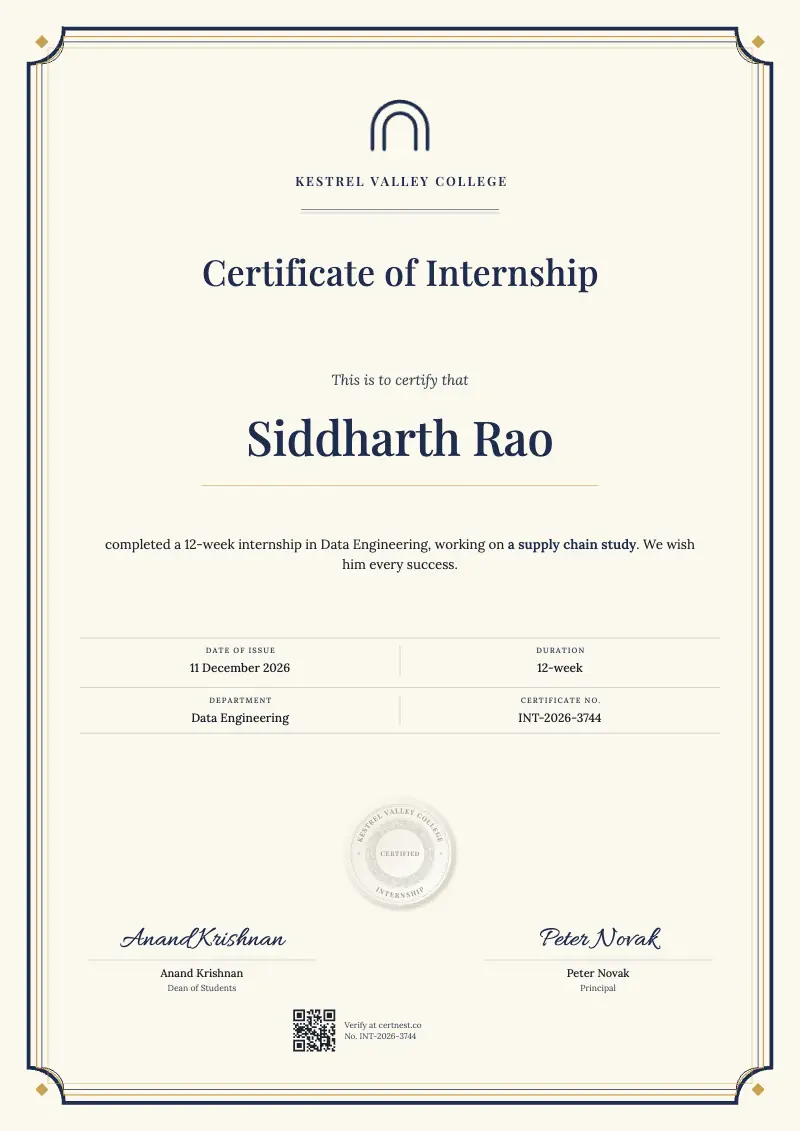
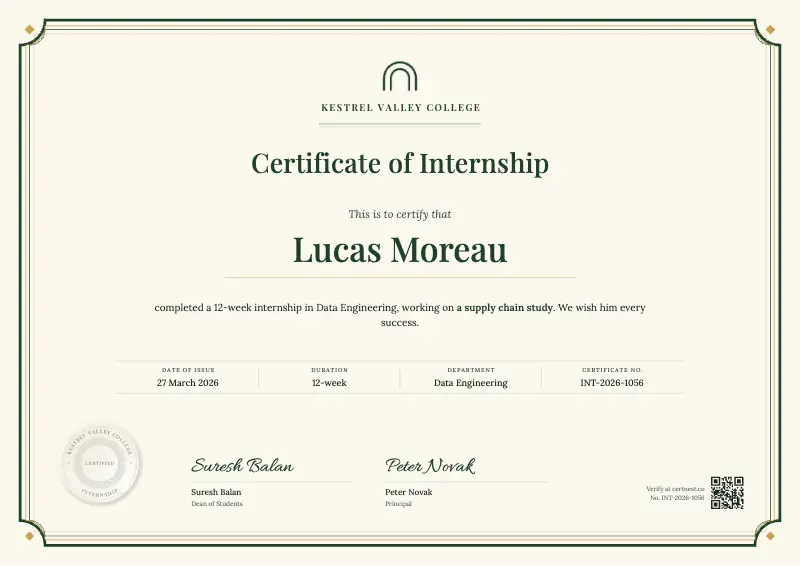
Internship: Academy, College navy and gold, portrait
Certificate
Designs made for this
Open a design for a closer look, or pick a colour above to see them in your brand.
- Use this template: Internship: Academy, portrait
- Use this template: Compliance training: Safety and Compliance, portrait
Certificate, formal
- Use this template: Licence to practise: Heritage, portrait
Certificate, formal
- Use this template: CPD hours: Professional Body, portrait
Certificate, formal
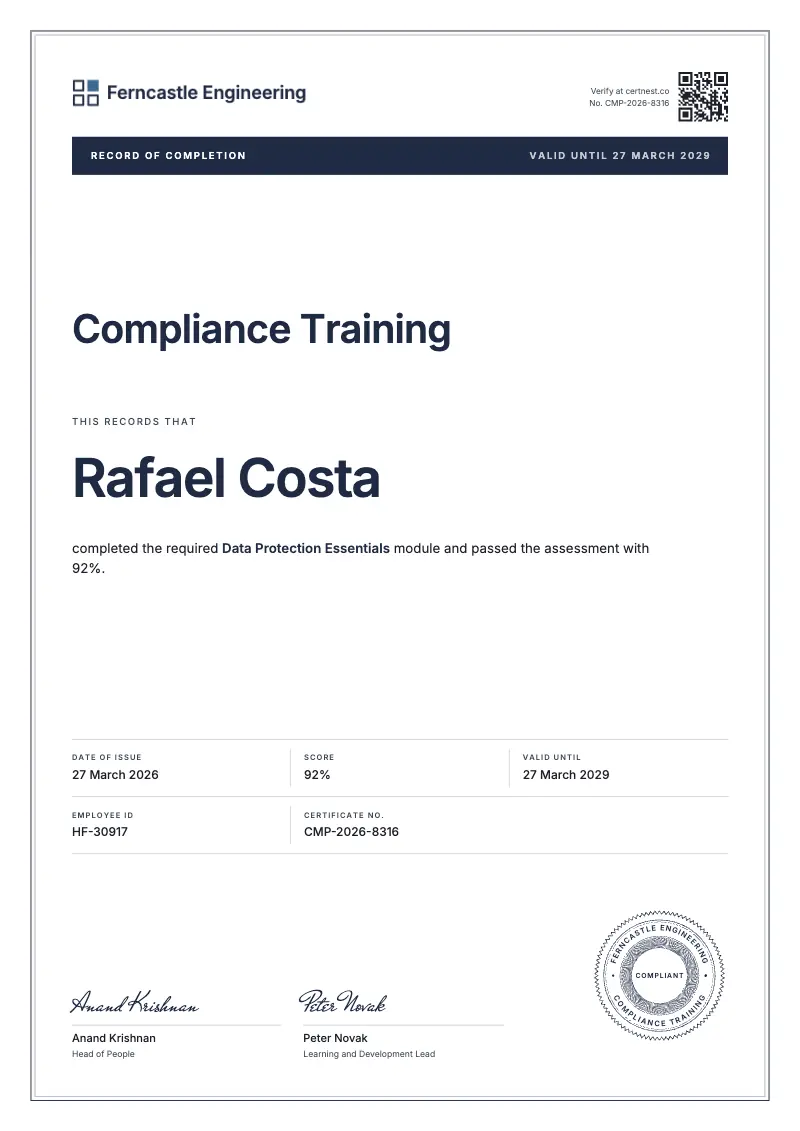
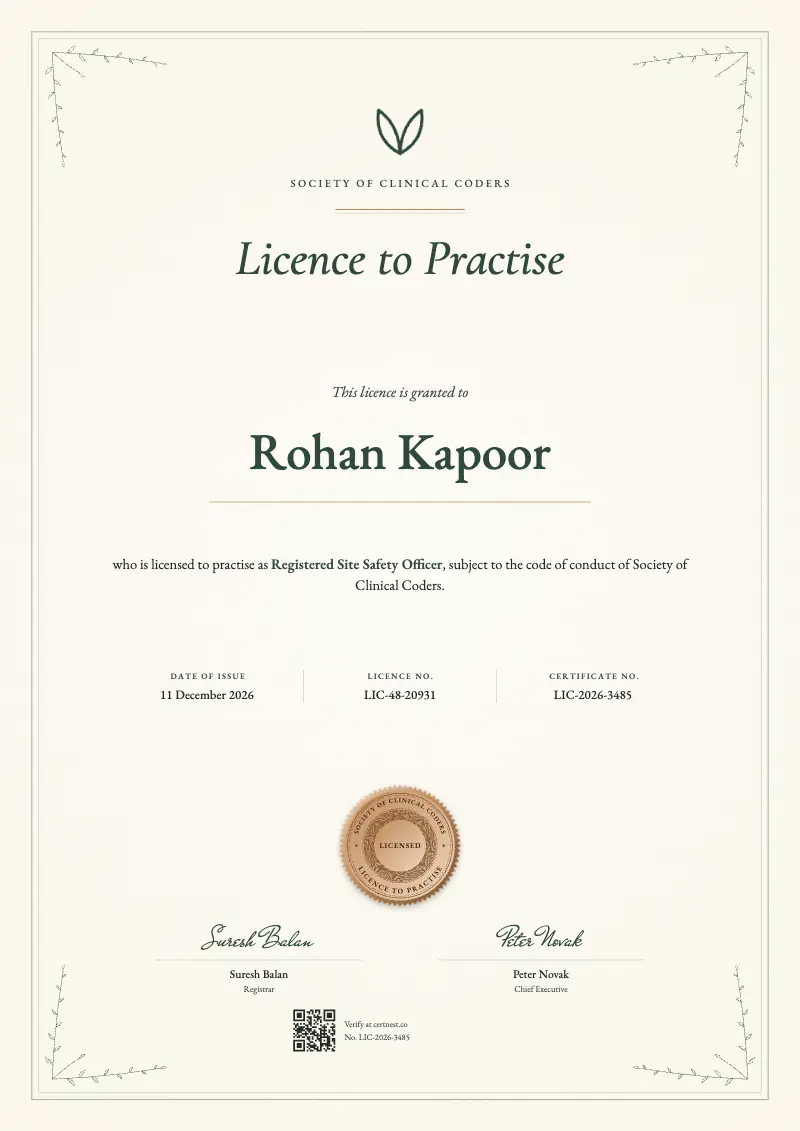
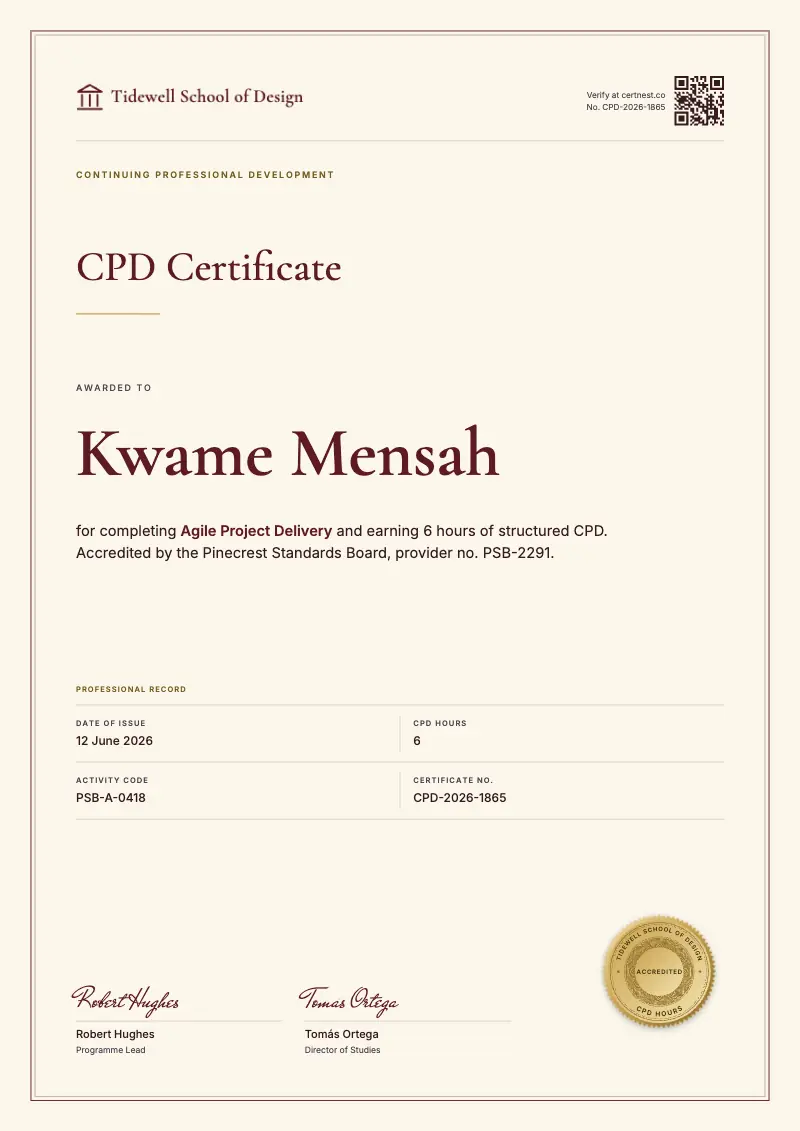
More certificates for this
Every design here is in the catalog. Tap a colour dot to try another colour, or open one to look closer.
- Use this template: Service anniversary: Corporate Recognition
5 colours, standard
- Use this template: Internship completion: Classic Diploma
5 colours, formal
- Use this template: Service anniversary: Volunteer and Appreciation
5 colours, standard
- Use this template: Work experience: Minimal
5 colours, standard

Checklist
What to put on it
In order of importance. Every template has a place for each.
- 1Company name, logo, address and contact
- 2The employee's full name and employee ID
- 3Designation and department
- 4Date of joining and last working day
- 5A short, factual line about the work
- 6Name, title and signature of an authorised signatory
- 7Date of issue
- 8A credential ID and QR code
Copy and use
Wording ideas
Highlighted words are smart fields: each person's own details fill in by themselves when you send.
Standard
This is to certify that Daniel Okafor (Employee ID id) worked with Brightpath Academy as Data Analyst in the Customer Care department from 1 June 2026 to 31 August 2026.
With duties
During this period, Daniel Okafor was responsible for duties. We found Daniel Okafor sincere and hardworking.
Good wishes
We thank Daniel Okafor for the contribution to Brightpath Academy and wish him every success in the future.
Promotion history
Daniel Okafor joined Brightpath Academy as first role on 1 June 2026 and was promoted to Data Analyst on promoted, a role held until 31 August 2026.
Short
Daniel Okafor was employed by Brightpath Academy as Data Analyst from 1 June 2026 to 31 August 2026.
Closing
This certificate is issued on request of the employee, on 25 November 2026, for whatever purpose it may serve.
Do and avoid
Do
- Keep to the facts: role, department and dates
- Have an authorised person sign it
- Use your company letterhead colours and logo
- Add a QR code so new employers can check it
- Keep a record of every certificate issued
Avoid
- Never issue one for someone who did not work for you
- Do not change dates or roles to help someone
- Do not include salary or private details unless the person asks
- Do not use another company's name or letterhead
- Do not let anyone sign who is not authorised
Questions and answers
What is an experience certificate?
It is a letter from an employer that confirms a person's role and dates of employment. It must come from the real employer and state facts only.
Who should sign an experience certificate?
An authorised person, usually from HR or a manager with the right to confirm employment.
Is an experience certificate the same as a relieving letter?
Not quite. A relieving letter confirms the person was released from duties. An experience certificate describes the role and time worked. Many companies issue both.
How can a new employer check an experience certificate?
They scan the QR code or open the link. It shows your company as the issuer and whether it is valid.
Can anyone make an experience certificate here?
Only a real employer, for its own staff. Our rules forbid fake employment documents, and we act on every report.

Send it today
Open this template in your colours, add your people and send. Free to start.