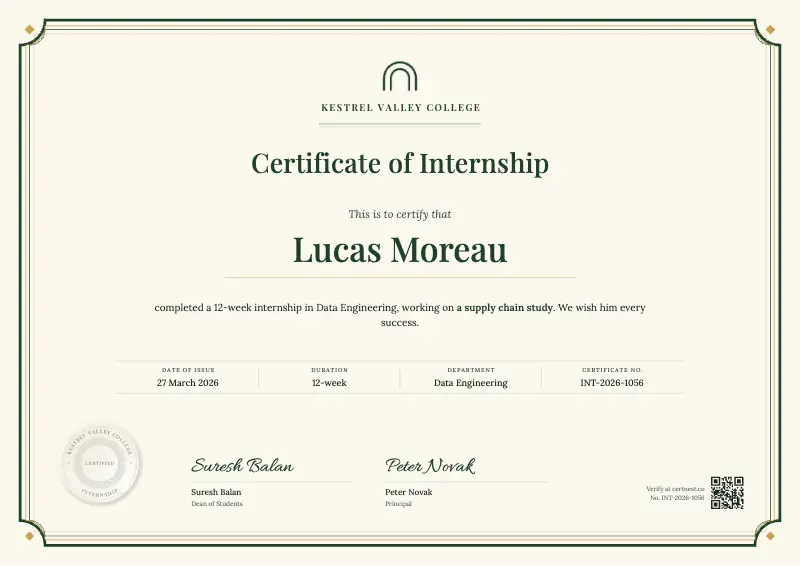
Quick viewUse this template: Internship: Academy
Certificate, formal
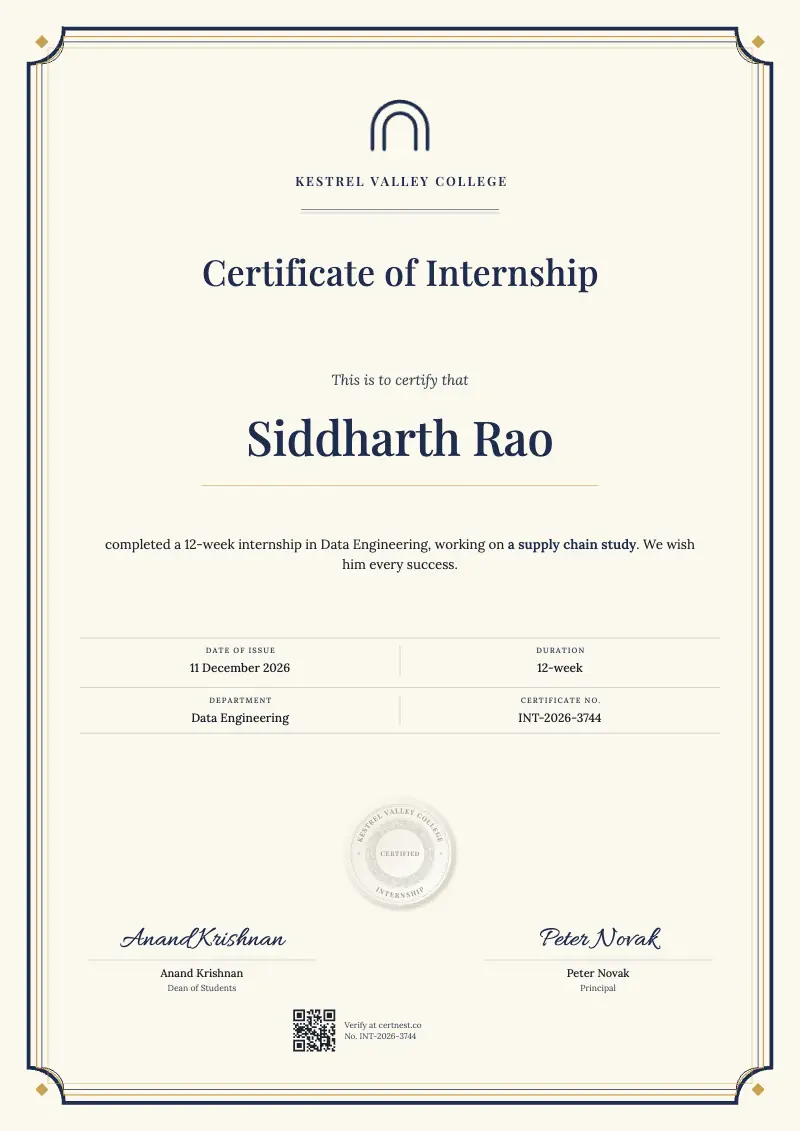
A good internship certificate opens the next door. Add the role, dates and skills, then email it to every intern at once. Each intern gets a page to download it, add it to LinkedIn and show recruiters, who can check it in one click.
Internship: Academy, Hunter green and gold
Certificate
Open a design for a closer look, or pick a colour above to see them in your brand.
Certificate, formal
Certificate, formal
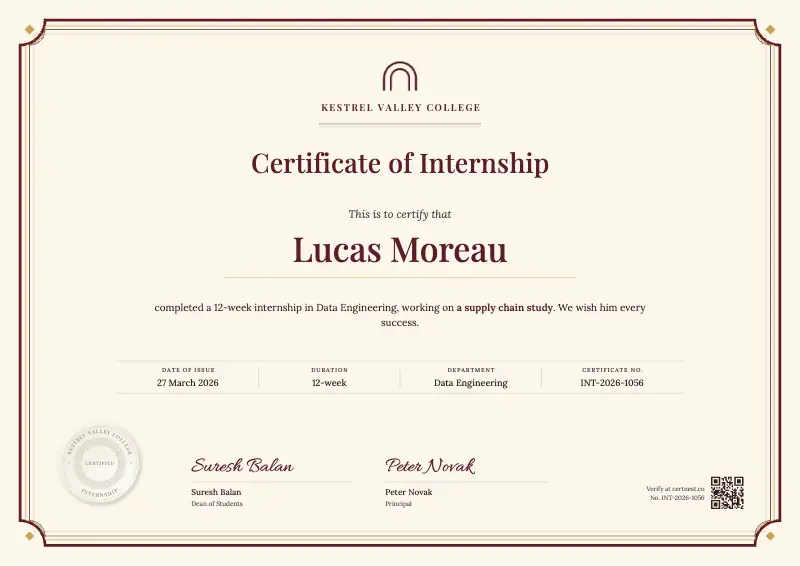
Certificate, formal
Certificate, formal
Every design here is in the catalog. Tap a colour dot to try another colour, or open one to look closer.
5 colours, formal
5 colours, formal
5 colours, formal
5 colours, standard
5 colours, standard
5 colours, standard
Checklist
In order of importance. Every template has a place for each.
Copy and use
Highlighted words are smart fields: each person's own details fill in by themselves when you send.
Formal
This is to certify that Daniel Okafor completed an internship as Data Analyst in the Product team at Brightpath Academy from 1 June 2026 to 31 August 2026.
With skills
Daniel Okafor interned with Brightpath Academy as Data Analyst from 1 June 2026 to 31 August 2026, working on the customer dashboard and building skills in SQL, charts and reporting.
Warm
Thank you, Daniel Okafor, for a great internship. Your work on the customer dashboard made a real difference. We wish you every success.
Performance
During the internship, Daniel Okafor showed strong initiative, learned fast and delivered quality work on time.
Short
Internship Completed: Data Analyst, Brightpath Academy, 1 June 2026 to 31 August 2026.
Hours
Daniel Okafor completed a 12-hour internship in field at Brightpath Academy, under the guidance of mentor.
The intern's name, the role, the dates, what they worked on, your company details and a signature from their manager or HR.
Yes. Their page has a button that adds it to the licences and certifications section, with your company name and the link.
They scan the QR code or open the link. The page shows that your company issued it and that it is still valid.
Yes. Upload your intern list from Excel or Google Sheets and each intern gets their own certificate by email.
Yes. Correct it and send again for free. The link stays the same.
Open this template in your colours, add your people and send. Free to start.