

Certificate, standard
Retirement certificates that honour a career
Retirement is a once-in-a-career moment. Honour it with a certificate that names the years, the role and a heartfelt message. Print it for the farewell and send a digital copy the family can keep.
- Your logo, colours and paper size
- Names filled from your list
- QR code and verify link on each
- Wording you can use as it is

Service anniversary: Corporate Recognition, Oxblood and gold
Certificate
Designs made for this
Open a design for a closer look, or pick a colour above to see them in your brand.
- Use this template: Service anniversary: Corporate Recognition
- Use this template: Service anniversary: Corporate Recognition
Certificate, standard
- Use this template: Service anniversary: Corporate Recognition
Certificate, standard
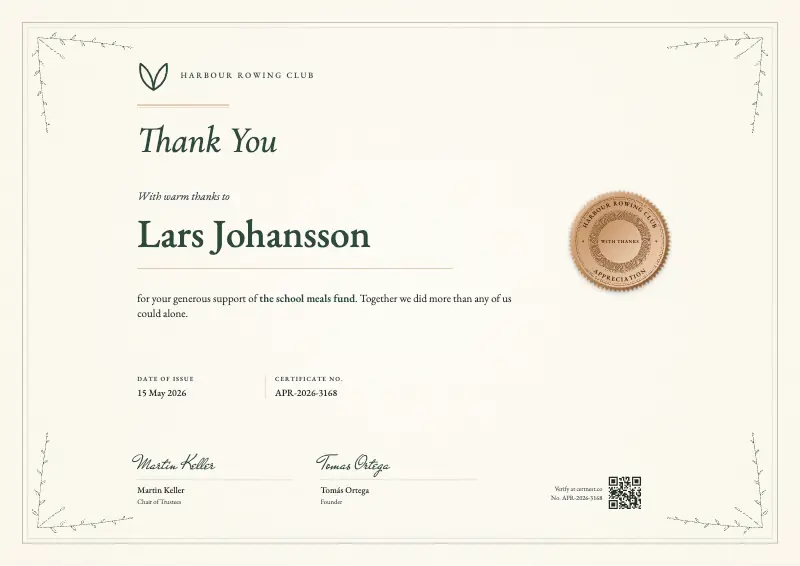
- Use this template: Appreciation: Heritage
Certificate, standard


More certificates for this
Every design here is in the catalog. Tap a colour dot to try another colour, or open one to look closer.
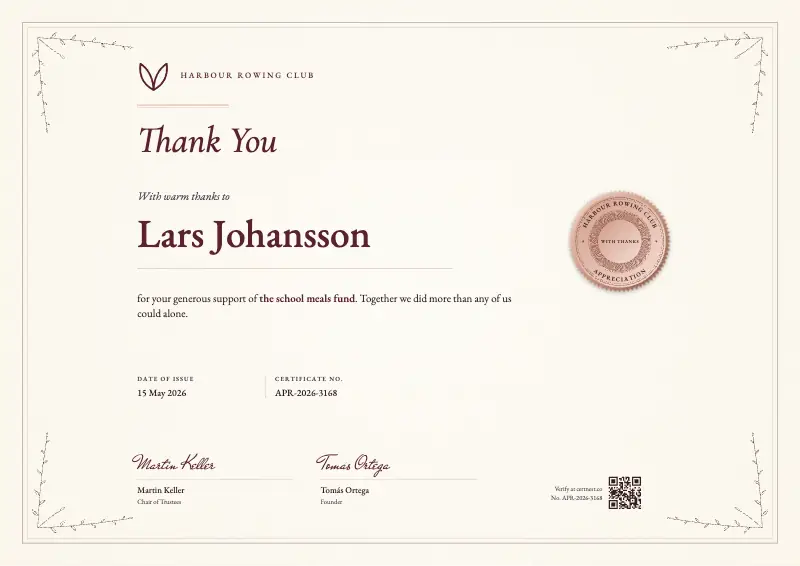
- Use this template: Retirement: Volunteer and Appreciation
5 colours, formal
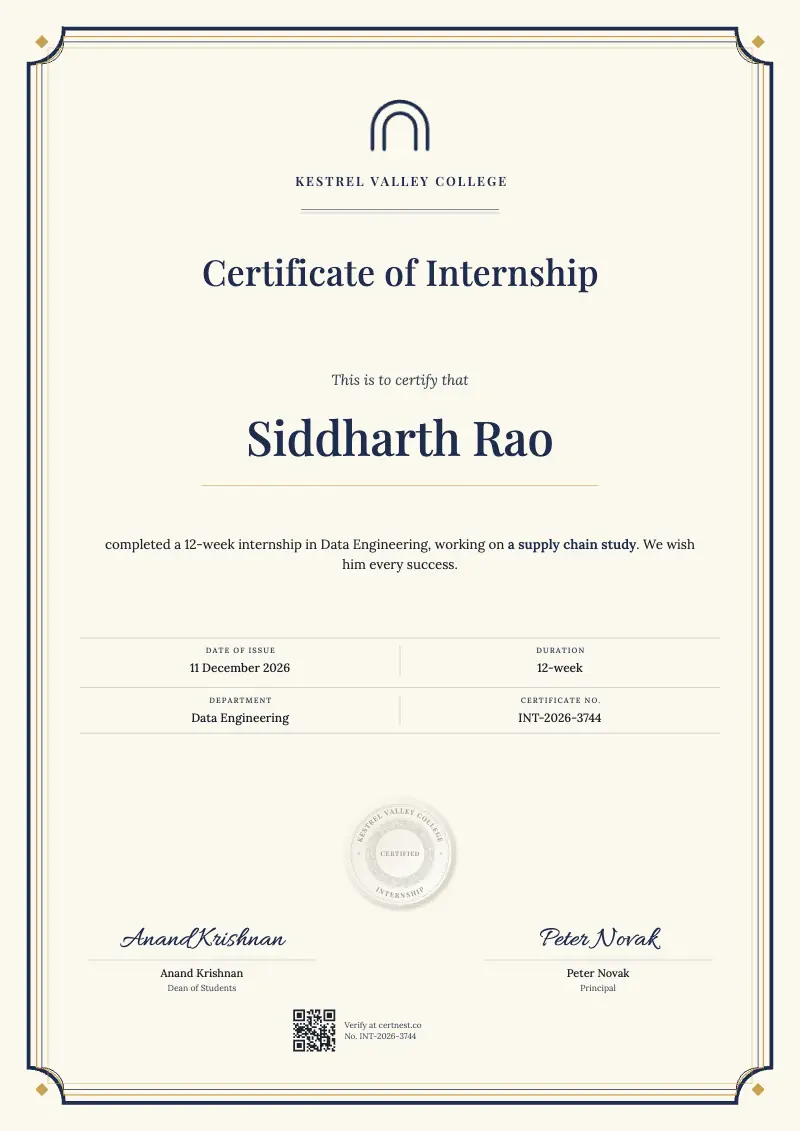
- Use this template: Teacher retirement: Volunteer and Appreciation
5 colours, standard
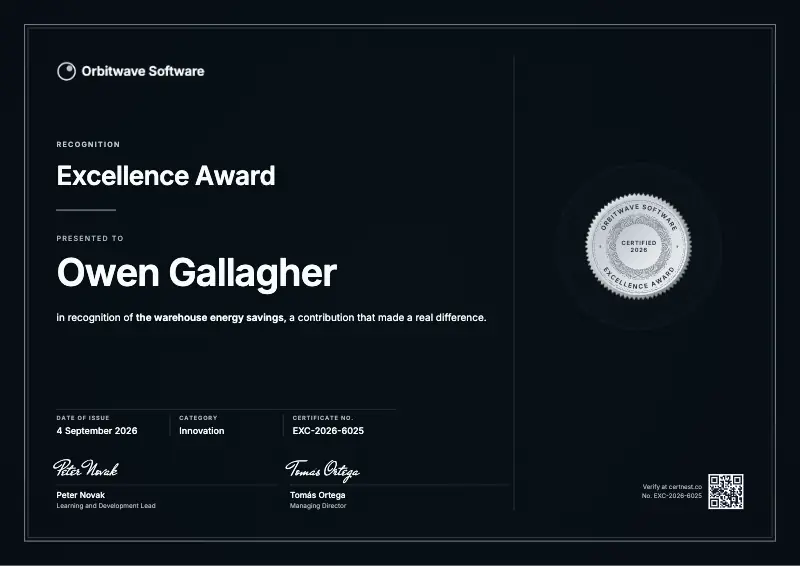
- Use this template: Years of service 25: Graduation
5 colours, formal
- Use this template: Years of service 25: Corporate Recognition
5 colours, standard
- Use this template: Teacher retirement: Heritage
5 colours, standard
- Use this template: Retirement: Corporate Recognition
5 colours, formal
Checklist
What to put on it
In order of importance. Every template has a place for each.
- 1The retiree's full name
- 2Years of service and the dates
- 3Last role and department
- 4A personal line of thanks
- 5Company or organisation name and logo
- 6Signatures of leaders or colleagues
- 7The date of the farewell
Copy and use
Wording ideas
Highlighted words are smart fields: each person's own details fill in by themselves when you send.
Formal
In grateful recognition of 10 years of dedicated service, Brightpath Academy honours Daniel Okafor on his retirement, 25 November 2026.
Warm
Daniel Okafor, thank you for 10 wonderful years. Your kindness and hard work will be remembered by everyone here.
Career
Daniel Okafor joined Brightpath Academy in start year and retires as Data Analyst. We thank him for a lifetime of service.
Light
Happy retirement, Daniel Okafor! The alarm clock is officially retired too.
Short
With thanks for 10 years. Happy retirement, Daniel Okafor.
Do and avoid
Do
- Print the years of service in large letters
- Ask colleagues for one line to include
- Print it on thick paper and frame it
- Send a digital copy so it is never lost
Avoid
- Do not use jokes the retiree may not enjoy
- Do not get the dates wrong; check HR records
- Do not rush the design; this one is kept for life
- Do not forget the signatures
Questions and answers
What do you write on a retirement certificate?
The retiree's name, years of service, last role, and a warm line of thanks. Add the farewell date and signatures.
Can I print a retirement certificate for framing?
Yes. Download a high-quality PDF in A4 or Letter and print it on thick paper.
Can colleagues sign it?
Yes. Add several signatures to the design.
Can I send a digital copy too?
Yes. The retiree gets a page where he can download it any time.
Is the certificate kept online after retirement?
Yes. Credentials stay live, even if you cancel your plan later.
Send it today
Open this template in your colours, add your people and send. Free to start.