

Certificate, standard
Employee of the year certificates worth framing
The year's top award deserves a certificate that looks the part. Pick a formal design, add your logo and colours, and write one clear line on what the winner did. Send it on the day of your awards event. The winner gets a page to download it, share it and add it to LinkedIn.
- Your logo, colours and paper size
- Names filled from your list
- QR code and verify link on each
- Wording you can use as it is
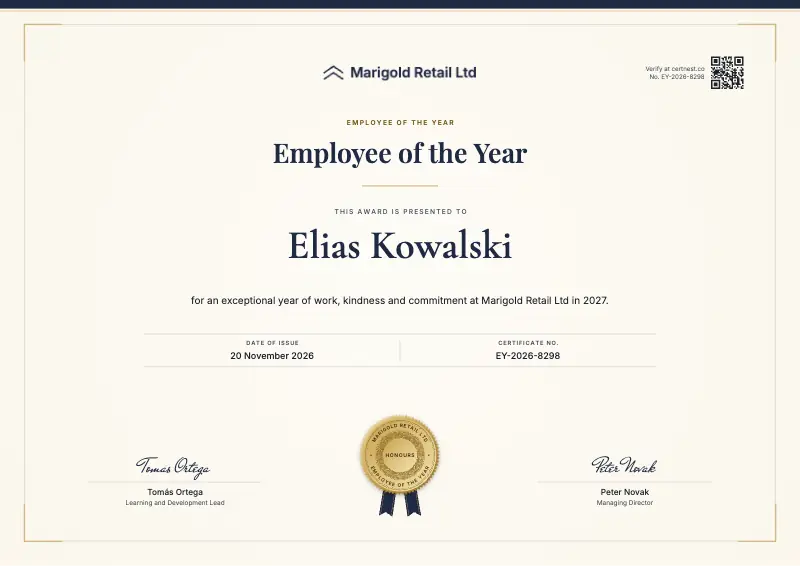
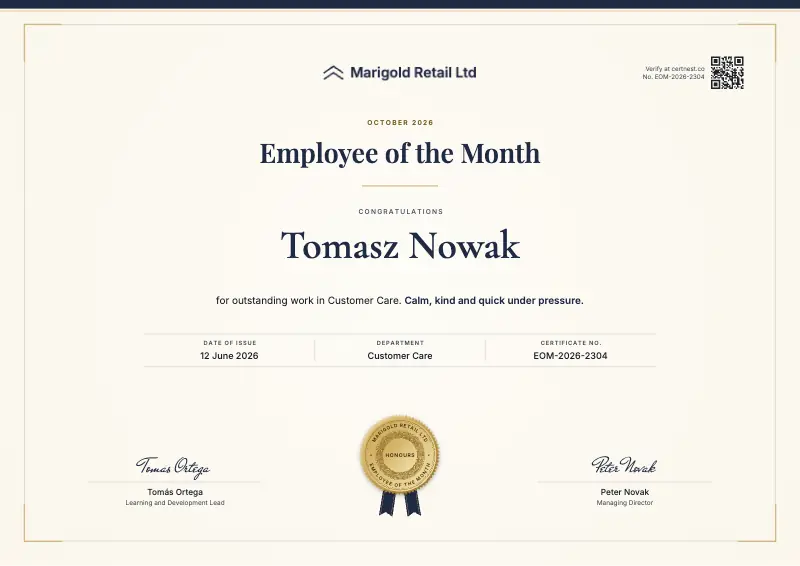
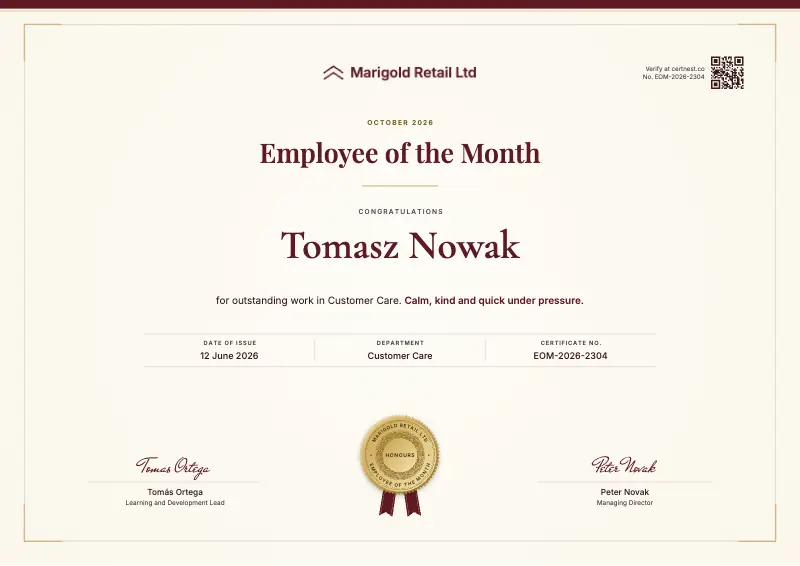
Employee of the year: Corporate Recognition, Navy and gold
Certificate
Designs made for this
Open a design for a closer look, or pick a colour above to see them in your brand.
- Use this template: Employee of the year: Corporate Recognition
- Use this template: Employee of the year: Royal
Certificate, formal
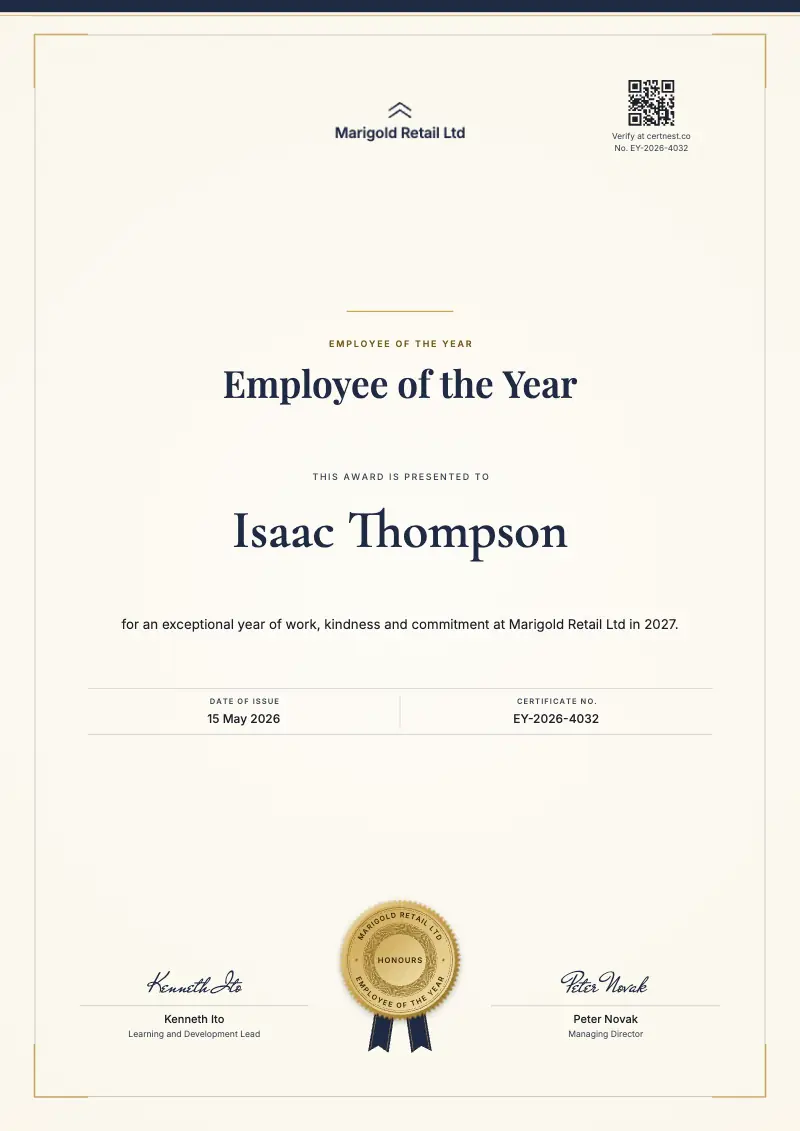
- Use this template: Employee of the year: Corporate Recognition, portrait
Certificate, standard
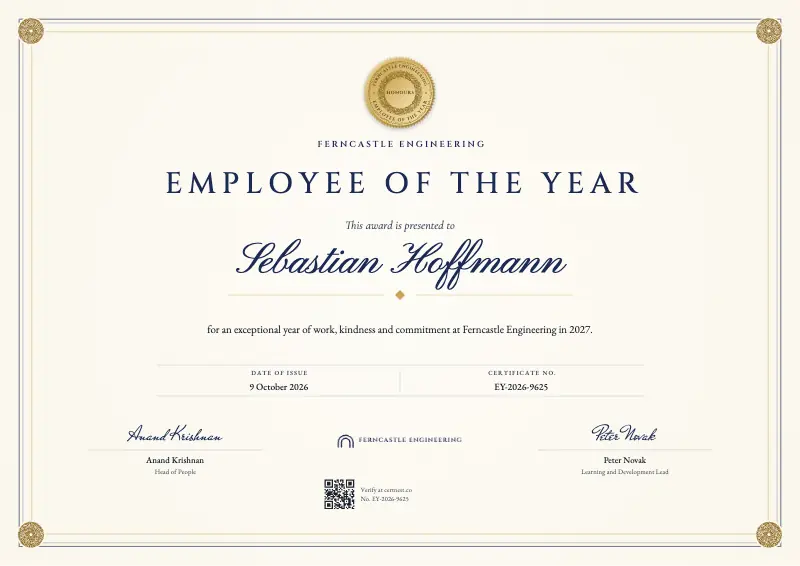
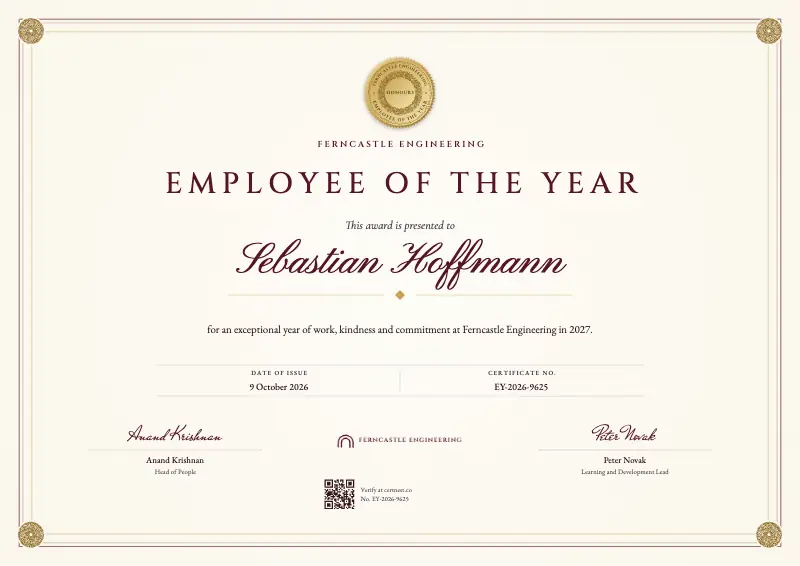
- Use this template: Employee of the year: Royal
Certificate, formal
More certificates for this
Every design here is in the catalog. Tap a colour dot to try another colour, or open one to look closer.
- Use this template: Employee of the quarter: Corporate Recognition
5 colours, standard
- Use this template: Employee of the quarter: Royal
5 colours, formal
- Use this template: Top sales performer: Corporate Recognition
5 colours, standard
- Use this template: Top sales performer: Heritage
5 colours, standard
- Use this template: Employee of the year: Royal, portrait
5 colours, formal
Checklist
What to put on it
In order of importance. Every template has a place for each.
- 1The words "Employee of the Year" and the year
- 2The employee's full name
- 3One line on why they won
- 4The team or department
- 5Your company name and logo
- 6Signature of a leader, with name and title
- 7The date of the award
Copy and use
Wording ideas
Highlighted words are smart fields: each person's own details fill in by themselves when you send.
Classic
Brightpath Academy is proud to name Daniel Okafor Employee of the Year 2026, in recognition of outstanding work, care and leadership.
Specific
Awarded to Daniel Okafor, Employee of the Year 2026, for top sales in the region. Your work made a real difference to the whole company.
Team voice
Chosen by colleagues across Brightpath Academy: Daniel Okafor, our Employee of the Year 2026. Thank you for making every team better.
For a long year of steady work
For twelve months of steady, careful work that kept Product moving, Brightpath Academy names Daniel Okafor Employee of the Year 2026.
Short
Employee of the Year 2026: Daniel Okafor. Thank you for a wonderful year.
Do and avoid
Do
- Say in one line what the winner did this year
- Use a more formal design than your monthly award
- Have a senior leader sign it
- Hand it out at the event and send the link the same day
- Keep the past winners in one list so the award builds a history
Avoid
- Use the same wording as the monthly award
- Leave out the year
- Send it weeks after the event
- Crowd the page with long paragraphs
Questions and answers
What do you write on an employee of the year certificate?
The winner's name, the year, your company name and one line on why they won. A leader's signature and the award date complete it.
How is it different from employee of the month?
It is the bigger award, so use a more formal design, a senior signature and a clear reason that covers the whole year.
Can I print it and also send it by email?
Yes. Download a print-ready PDF for the event and send the same certificate by email with its own verify link.
Can I add a runner-up certificate in the same style?
Yes. Use the same design and change the title line, so every certificate from the night looks like one set.
Can the winner add it to LinkedIn?
Yes. The certificate page has a button that adds it to their LinkedIn profile with the details filled in.

Send it today
Open this template in your colours, add your people and send. Free to start.