

Certificate, standard
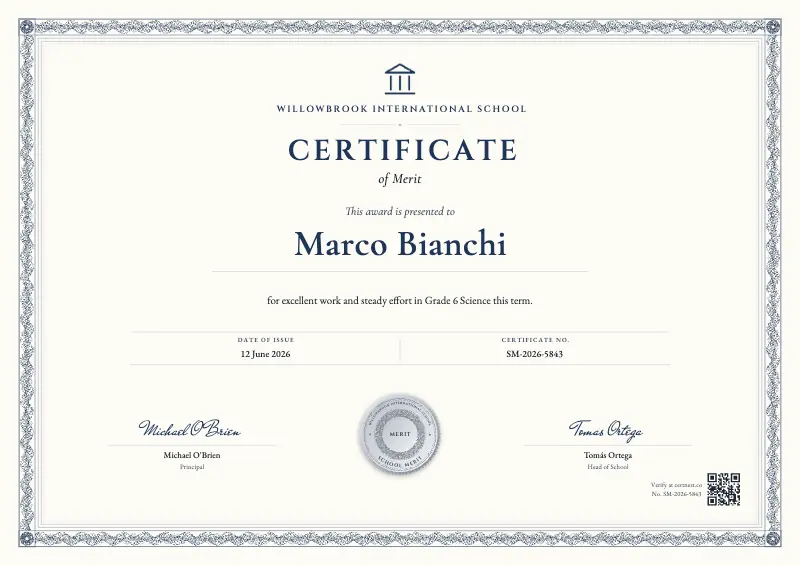
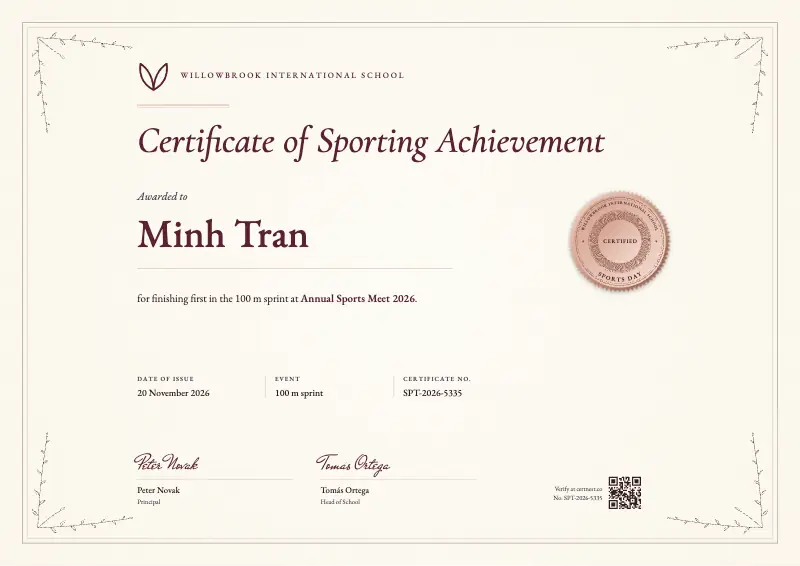
Winner certificates for first, second and third
Winning feels better with proof. Send first, second and third place certificates, plus participation for everyone else, from one list. Each winner gets a page to download it, share it, add it to LinkedIn and show it is verified.
- Your logo, colours and paper size
- Names filled from your list
- QR code and verify link on each
- Wording you can use as it is
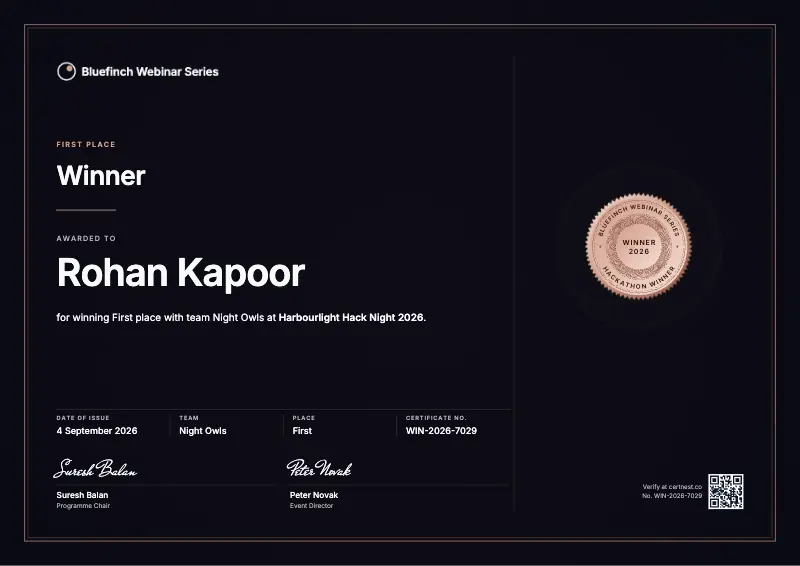
Hackathon winner: Tech Award, Aubergine and rose gold
Certificate
Designs made for this
Open a design for a closer look, or pick a colour above to see them in your brand.
- Use this template: Hackathon winner: Tech Award
- Use this template: Hackathon winner: Tech Award
Certificate, standard
- Use this template: Hackathon winner: Tech Award
Certificate, standard
- Use this template: Hackathon winner: Tech Award
Certificate, standard
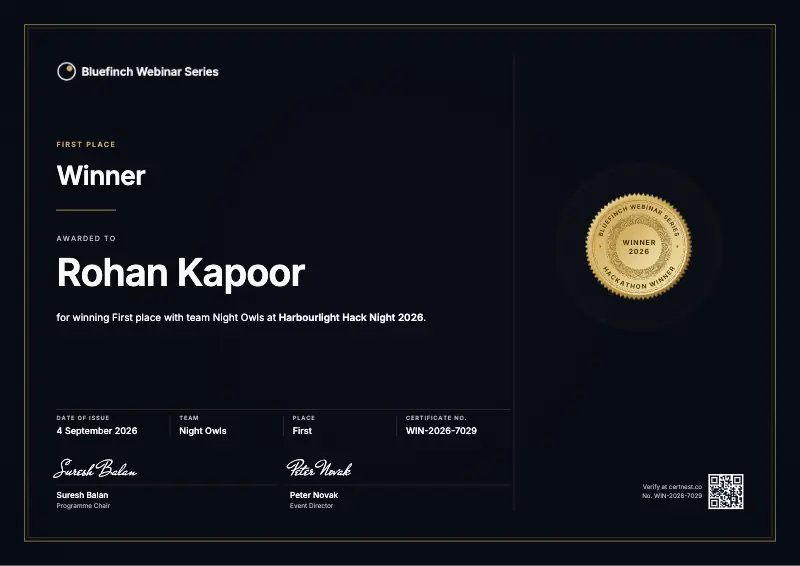
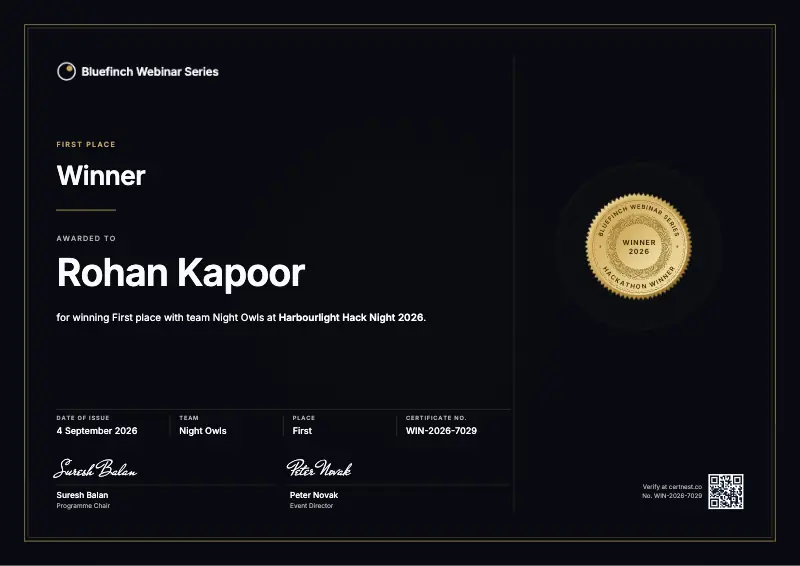
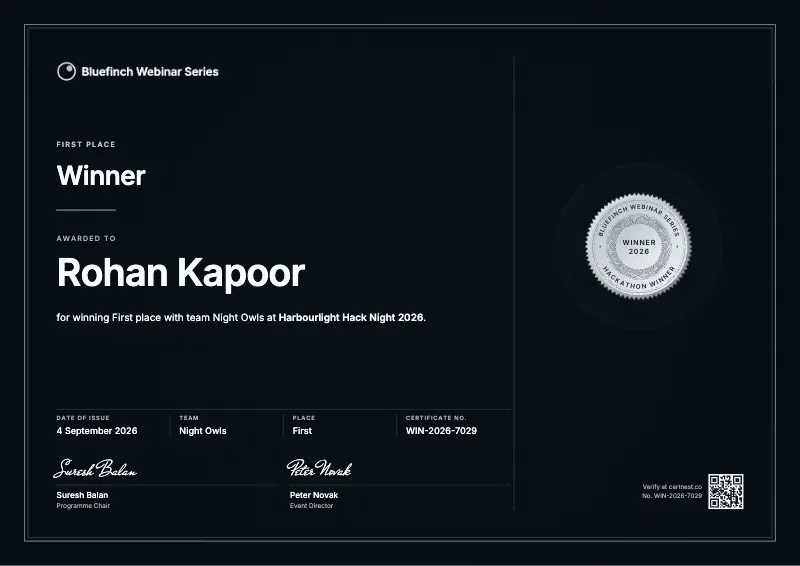
More certificates for this
Every design here is in the catalog. Tap a colour dot to try another colour, or open one to look closer.
- Use this template: College fest winner: Hackathon and College Fest
5 colours, standard
- Use this template: Tournament winner: Sports and Competition
5 colours, standard
- Use this template: Essay winner: Sports and Competition
5 colours, formal
- Use this template: Debate winner: Sports and Competition
5 colours, formal
- Use this template: Science fair winner: Achievement
5 colours, formal
- Use this template: Tournament winner: Achievement
5 colours, formal
- Use this template: Quiz winner: Sports and Competition
5 colours, standard
- Use this template: College fest winner: Achievement
5 colours, formal
Checklist
What to put on it
In order of importance. Every template has a place for each.
- 1The place: first, second, third or a named prize
- 2The winner's full name, or team name
- 3The competition name and category
- 4The date and place
- 5Your organisation's name and logo
- 6The judge or organiser's signature
- 7A certificate ID and QR code
Copy and use
Wording ideas
Highlighted words are smart fields: each person's own details fill in by themselves when you send.
First place
Awarded to Daniel Okafor for winning first place in City Tech Summit 2026, Under 14 category, on 25 November 2026.
Any rank
This certifies that Daniel Okafor secured first place place in City Tech Summit 2026 organised by Brightpath Academy.
Special prize
Daniel Okafor receives the prize at City Tech Summit 2026 for outstanding service to customers.
Team
Presented to Daniel Okafor, member of team Product, winners of City Tech Summit 2026, 25 November 2026.
Short
Champion. Daniel Okafor, City Tech Summit 2026, 25 November 2026.
Runner up
Congratulations, Daniel Okafor, on a fine finish as runner up in City Tech Summit 2026.
Do and avoid
Do
- Use a rank column so one design serves every place
- Give the winners a slightly richer design or a seal
- Name the category; it matters to the winner
- Announce results first, then send the certificates
- Send participation certificates to everyone else on the same day
Avoid
- Do not send winner certificates before results are final
- Do not mix up ranks; preview each row before you send
- Do not leave out the category in multi-category events
- Do not use the word "champion" for a runner up
Questions and answers
How do I make certificates for first, second and third place?
Add a rank column to your list. One design shows each person's place, so you send all winners in one go.
Can I give winners and participants different designs?
Yes. Make a winner credential and a participation credential, and send each to its own list.
Can winners prove their result to a school or employer?
Yes. The QR code and link open a page that shows the result and confirms your organisation issued it.
What if I need to correct a rank after sending?
Edit the row and reissue. The old version stops showing as valid, and corrections are free.
Can I print winner certificates for a prize ceremony?
Yes. Download them all as PDFs or print sheets, and still email each winner their digital copy.
Send it today
Open this template in your colours, add your people and send. Free to start.