

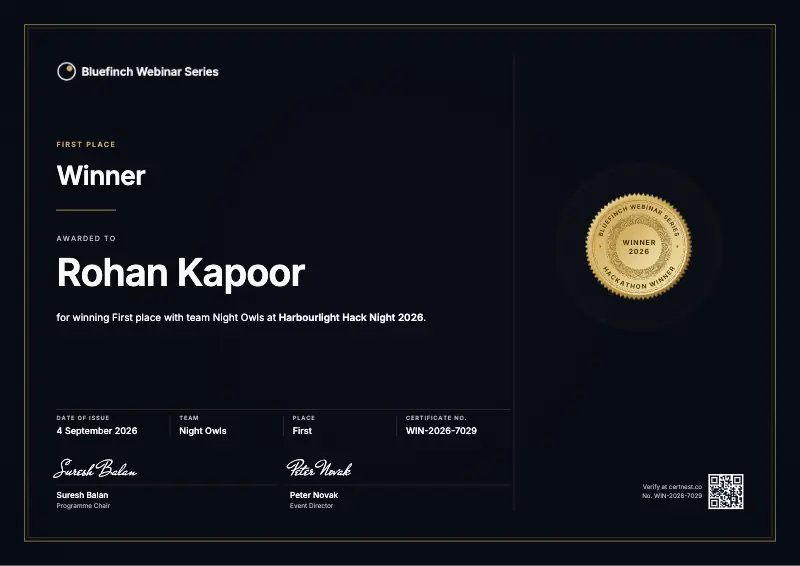
Certificate, standard
Quiz certificates for winners and every player
Every quiz ends with a scoreboard. Turn it into certificates in minutes: upload the results, pick a design and send. Each player gets a page to download, share or add it to LinkedIn, and anyone can verify the result.
- Your logo, colours and paper size
- Names filled from your list
- QR code and verify link on each
- Wording you can use as it is
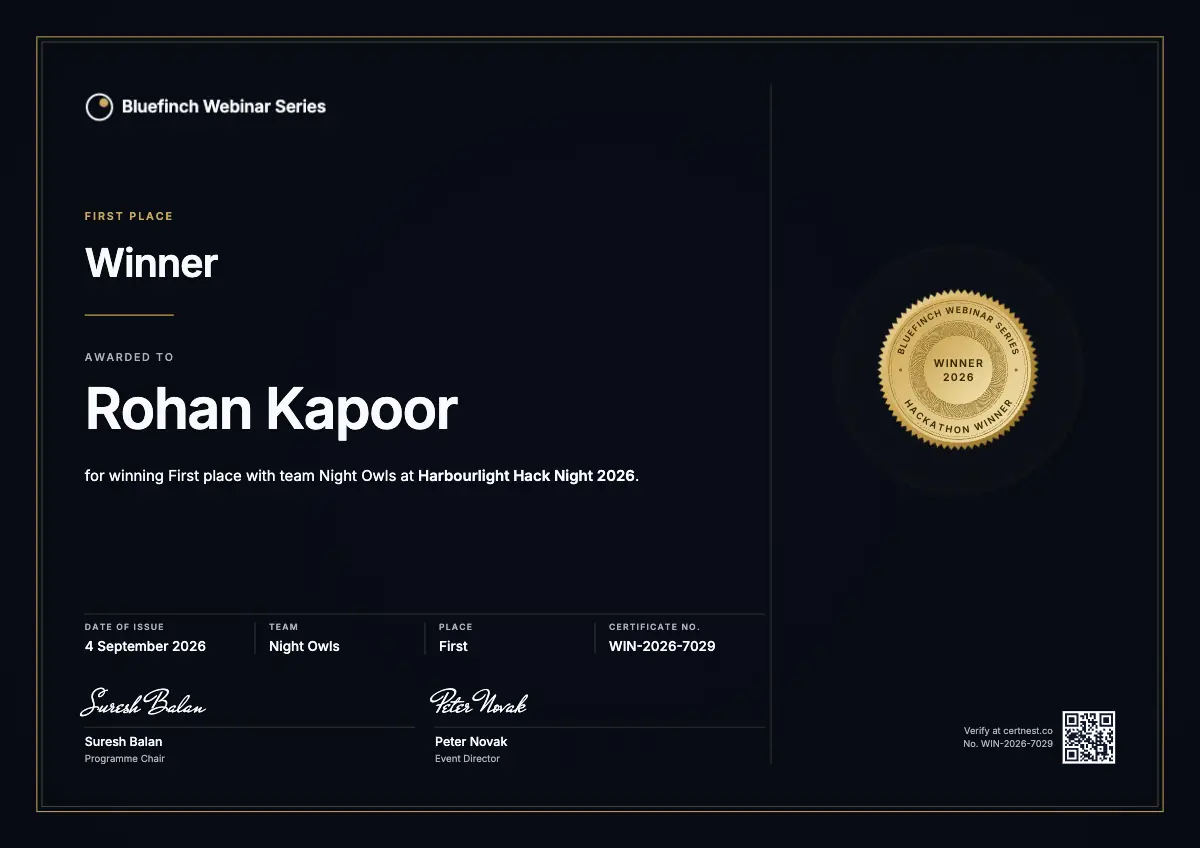
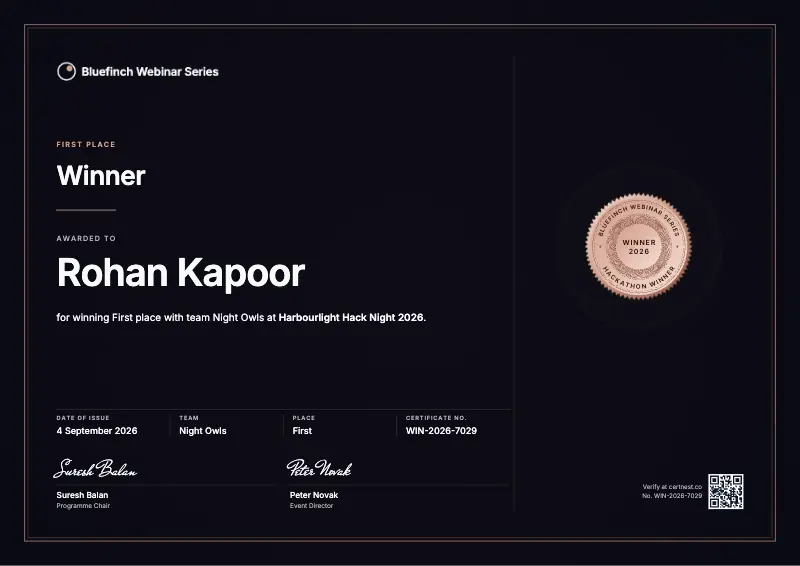
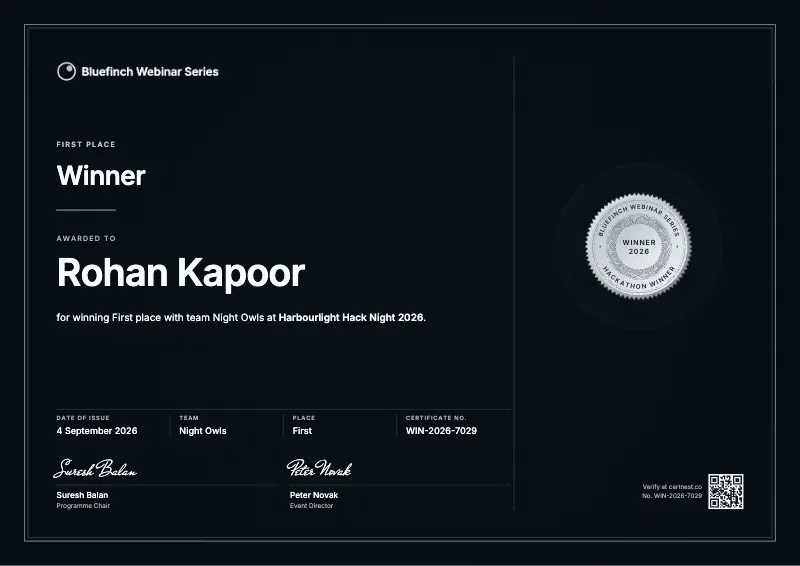
Hackathon winner: Tech Award, Midnight and gold
Certificate
Designs made for this
Open a design for a closer look, or pick a colour above to see them in your brand.
- Use this template: Hackathon winner: Tech Award
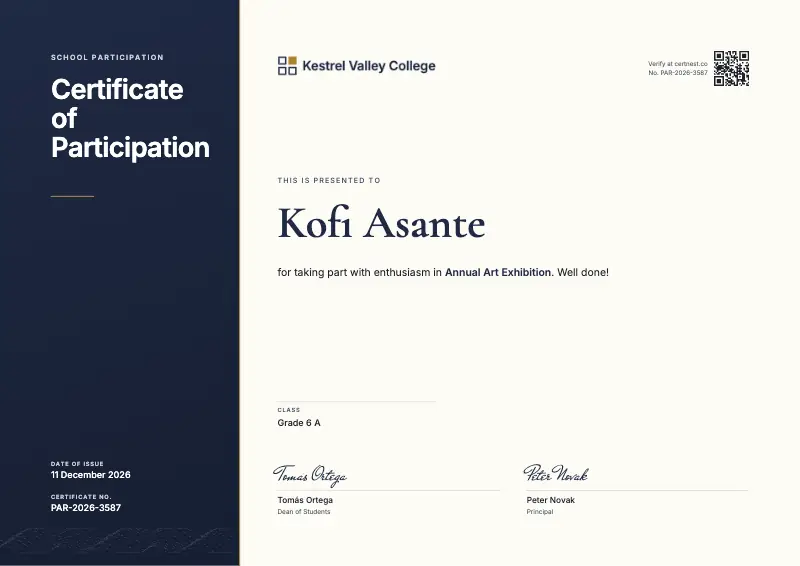
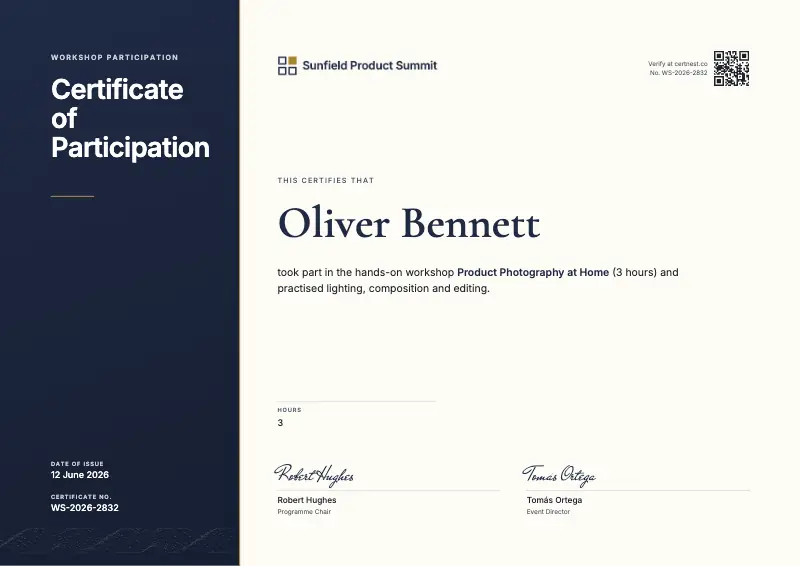
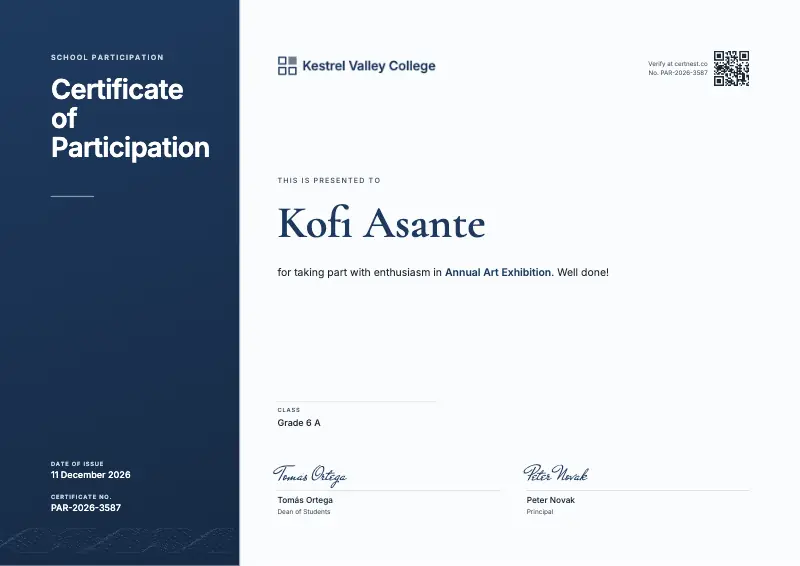
- Use this template: School participation: Event and Workshop
Certificate, standard
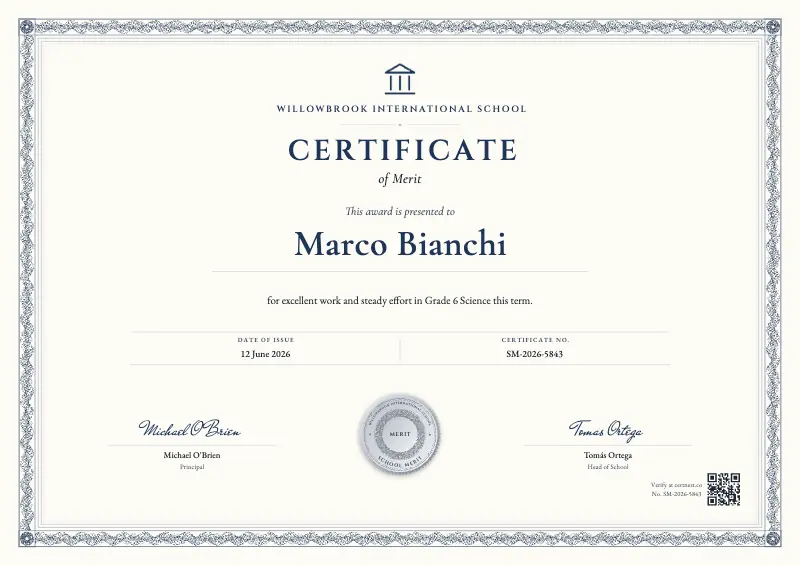
- Use this template: School merit: Classic Diploma
Certificate, formal
- Use this template: Workshop participation: Event and Workshop
Certificate, standard
More certificates for this
Every design here is in the catalog. Tap a colour dot to try another colour, or open one to look closer.
- Use this template: Mock test top scorer: Achievement
5 colours, formal
- Use this template: Mock test top scorer: Classic Diploma
5 colours, formal
- Use this template: Quiz winner: Sports and Competition
5 colours, standard
- Use this template: Quiz participation: Sports and Competition
5 colours, standard
- Use this template: Quiz winner: Achievement
5 colours, standard
- Use this template: Quiz participation: Heritage
5 colours, standard
Checklist
What to put on it
In order of importance. Every template has a place for each.
- 1The quiz name and round or level
- 2The player's or team's name
- 3The rank or score, if you share it
- 4The school, college or club they represent
- 5The date and venue, or "Online"
- 6The quiz master's signature
- 7A certificate ID and QR code
Copy and use
Wording ideas
Highlighted words are smart fields: each person's own details fill in by themselves when you send.
Winner
Awarded to Daniel Okafor of Riverside High School for first place place in City Tech Summit 2026, held on 25 November 2026.
With score
Daniel Okafor scored 92% out of total in City Tech Summit 2026, conducted by Brightpath Academy.
Participation
Certificate of Participation presented to Daniel Okafor for taking part in City Tech Summit 2026.
Team quiz
Presented to Daniel Okafor of team Product for reaching the final of City Tech Summit 2026.
Fun
Sharp mind, quick buzzer. Well played, Daniel Okafor.
Do and avoid
Do
- Upload the scoreboard straight from your sheet
- Name the school or club for inter-school quizzes
- Send participation certificates to every player
- Use the quiz master's real name and signature
Avoid
- Do not show scores if players would rather not see them
- Do not send before scores are checked
- Do not forget team members when only a team name is listed
- Do not use childish designs for college quizzes
Questions and answers
What do you write on a quiz competition certificate?
The player's name, the quiz name, the date and their rank or participation. Add the school or club for inter-school events.
Can I upload quiz results from a spreadsheet?
Yes. Upload a CSV, Excel file or Google Sheet with name, email, rank and score columns.
Can students without email get a certificate?
Yes. Download the certificates as PDFs or print sheets, or send them to a guardian's email.
Should the certificate show the score?
It is your choice. Many quizzes show rank for winners and a simple participation line for everyone else.
Can I run the same quiz every year with the same design?
Yes. Save the credential and reuse it next year with a new date and list.
Send it today
Open this template in your colours, add your people and send. Free to start.