Quick viewUse this template: Sports day: Heritage
Certificate, standard
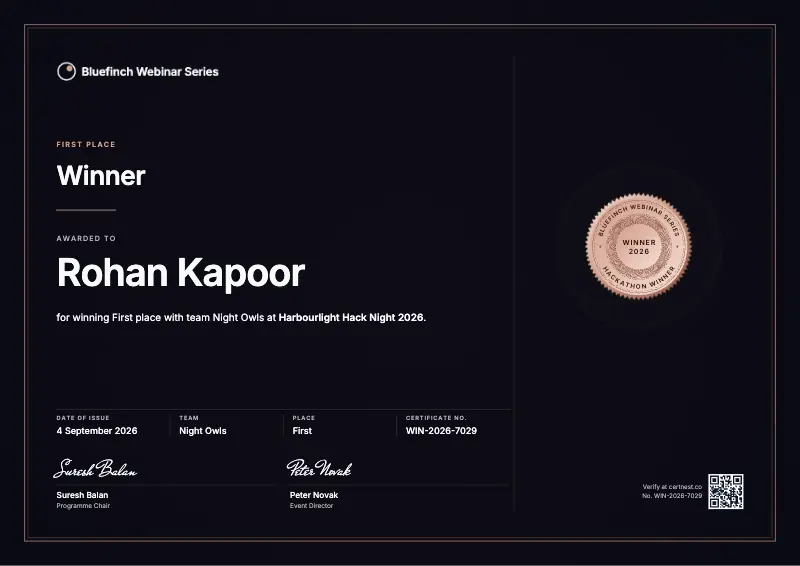
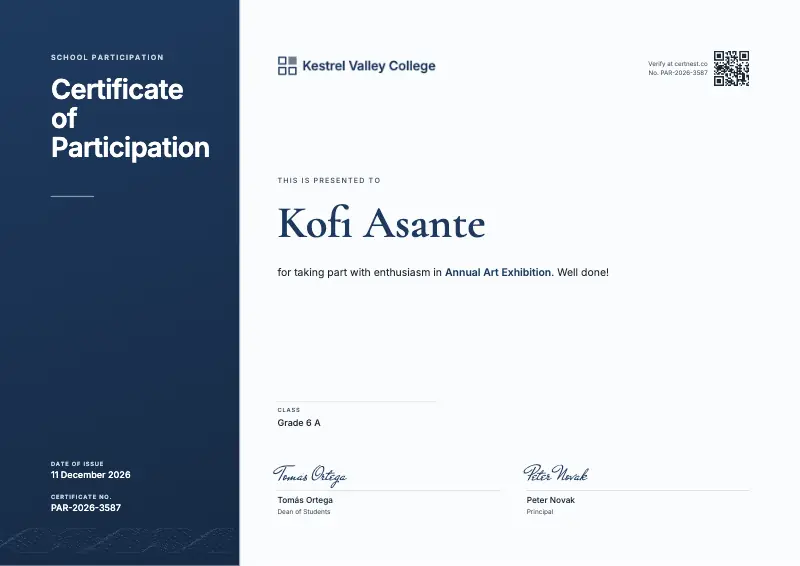
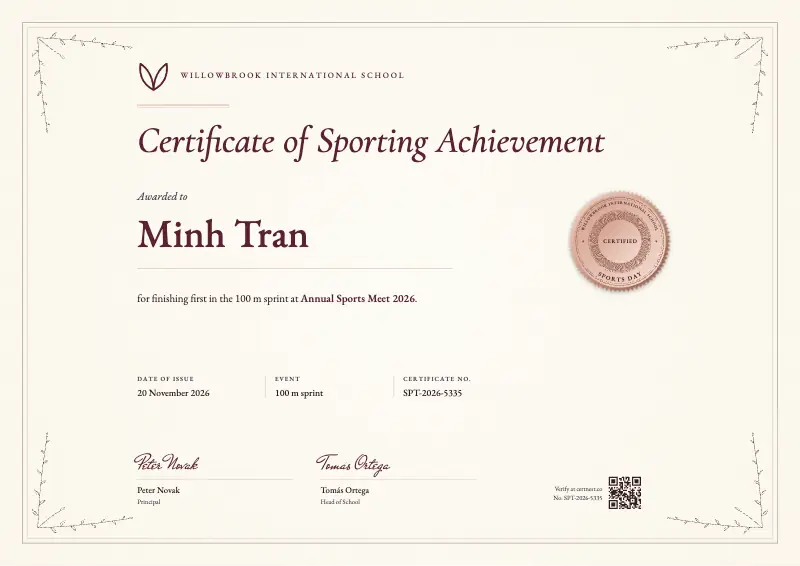
Every match, meet and tournament deserves a certificate. Add the event, the sport and the result, then send to every player at once. Each person gets a page to download, share, add to LinkedIn and verify.
Sports day: Heritage, Claret
Certificate and Digital badge
Open a design for a closer look, or pick a colour above to see them in your brand.
Certificate, standard
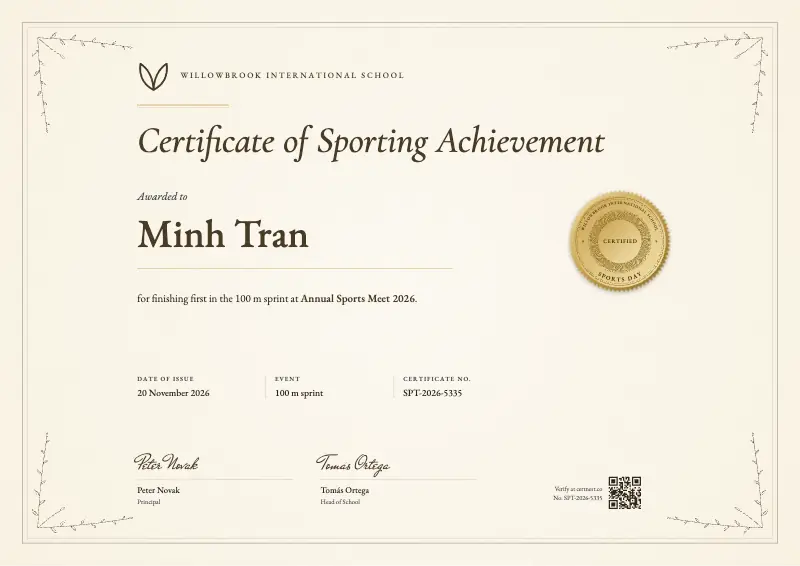
Certificate, standard
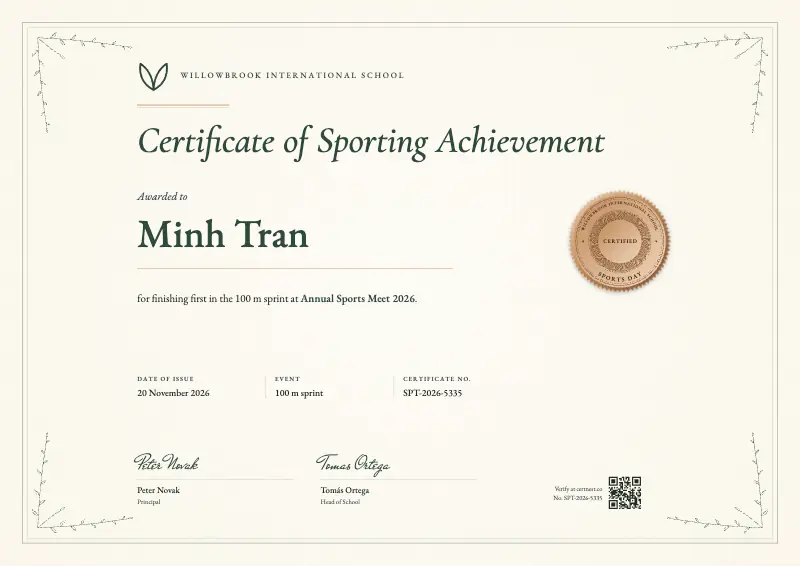
Certificate, standard
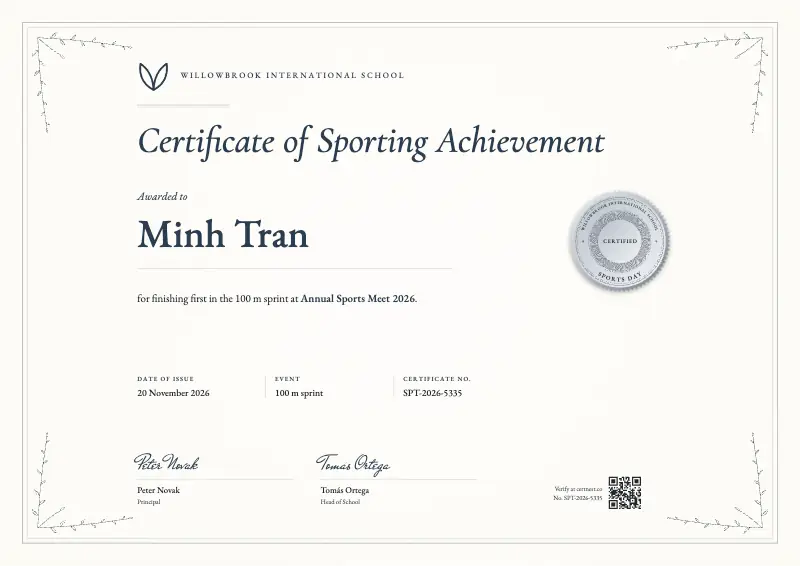
Certificate, standard
Digital badge, formal
Every design here is in the catalog. Tap a colour dot to try another colour, or open one to look closer.
5 colours, standard
5 colours, standard
5 colours, standard
5 colours, standard
5 colours, formal
5 colours, standard
5 colours, formal
5 colours, formal
Checklist
In order of importance. Every template has a place for each.
Copy and use
Highlighted words are smart fields: each person's own details fill in by themselves when you send.
Winner
Awarded to Daniel Okafor for winning first place place in City Tech Summit 2026, sport, Under 14.
Team
Daniel Okafor played for Product, champions of City Tech Summit 2026, held on 25 November 2026.
Player of the match
Player of the Match: Daniel Okafor, Product versus opponent, 25 November 2026.
Participation
Certificate of Participation presented to Daniel Okafor for competing in City Tech Summit 2026.
Coach
With thanks to Daniel Okafor for coaching Product through the season season.
Spirit
For fair play and a big heart, Daniel Okafor. You made the game better.
The player's name, the sport and event, the result and the date, with a coach or organiser's signature.
Yes. Upload the team list and send. Each player gets their own certificate and page.
Yes. Use participation wording for everyone, and a rank column for winners.
Yes. Download PDFs or print sheets with cut marks, and still email the digital copy.
Yes. Use the guardian's email for players under 18.
Open this template in your colours, add your people and send. Free to start.