

Certificate, standard
Hackathon certificates and badges for builders
Hackers love proof they can show. Send each participant a certificate and a digital badge with their team, project and placing. Everyone gets a page to download, share and add to LinkedIn, and recruiters can verify it in one click.
- Your logo, colours and paper size
- Names filled from your list
- QR code and verify link on each
- Wording you can use as it is
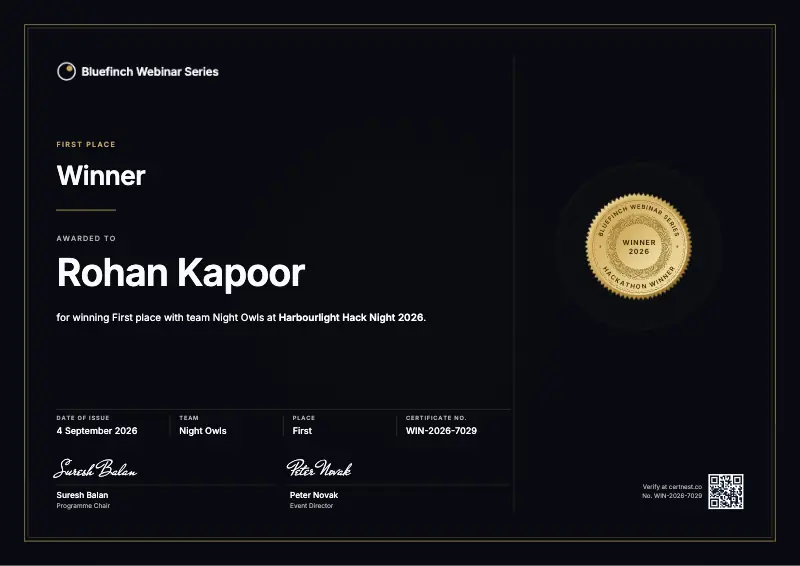
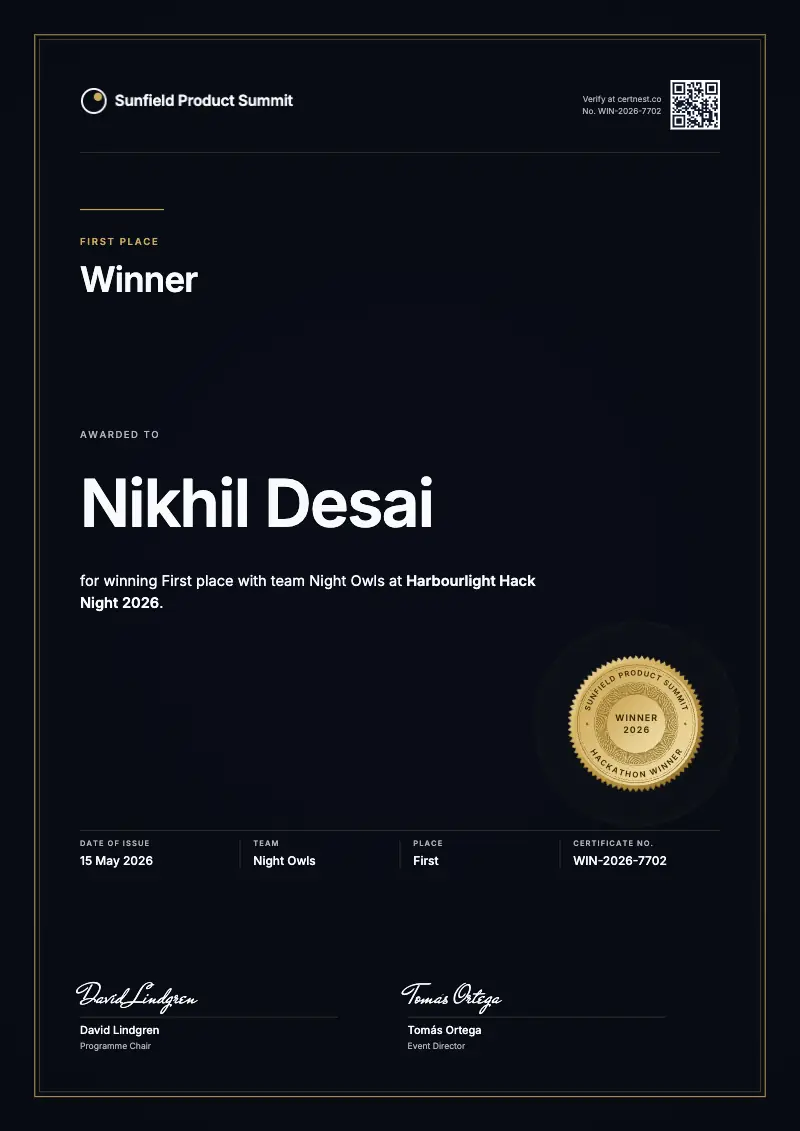
Hackathon winner: Tech Award, Onyx and gold
Certificate and Digital badge
Designs made for this
Open a design for a closer look, or pick a colour above to see them in your brand.
- Use this template: Hackathon winner: Tech Award
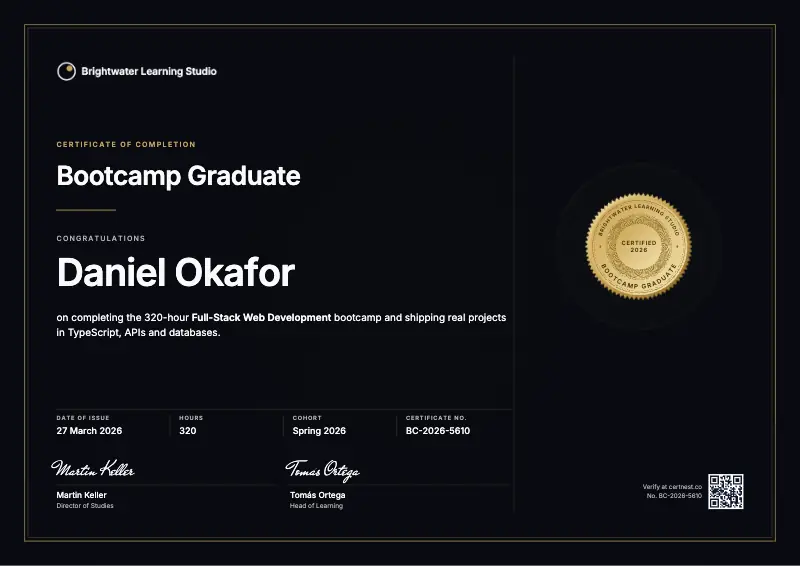
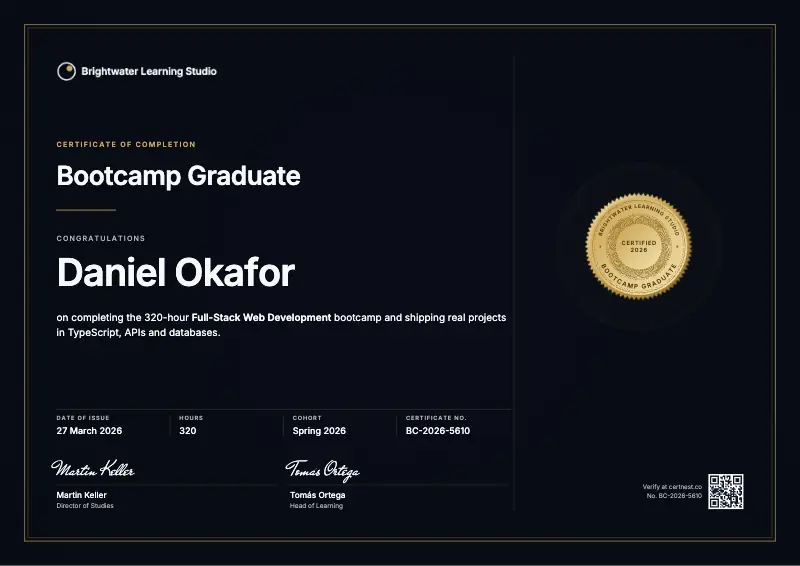
- Use this template: Bootcamp graduate: Tech Award
Certificate, standard
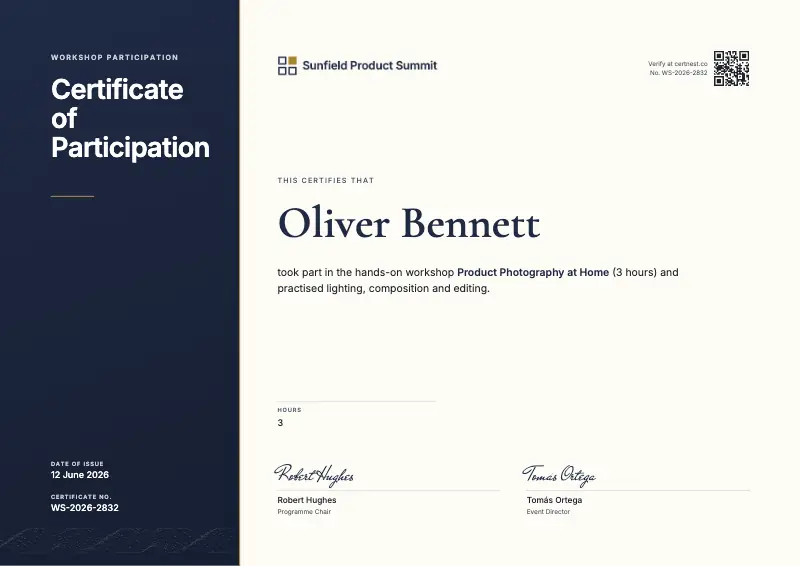
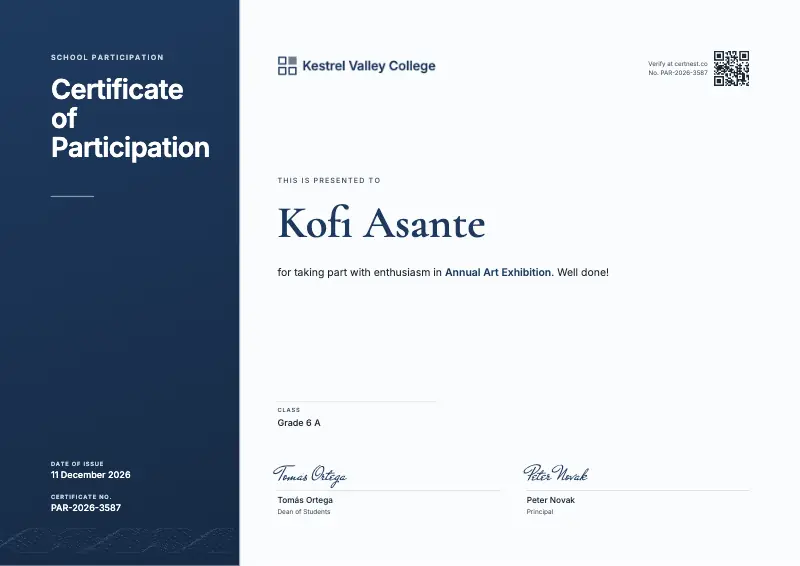
- Use this template: Workshop participation: Event and Workshop
Certificate, standard
- Use this template: Information Security badge: Heraldic shield
Digital badge, formal
- Use this template: Information Security badge: Heraldic shield
Digital badge, formal


More certificates and badges for this
Every design here is in the catalog. Tap a colour dot to try another colour, or open one to look closer.
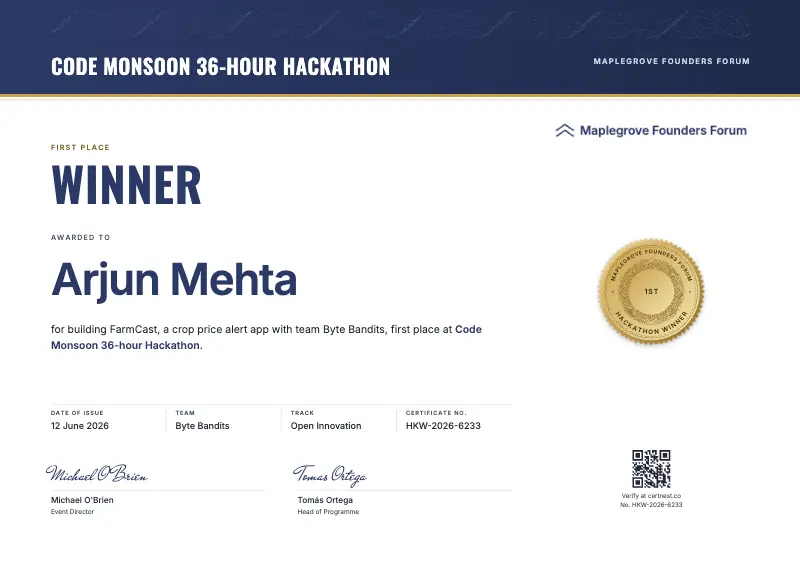
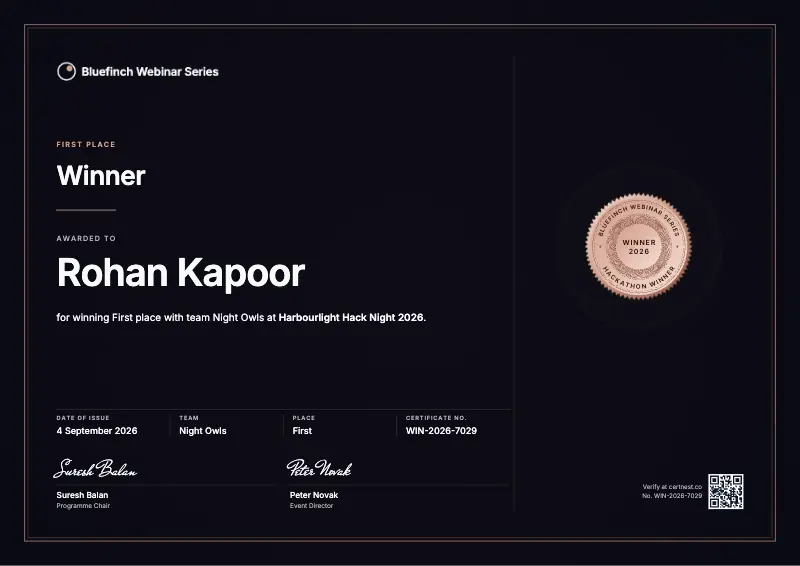
- Use this template: Hackathon winner: Hackathon and College Fest
5 colours, casual
- Use this template: Hackathon winner: Tech Award, portrait
5 colours, standard
- Use this template: Hackathon runner up: Hackathon and College Fest
5 colours, casual
- Use this template: Hackathon finalist: Hackathon and College Fest
5 colours, casual
- Use this template: Hackathon participation: Hackathon and College Fest
5 colours, casual
- Use this template: Hackathon mentor: Hackathon and College Fest
5 colours, standard
- Use this template: Hackathon runner up: Tech Award
5 colours, standard
- Use this template: Hackathon finalist: Tech Award
5 colours, standard
Checklist
What to put on it
In order of importance. Every template has a place for each.
- 1The hackathon name and edition
- 2The participant's full name
- 3The team name and project name
- 4The placing or track, if they won one
- 5The dates and the city, or "Online"
- 6Skills used, such as data, design or mobile
- 7The organiser's name, logo and signature
- 8A certificate ID and QR code
Copy and use
Wording ideas
Highlighted words are smart fields: each person's own details fill in by themselves when you send.
Participant
Daniel Okafor built the customer dashboard with team Product at City Tech Summit 2026, 25 November 2026.
Winner
Awarded to Daniel Okafor of team Product for first place place in the track track at City Tech Summit 2026.
Mentor
With thanks to Daniel Okafor for mentoring teams at City Tech Summit 2026. Your advice shipped products.
Short and bold
12 hours. One idea. Shipped. Well done, Daniel Okafor.
Judges
Daniel Okafor served as a judge at City Tech Summit 2026, organised by Brightpath Academy on 25 November 2026.
Badge description
Earned by members of teams that built and demoed a working project at City Tech Summit 2026 within 12 hours.
Do and avoid
Do
- Pair the certificate with a digital badge; developers like badges on their profiles
- Name the project; it is what people talk about in interviews
- Use separate lines or credentials for winners, mentors and judges
- Send while the demo videos are still being shared
- List the skills used so the badge reads well on a profile
Avoid
- Do not give winner wording to every team
- Do not leave out the team name for team events
- Do not use a hard-to-read code font for names
- Do not wait weeks; momentum fades fast after a hackathon
Questions and answers
What should a hackathon certificate include?
The participant's name, the hackathon name and dates, their team and project, and any placing. A QR code lets recruiters check it.
Can I give a digital badge as well as a certificate?
Yes. Choose certificate plus badge. The badge is built on Open Badges 3.0, so it carries the criteria and can be checked anywhere.
How do I send certificates to every team member?
Upload one row per person with their team and project columns. Each person gets their own email and page.
Can I send different certificates to winners?
Yes. Use a rank column so winners see their placing, or make a separate winner credential with its own design.
Can I trigger certificates from my registration form?
Yes. Connect a Google Sheet or use the API or webhooks, and certificates go out when you mark a row as ready.
Send it today
Open this template in your colours, add your people and send. Free to start.