

Certificate, standard
Certificate of participation, ready to send
Thank every person who took part with a certificate that looks the part. Pick a design, add your list and send it by email in minutes. Each participant gets a page to download it, share it, add it to LinkedIn and let anyone verify it.
- Your logo, colours and paper size
- Names filled from your list
- QR code and verify link on each
- Wording you can use as it is
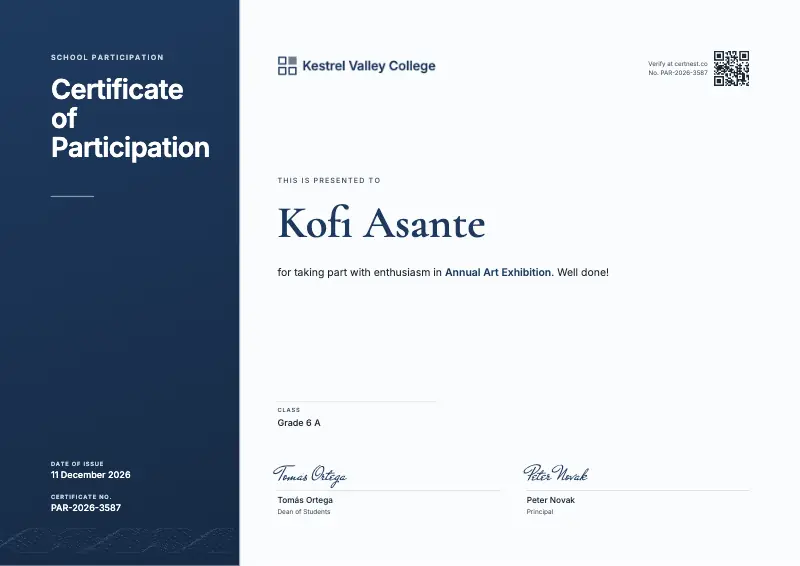
School participation: Event and Workshop, Ink blue
Certificate
Designs made for this
Open a design for a closer look, or pick a colour above to see them in your brand.
- Use this template: School participation: Event and Workshop
- Use this template: School participation: Event and Workshop
Certificate, standard
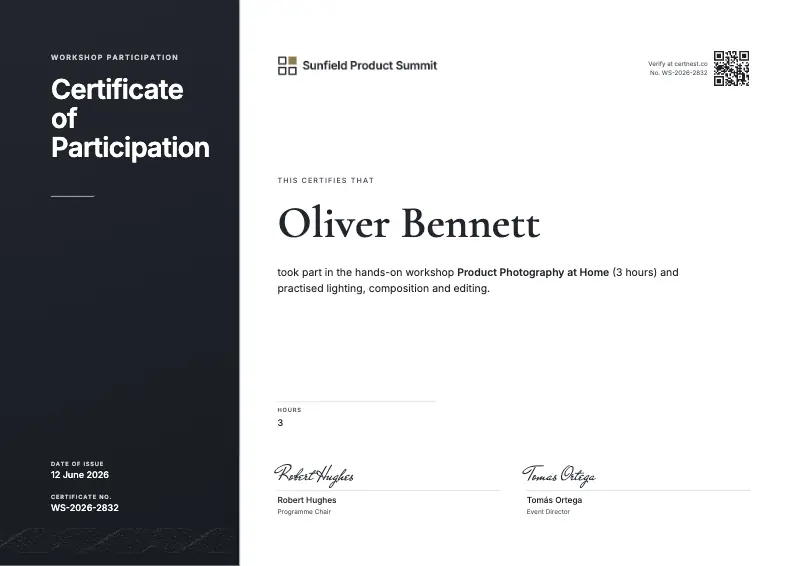
- Use this template: Workshop participation: Event and Workshop
Certificate, standard
- Use this template: School participation: Event and Workshop
Certificate, standard
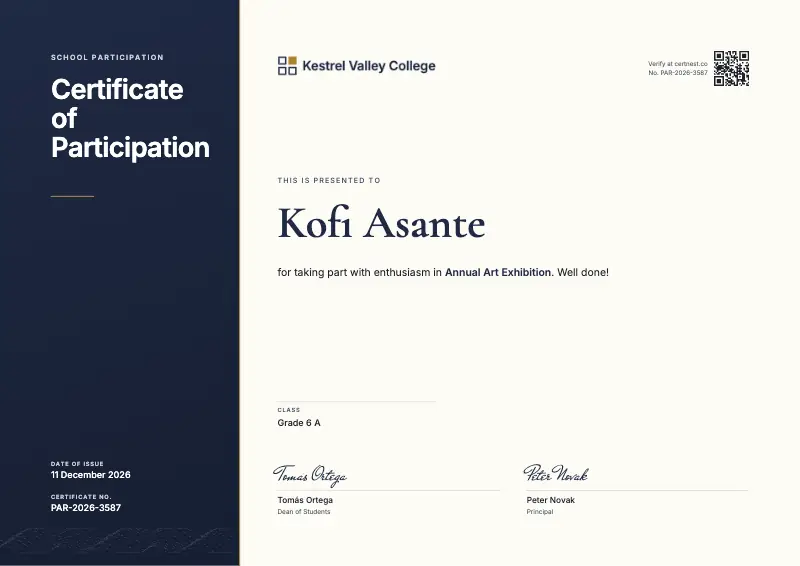
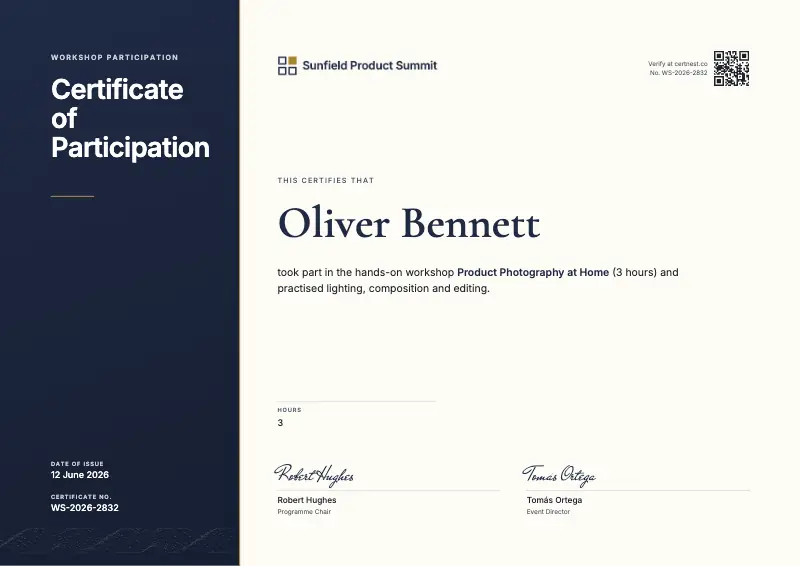
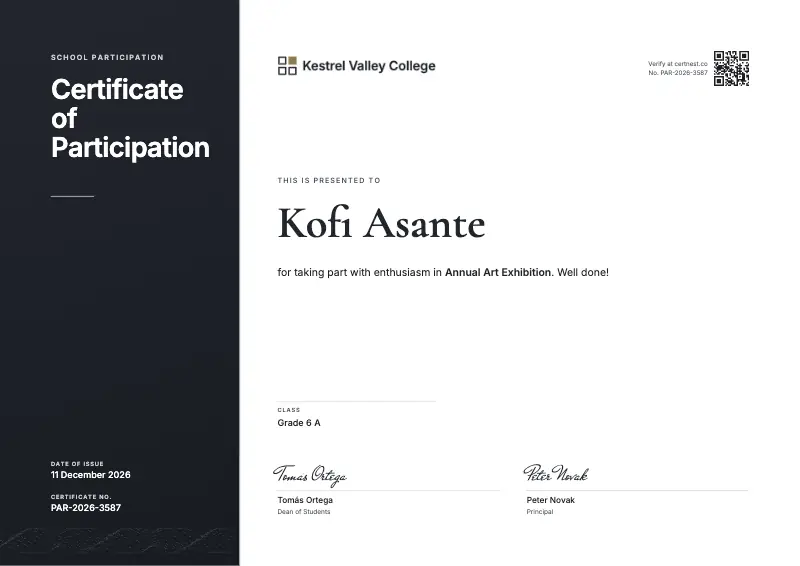
More certificates for this
Every design here is in the catalog. Tap a colour dot to try another colour, or open one to look closer.
- Use this template: College fest participation: Hackathon and College Fest
5 colours, casual
- Use this template: Participation: Event and Workshop
5 colours, standard
- Use this template: Essay participation: Sports and Competition
5 colours, standard
- Use this template: Quiz participation: Sports and Competition
5 colours, standard
- Use this template: Participation: Heritage
5 colours, standard
- Use this template: College fest participation: Executive
5 colours, standard
- Use this template: Essay participation: Minimal
5 colours, standard
- Use this template: School participation: Executive
5 colours, standard
Checklist
What to put on it
In order of importance. Every template has a place for each.
- 1The words "Certificate of Participation"
- 2The participant's full name, spelled as they gave it
- 3The name of the event, programme or activity
- 4The date or dates it took place
- 5Your organisation's name and logo
- 6A short line on what they took part in
- 7A signature and the signer's name and role
- 8A unique ID and QR code so anyone can check it
Copy and use
Wording ideas
Highlighted words are smart fields: each person's own details fill in by themselves when you send.
Formal
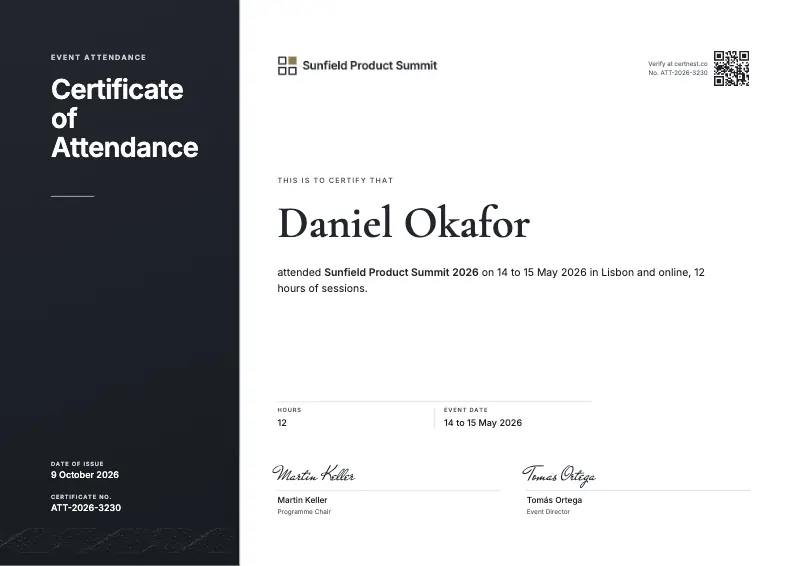
This is to certify that Daniel Okafor has participated in City Tech Summit 2026, held on 25 November 2026 and organised by Brightpath Academy.
Short and warm
Thank you, Daniel Okafor, for taking part in City Tech Summit 2026. Your energy made the day.
With the role
Presented to Daniel Okafor for participating as a Data Analyst in City Tech Summit 2026 on 25 November 2026.
Multi-day programme
Daniel Okafor took an active part in all sessions of City Tech Summit 2026, from 1 June 2026 to 31 August 2026.
Students
Awarded to Daniel Okafor of Grade 8 for enthusiastic participation in City Tech Summit 2026, 25 November 2026.
Community
With thanks to Daniel Okafor for joining hands with Brightpath Academy at City Tech Summit 2026. Together we did more.
Do and avoid
Do
- Use the exact event name people will recognise
- Check long names fit on one line before you send
- Add a QR code so the certificate can be verified
- Send it within a day or two while the event is fresh
- Add the hours if participants need them for their records
Avoid
- Do not call it a certificate of completion if there was no course to finish
- Do not add ranks or grades to a participation certificate
- Do not use a blurry logo; upload the best file you have
- Do not leave the date out; it is the first thing people check
Questions and answers
What is a certificate of participation?
It is a document that says a person took part in an event, programme or activity. It shows they were involved, not that they won or passed a test.
What is the difference between participation and attendance?
Attendance means the person was there. Participation means they took an active part, such as competing, presenting or joining group work.
How do I send participation certificates to many people at once?
Upload your list as a CSV, Excel file or Google Sheet. We match the columns, fill each name and email every person their own certificate.
Can participants add the certificate to LinkedIn?
Yes. Each certificate page has an Add to LinkedIn button that fills in the name, issuer, date and link for them.
Is the certificate of participation template free?
Yes. The free plan lets you design, send and host up to 1,000 credentials a year, with verification included.
Send it today
Open this template in your colours, add your people and send. Free to start.