

Certificate, standard
Certificates of attendance your guests will keep
Give every attendee proof they were there, with the date and hours on it. Upload your guest list and we email each person their own certificate. They get a page to download it, share it and add it to LinkedIn, and anyone can check it is real.
- Your logo, colours and paper size
- Names filled from your list
- QR code and verify link on each
- Wording you can use as it is
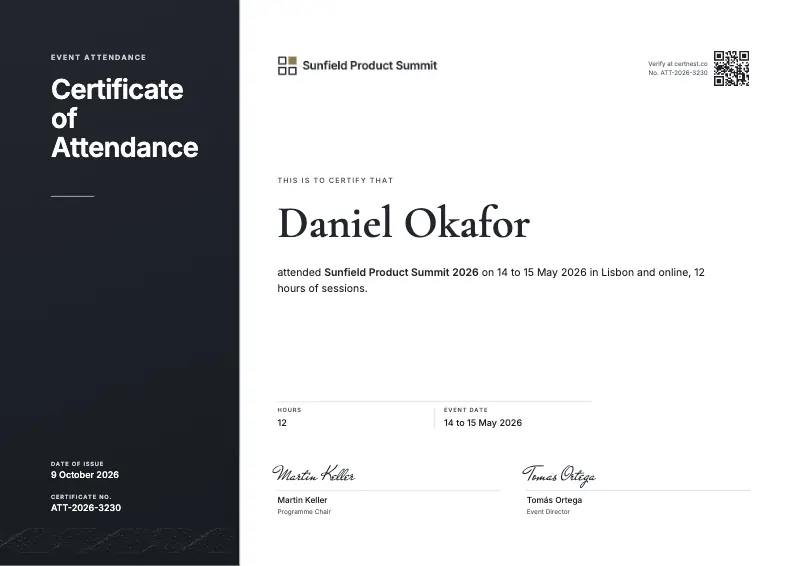
Event attendance: Event and Workshop, Graphite
Certificate
Designs made for this
Open a design for a closer look, or pick a colour above to see them in your brand.
- Use this template: Event attendance: Event and Workshop
- Use this template: Event attendance: Event and Workshop
Certificate, standard
- Use this template: Event attendance: Event and Workshop
Certificate, standard
- Use this template: Event attendance: Event and Workshop
Certificate, standard
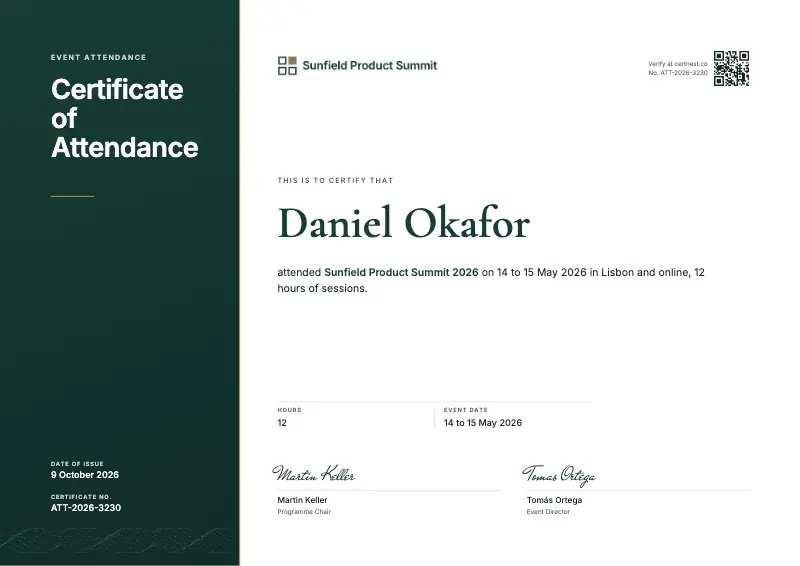
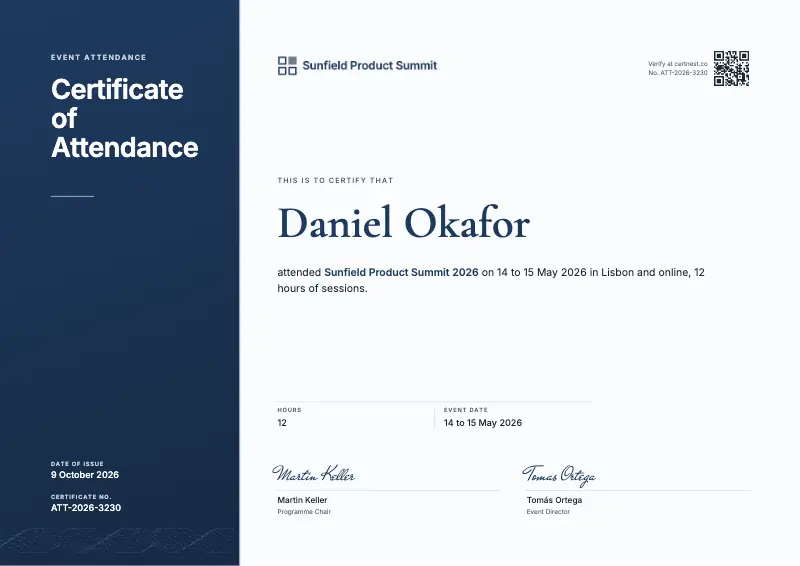
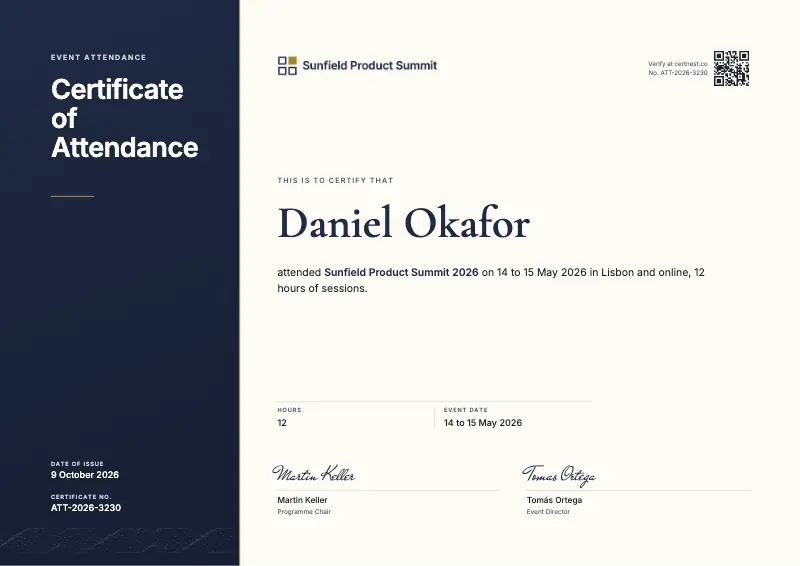
More certificates for this
Every design here is in the catalog. Tap a colour dot to try another colour, or open one to look closer.
- Use this template: Attendance: Event and Workshop
5 colours, standard
- Use this template: Conference attendance: Webinar and Conference
5 colours, formal
- Use this template: Conference attendance: Tech Award
5 colours, formal
- Use this template: Event attendance: Webinar and Conference
5 colours, standard
- Use this template: Workshop attendance: Event and Workshop
5 colours, standard
- Use this template: Seminar attendance: Event and Workshop
5 colours, formal
- Use this template: Seminar attendance: Webinar and Conference
5 colours, formal
- Quick viewUse this template: Attendance: HeritageUse this template: Attendance: Heritage
5 colours, standard
Checklist
What to put on it
In order of importance. Every template has a place for each.
- 1The title "Certificate of Attendance"
- 2The attendee's full name
- 3The event, class or meeting name
- 4The date, and the time or number of hours
- 5The place, or "Online" for virtual events
- 6Your organisation's name and logo
- 7The organiser's signature, name and role
- 8A certificate ID and QR code for checking
Copy and use
Wording ideas
Highlighted words are smart fields: each person's own details fill in by themselves when you send.
Formal
This certifies that Daniel Okafor attended City Tech Summit 2026 on 25 November 2026 at Harbour Hall.
With hours
Daniel Okafor attended City Tech Summit 2026, a 12-hour programme held by Brightpath Academy on 25 November 2026.
Online event
This is to confirm that Daniel Okafor attended the live online session City Tech Summit 2026 on 25 November 2026.
Series of sessions
Awarded to Daniel Okafor for attending sessions of total sessions of City Tech Summit 2026, 1 June 2026 to 31 August 2026.
Short
Daniel Okafor was with us at City Tech Summit 2026. Thank you for coming.
Do and avoid
Do
- State the hours when people need them for work or study records
- Only send to people who were really there; use your check-in list
- Use the time zone of the event for online sessions
- Name the organiser who signs it
- Keep the design calm so the facts are easy to read
Avoid
- Do not send to everyone who registered; send to people who attended
- Do not round hours up
- Do not leave out the venue or "Online"
- Do not use tiny text for the date and hours
Questions and answers
What should a certificate of attendance say?
It should say who attended, what they attended, when and where, and who organised it. Add the hours if the attendee needs them for records.
Can I send attendance certificates only to people who checked in?
Yes. Upload your check-in or attendance list, or set a rule such as at least 75 percent attendance when you connect a form or sheet.
How does someone verify an attendance certificate?
They scan the QR code or open the link on it. The page shows the issuer, the date and whether the certificate is still valid.
Can I include the number of hours?
Yes. Hours are a smart field. Add a column to your list and each certificate shows that person's hours.
Do attendees need an account to get their certificate?
No. They get an email with a link to their own page, where they can download, share or add it to LinkedIn.

Send it today
Open this template in your colours, add your people and send. Free to start.