

Certificate, standard
Volunteer certificates that honour every hour
Volunteers give their time for free. A good certificate gives them something back: proof of their hours they can use for school, work or visas. We email each volunteer their own page to download, share, add to LinkedIn and verify.
- Your logo, colours and paper size
- Names filled from your list
- QR code and verify link on each
- Wording you can use as it is
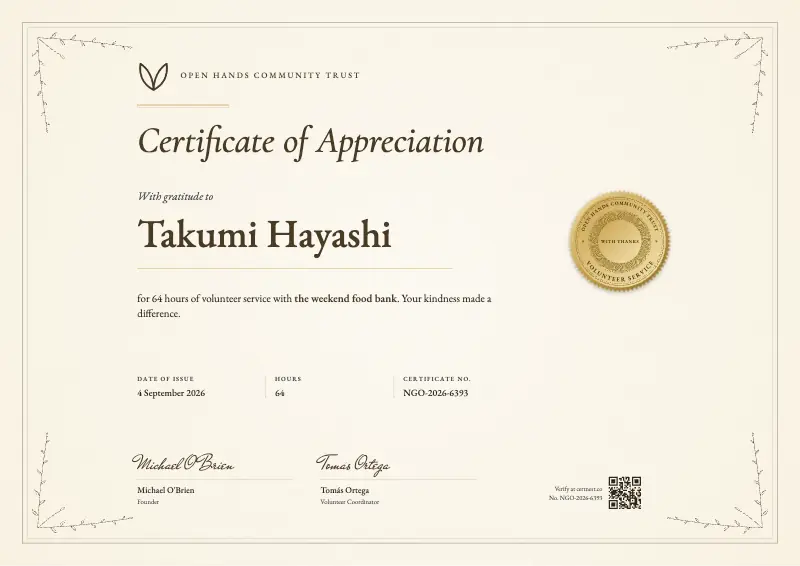
Volunteer service: Heritage, Sepia
Certificate
Designs made for this
Open a design for a closer look, or pick a colour above to see them in your brand.
- Use this template: Volunteer service: Heritage
- Use this template: Volunteer service: Heritage
Certificate, standard
- Use this template: Event volunteer: Volunteer and Appreciation
Certificate, standard
- Use this template: Volunteer service: Heritage
Certificate, standard
- Use this template: Event volunteer: Volunteer and Appreciation
Certificate, standard
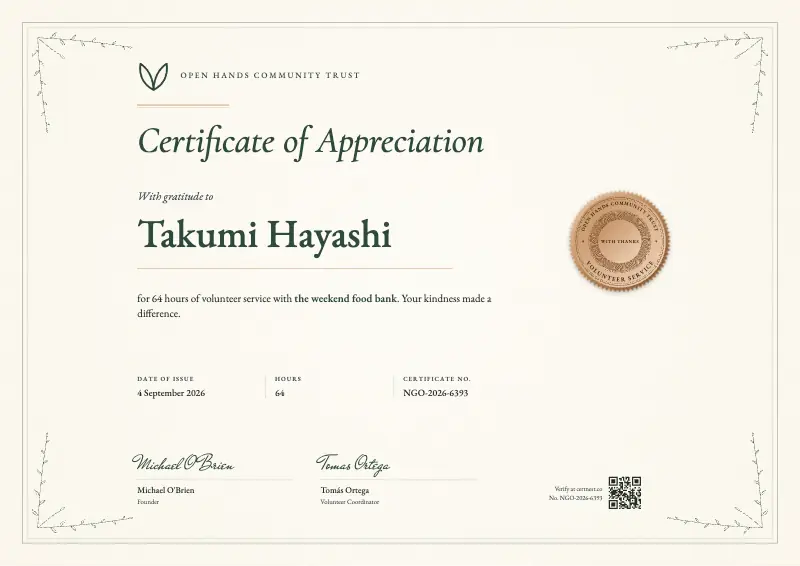
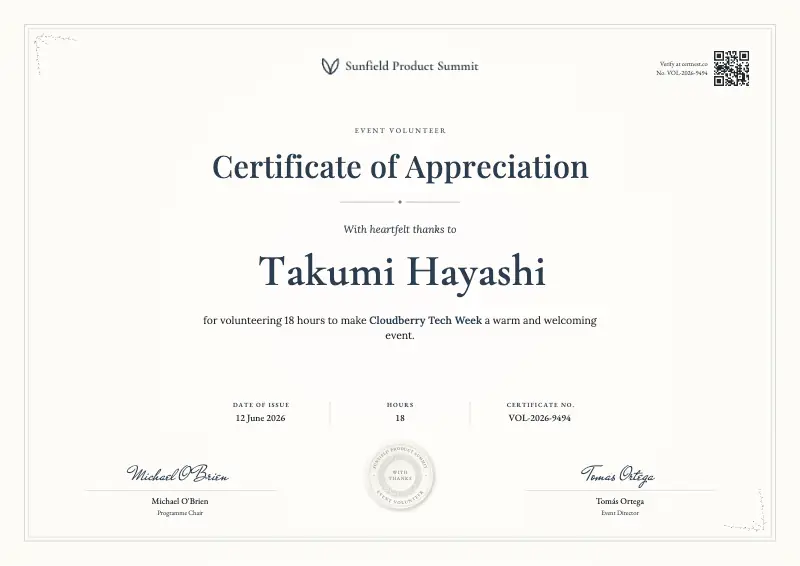
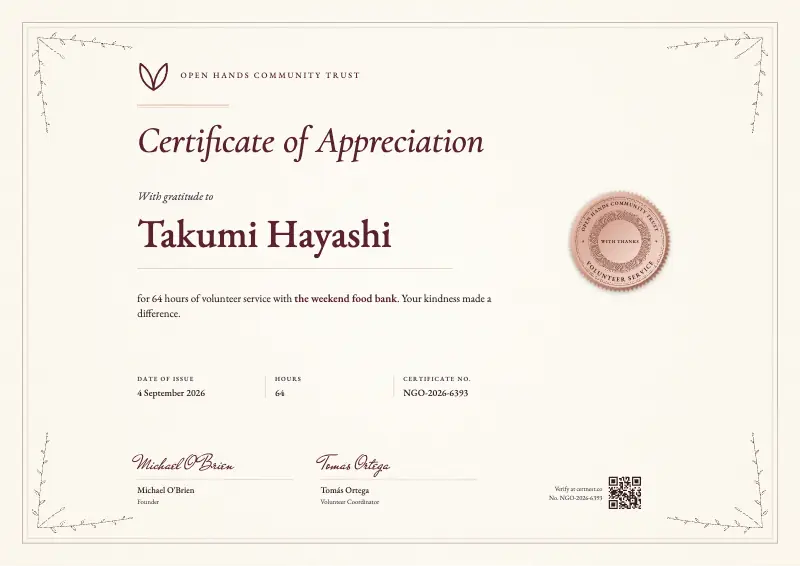
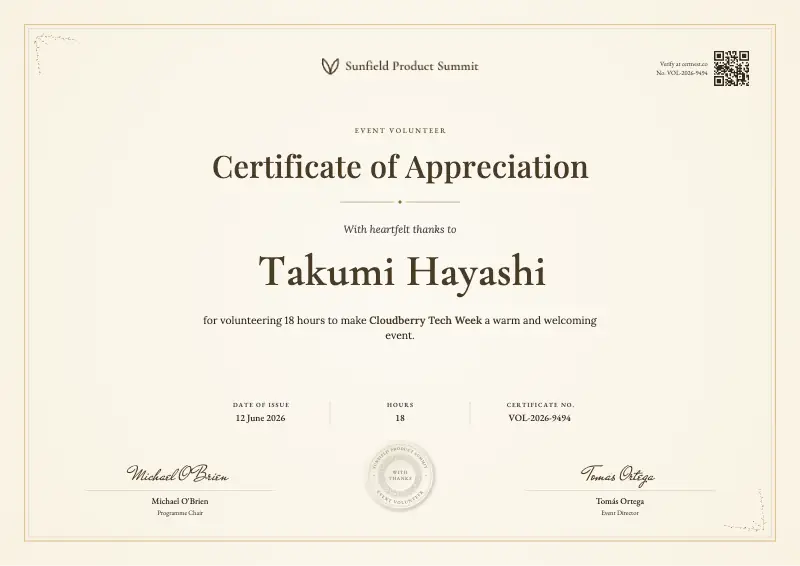
More certificates for this
Every design here is in the catalog. Tap a colour dot to try another colour, or open one to look closer.
- Use this template: Volunteer service: Volunteer and Appreciation
5 colours, standard
- Use this template: Volunteer appreciation: Volunteer and Appreciation
5 colours, standard
- Use this template: Volunteer hours: Volunteer and Appreciation
5 colours, standard
- Use this template: College fest volunteer: Hackathon and College Fest
5 colours, casual
- Use this template: Volunteer appreciation: Minimal
5 colours, standard
- Use this template: Volunteer hours: Minimal
5 colours, standard
- Use this template: Event volunteer: Heritage
5 colours, standard
- Use this template: College fest volunteer: Heritage
5 colours, standard
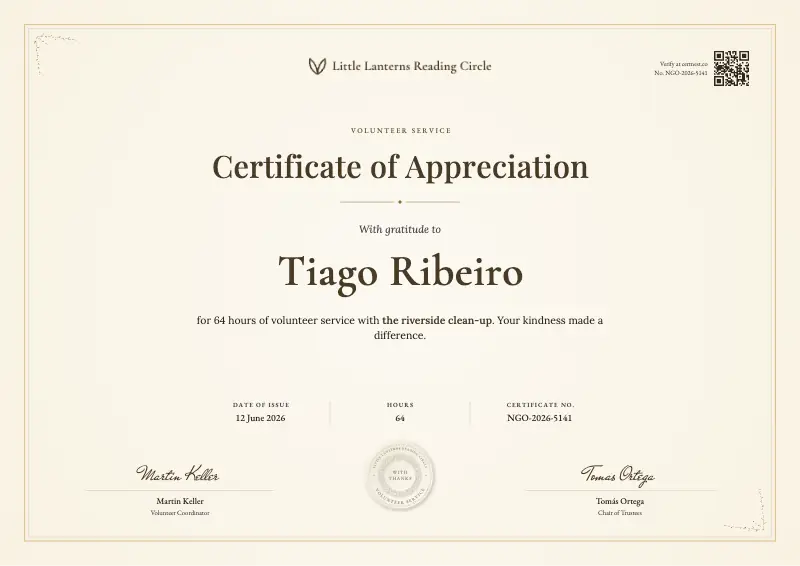
Checklist
What to put on it
In order of importance. Every template has a place for each.
- 1"Certificate of Volunteer Service" or "Certificate of Appreciation"
- 2The volunteer's full name
- 3The role or work they did
- 4The total hours and the period of service
- 5The programme, event or cause
- 6Your organisation's name, logo and registration number if you have one
- 7The coordinator's signature, name and role
- 8A certificate ID and QR code
Copy and use
Wording ideas
Highlighted words are smart fields: each person's own details fill in by themselves when you send.
Formal with hours
This certifies that Daniel Okafor volunteered 12 hours with Brightpath Academy as a Data Analyst, from 1 June 2026 to 31 August 2026.
Event volunteer
With thanks to Daniel Okafor for volunteering at City Tech Summit 2026 on 25 November 2026. You made it run smoothly.
Warm
Daniel Okafor, your kindness reached many people this year. Thank you for every hour you gave.
Long service
In recognition of Daniel Okafor for 10 years of dedicated volunteer service to Brightpath Academy.
Students
Daniel Okafor completed 12 hours of volunteer work with Brightpath Academy, supporting cause.
Team
Presented to Daniel Okafor, member of the Product volunteer team, for outstanding help at City Tech Summit 2026.
Do and avoid
Do
- Record real hours from your sign-in sheets
- Name the cause; it gives the hours meaning
- Send yearly summaries to long-term volunteers
- Use a warm tone; volunteers are not employees
- Give a volunteer badge too, so it shows on profiles
Avoid
- Do not guess hours; schools and employers may check
- Do not use stiff legal wording
- Do not forget volunteers who helped behind the scenes
- Do not send the same message to a one-day helper and a ten-year volunteer
Questions and answers
What should a volunteer certificate include?
The volunteer's name, the role, the hours and dates, your organisation's name and a signature. A QR code lets a school or employer check it.
Can I show volunteer hours on the certificate?
Yes. Add an hours column to your list and each certificate shows that person's own total.
Is the volunteer certificate template free for nonprofits?
Yes. The free plan covers up to 1,000 credentials a year with email delivery and verification.
Can volunteers use the certificate for school or college applications?
They can share the link or the PDF. Anyone who receives it can check that your organisation issued it.
How do I send certificates to all volunteers at once?
Upload your volunteer list as a spreadsheet, check the preview and send. Each person gets their own email.

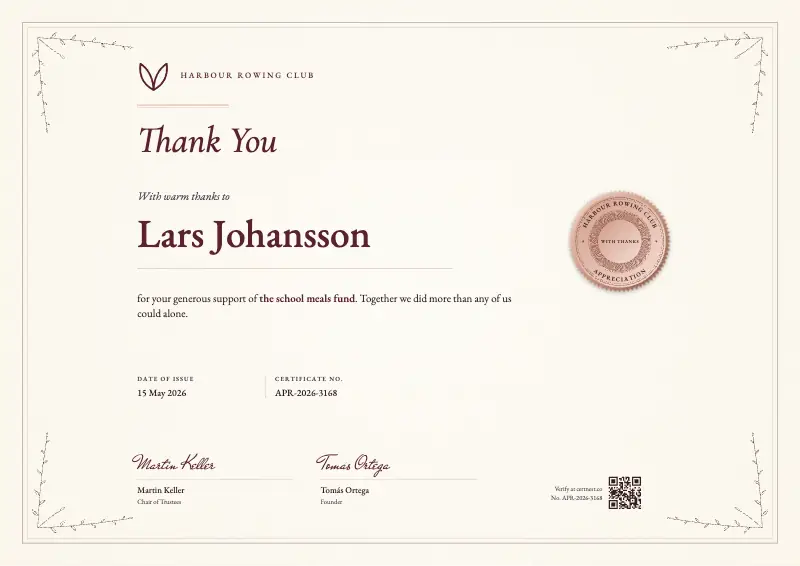
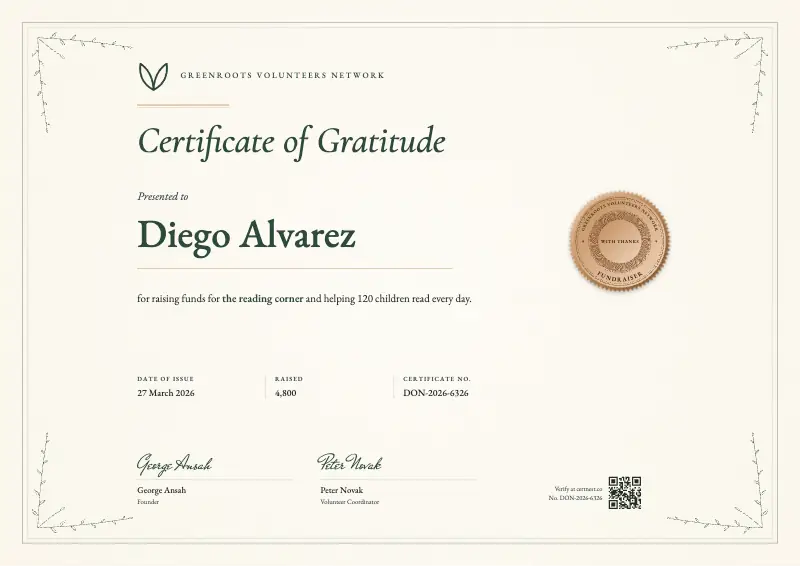
Send it today
Open this template in your colours, add your people and send. Free to start.