How to give certificates to webinar attendees
The short answer
Export the attendance list after the webinar, keep the people who stayed long enough, and send each one a certificate with the topic, date and hours. A feedback form connected to the certificate can do it all for you.
- 15 minutes
- 6 steps
- For webinar hosts, associations and training teams
Step by step
- 1
Set the rule first
Decide who qualifies, such as everyone who stayed at least 45 of 60 minutes.
- 2
Design once
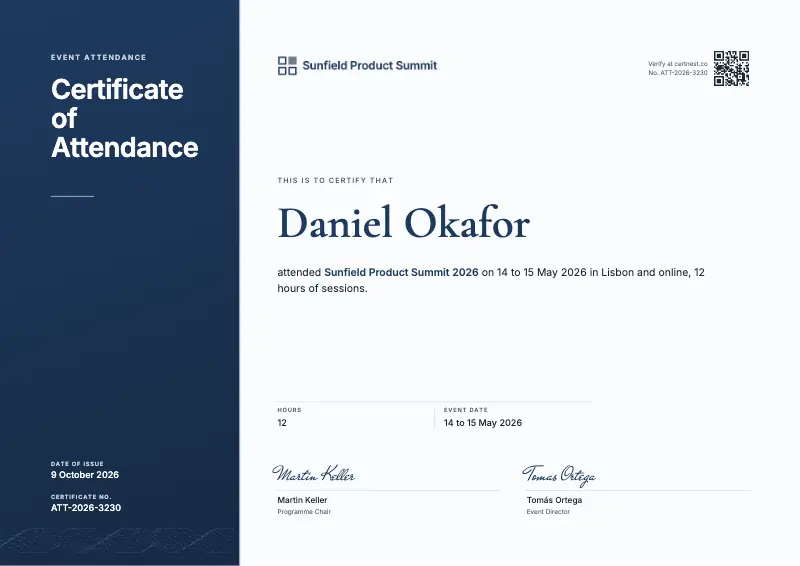
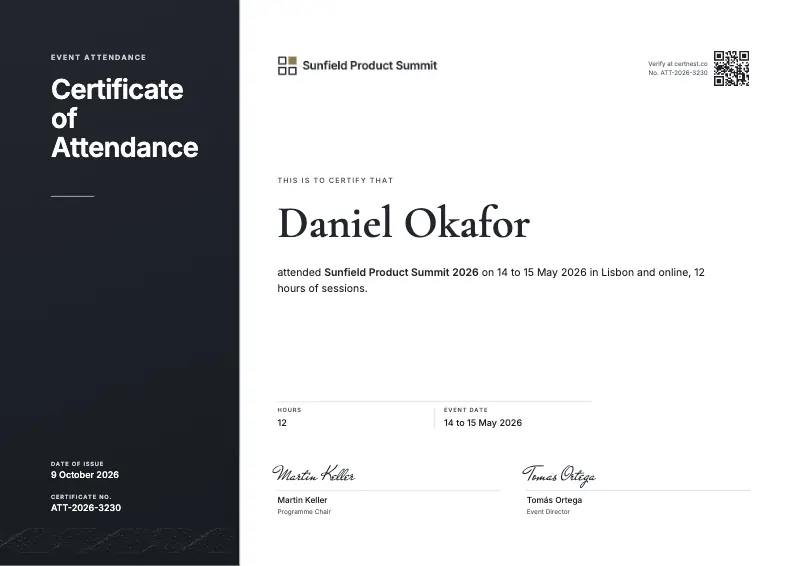
Use an attendance template with the webinar title, date, hours and speaker.
- 3
Get the list
Export attendees with names, emails and minutes attended.
- 4
Filter and upload
Upload the list and keep only rows that meet the rule.
- 5
Send the same day
Send while the session is fresh. People share more on the day.
- 6
Or use a form
Share a feedback form at the end and send each answer a certificate automatically.
What this guide covers
- Who should get a certificate
- Attendance list or feedback form
- What to print for CPD and CE
- Sending on the same day
- Series and multi-session events