

Certificate, standard
Webinar attendance certificates, sent before the replay goes out
Attendees stay longer when they know a certificate is coming. Upload your attendee list after the webinar and send everyone a certificate by email in minutes. Each person gets a page to download it, add it to LinkedIn and share a verify link.
- Your logo, colours and paper size
- Names filled from your list
- QR code and verify link on each
- Wording you can use as it is

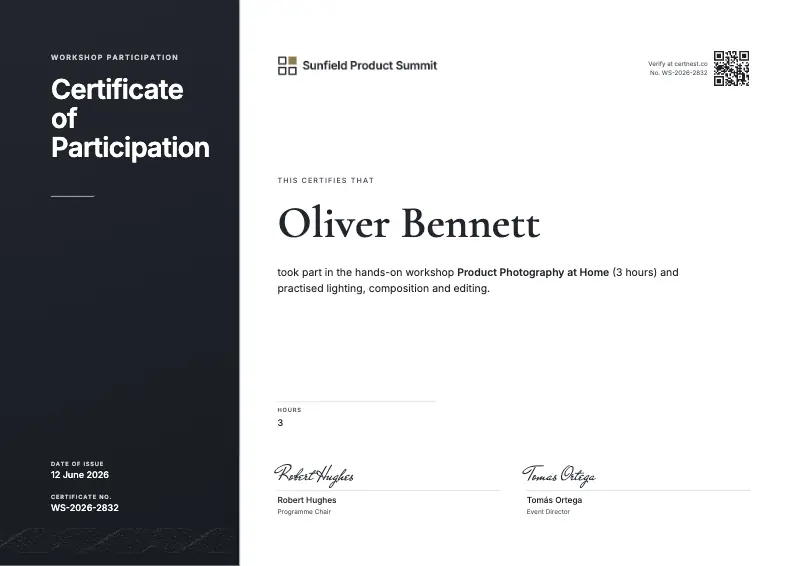
Event attendance: Event and Workshop, Ink blue
Certificate
Designs made for this
Open a design for a closer look, or pick a colour above to see them in your brand.
- Use this template: Event attendance: Event and Workshop
- Use this template: Event attendance: Event and Workshop
Certificate, standard
- Use this template: Event attendance: Event and Workshop
Certificate, standard
- Use this template: Event attendance: Event and Workshop
Certificate, standard



More certificates for this
Every design here is in the catalog. Tap a colour dot to try another colour, or open one to look closer.
- Use this template: Cpd webinar: Webinar and Conference
5 colours, formal
- Use this template: Webinar attendance: Webinar and Conference
5 colours, standard
- Use this template: Webinar series: Webinar and Conference
5 colours, standard
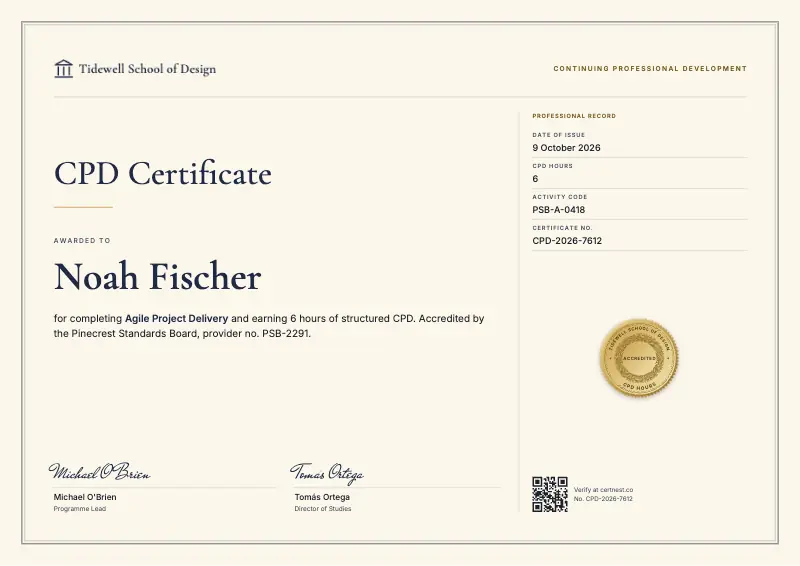
- Use this template: Cpd webinar: Professional Body
5 colours, formal
- Use this template: Webinar attendance: Minimal
5 colours, standard
- Use this template: Webinar series: Minimal
5 colours, standard
Checklist
What to put on it
In order of importance. Every template has a place for each.
- 1Attendee's name
- 2Webinar title
- 3Date and time zone
- 4Length of the session
- 5Host or speaker names
- 6Organiser logo
- 7CPD or CE hours, if your audience needs them
- 8Verify QR code
Copy and use
Wording ideas
Highlighted words are smart fields: each person's own details fill in by themselves when you send.
Attendance
This certifies that Daniel Okafor attended the webinar City Tech Summit 2026 on 25 November 2026.
With duration
Daniel Okafor attended City Tech Summit 2026, a 12-hour live webinar hosted by Brightpath Academy.
With speaker
Presented to Daniel Okafor for attending City Tech Summit 2026 with guest speaker speaker on 25 November 2026.
Series
Daniel Okafor attended 40 sessions of the City Tech Summit 2026 webinar series in 2026.
Learning hours
Daniel Okafor attended City Tech Summit 2026 on 25 November 2026, counting as 12 hours of professional learning.
Do and avoid
Do
- Tell attendees at the start that certificates are coming
- Use a minimum watch time so the certificate means something
- Include the time zone for international audiences
- Send within 24 hours of the webinar
Avoid
- Do not send to people who registered but never joined
- Do not use your webinar tool's default image as the certificate
- Do not leave out the length if attendees need hours
- Do not ask attendees to request their certificate one by one
Questions and answers
How do I give certificates to webinar attendees?
Export the attendee report, upload it, map the columns and send. Each attendee gets an email with their certificate page.
Can I send certificates only to people who watched most of the webinar?
Yes. Keep the minutes watched column and set a rule, such as at least 45 minutes, before sending.
Do webinar certificates count for CPD?
Many professional bodies accept webinars as CPD. The attendee's body decides, so add the hours and topic to help them log it.
Can attendees who watched the recording get a certificate?
That is your choice. If you allow it, word it as completion of the recorded session rather than live attendance.
How fast can I send webinar certificates?
Most organisers send within minutes of uploading the list. Large lists are queued and delivered with a live status board.

Send it today
Open this template in your colours, add your people and send. Free to start.