


Certificate, standard
Training certificates that prove the learning happened
A good training certificate shows what was learned, when, and who delivered it. Fill in your trainee list once and send everyone a branded certificate by email. Each trainee gets a page to download it, put it on LinkedIn and share a verify link with their manager.
- Your logo, colours and paper size
- Names filled from your list
- QR code and verify link on each
- Wording you can use as it is
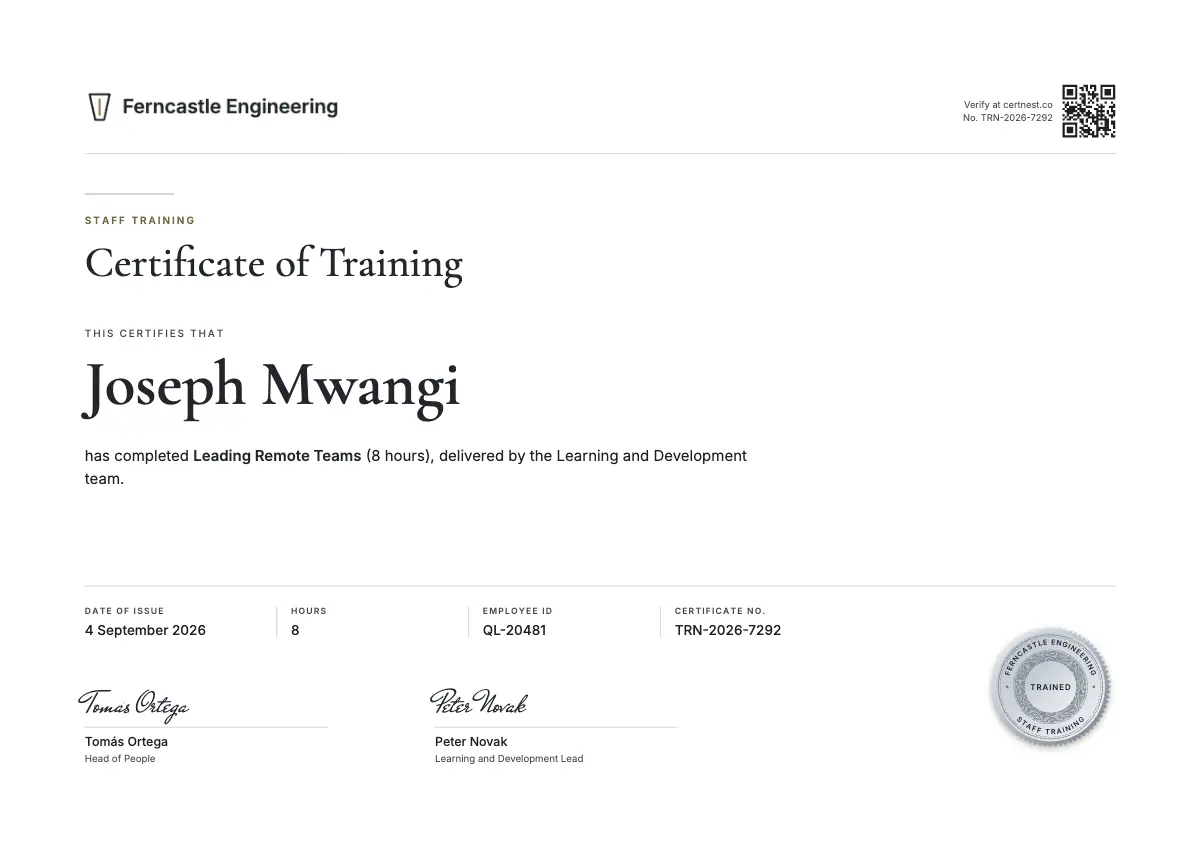
Staff training: Executive, Graphite
Certificate
Designs made for this
Open a design for a closer look, or pick a colour above to see them in your brand.
- Use this template: Staff training: Executive
- Use this template: Staff training: Executive
Certificate, standard
- Use this template: Staff training: Executive
Certificate, standard
- Use this template: Staff training: Executive
Certificate, standard
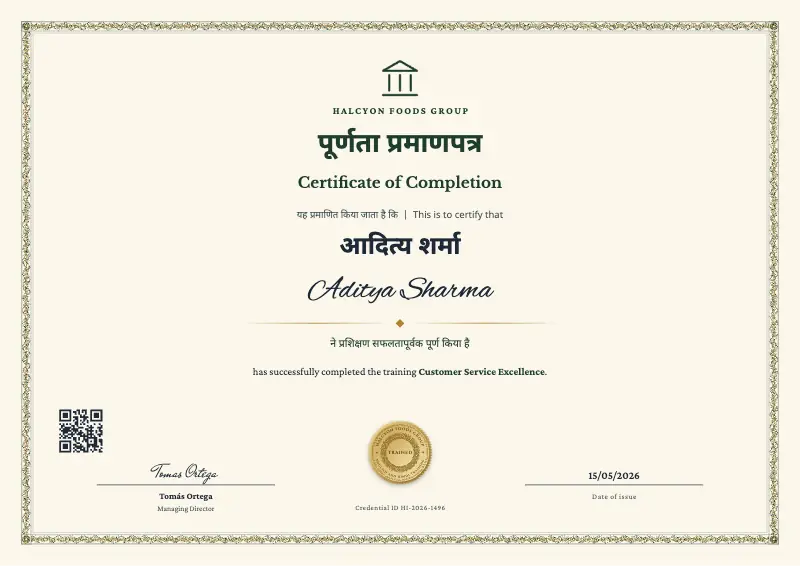
- Use this template: English and Hindi training: Bilingual
Certificate, standard



More certificates for this
Every design here is in the catalog. Tap a colour dot to try another colour, or open one to look closer.
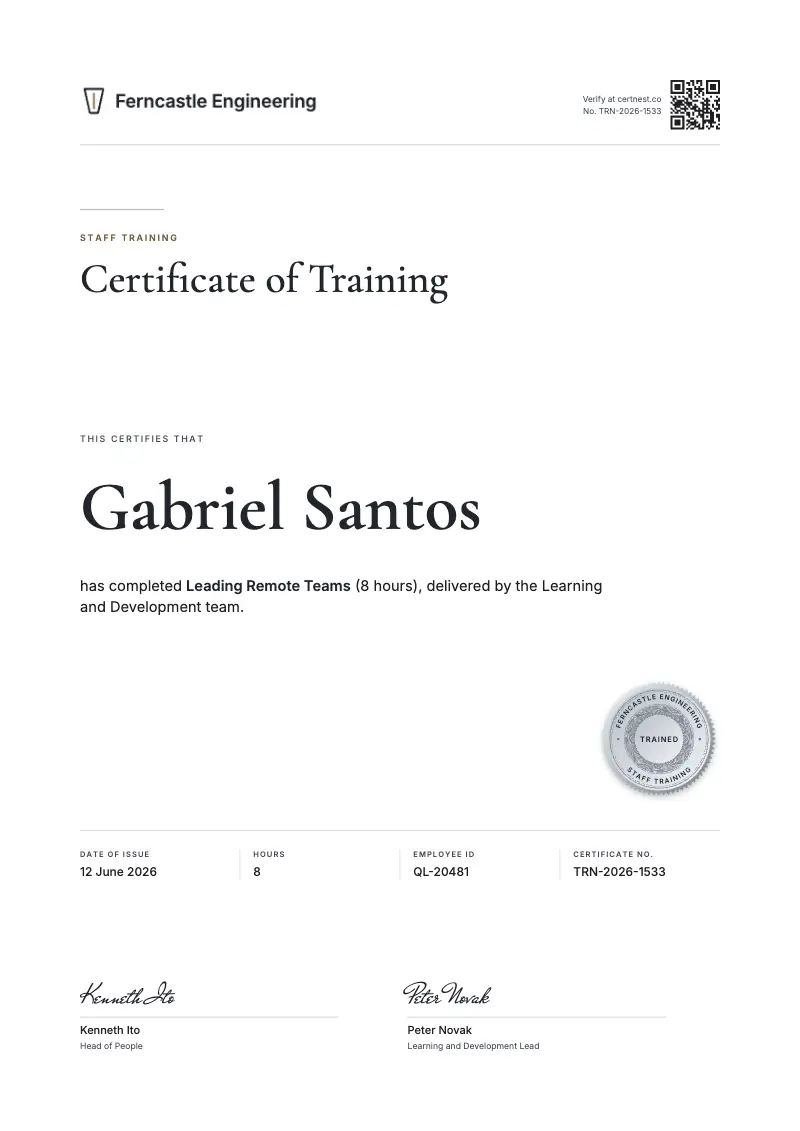
- Use this template: Staff training: Executive, portrait
5 colours, standard
- Use this template: Customer service training: Minimal
5 colours, standard
- Use this template: Training completion: Classic Diploma
5 colours, formal
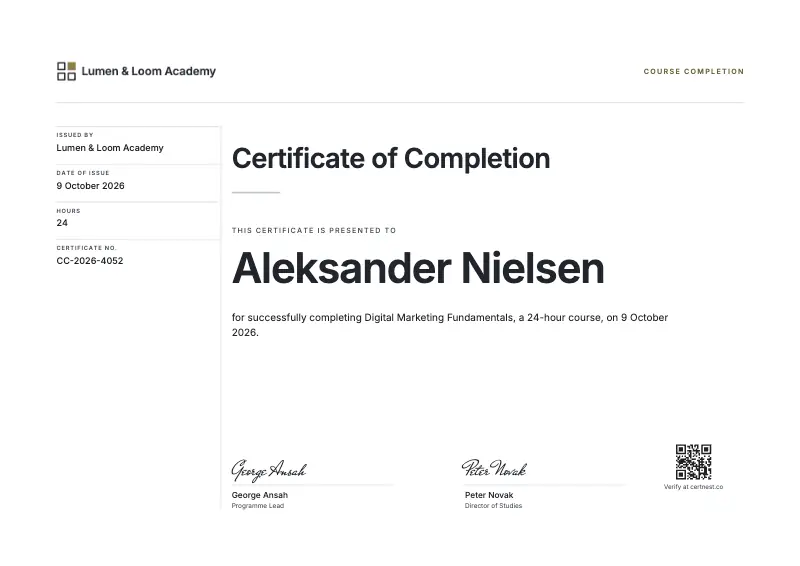
- Use this template: Software skills training: Tech Award
5 colours, standard
- Use this template: Corporate training: Executive
5 colours, standard
- Use this template: Software skills training: Academy
5 colours, formal
- Use this template: Staff training: Safety and Compliance
5 colours, formal
Checklist
What to put on it
In order of importance. Every template has a place for each.
- 1Trainee's full name
- 2Training title and topic
- 3Date or dates of the training
- 4Duration in hours or days
- 5Trainer's name and signature
- 6Training provider or company name and logo
- 7Location, or "online"
- 8Credential ID with a QR code
Copy and use
Wording ideas
Highlighted words are smart fields: each person's own details fill in by themselves when you send.
Standard
This is to certify that Daniel Okafor has attended and completed Data Analysis Basics, held on 25 November 2026.
Multi-day
Daniel Okafor successfully completed the 12-hour training programme Data Analysis Basics, from start to 25 November 2026.
In-house
Brightpath Academy confirms that Daniel Okafor completed internal training in Data Analysis Basics on 25 November 2026.
Practical
Awarded to Daniel Okafor for completing hands-on training in Data Analysis Basics, including practical exercises and a final review.
Encouraging
Thank you for your effort, Daniel Okafor. You completed Data Analysis Basics and are ready to put it to work.
Do and avoid
Do
- Say whether the training was in person or online
- Name the trainer so the certificate has a real person behind it
- Keep a record of who was sent what, for audits and HR files
- Use the same design for every session so certificates look consistent
Avoid
- Do not imply an outside body approved the training unless it did
- Do not issue to people who did not attend; use attendance rules
- Do not print training dates in a format your trainees cannot read
- Do not let certificates sit unsent for weeks after the session
Questions and answers
What is a training certificate?
It is a document that confirms a person completed a training session or programme. It names the person, the training, the date and the provider.
Can I send training certificates only to people who attended?
Yes. Add an attendance column to your list and set a rule, for example at least 80 percent attendance, before you send.
How do I make training certificates for many people at once?
Upload your trainee list from Excel or Google Sheets. Names, dates and hours fill in automatically, and you preview any row before sending.
Do training certificates expire?
Some do, such as safety refreshers. You can set an expiry date and send reminders before it runs out.
Can HR check that a training certificate is real?
Yes. Anyone can open the verify link or scan the QR code to see who issued it, when, and whether it is still valid.
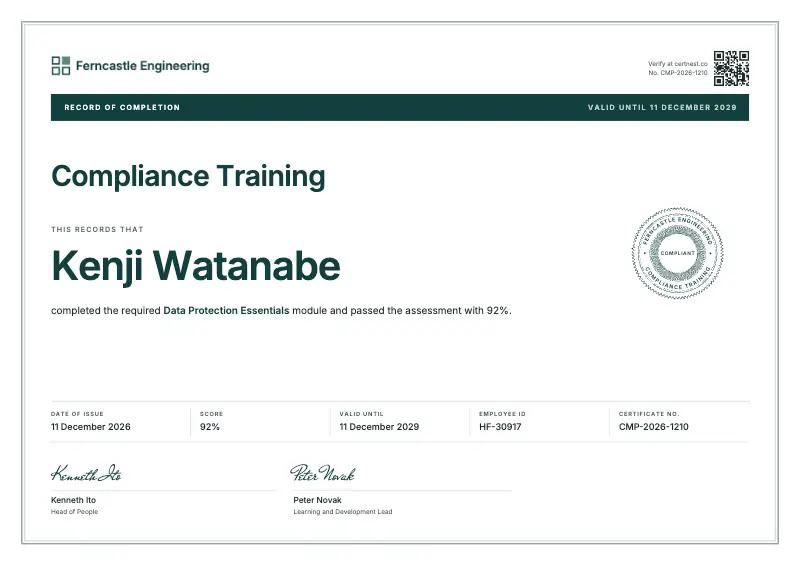
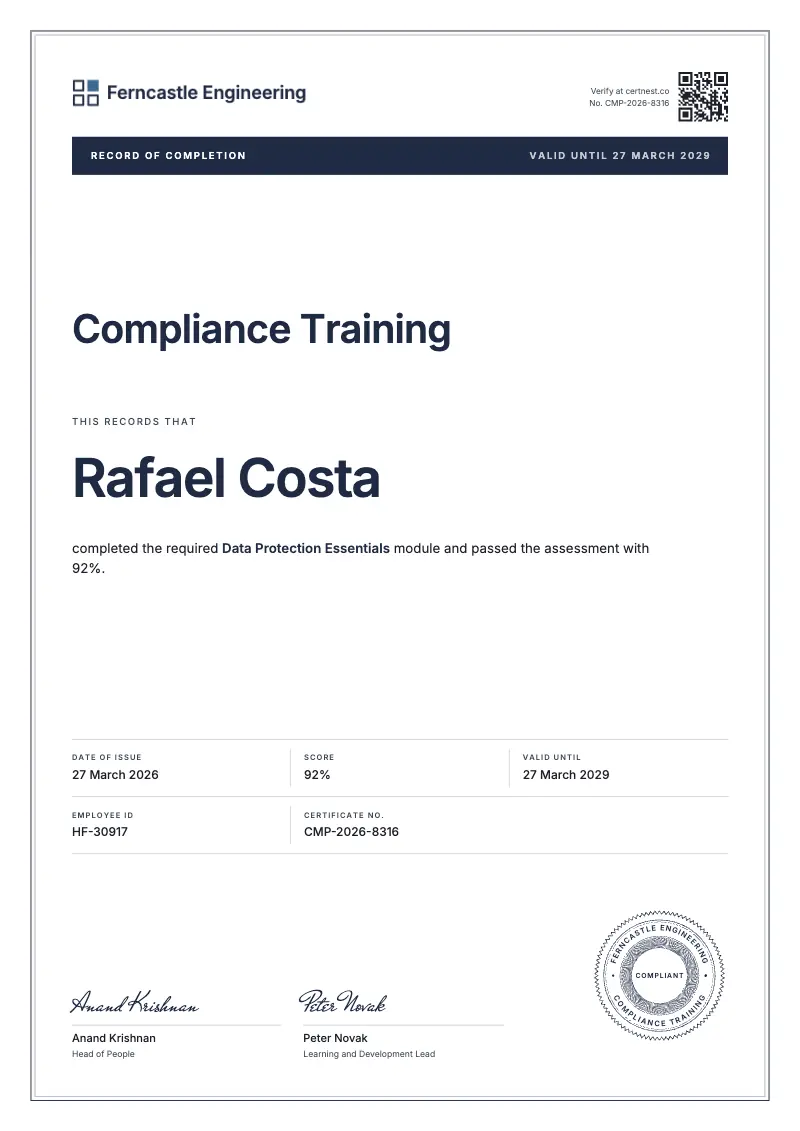

Send it today
Open this template in your colours, add your people and send. Free to start.