

Certificate, formal
Compliance training certificates that make audit day calm
Compliance training only counts if you can prove it. Send each employee a certificate by email when they finish, with the course version and date. They get a page to download it and add it to LinkedIn, and you keep a verifiable record for every audit.
- Your logo, colours and paper size
- Names filled from your list
- QR code and verify link on each
- Wording you can use as it is
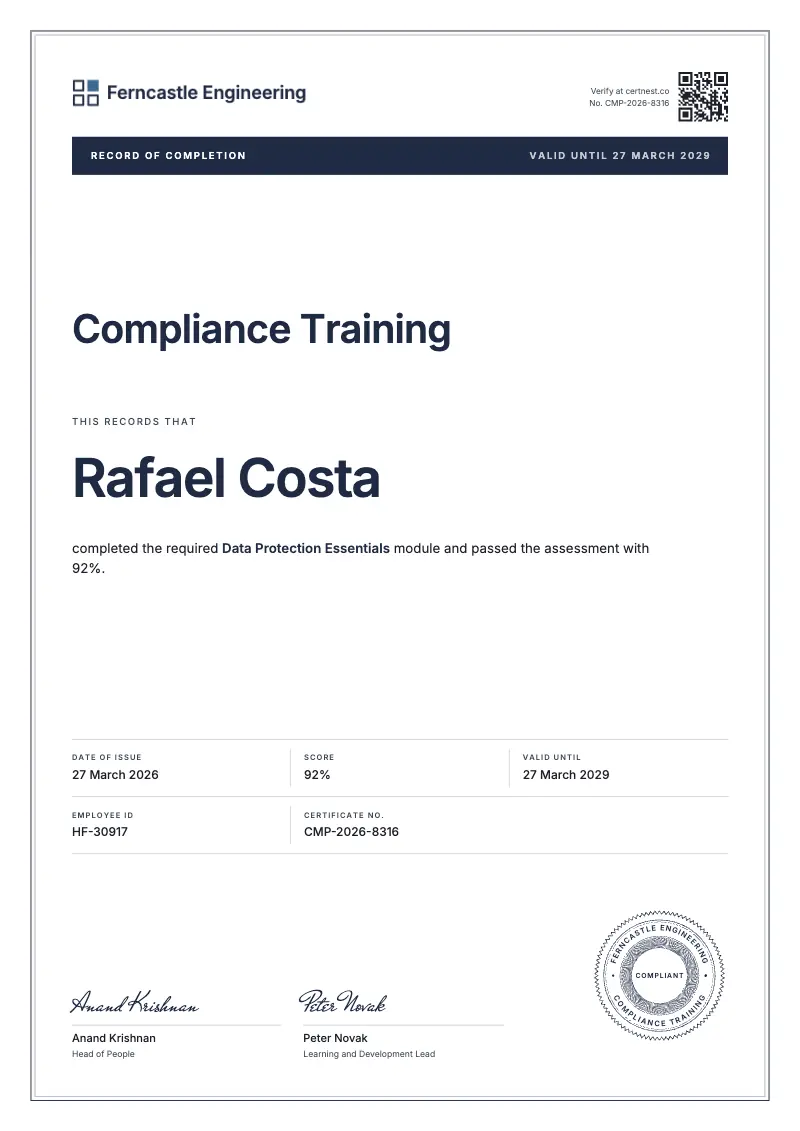
Compliance training: Safety and Compliance, Navy, portrait
Certificate
Designs made for this
Open a design for a closer look, or pick a colour above to see them in your brand.
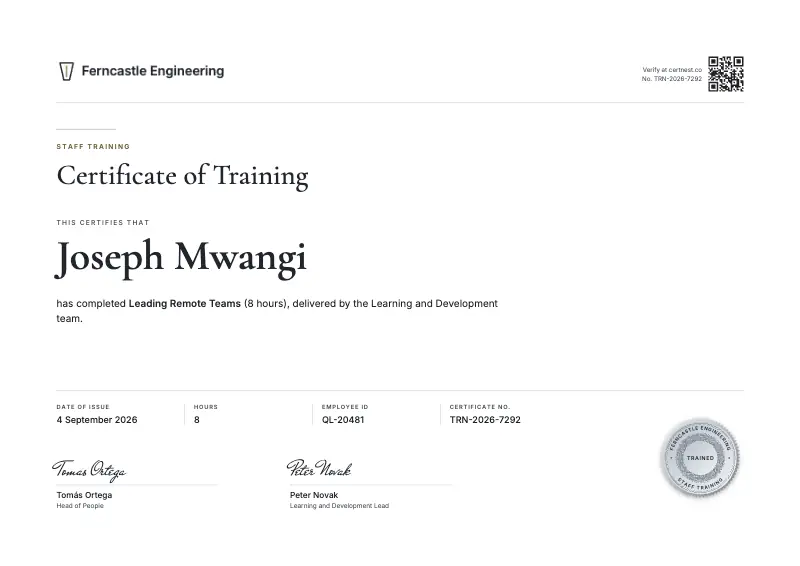
- Use this template: Compliance training: Safety and Compliance, portrait
- Use this template: Compliance training: Safety and Compliance
Certificate, formal
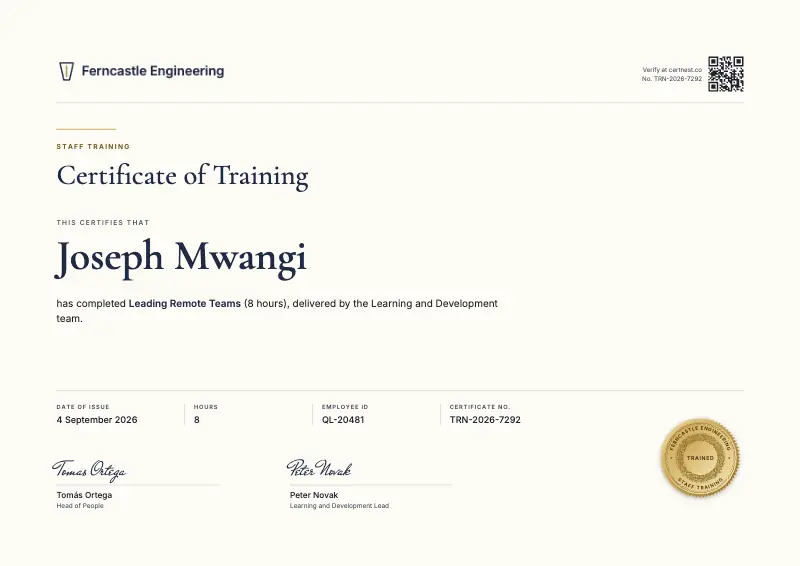
- Use this template: Compliance training: Safety and Compliance
Certificate, formal
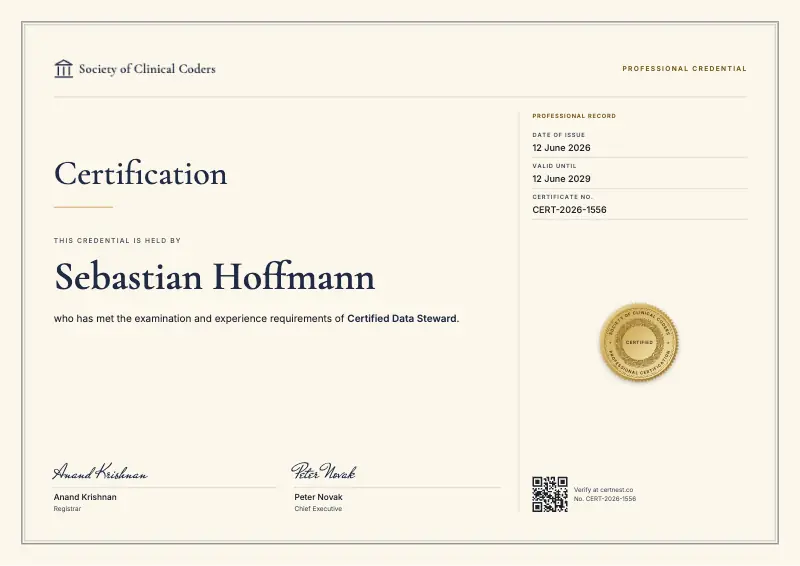
- Use this template: Compliance training: Safety and Compliance
Certificate, formal
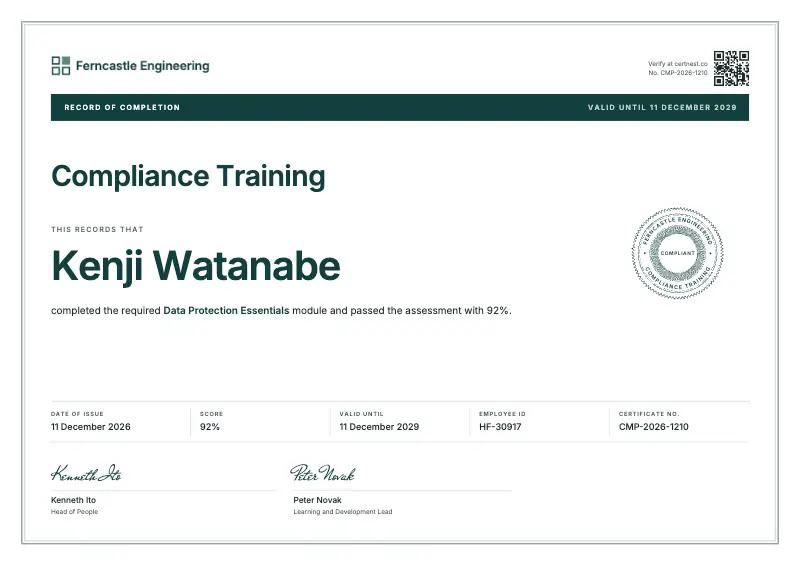
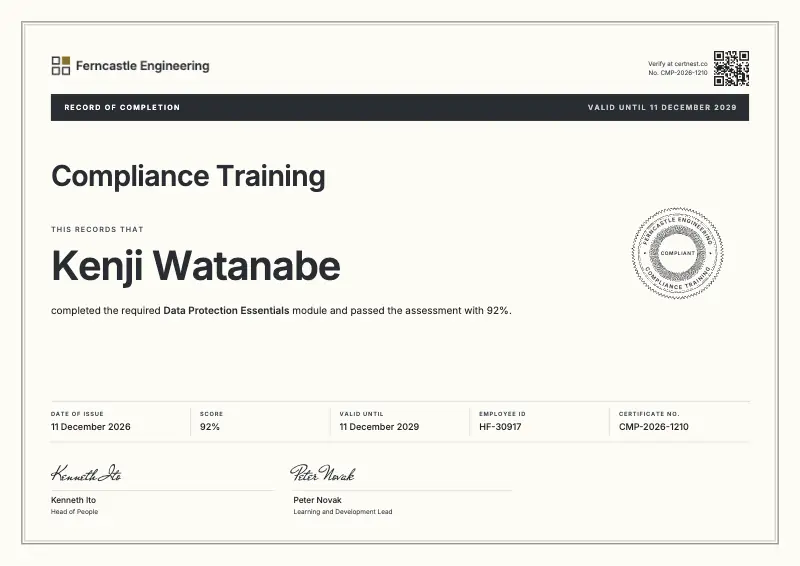
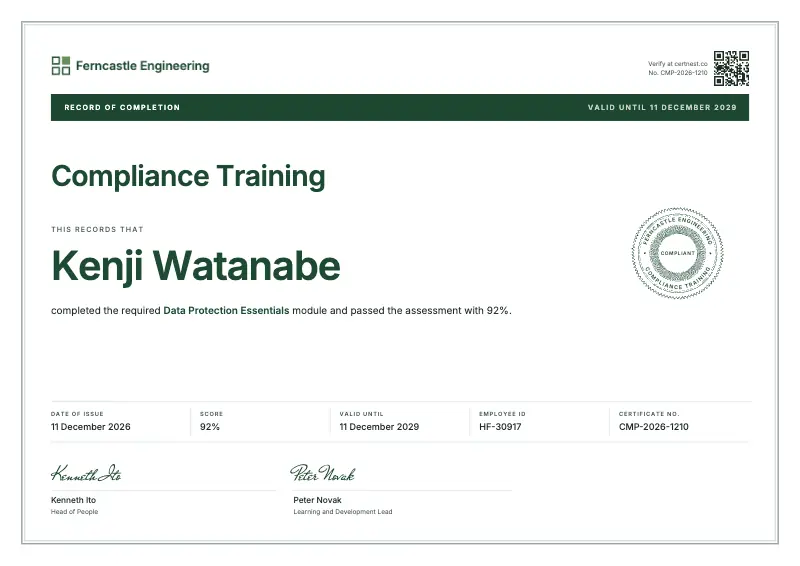
More certificates for this
Every design here is in the catalog. Tap a colour dot to try another colour, or open one to look closer.
- Use this template: Information security awareness: Tech Award
5 colours, standard
- Use this template: Code of conduct: Heritage
5 colours, standard
- Use this template: Respectful workplace: Heritage
5 colours, standard
- Use this template: Anti money laundering: Heritage
5 colours, standard
- Use this template: Data protection awareness: Minimal
5 colours, standard
- Use this template: Annual compliance training: Minimal
5 colours, standard
- Quick viewUse this template: Anti bribery: MinimalUse this template: Anti bribery: Minimal
5 colours, standard
- Use this template: Data protection awareness: Safety and Compliance
5 colours, formal
Checklist
What to put on it
In order of importance. Every template has a place for each.
- 1Employee's name and staff number
- 2Course title and version or year
- 3Completion date
- 4Score, if there was a test
- 5Expiry or next due date
- 6Department or business unit
- 7Company name and logo
- 8Credential ID and verify link
Copy and use
Wording ideas
Highlighted words are smart fields: each person's own details fill in by themselves when you send.
Standard
This certifies that Daniel Okafor completed Data Analysis Basics (version) on 25 November 2026.
With score
Daniel Okafor completed Data Analysis Basics on 25 November 2026 with a score of 92%. Next due: 25 November 2029.
Annual
Daniel Okafor completed the 2026 annual compliance training at Brightpath Academy.
Policy acknowledgement
Daniel Okafor completed Data Analysis Basics and confirmed reading the related policy on 25 November 2026.
Thank you
Thank you, Daniel Okafor, for doing your part. Data Analysis Basics completed on 25 November 2026.
Do and avoid
Do
- Include the course version so you can show which content was used
- Set a yearly expiry and let reminders do the chasing
- Connect your learning system so certificates send automatically
- Export issue records for auditors in one click
Avoid
- Do not send a certificate before the test is passed
- Do not reuse last year's certificate design without updating the year
- Do not include sensitive test answers or personal data
- Do not claim the training satisfies a regulation unless your compliance team confirmed it
Questions and answers
Why give a certificate for compliance training?
It gives employees a record and gives you proof for audits. A verifiable certificate is easier to check than a spreadsheet row.
Can certificates be sent automatically when training is finished?
Yes. Connect your learning system through a webhook, Google Sheets or the API and set a passing score rule.
How do I handle yearly renewals?
Set an expiry date of one year. Employees get a reminder, and you see who is due on the dashboard.
Can auditors verify compliance certificates?
Yes. Each certificate has a verify link showing the employee, course, date and status. You can also export a full list.
Can I revoke a certificate if it was issued by mistake?
Yes. Revoke it with a reason, and the verify page shows it as revoked straight away.
Send it today
Open this template in your colours, add your people and send. Free to start.