

Certificate, formal
A blank certificate, ready for your words
Sometimes you need a clean page with a good border and nothing else. Start from a blank certificate, add your own title and wording, and drop in your logo. Print it, or send it by email with a page to download, share and verify.
- Your logo, colours and paper size
- Names filled from your list
- QR code and verify link on each
- Wording you can use as it is
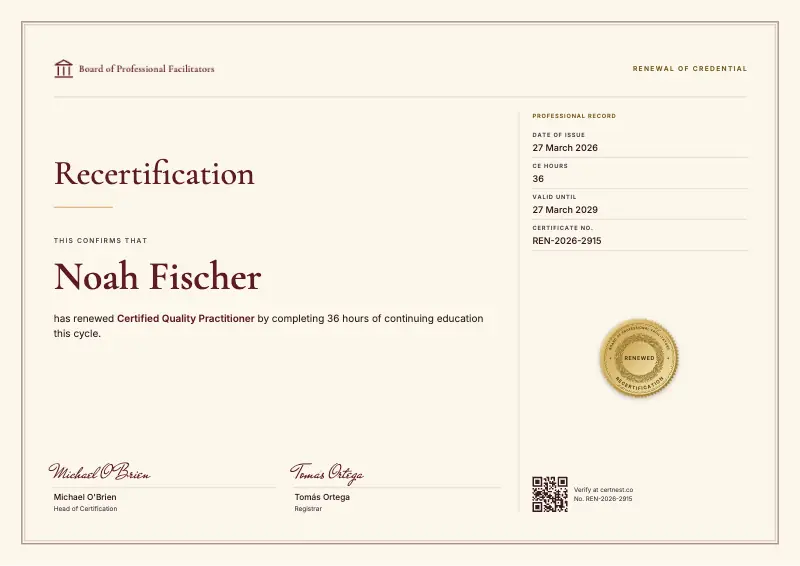
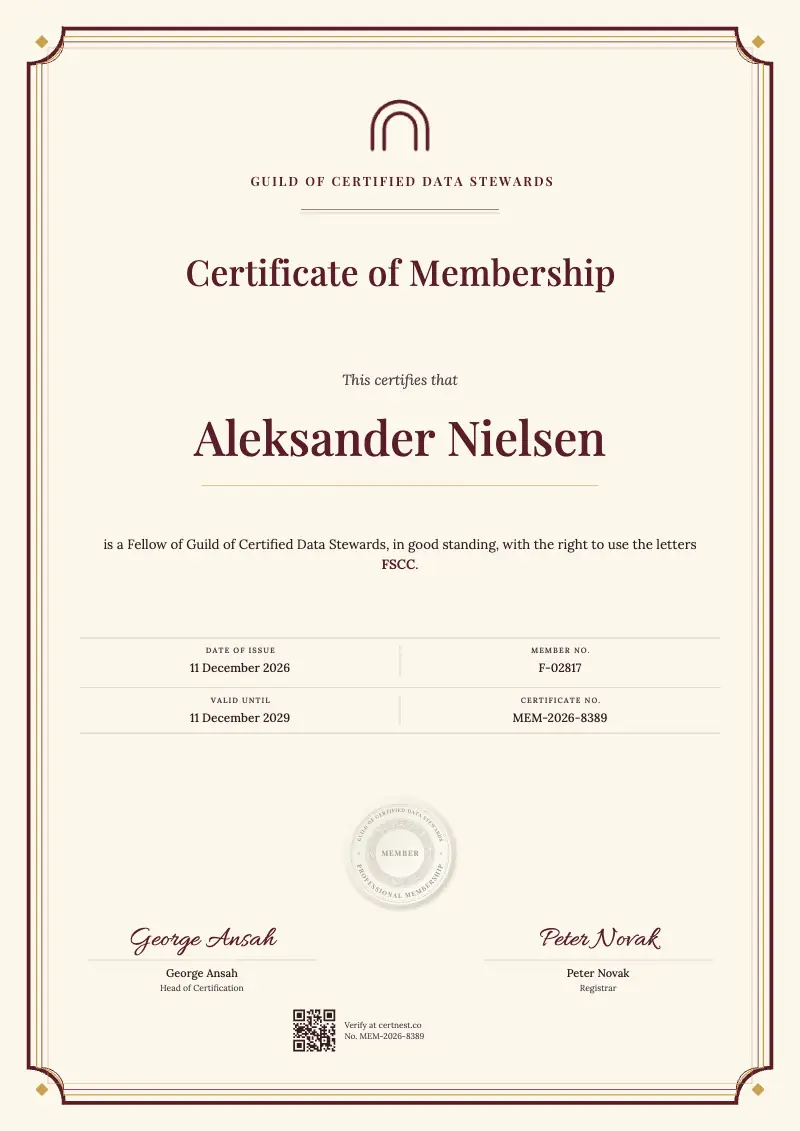
Recertification: Professional Body, Oxblood and gold
Certificate
Designs made for this
Open a design for a closer look, or pick a colour above to see them in your brand.
- Use this template: Recertification: Professional Body
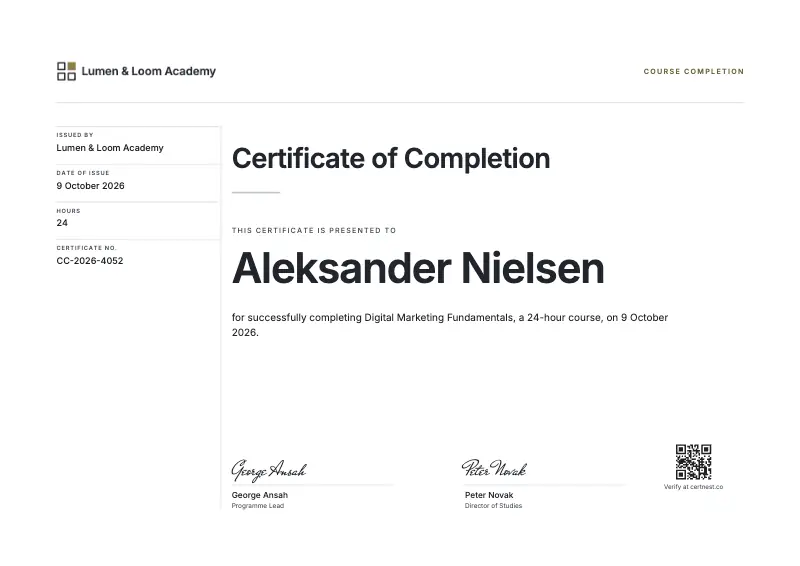
- Use this template: Course completion: Minimal
Certificate, standard
- Use this template: Professional membership: Academy
Certificate, formal
- Use this template: Event attendance: Event and Workshop
Certificate, standard
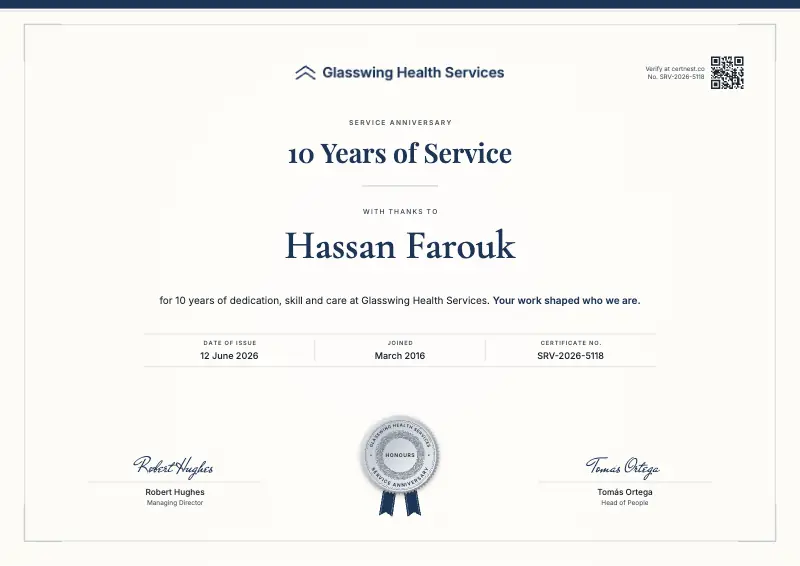
- Use this template: Service anniversary: Corporate Recognition
Certificate, standard
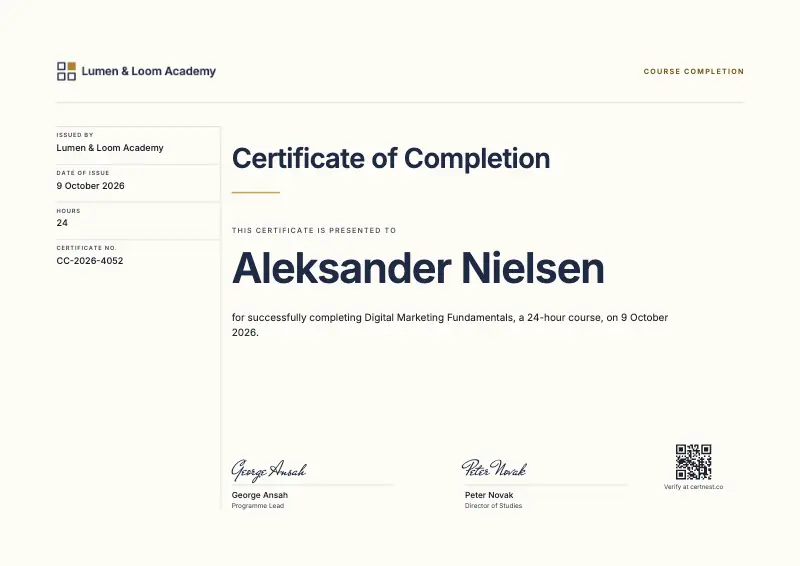
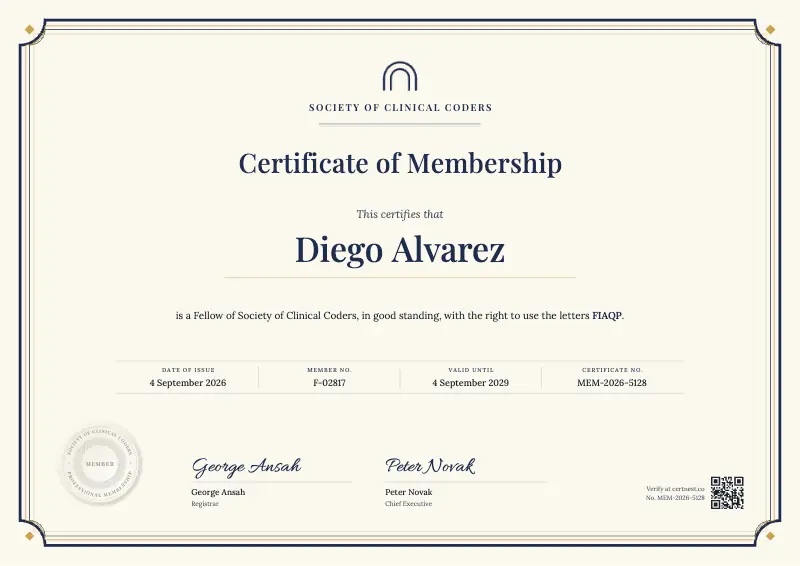
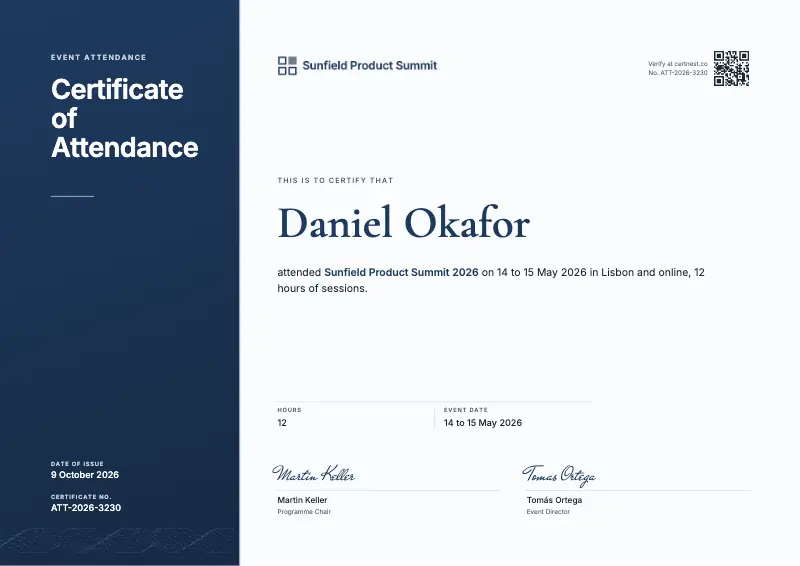
More certificates for this
Every design here is in the catalog. Tap a colour dot to try another colour, or open one to look closer.
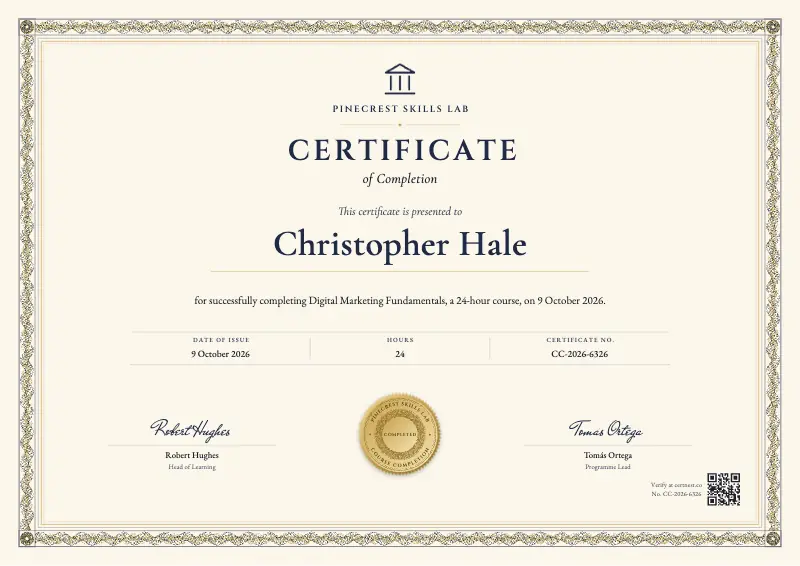
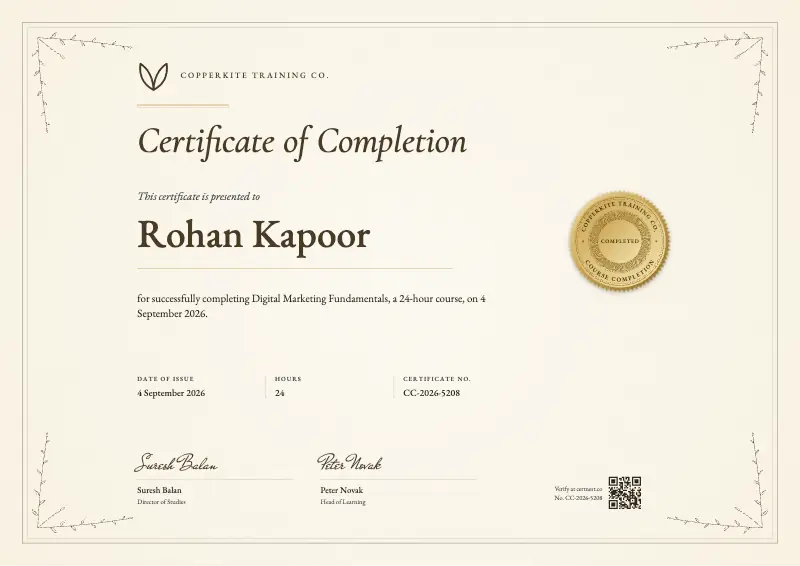
- Use this template: Course completion: Classic Diploma
5 colours, formal
- Use this template: Course completion: Heritage
5 colours, standard
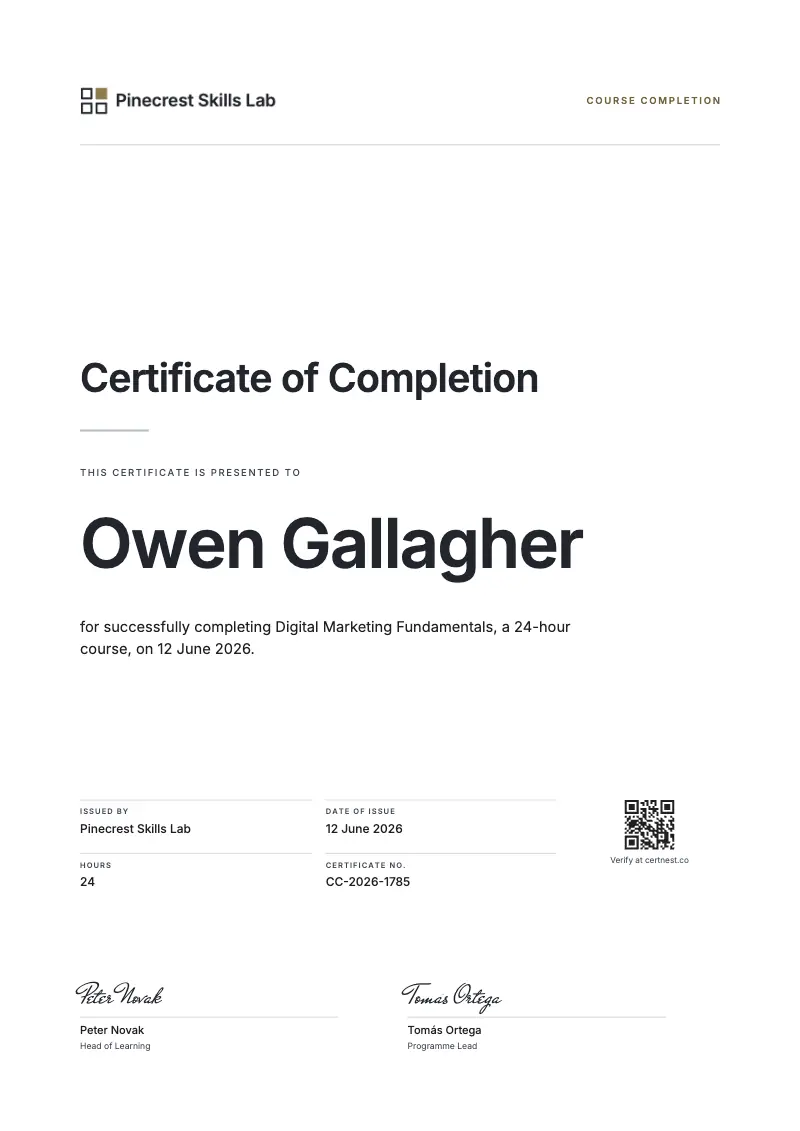
- Use this template: Course completion: Minimal, portrait
5 colours, standard
- Use this template: Professional membership: Academy, portrait
5 colours, formal
- Use this template: Event attendance: Webinar and Conference
5 colours, standard
- Use this template: Recertification: Licence and Accreditation
5 colours, formal
- Use this template: Professional membership: Professional Body
5 colours, formal
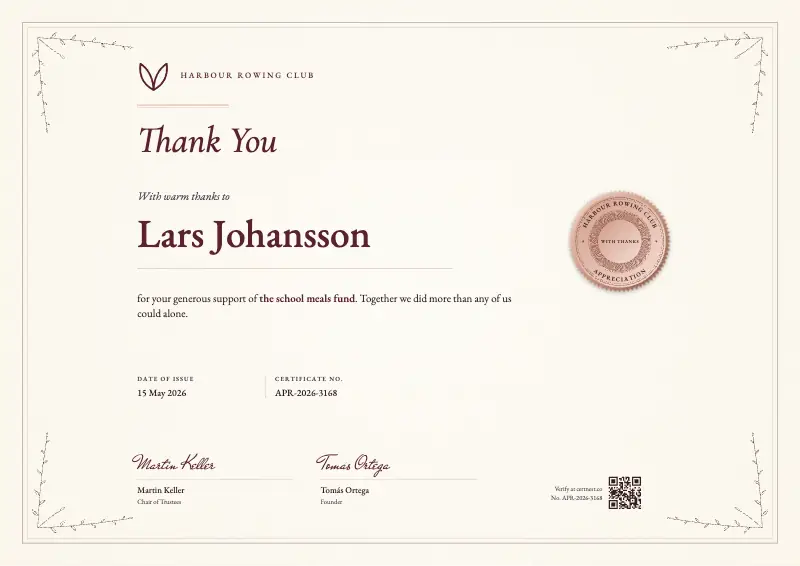
- Use this template: Service anniversary: Volunteer and Appreciation
5 colours, standard
Checklist
What to put on it
In order of importance. Every template has a place for each.
- 1A title you choose
- 2The person's name, as a smart field
- 3Your own wording in one to three lines
- 4The date
- 5Your logo
- 6A signature line
- 7A QR code, if you send it digitally
Copy and use
Wording ideas
Highlighted words are smart fields: each person's own details fill in by themselves when you send.
Generic title
Certificate
Presented to
Presented to Daniel Okafor
Open line
In recognition of outstanding service to customers.
Thank you
With sincere thanks for outstanding service to customers, 25 November 2026.
Signature block
signer name, signer role, Brightpath Academy
Do and avoid
Do
- Pick a border that matches the mood: classic, modern or playful
- Keep the wording short
- Use your own colours from your logo
- Add a QR code when you send it digitally
Avoid
- Do not use a blank certificate to copy an official document
- Do not fill every corner; leave white space
- Do not use more than two fonts
- Do not forget to save it as your own template
Questions and answers
Is the blank certificate template free?
Yes. You can design, download and print it free, and send up to 1,000 a year on the free plan.
Can I add my own title and text?
Yes. Every word is editable, and smart fields fill in names and dates from your list.
Can I print a blank certificate?
Yes. Download it as a PDF in A4 or Letter and print it.
Can I fill in names for many people at once?
Yes. Upload a list and each certificate gets its own name.
Can I add a border and seal?
Yes. Choose from many borders, patterns and seals, or upload your own emblem.
Send it today
Open this template in your colours, add your people and send. Free to start.