How to set certificate expiry and renewal
The short answer
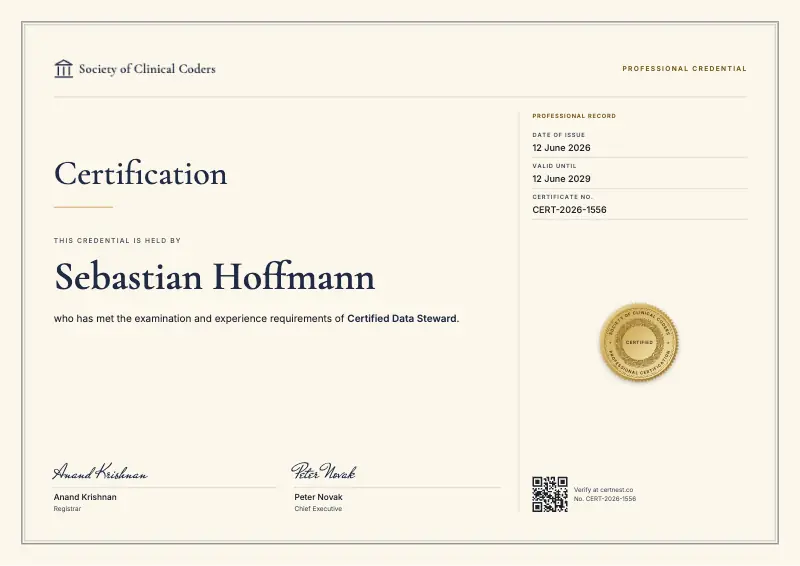
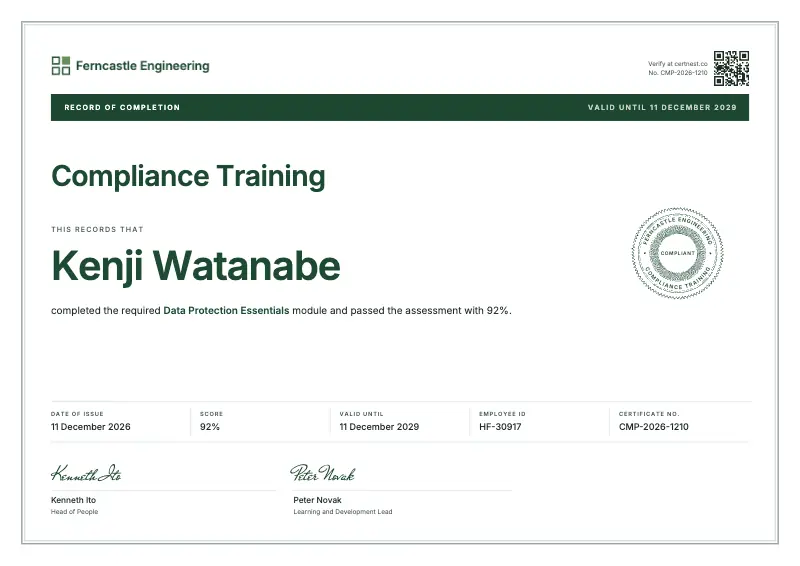
Set an expiry rule on the credential, such as 2 years from the issue date, and every certificate shows its end date and turns to expired on the day. Reminder emails before the date help people renew in time.
- 10 minutes
- 5 steps
- For certification bodies, safety trainers and HR teams
Step by step
- 1
Decide the period
Match it to how fast the skill changes or what your rules say, such as 1, 2 or 3 years.
- 2
Set the rule
On the credential, set expiry as a period from the issue date or a fixed date.
- 3
Show it on the design
Add the expiry date field so it prints as "Valid until".
- 4
Turn on reminders
Choose when people hear from you, for example 60 and 14 days before the end.
- 5
Renew
When someone renews, extend the date. The page and link stay the same and show valid again.
What this guide covers
- Which credentials should expire
- Choosing a sensible period
- How expiry shows to employers
- Reminder timing that works
- Renewing without a new certificate
- Reports of who expires soon