How to make a certificate of completion
The short answer
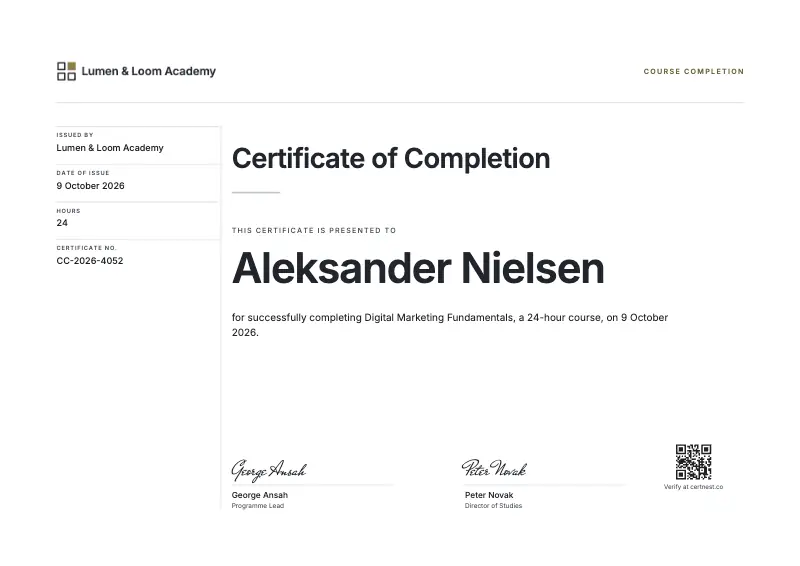
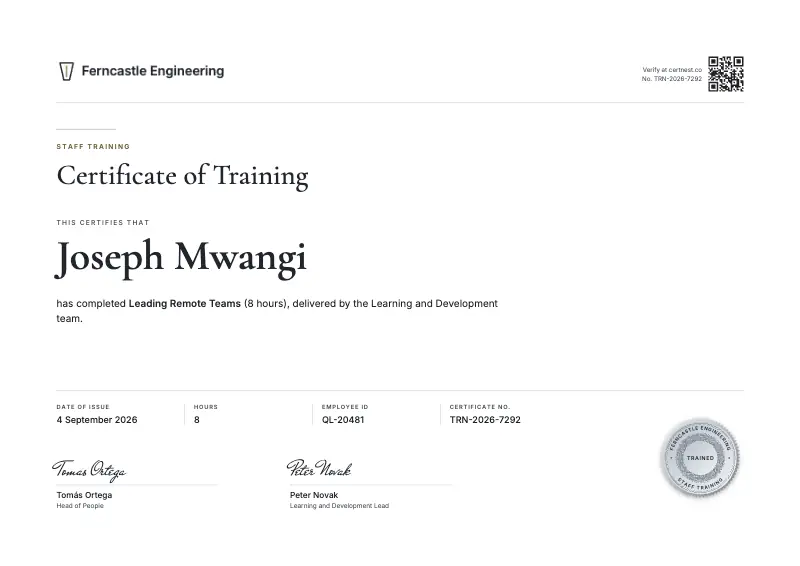
Start from a completion template with your logo, then add the person's name, course title, completion date, hours and a signature. Add a credential ID and QR code so anyone can check it, and send each person their own copy.
- 10 minutes
- 6 steps
- For course creators, trainers and training teams
Step by step
- 1
Pick a template
Choose a certificate of completion design. It opens in your brand colours with your logo.
- 2
Write the title and line
Use a clear title, then a line such as "has successfully completed" followed by the course name.
- 3
Add the details
Add the completion date, hours or credits, and the skills covered if they help the learner.
- 4
Add the signature
Add the name, role and signature image of the trainer or director.
- 5
Add trust marks
Place the credential ID and QR code so anyone can verify the certificate.
- 6
Add your learners and send
Upload the list, preview a long name, then send or download all as PDFs.
What this guide covers
- What a certificate of completion proves
- The parts every one needs
- Wording that sounds right
- Hours, credits and skills
- Making it verifiable
- Sending to a whole class