

Certificate, standard
Community service certificates that count the hours that matter
Community service hours open doors to colleges, scholarships and jobs. Give every volunteer a clear certificate with the hours and the work they did. Send it by email, and each person gets a page to download it, add it to LinkedIn and share a link schools can verify.
- Your logo, colours and paper size
- Names filled from your list
- QR code and verify link on each
- Wording you can use as it is
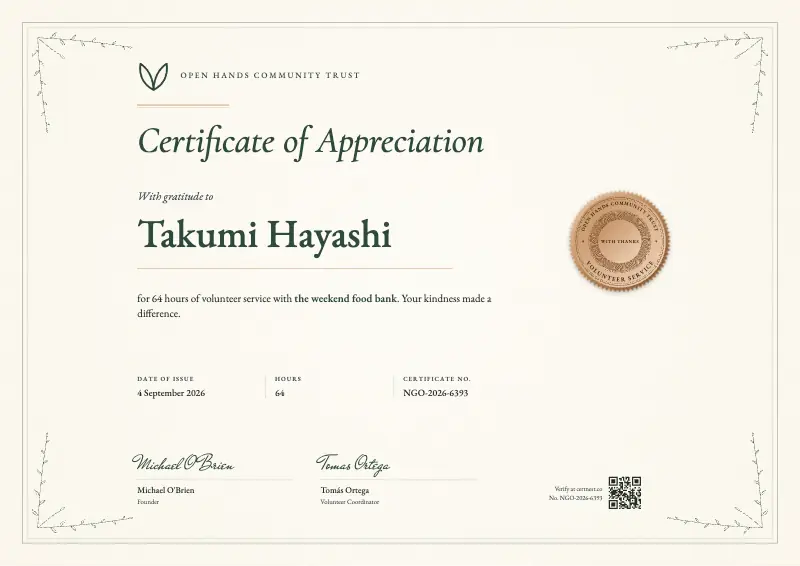
Volunteer service: Heritage, Sage
Certificate and Digital badge
Designs made for this
Open a design for a closer look, or pick a colour above to see them in your brand.
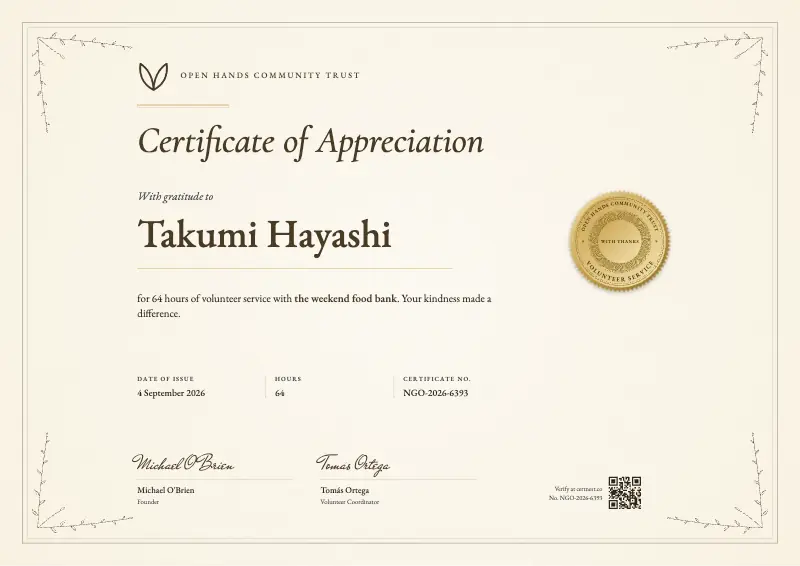
- Use this template: Volunteer service: Heritage
- Use this template: Volunteer service: Heritage
Certificate, standard
- Use this template: Volunteer service: Heritage
Certificate, standard
- Use this template: Teaching Excellence badge: Laurel ring
Digital badge, formal
- Use this template: Access Management badge: Modern shield
Digital badge, standard
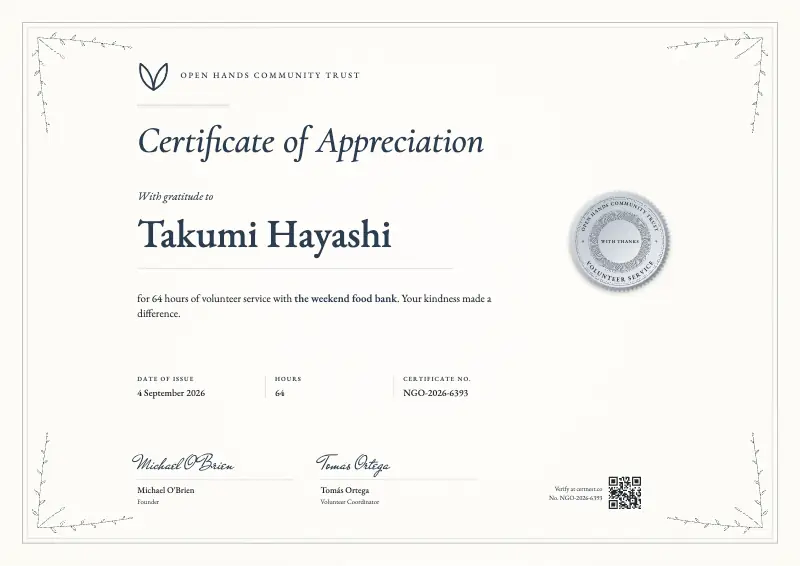
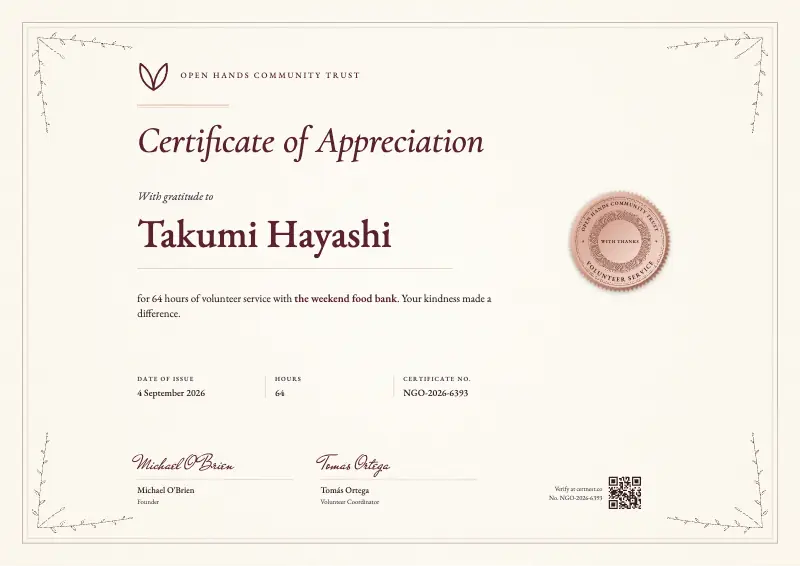


More certificates for this
Every design here is in the catalog. Tap a colour dot to try another colour, or open one to look closer.
- Use this template: Volunteer service: Volunteer and Appreciation
5 colours, standard
- Use this template: Volunteer hours: Volunteer and Appreciation
5 colours, standard
- Use this template: Community service: Volunteer and Appreciation
5 colours, standard
- Use this template: Volunteer hours: Minimal
5 colours, standard
- Use this template: Community service: Executive
5 colours, standard
- Use this template: Volunteer service: Heritage, portrait
5 colours, standard
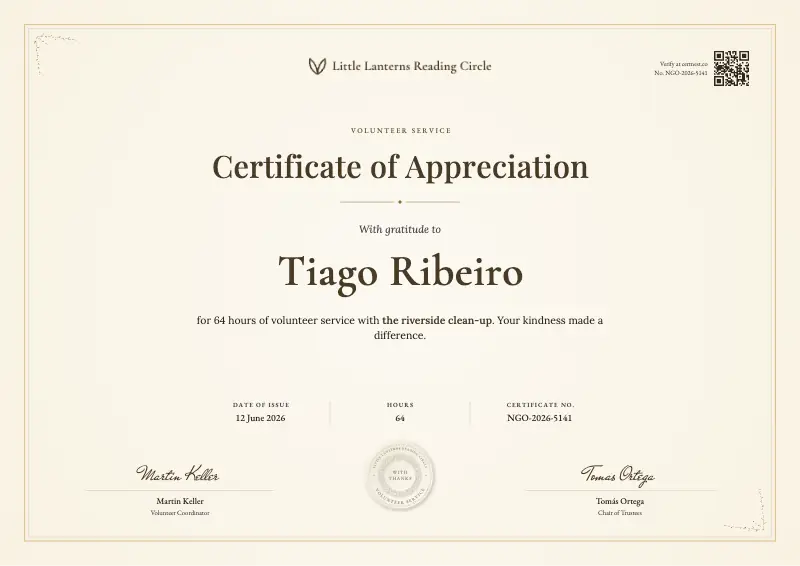
Checklist
What to put on it
In order of importance. Every template has a place for each.
- 1Volunteer's full name
- 2Total hours of service
- 3Dates or period of service
- 4What they did, in one or two lines
- 5Organisation name and logo
- 6Supervisor's name, role and signature
- 7Contact email for checks
- 8Verify QR code
Copy and use
Wording ideas
Highlighted words are smart fields: each person's own details fill in by themselves when you send.
With hours
This certifies that Daniel Okafor completed 12 hours of community service with Brightpath Academy between start and 25 November 2026.
With activities
Daniel Okafor served 12 hours at Brightpath Academy, helping run the weekend food bank and tutoring young readers.
For a school
Brightpath Academy confirms that Daniel Okafor, a student of Riverside High School, completed 12 hours of supervised community service.
Recognition
In recognition of Daniel Okafor's dedicated service to our community during 2026.
Warm
Thank you, Daniel Okafor, for giving your time so freely. Our neighbourhood is better for it.
Do and avoid
Do
- Record hours accurately from your sign-in sheets
- Name a supervisor who can answer questions
- Describe the work in plain, specific words
- Send a certificate at the end of each term or project
Avoid
- Do not round up hours
- Do not issue for court-ordered service unless your organisation is approved to supervise it
- Do not leave out the dates of service
- Do not use vague lines like "helped out"
Questions and answers
What should a community service certificate include?
The volunteer's name, total hours, dates, what they did, your organisation and a supervisor's signature. A verify link helps schools trust it.
Can students use this for college or scholarship applications?
Yes. They can download it and share the verify link, which shows your organisation, the hours and the dates.
How do I track hours for many volunteers?
Keep hours in Excel or Google Sheets and upload the sheet. The hours fill in on each certificate automatically.
Can I issue certificates to volunteers under 18?
Yes, with care. You can send to a parent or guardian's email and keep the certificate page private.
Is this the same as a volunteer certificate?
They are close. Community service certificates usually stress hours for school or legal needs, while volunteer certificates stress thanks.
Send it today
Open this template in your colours, add your people and send. Free to start.