

Certificate, formal
Show exactly what someone can do
A skill assessment certificate tells employers what was tested and how well the person did. Send it automatically when a test is passed, with a badge for each skill. People add it to LinkedIn and anyone can check it.
- Your logo, colours and paper size
- Names filled from your list
- QR code and verify link on each
- Wording you can use as it is
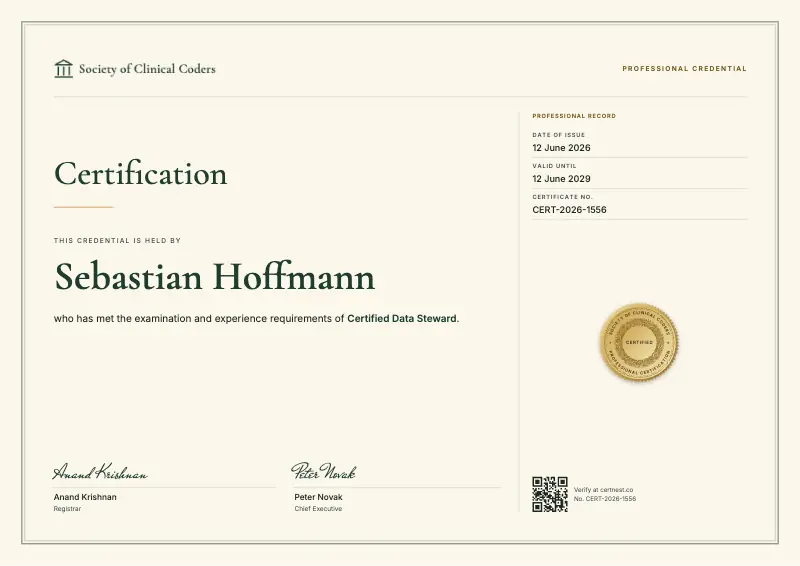
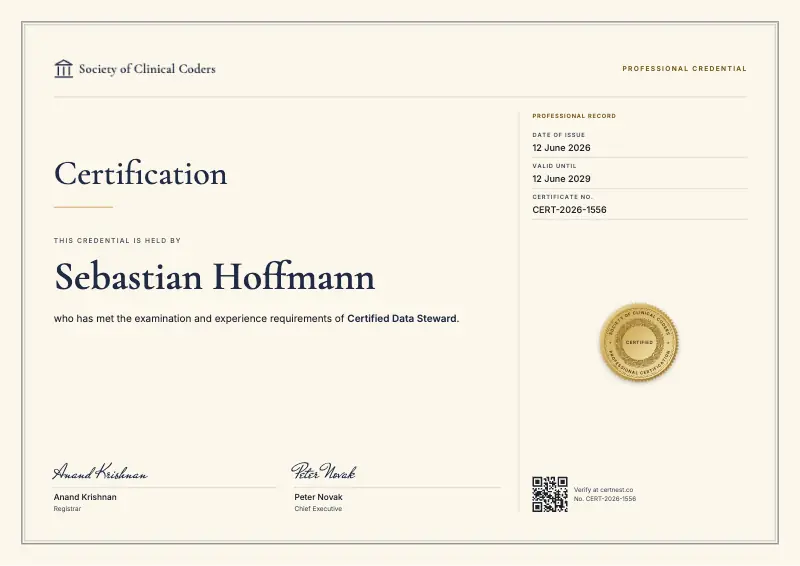
Professional certification: Professional Body, Forest and gold
Certificate and Digital badge
Designs made for this
Open a design for a closer look, or pick a colour above to see them in your brand.
- Use this template: Professional certification: Professional Body
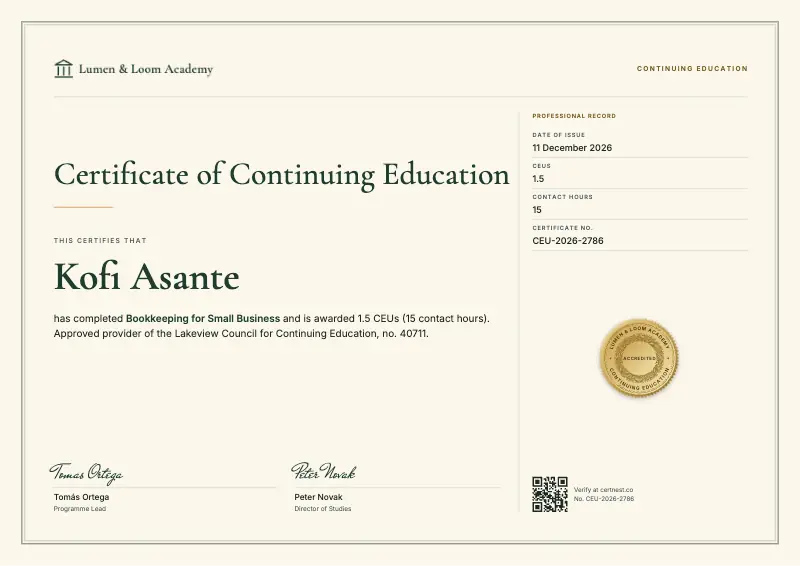
- Use this template: Continuing education: Professional Body
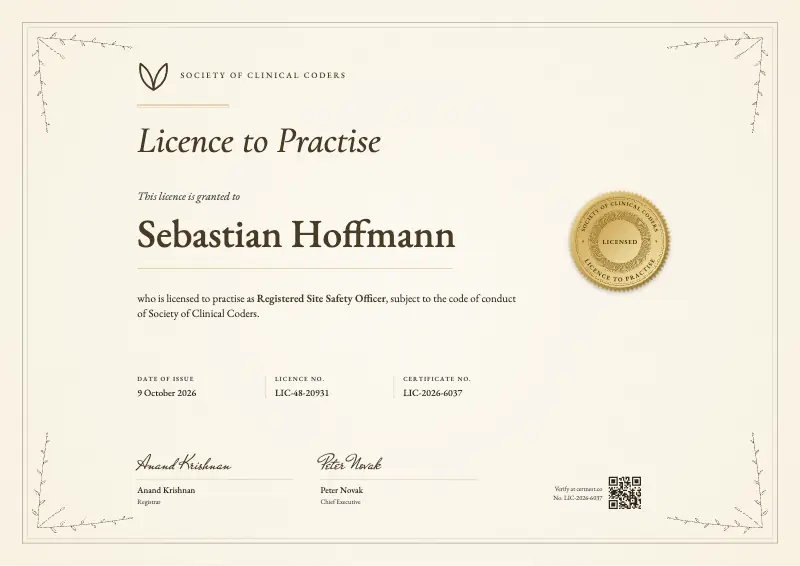
Certificate, formal
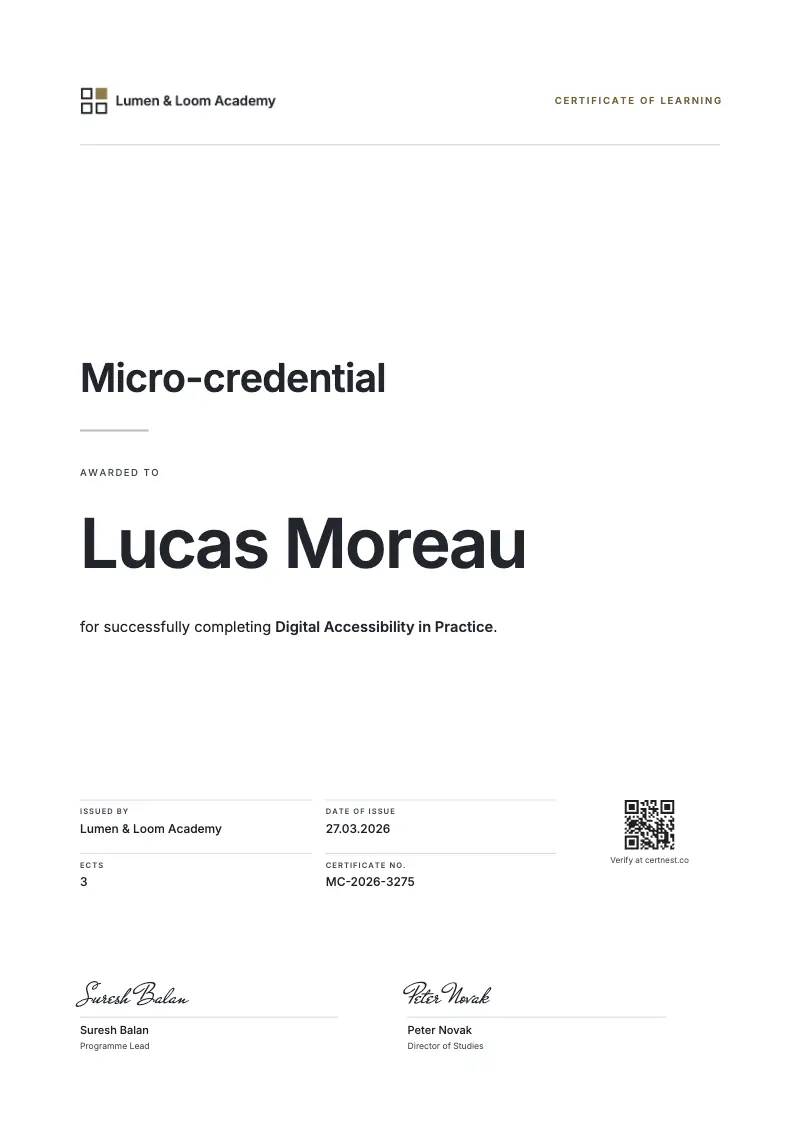
- Use this template: EU micro-credential: Minimal
Certificate, formal
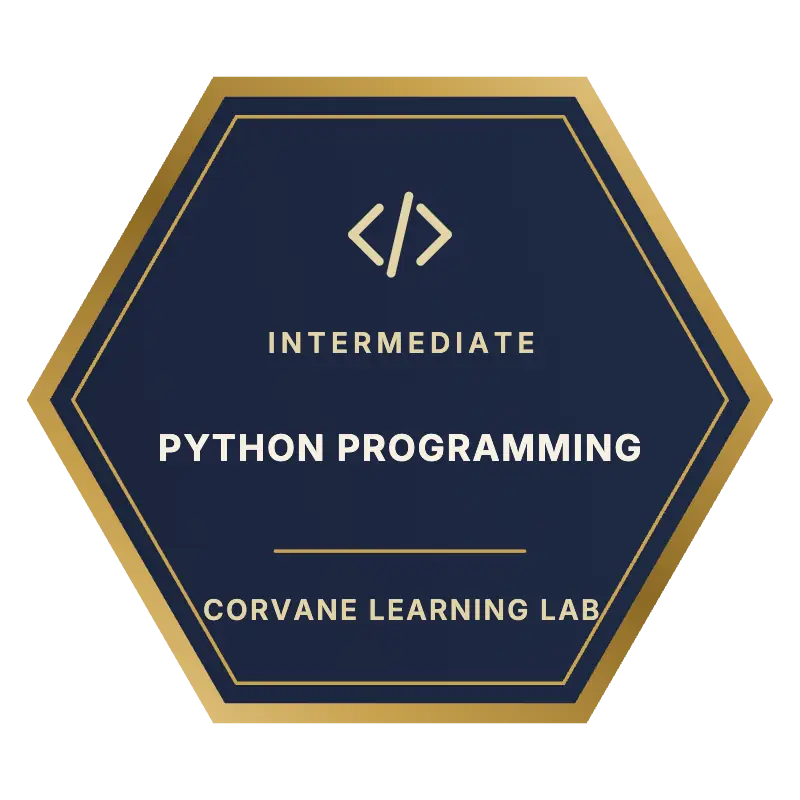
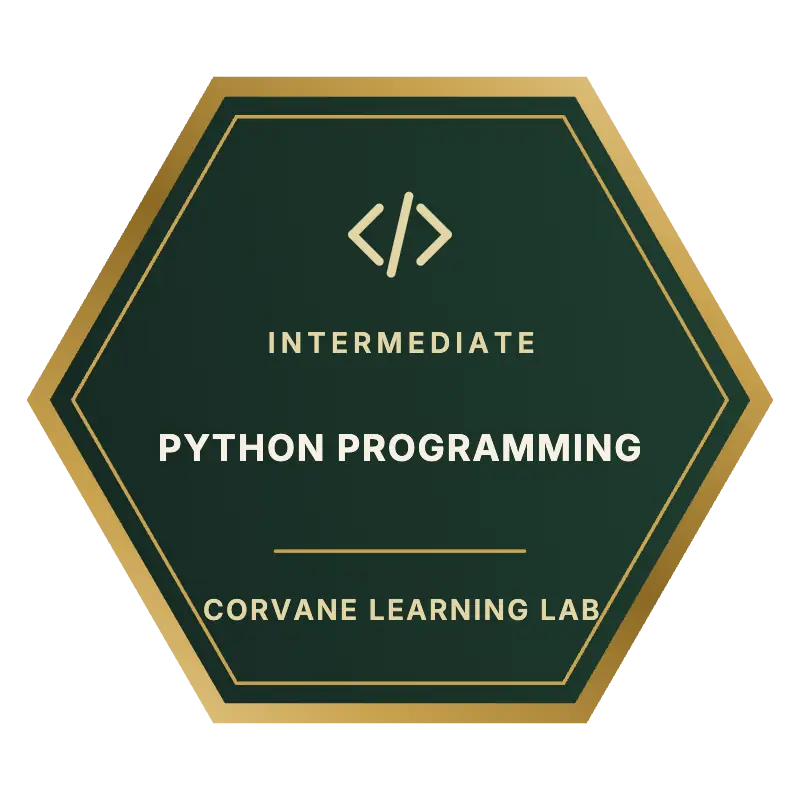
- Use this template: Python Programming badge: Flat hexagon
Digital badge, standard
- Use this template: Information Security badge: Heraldic shield
Digital badge, formal

More certificates and badges for this
Every design here is in the catalog. Tap a colour dot to try another colour, or open one to look closer.
- Use this template: Skills assessment: Tech Award
5 colours, standard
- Use this template: Certificate of proficiency: Achievement
5 colours, formal
- Use this template: Certificate of proficiency: Heritage
5 colours, formal
- Use this template: Language level: Classic Diploma
5 colours, formal
- Use this template: Skills assessment: Classic Diploma
5 colours, formal
Checklist
What to put on it
In order of importance. Every template has a place for each.
- 1The candidate's name
- 2The skill or skills assessed
- 3Score or level reached
- 4How it was assessed: test, project or observation
- 5Date of assessment
- 6The assessor or organisation
- 7A credential ID and QR code
Copy and use
Wording ideas
Highlighted words are smart fields: each person's own details fill in by themselves when you send.
Formal
This certifies that Daniel Okafor has been assessed in Data Visualisation and achieved Level 2 level on 25 November 2026.
With score
Daniel Okafor scored 92% out of max in the assessment, showing strong ability in Data Visualisation.
Practical
Assessed through a practical project, Daniel Okafor showed competence in SQL, charts and reporting.
Encouraging
Well done, Daniel Okafor! You have proven your skill in Data Visualisation. Keep growing.
Short
Data Visualisation: Level 2. Daniel Okafor, 25 November 2026.
Do and avoid
Do
- Name each skill clearly
- Say how the skill was assessed
- Issue a badge for each skill
- Trigger it automatically from your test results
Avoid
- Do not give vague titles like Great Skills
- Do not show a score the person has not agreed to share
- Do not issue before the result is final
- Do not claim an industry standard you do not follow
Questions and answers
What is a skill assessment certificate?
It confirms that a person was tested on a skill and reached a stated level. It shows what was tested and how.
Can I send it automatically when someone passes a test?
Yes. Use a Google Sheets connection, a webhook or the API with a rule such as score at least 70.
Can people add skill badges to LinkedIn?
Yes. Each badge has its own page with a one-tap LinkedIn button.
Can I list the skills inside the credential?
Yes. Skills are part of the signed credential and shown on its page.
Can employers verify the result?
Yes. The QR code or link shows the issuer, the date and whether it is valid.
Send it today
Open this template in your colours, add your people and send. Free to start.