

Certificate, standard
Seminar certificates for every attendee, without the paperwork
Seminars bring people together to learn from experts. Thank every attendee with a certificate that looks professional and is easy to check. Send it by email after the seminar, and each person gets a page to download it, add it to LinkedIn and verify it.
- Your logo, colours and paper size
- Names filled from your list
- QR code and verify link on each
- Wording you can use as it is
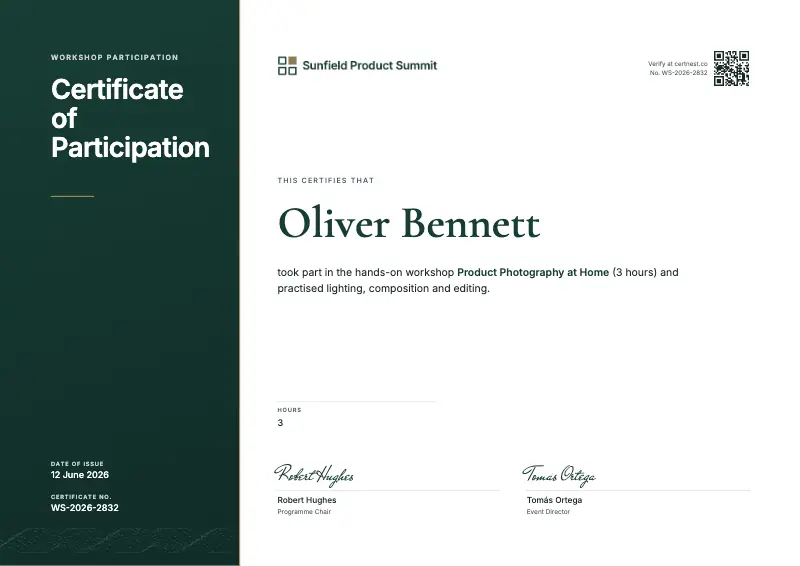
Workshop participation: Event and Workshop, Pine
Certificate
Designs made for this
Open a design for a closer look, or pick a colour above to see them in your brand.
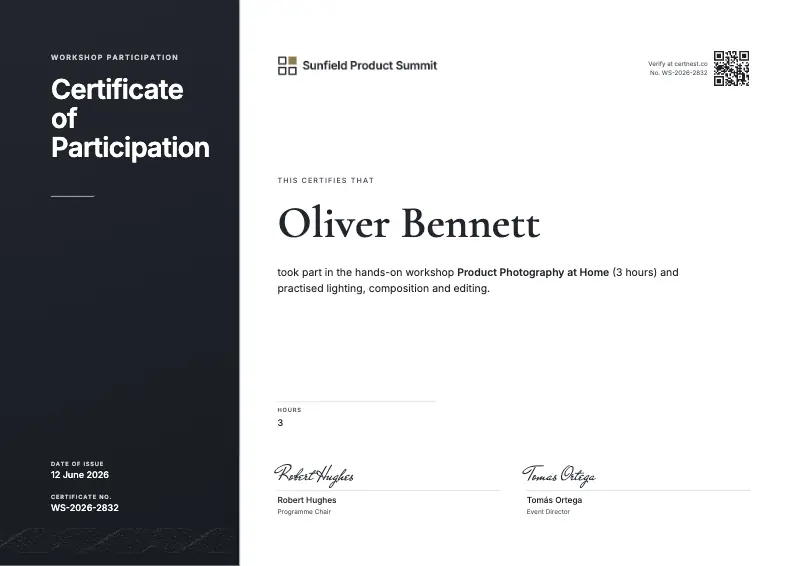
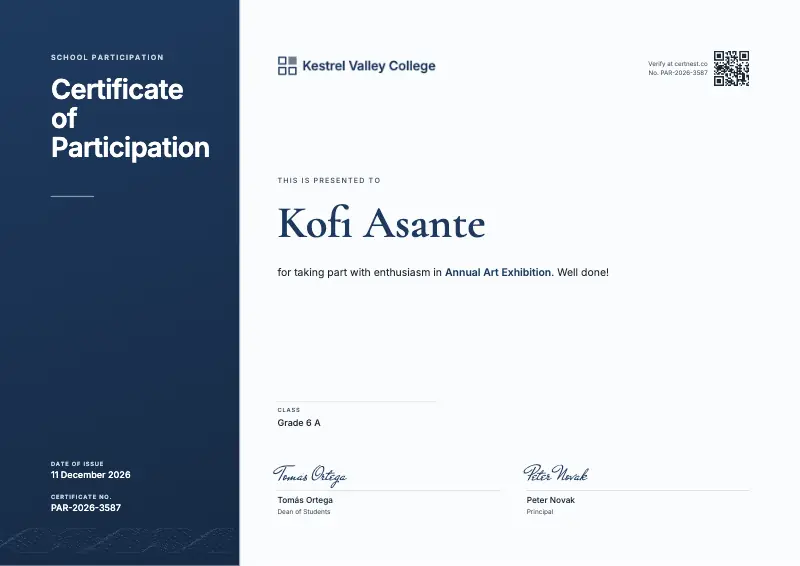
- Use this template: Workshop participation: Event and Workshop
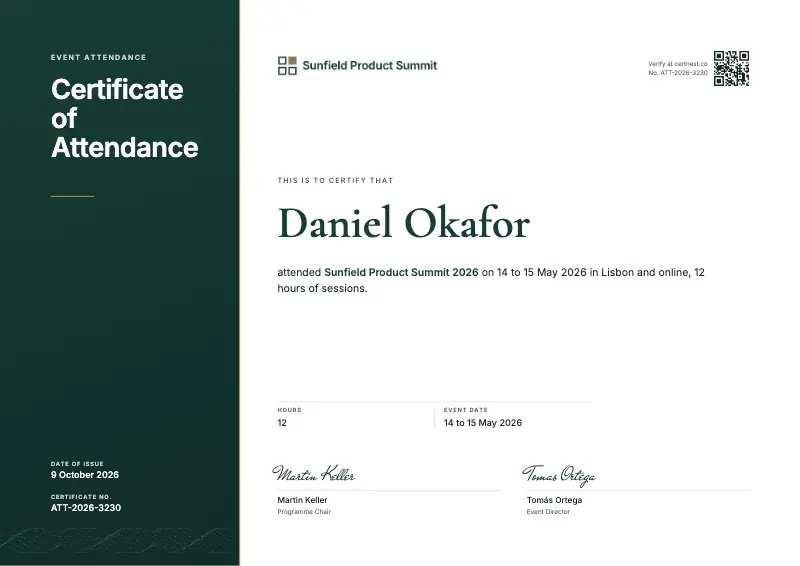
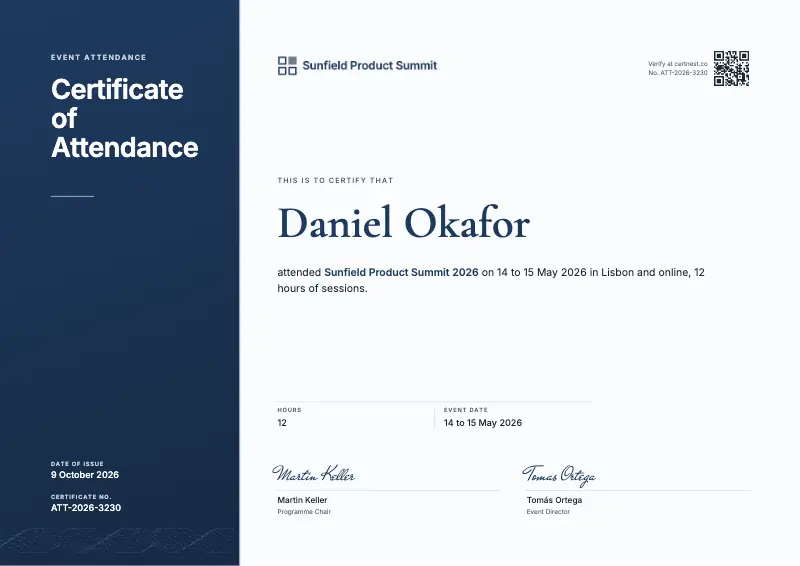
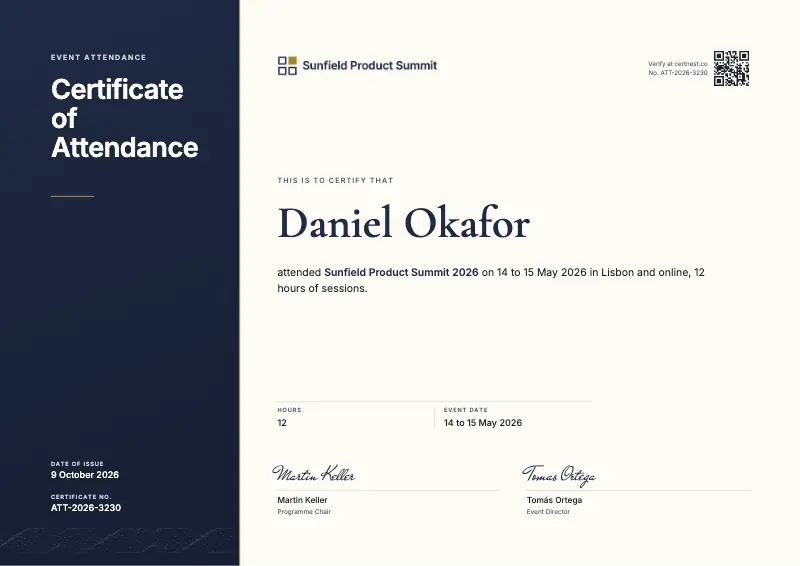
- Use this template: Event attendance: Event and Workshop
Certificate, standard
- Use this template: Workshop participation: Event and Workshop
Certificate, standard
- Use this template: Event attendance: Event and Workshop
Certificate, standard
More certificates for this
Every design here is in the catalog. Tap a colour dot to try another colour, or open one to look closer.
- Use this template: Guest lecture: Event and Workshop
5 colours, formal
- Use this template: Guest lecture: Webinar and Conference
5 colours, formal
- Use this template: Event attendance: Webinar and Conference
5 colours, standard
- Use this template: Workshop attendance: Event and Workshop
5 colours, standard
- Use this template: Seminar attendance: Event and Workshop
5 colours, formal
- Use this template: Seminar attendance: Webinar and Conference
5 colours, formal
- Use this template: Workshop attendance: Executive
5 colours, standard
- Use this template: Event attendance: Event and Workshop, portrait
5 colours, standard
Checklist
What to put on it
In order of importance. Every template has a place for each.
- 1Attendee's name
- 2Seminar title and theme
- 3Date and venue
- 4Organising department or body
- 5Chief guest or main speaker, if helpful
- 6Organiser's signature
- 7Logo of the organiser and any co-host
- 8Credential ID and QR code
Copy and use
Wording ideas
Highlighted words are smart fields: each person's own details fill in by themselves when you send.
Formal
This is to certify that Daniel Okafor participated in the seminar on City Tech Summit 2026, organised by Brightpath Academy on 25 November 2026.
College
Certified that Daniel Okafor of Customer Care attended the national seminar City Tech Summit 2026 held at Harbour Hall on 25 November 2026.
Paper presenter
This certifies that Daniel Okafor presented a paper titled paper at the seminar City Tech Summit 2026 on 25 November 2026.
Two-day
Daniel Okafor attended the two-day seminar City Tech Summit 2026 at Harbour Hall, from start to 25 November 2026.
Warm
Thank you, Daniel Okafor, for being part of City Tech Summit 2026. Your questions made the day better.
Do and avoid
Do
- Use separate wording for attendees and paper presenters
- Name the organising department clearly
- Add a co-host logo only with permission
- Send certificates within a week of the seminar
Avoid
- Do not give presenters and attendees the same certificate
- Do not leave a blank where the venue or date should be
- Do not add logos of bodies that did not take part
- Do not issue to people who did not register or attend
Questions and answers
What is the wording for a seminar participation certificate?
A common form is: "This is to certify that {name} participated in the seminar on {topic}, organised by {organiser} on {date}."
Can I make different certificates for presenters and attendees?
Yes. Add a role column to your list and pick a design or wording for each role.
Can students show seminar certificates in college records?
Yes. They can download the PDF and share the verify link, which shows the organiser and date.
Can I add two signatures?
Yes. Many seminars have a convenor and a head of department sign. Add both signature images to the design.
Can I print seminar certificates as well?
Yes. Download them as PDFs or print sheets and send digital copies by email at the same time.
Send it today
Open this template in your colours, add your people and send. Free to start.